B2B E-Commerce for Industrial Goods
Built for complex SKUs, contract pricing, and quantity rules.
Native connectors keep pricing in sync with your ERP in real time.
SEE IT IN DETAILS

Skip to content
Announcing our $8M fundraise to bring AI to wholesale. Read our manifesto
A B2B e-commerce portal built for wholesalers and distributors, applying each buyer’s own prices, catalog, case packs, and order minimums at checkout. Stock levels come straight from your ERP, so buyers order what you actually have.
migrated from AMP
migrated from magento
migrated from WooCommerce
migrated from magento
migrated from woocommerce
migrated from bigcommerce
migrated from optimizely
migrated from shopify
features
A complete B2B e-commerce solution: account-level catalogs, contract pricing, case packs and order minimums, quotes, ACH and net terms, and real-time ERP inventory, all applied automatically when a buyer signs in.
A B2B ordering portal is a signed-in storefront where each customer sees only the products and pricing assigned to their account. Assign catalogs by account, group, region, or contract. Role-based access control puts multiple buyers on one account with separate permissions for purchasing agents, approvers, and read-only users, across several ship-to locations. Approve new trade accounts before pricing becomes visible, and control themes, layouts, and navigation per storefront.
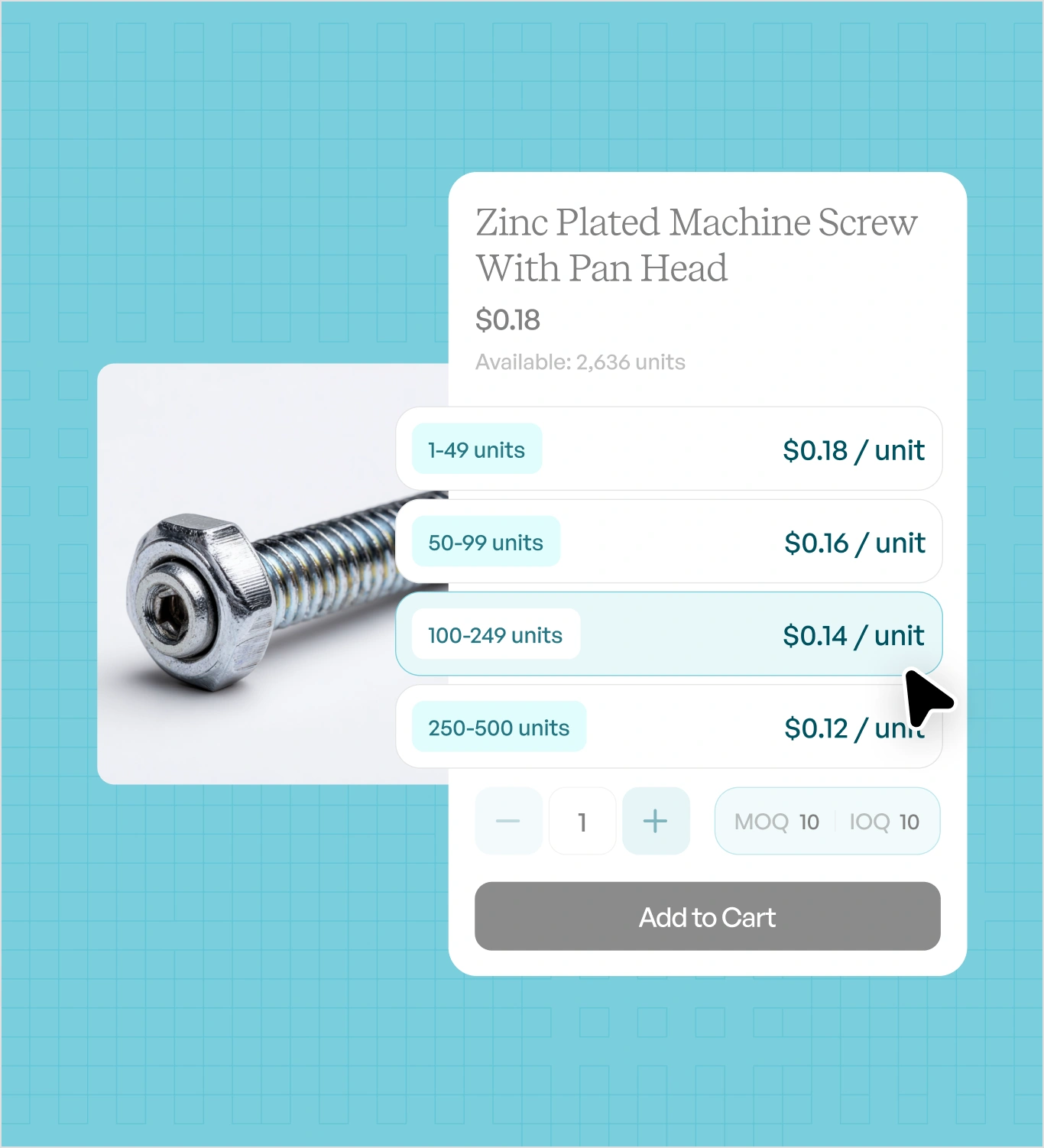
Customer-specific pricing tiers are set up by assigning a price list or contract rate to an account, then layering quantity breaks on top. Rules can be attached by account, group, region, contract, product, or order quantity, and resolve automatically when a buyer signs in. Supported pricing models include contract pricing, tiered and volume pricing, and account-level discounts. Minimum order quantities and case packs are enforced in the cart, before submission rather than after.
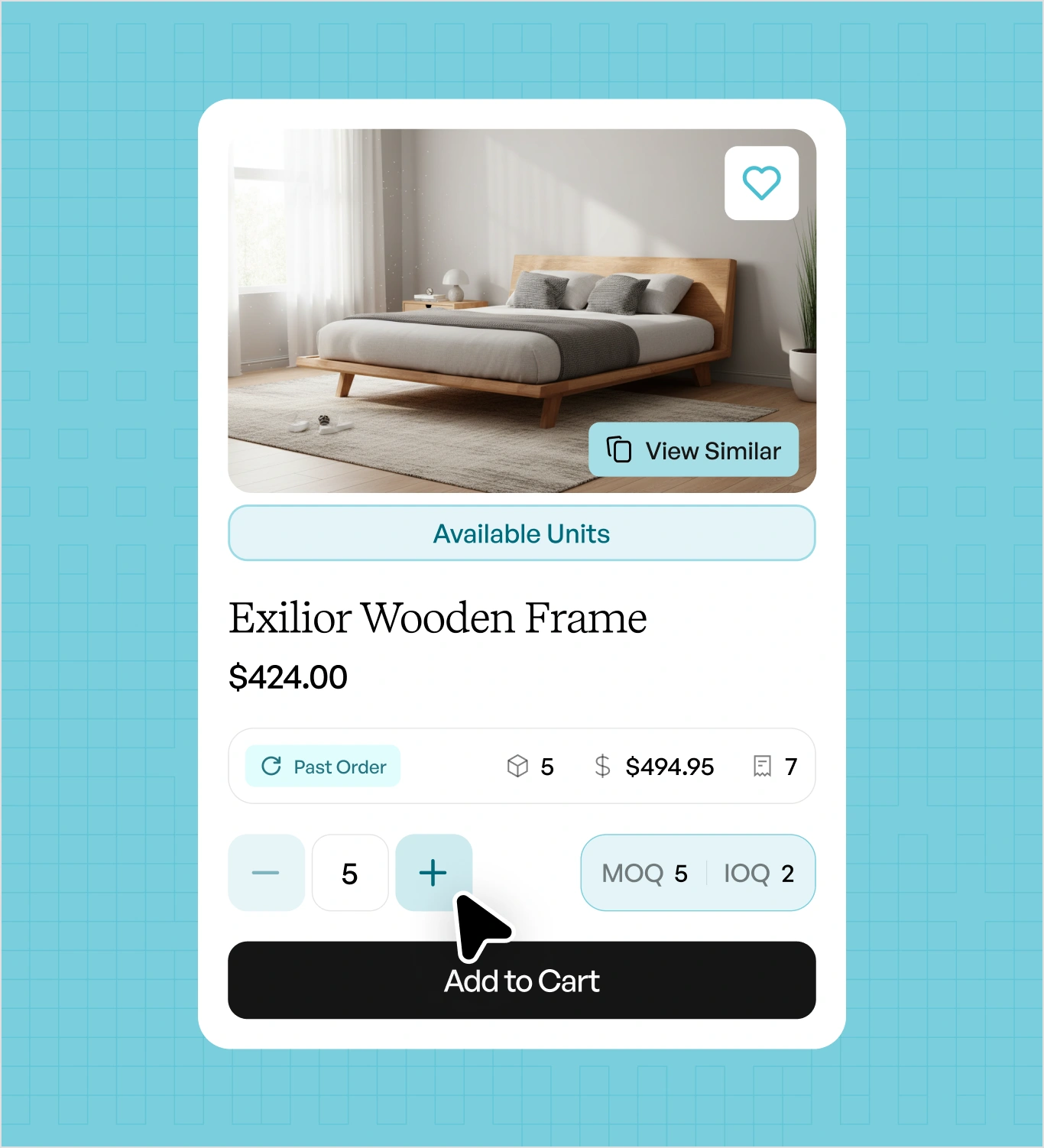
Your buyers usually know what they need before they open your catalog. Self-serve checkout takes them from search to submitted order without a rep quoting anything or your team keying a line. They search by part number, description, or a photo from a showroom floor, build large orders from a bulk order form, and reorder any past order in one click with pricing and case packs already reapplied. Toynk runs more than 16,000 SKUs this way. Quotes convert straight to orders, and payment happens in the same flow by card, ACH, deposit, or net terms.
Personalized B2B Storefronts
A B2B e-commerce storefront is a signed-in site where each customer sees only the products, pricing, and terms assigned to their account. The storefronts are configured per account rather than per visitor.
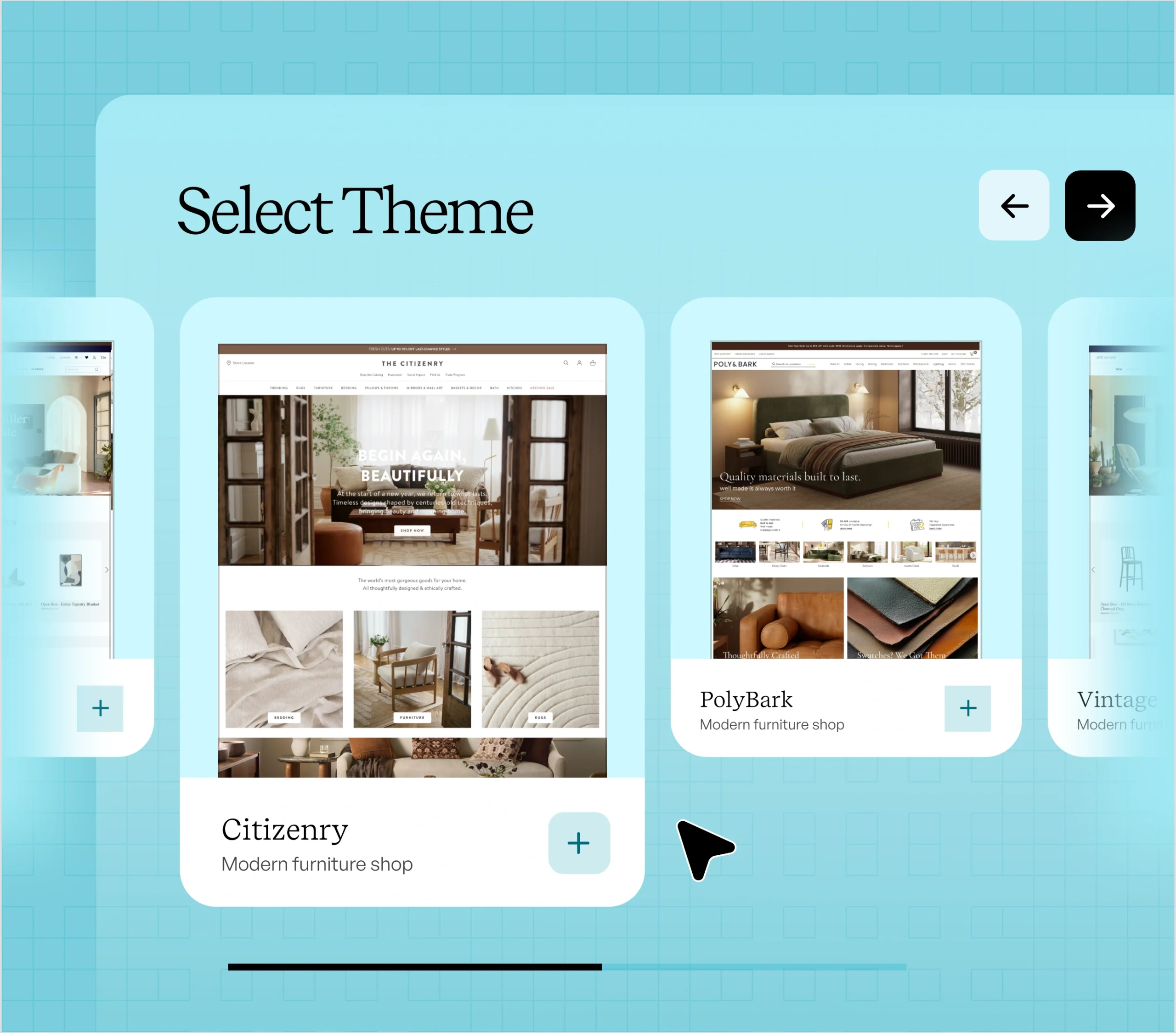
Your storefront is a page builder, not a template. Arrange B2B blocks like quantity grids, price-list tables, and reorder panels, set your own type and color, and publish without a developer. Different buyer segments can run different layouts from the same catalog.
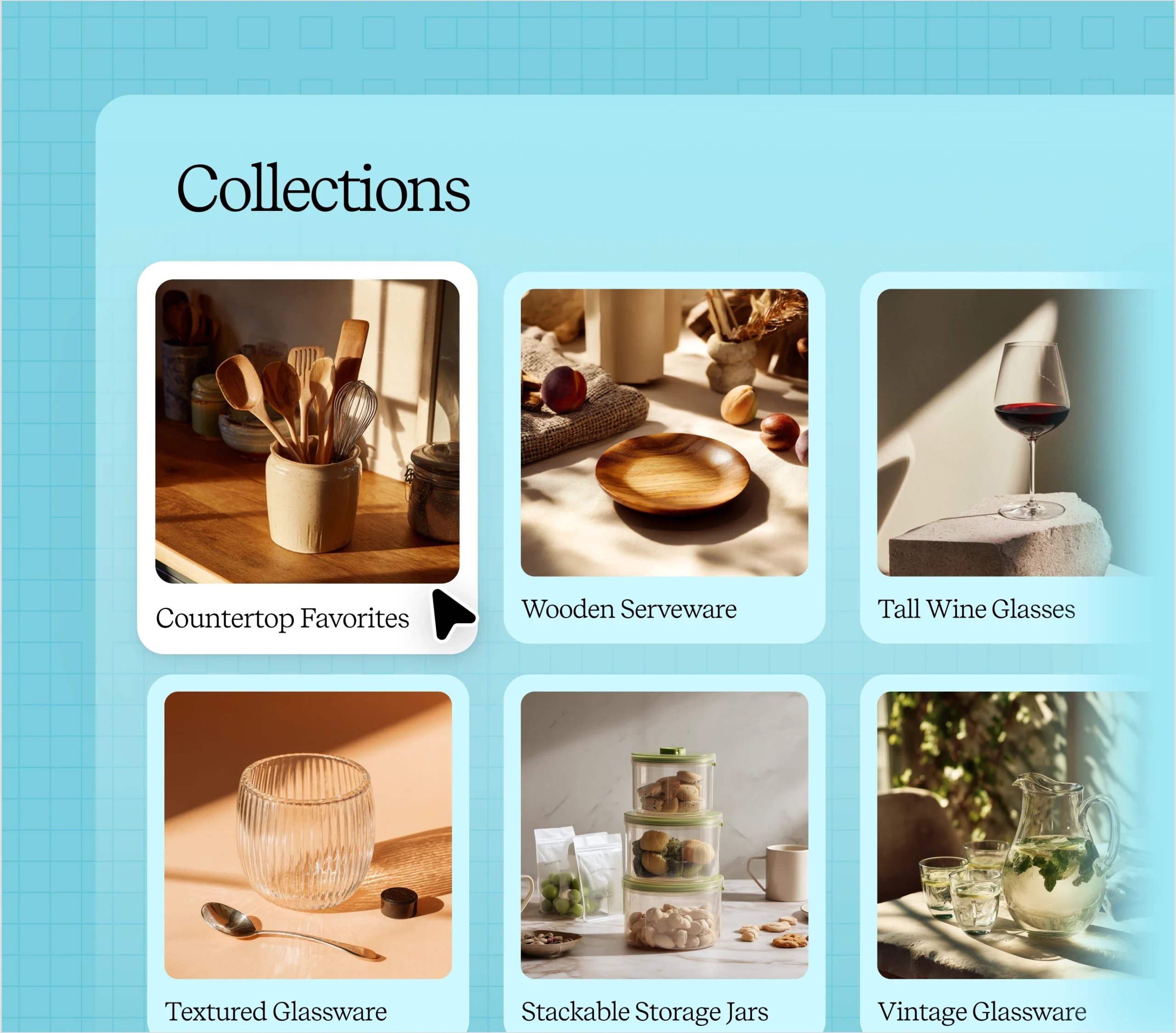
Collections are assigned, not merchandised. Attach a set of SKUs to an account, a group, a region, or a contract, and that buyer’s catalog contains only those products. A dealer with territory-exclusive lines never sees another territory’s SKUs, and a closeout collection stays invisible to everyone outside it.
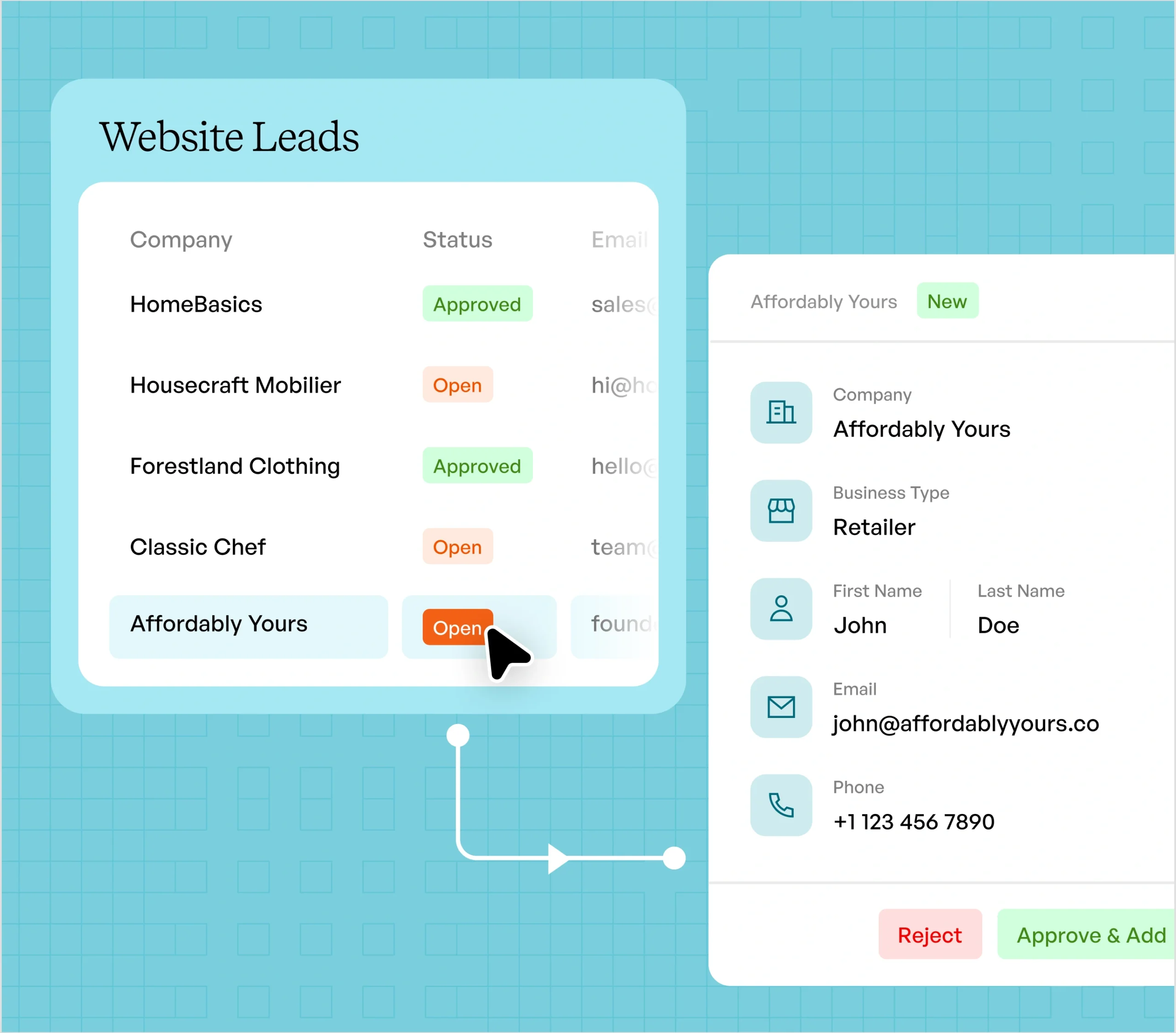
New trade accounts arrive through an intake form you design, with the fields you actually need: tax ID, resale certificate, business type. Approve an application and the buyer lands on a storefront with pricing already applied. Until approval, prices stay hidden.
Pricing & Buyer Controls
Customer-specific pricing tiers are set by assigning a price list or contract rate to an account, then layering quantity breaks on top. A complete B2B ecommerce solution applies those rules when a buyer signs in, and flags the orders that fall outside them.
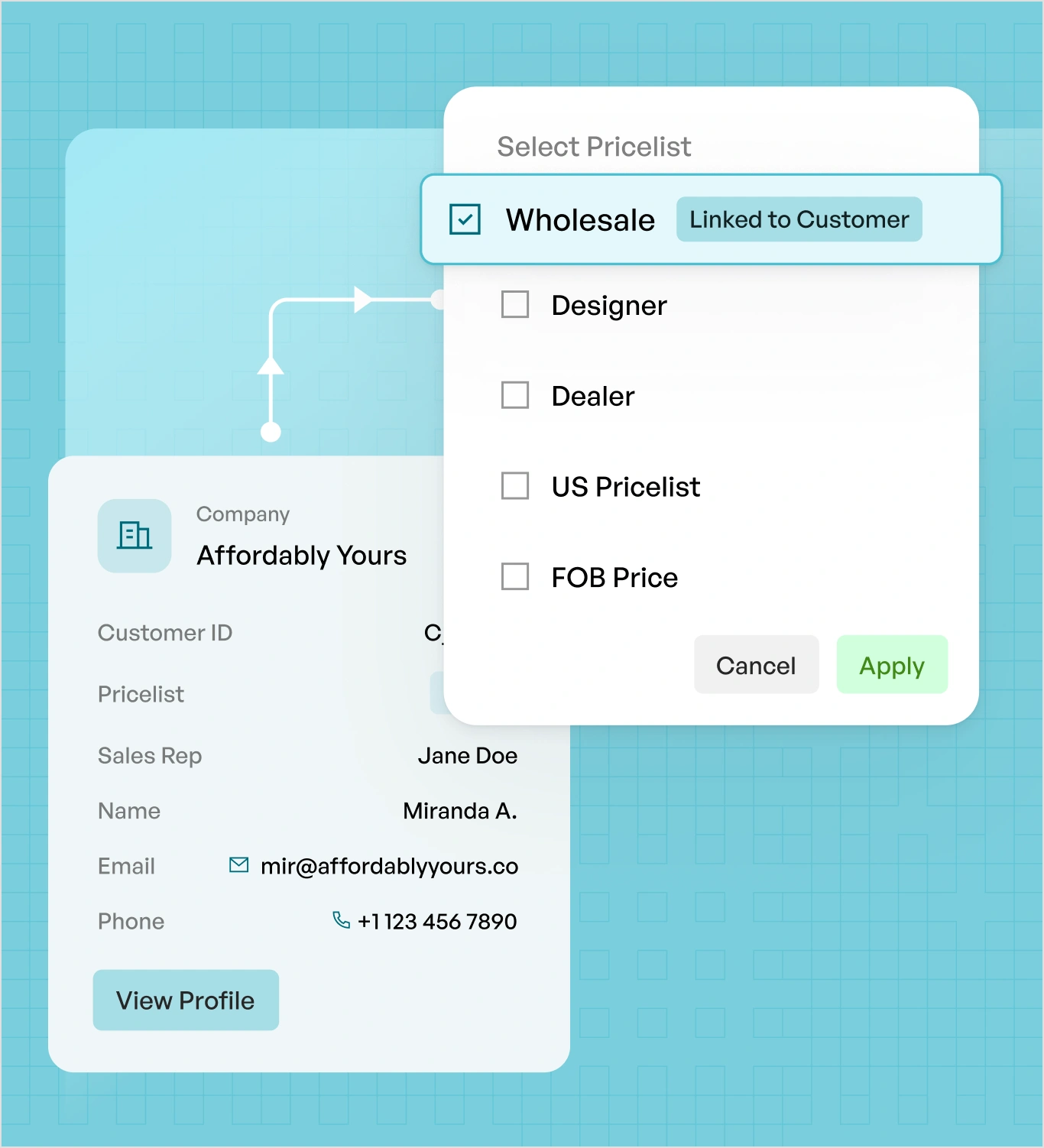
A price list attaches to an account, a group, a region, or a contract, with start and end dates on contract rates. One buyer can sit on a negotiated list while another sits on standard wholesale, and neither ever sees the other’s price. Lists sync from your ERP, so they are maintained once.
Quantity breaks live on the product or the price list, so a buyer moving from twelve cases to twenty-four sees the better rate without anyone recalculating it by hand. The cart updates the moment they cross a break, which is often enough to move an order up a tier before a rep ever picks up the phone.
Minimums, case packs, inner packs, and increments are enforced in the cart, not corrected after. A buyer cannot submit 7 units of a 12-unit case pack or fall below a 24-unit minimum. Rules differ per product and sync from your ERP.
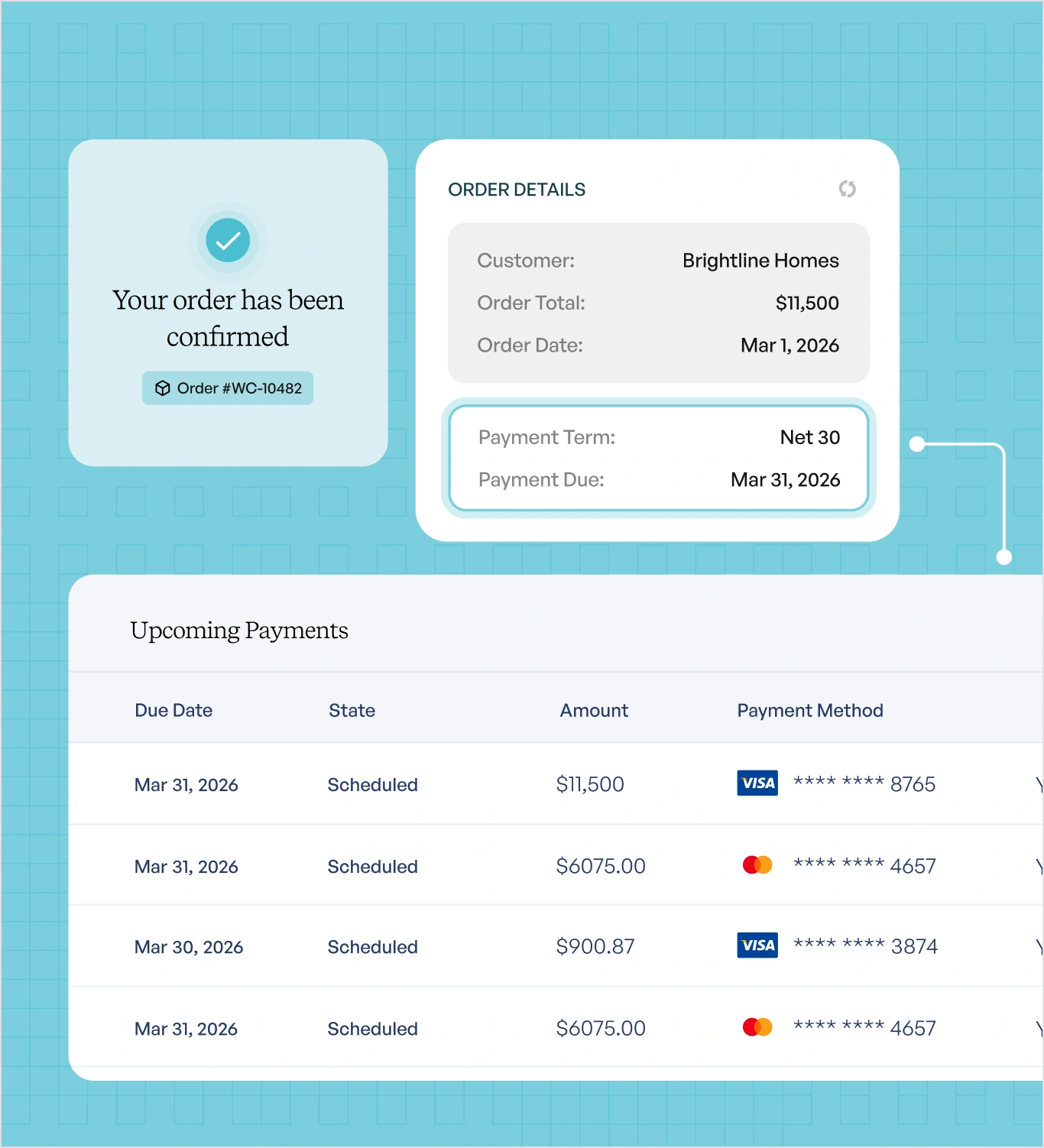
Terms attach to the account, not the transaction. A buyer on Net 60 checks out on Net 60 without contacting anyone, and credit limits and holds carry over from your ERP, so an account over its limit is stopped at checkout rather than after fulfilment.
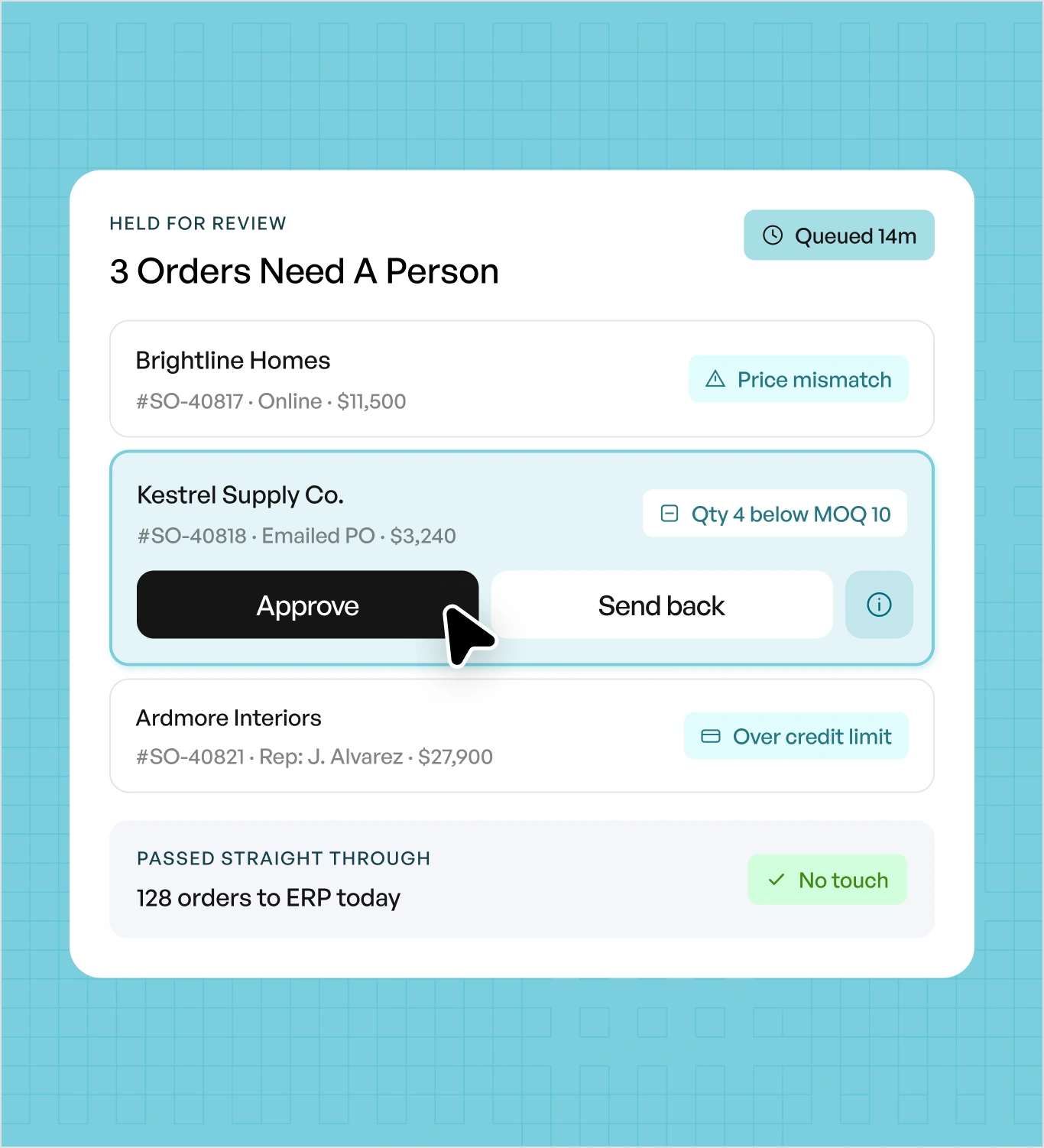
Orders that fall outside your rules queue for review rather than passing through. A price mismatch, a quantity below minimum, or an account over its credit limit gets caught by a person before it reaches your ERP, whether the order came in online, from a rep, or as an emailed PO.
Self-Serve Checkout
A B2B ecommerce portal lets buyers find products, build orders, and repeat past orders without a rep quoting or keying anything.
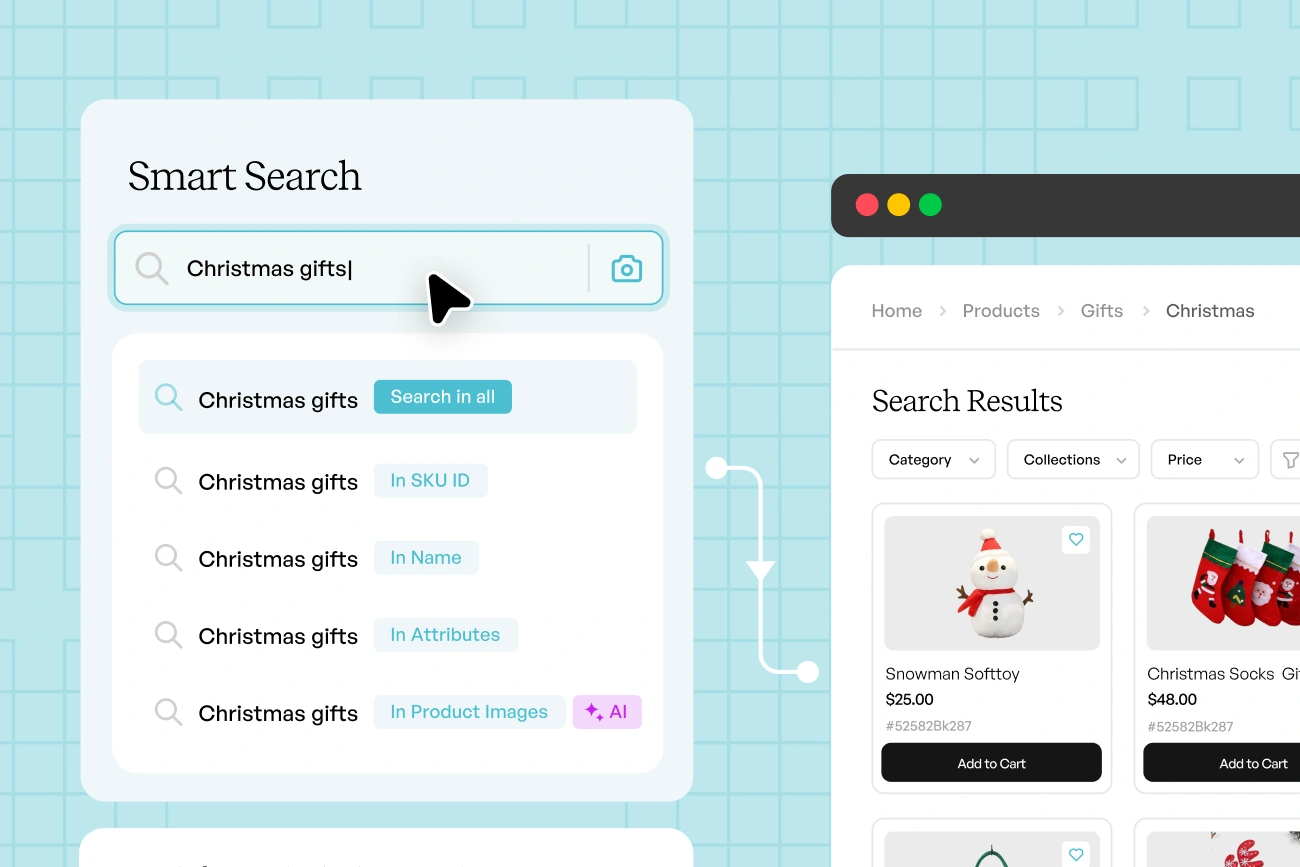
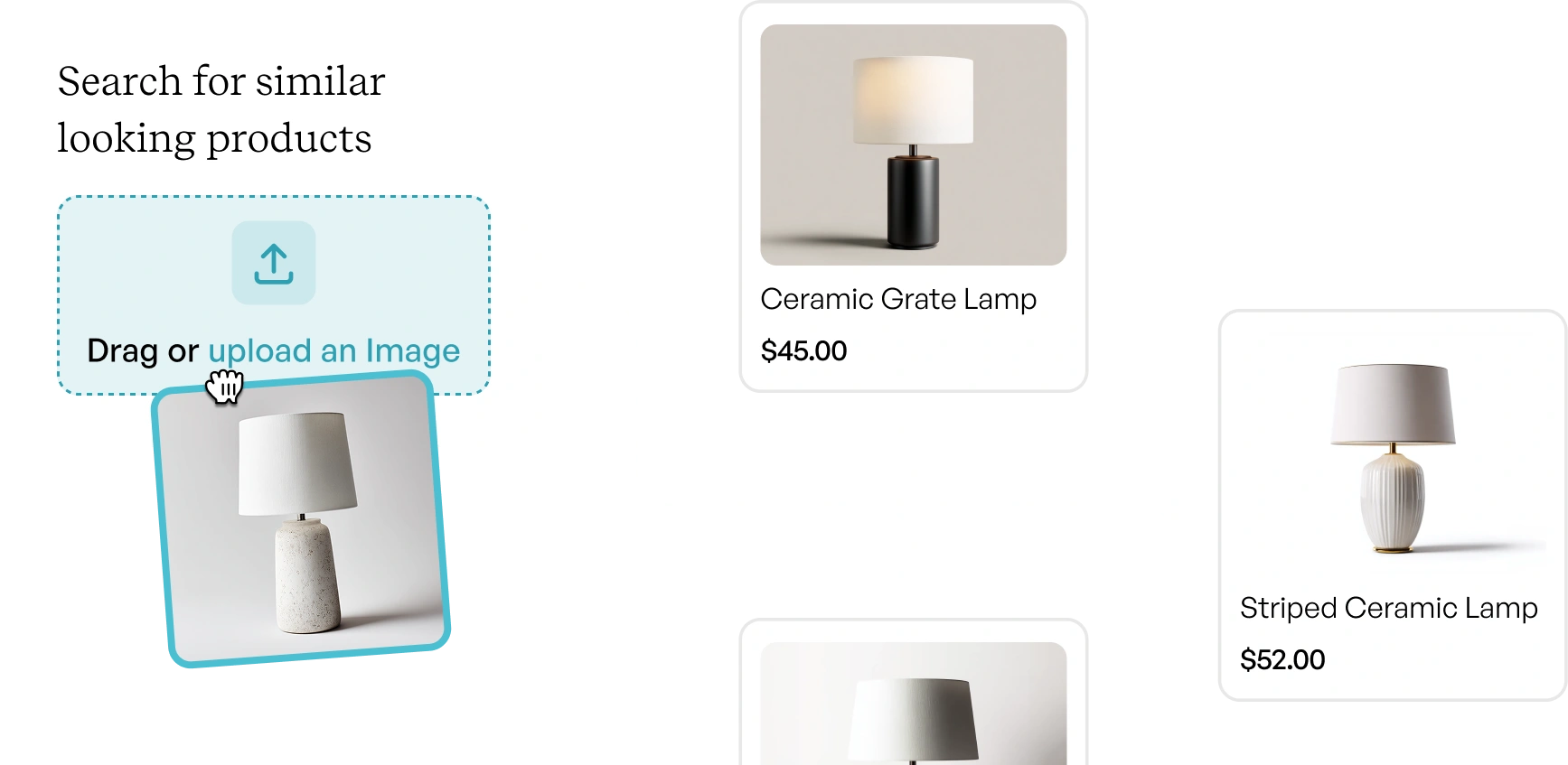
Search handles a partial SKU, a misspelling, a description, or a photograph. A buyer who remembers "the black metal floor lamp, about thirty inches" finds it without knowing the SKU, and one who photographs a competitor's line sheet finds your equivalent.
Recommendations read the account, not the session. A buyer sees what comparable accounts in their category order together, plus what they have bought before and not reordered recently. On a catalog of thousands of SKUs, this is how buyers find the eighty percent they never browse.
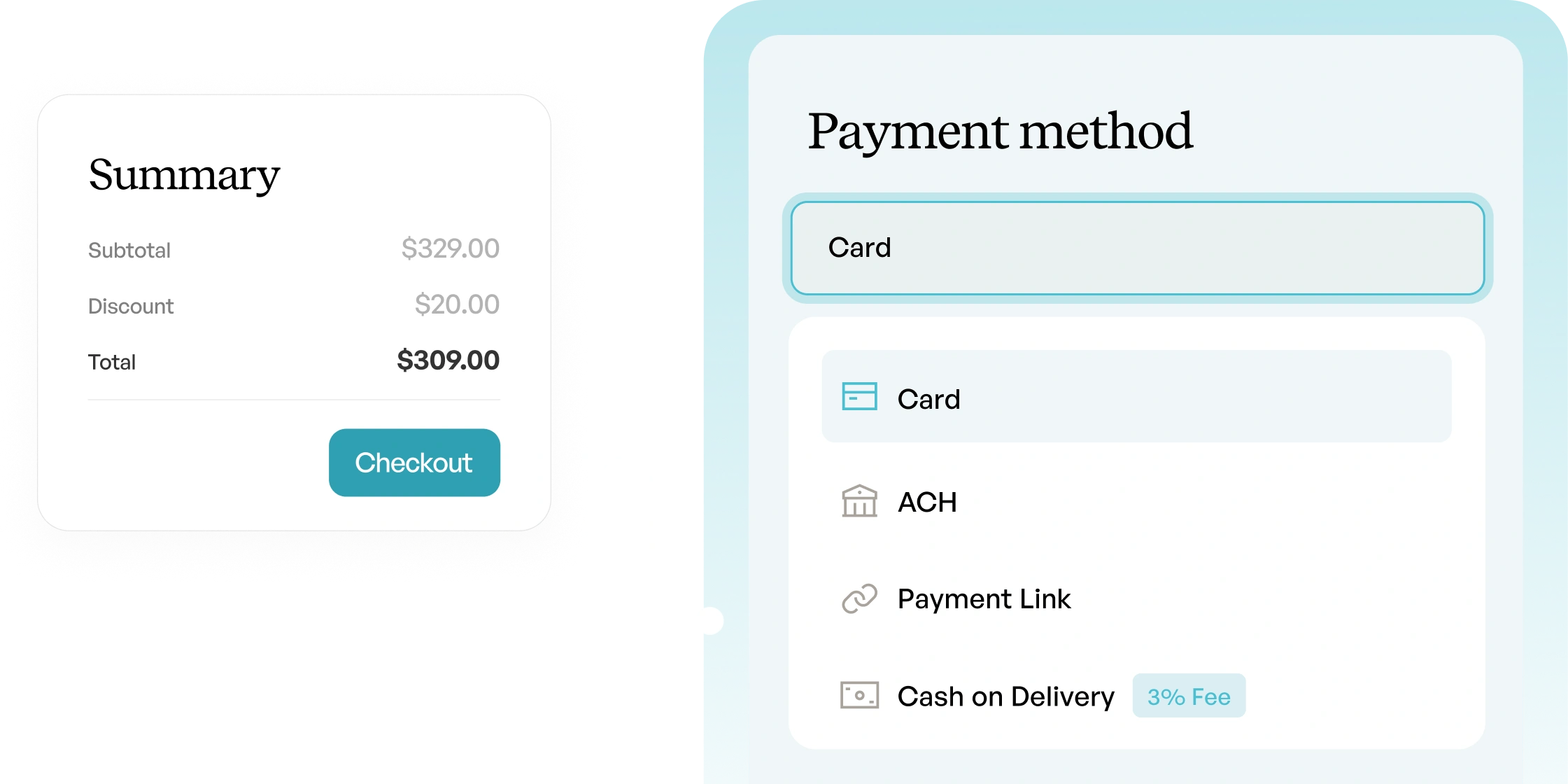
Card, ACH, deposit, or terms, chosen per order. A buyer can pay a deposit now and the balance on terms, and the payment posts back against the order in your ERP.
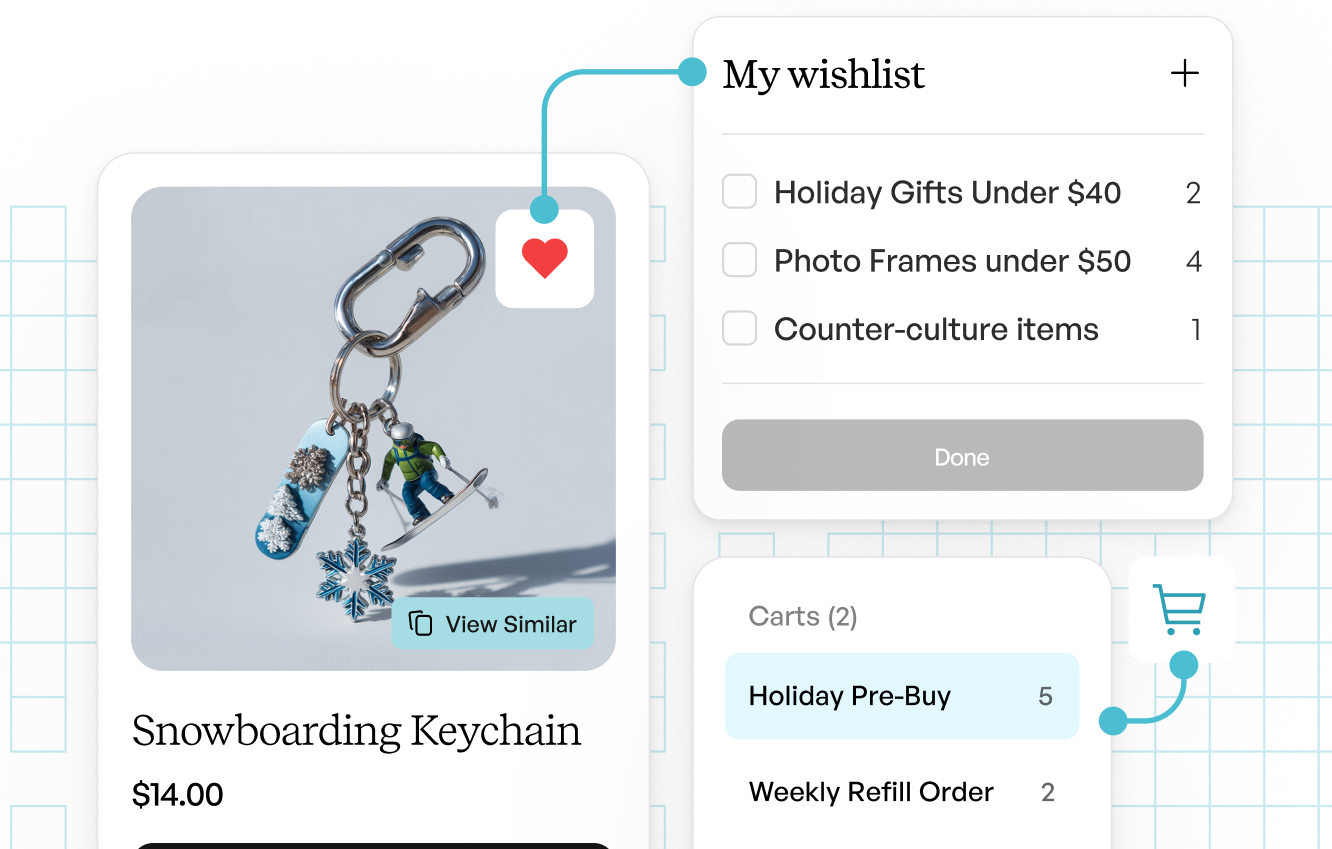
Buyers keep several carts open at once: one per store, per season, or per project. Carts persist between sessions and across devices, so an order started on a phone in a warehouse finishes on a desktop.
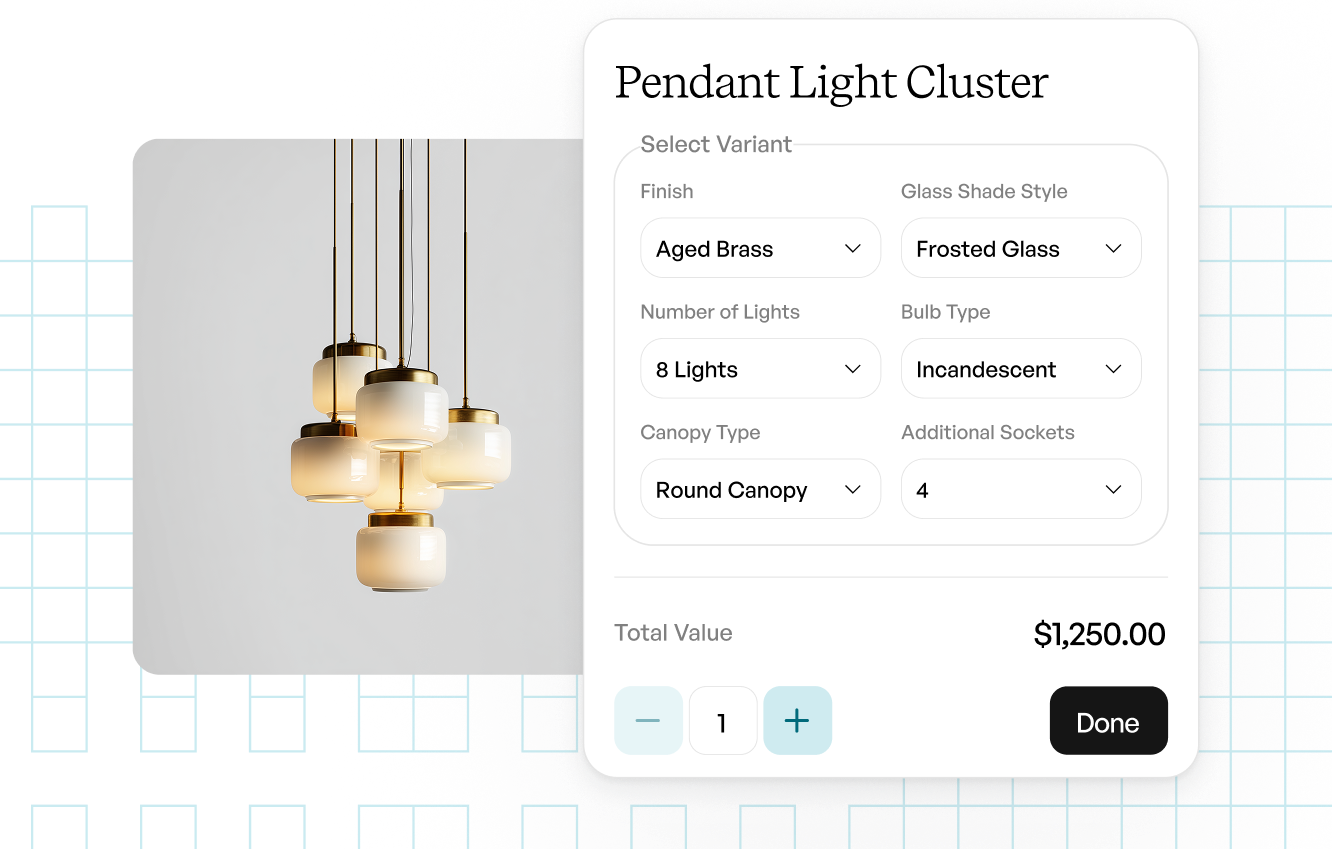
Every size, color, and finish sits in one grid with quantities entered across the row. A twelve-variant product becomes one line, not twelve additions to a cart.
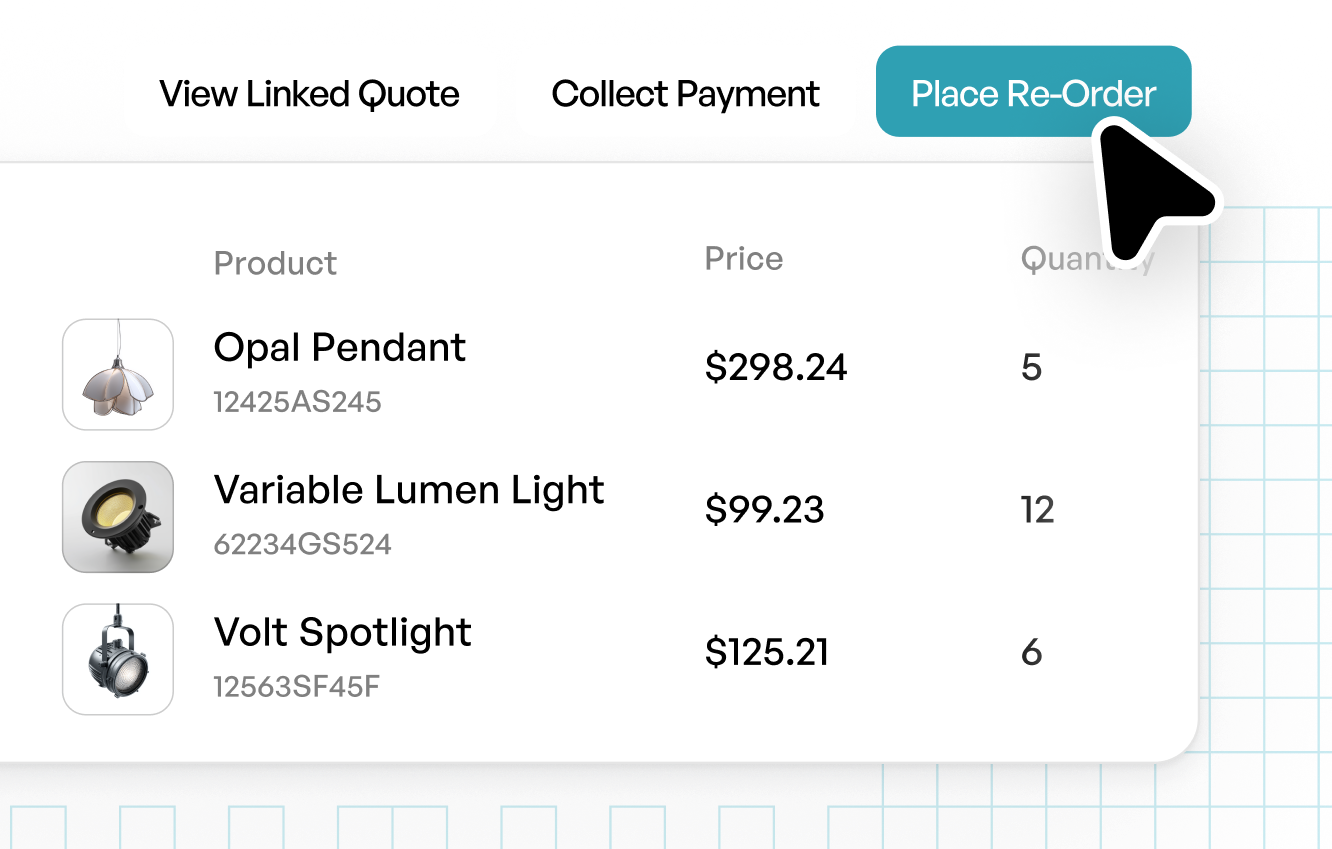
Reordering rebuilds a past order at current pricing, with case packs reapplied and discontinued lines flagged. Most wholesale ordering is replenishment, and this turns it into one click.
b2b e-commerce storefront walkthrough
Walk through a live WizShop, the B2B e-commerce platform: sign in as a buyer, watch contract pricing and case packs apply, order from a quantity grid, and reorder a past order in one click.
15%
Increase in Online Orders
600+
new website customers
50+
new website leads every month
10%
revenue increase
15%
increase in online sales
30~
day seamless implementation
By business type
Pick the setup that matches your business – the platform underneath is the same.
Your best retailers still email their orders because nobody gave them a better option. A wholesale e-commerce platform lets them sign in, browse your full line at their own contract pricing, and reorder whenever they are ready. Account price lists, order minimums, and case packs all apply at checkout, so your team stops correcting quantities after the fact. Howard Elliott activated more than 600 new buyers this way.
Distribution breaks a brand storefront in a few specific places. You carry thousands of SKUs across more than one branch, every account sits on its own contract rate, and buyers place fill-in orders between scheduled deliveries. A distributor e-commerce platform reads availability live from your ERP so a buyer ordering at midnight sees the same number your warehouse sees.
Industries
Industry requirements differ more than most platforms admit. Food and beverage runs on lot codes and date rules, industrial distribution on complex SKUs and contract pricing, fashion on size and color grids, and gifting on case packs and seasonal assortments. You get one platform configured for how your industry actually orders rather than four different products.
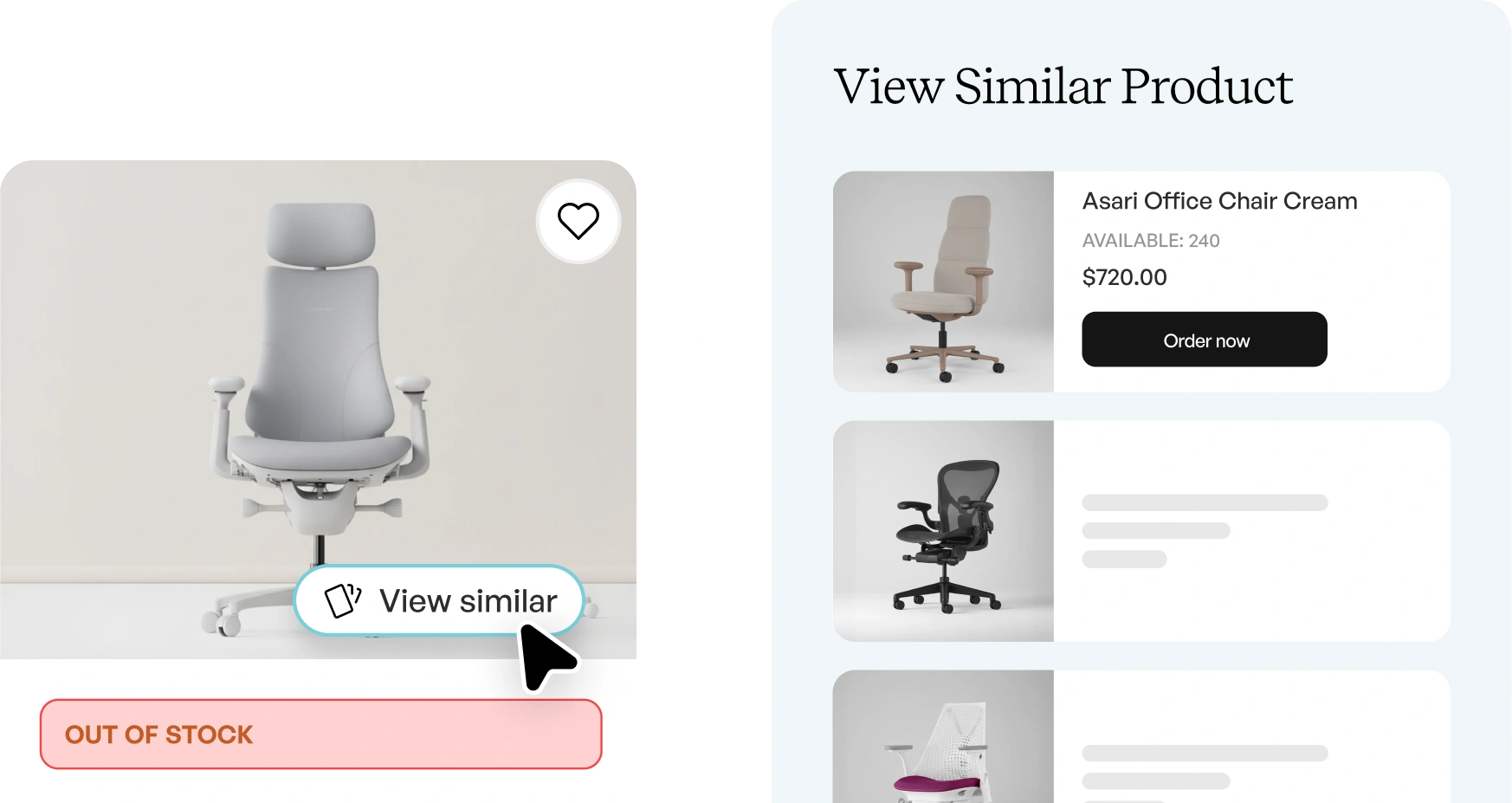
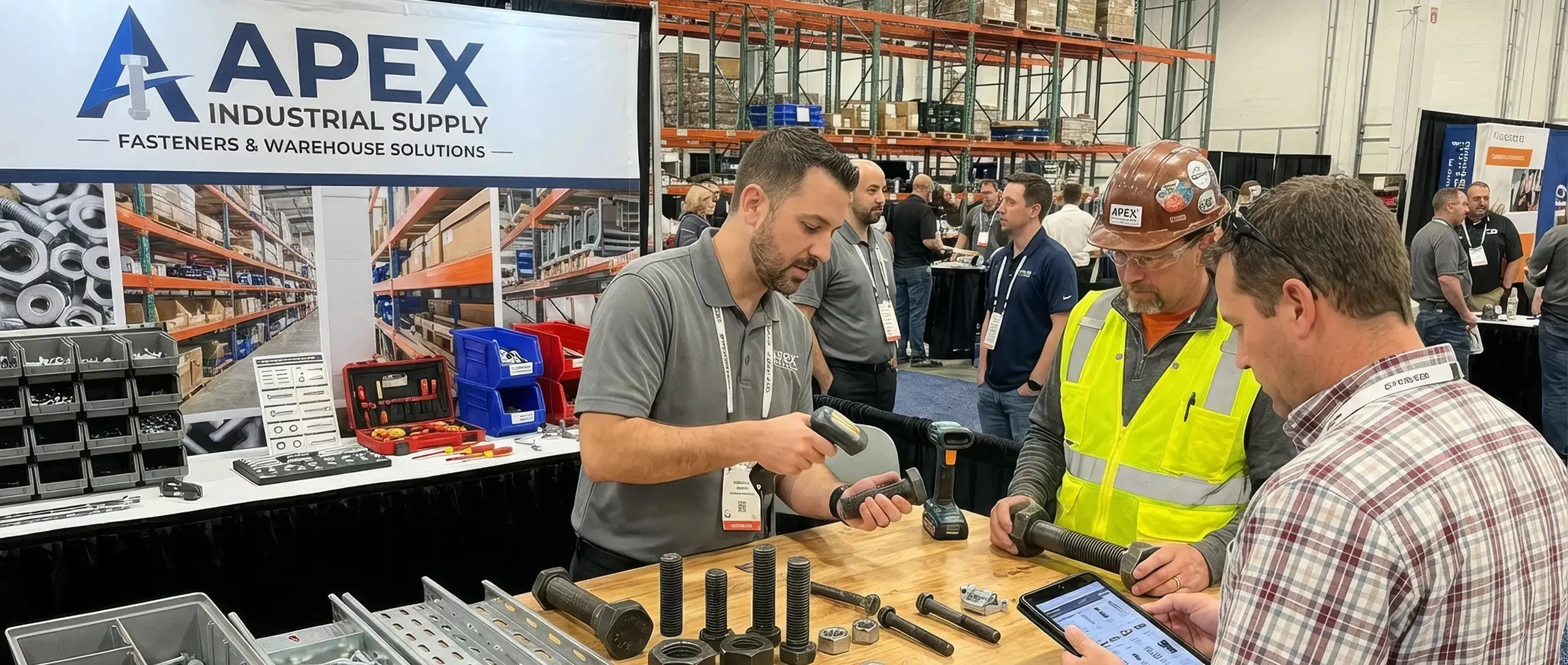
Built for complex SKUs, contract pricing, and quantity rules.
Native connectors keep pricing in sync with your ERP in real time.
SEE IT IN DETAILS
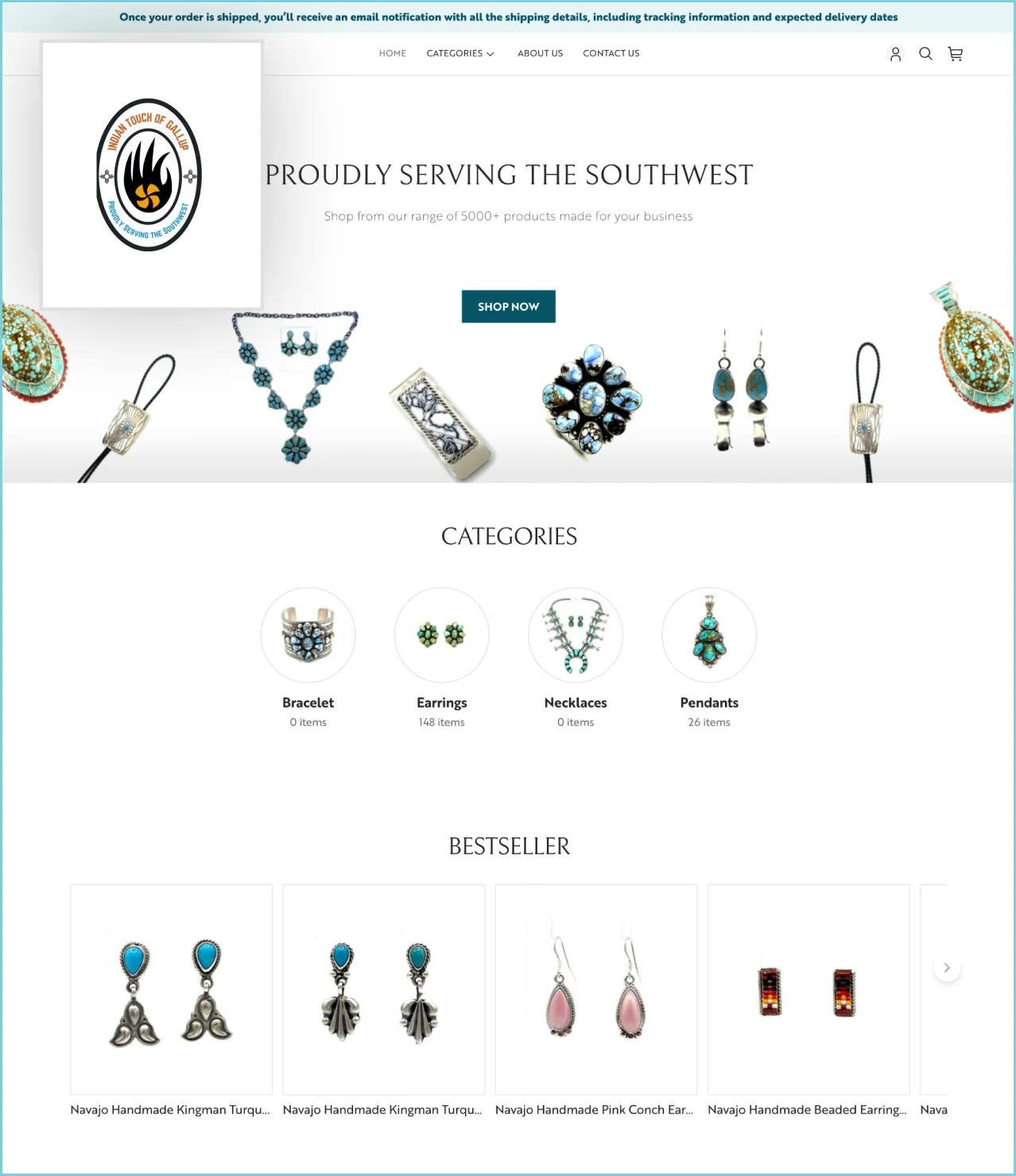
Built for seasonal drops, bundles, and fast one-click reorders.
Toynk raised average order value by 20%.
SEE IT IN DETAILS

Built for large pieces, container orders, and dimension-ready product pages.
Howard Elliott added 600+ new buyers.
SEE IT IN DETAILS
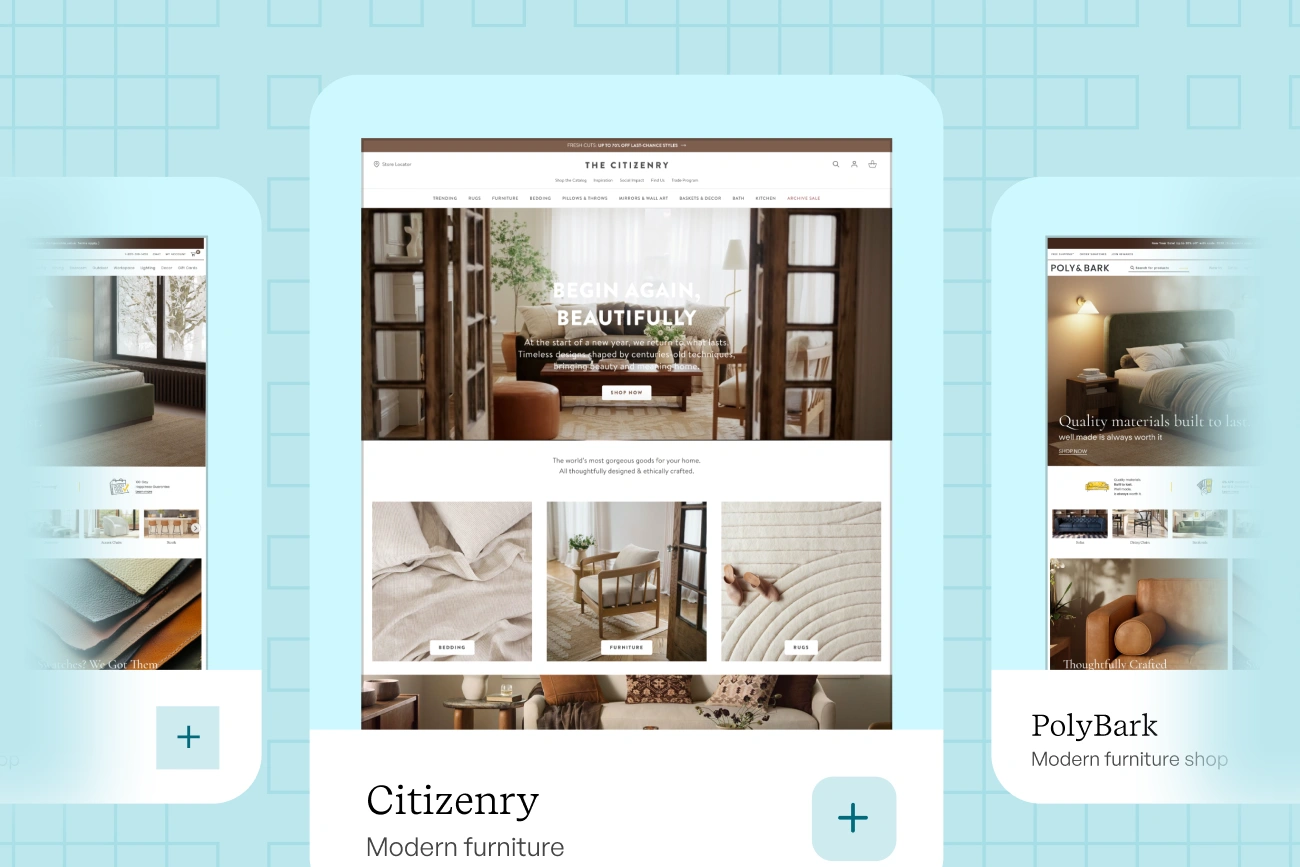
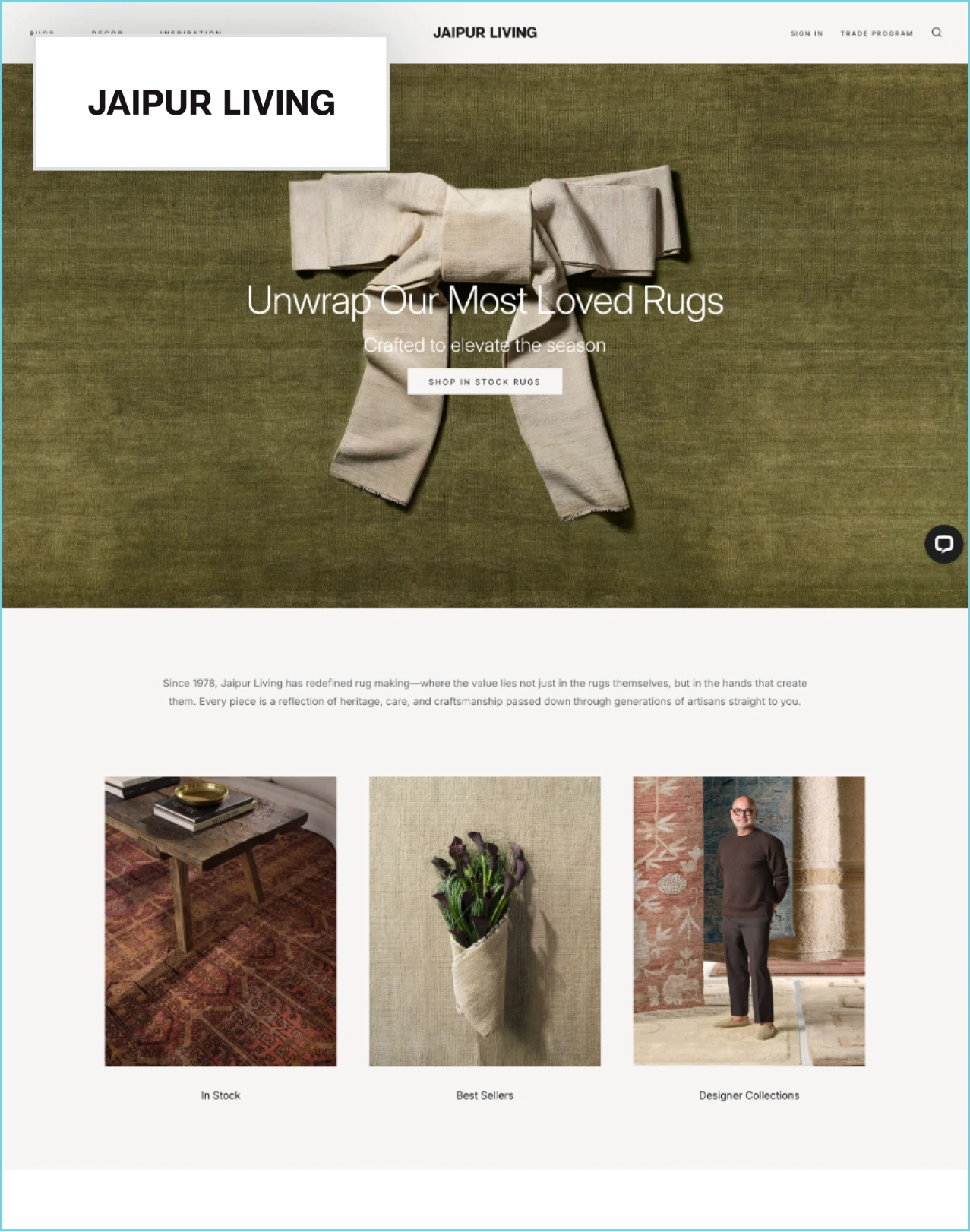
Built for rugs, lighting, decor, and textiles with seasonal collections.
Jaipur Living replaced manual purchase orders with self-serve online ordering.
SEE IT IN DETAILS
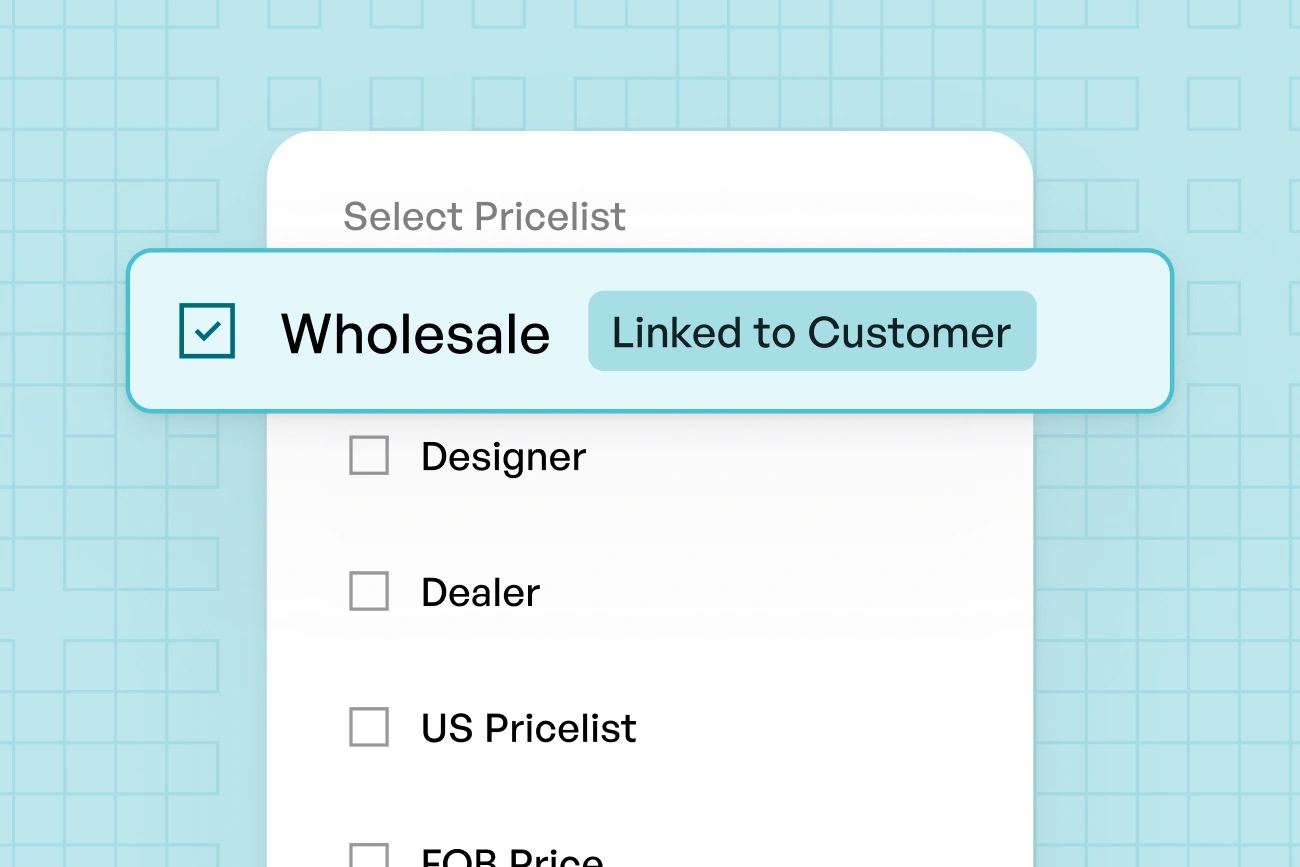
Built for case pricing, order minimums, and live inventory in sync.
Turkana Foods went live with SAP integration in three weeks.
SEE IT IN DETAILSERP Integrations

Native ERP integration for e-commerce, covering NetSuite, Microsoft Dynamics 365, Business Central, SAP Business One, Epicor Prophet 21, Sage 100, and QuickBooks. Inventory sync runs as scheduled batch, event-triggered on stock change, or real-time API lookup at checkout, depending on the ERP.
ERP
NetSuite ERP integration syncing items, customers, account pricing, inventory, and orders through a native connector.
ERP
Microsoft Dynamics ERP integration with orders and new customer records written back to Dynamics automatically.
Accounting
Zoho Books integration pushing orders, customers, and payments into your books while items and pricing flow back to the storefront.
ERP
SAP ecommerce integration with orders into SAP and inventory and pricing back out. Turkana Foods integrated in three weeks.
ERP
Epicor ERP integration through the P21 open API for distribution pricing and live availability.
ERP
Sage ERP integration keeping items, customer pricing, and orders aligned across both systems.
Accounting
QuickBooks ecommerce integration pushing orders, customers, and payments into your books. Online and Desktop supported.
Inventory
Fishbowl inventory integration keeping live stock counts aligned across every warehouse you run.
Implementation
Discovery to go‑live
Most B2B e-commerce implementations go live in 45 to 60 days. The project runs in four stages, and the timeline assumes your team and ours move together on data and sign‑offs.
Map your pricing rules, catalog structure, account setup, and order workflows.
Bring across products, customers, and price lists, and connect the systems you already run.
Configure branding, navigation, catalogs, and account rules, then train your team.
Validate with a pilot account group, then open the portal to your full buyer base.
Keeps it on schedule
How your data comes across. Products, customers, and pricing move over either through a native connector to the system you already run, or by direct export. Both land inside the same 45 to 60 days. Where a system sits outside our native connector list, we build and test that connection as part of the project, which typically takes go‑live to 60 to 90 days.
b2b e-commerce platform comparison
Every platform below covers the core B2B capabilities your buyers expect. What separates them is how deep each capability runs and what it costs you to get there, whether it ships native, sits behind a paid B2B edition, or needs an app, extension, or integration project bolted on. WizShop ships every one of these tuned for wholesale from day one, connected straight to your ERP instead of layered on top of it.
| Capability | WizShop | OroCommerce | BigCommerce | Shopify Plus |
|---|---|---|---|---|
| Customer-specific pricing & terms | Native, ERP-synced | Native | B2B Edition | Native |
| Account-specific catalogs | Native | Native | B2B Edition | Native |
| Wholesale quantity rules | Native, case packs included | Configuration required | B2B Edition | Quantity rules only, limited case packs |
| Business accounts & buyer roles | Native | Native | B2B Edition | Native |
| Quotes & RFQ workflow | Native, quote to ERP-synced order | Native | B2B Edition | Draft orders only |
| B2B payments | Native via WizPay | Native | B2B Edition | Native |
| ERP integrations | Native connectors: NetSuite, Dynamics 365, SAP Business One, Epicor Prophet 21, Sage 100, QuickBooks, and other primary ERPs | Integration layer or custom build | Apps or middleware | Apps or middleware |
| Real-time inventory & availability | Native, ERP-synced | Via integration | Via integration | Via integration |
| AI-powered search & recommendations | Native, includes image search | Add-on search | Add-on search app | Add-on search app |
| Reordering & order history | Native, one-click with pricing reapplied | Native | B2B Edition | Native |
The best B2B ecommerce platform depends on your ERP, pricing complexity, catalog size, and sales channels. WizShop by WizCommerce is built for wholesalers and distributors that need account-based pricing, self-service ordering, complex quantity rules, rep-assisted selling, and ERP-connected data. Companies running a simple wholesale channel alongside DTC may also evaluate Shopify Plus, while highly customized enterprise deployments often evaluate OroCommerce, Adobe Commerce, or SAP Commerce Cloud.
The main options are WizCommerce, OroCommerce, BigCommerce B2B Edition, Shopify Plus B2B, and Adobe Commerce. All support account pricing, business accounts, and quotes. They differ on delivery: WizCommerce ships wholesale quantity rules, native ERP connectors, and AI catalog search in the core platform, while the others deliver some of these through paid B2B editions, apps, extensions, or integration projects.
An AI-powered B2B ecommerce platform uses AI for three jobs: making large catalogs searchable in plain language or by image, surfacing related and complementary products, and turning order history into suggested reorders. In WizCommerce these run inside the buyer portal rather than as a separate module, which matters most for wholesalers and distributors carrying thousands of SKUs.
A B2B ordering portal is a signed-in storefront where approved business customers order at their own pricing. It should include account-assigned catalogs, contract and tiered pricing, minimum order quantities and case packs, bulk order entry, one-click reordering, multiple buyers with roles, several ship-to locations, live inventory, and payment on terms.
A B2B ecommerce platform is software that lets business buyers order from a supplier online with the pricing and purchasing rules of a trade relationship applied automatically. Unlike a consumer store it handles account-specific price lists, minimum order quantities, case packs, business accounts with multiple buyers, negotiated payment terms, and synchronization with the supplier’s ERP.
Assign a price list or contract rate to an account, then layer quantity break tiers on top. Rules can attach by account, account group, region, contract, product, or order quantity. When a buyer signs in, the platform resolves which rules apply and shows only that buyer’s pricing through the catalog and checkout, with tiers recalculating live as quantities change in the cart.
Common models are list pricing, account-based and contract pricing, tiered or volume-break pricing, unit-of-measure pricing by case or pallet, percentage discounts off list per account group, and multi-currency pricing. Most wholesale businesses run several at once, which is why pricing rules resolve in a defined order rather than as a single price field.
Yes. A minimum order quantity is the smallest quantity a buyer may purchase, and a case pack requires ordering in full cases. WizCommerce enforces both at line and order level in the cart, so an invalid quantity is caught before submission rather than corrected by your team afterward. Rules can differ by product and sync from your ERP.
WizCommerce integrates with NetSuite through a native connector, keeping items, customers, account pricing, inventory, and orders synchronized, with NetSuite remaining the system of record. Sana Commerce, OroCommerce, and several BigCommerce and Shopify connectors also serve NetSuite users, typically through middleware rather than a native connector.
WizCommerce connects to Microsoft Dynamics 365 so products, pricing, inventory, and customer data flow to the storefront while orders and new customer records flow back into Dynamics. Sana Commerce is the other platform most commonly evaluated for Dynamics environments.
WizCommerce integrates with Dynamics 365 Business Central, syncing items, customer pricing, and inventory to the buyer portal and writing orders and payments back. Business Central stays the system of record, so your finance and fulfillment processes do not change.
Three approaches are common. Scheduled batch sync updates stock at set intervals and suits stable catalogs. Event-triggered sync pushes an update when stock changes or an order is submitted, which keeps availability current. Real-time API lookup queries the ERP at page load for the most accurate number at the highest system load. Most distributors use event-triggered sync with real-time checks at checkout.
Integration runs through a native connector built for that ERP or through REST APIs with token-based authentication. Products, customers, account pricing, and inventory flow from the ERP to the storefront; orders, new customers, and payments flow back. The ERP stays the system of record throughout, so ecommerce becomes a buying interface rather than a second database.
EDI exchanges standardized documents such as purchase orders and invoices in batches, usually with large retail trading partners who mandate it. APIs exchange data in real time, which suits inventory, pricing, and order status. Most wholesalers run both, mapping EDI documents into the same order records the API writes, so both channels land in one ERP record.
PunchOut lets a buyer browse your catalog from inside their own procurement system, build a cart, and return it to their purchasing workflow for approval. OroCommerce supports PunchOut natively; BigCommerce, Shopify Plus, and Adobe Commerce support it through apps or extensions. WizCommerce supports PunchOut catalog integration with contract pricing and purchase order details preserved.
Role-based access control assigns permissions by role rather than by individual. On the seller side, reps see only their assigned accounts while managers see the territory. On the buyer side, one account can hold purchasing agents who order, finance approvers who authorize, and read-only users who track shipments, each with different visibility into pricing and order history.
Cards, ACH bank transfer, deposits or partial payments, purchase order numbers, and negotiated net terms tied to the account rather than the transaction. Card-only checkout is the most common reason a wholesale buyer abandons an online order, because their accounts payable process runs on terms and PO numbers.
Three methods cover most wholesale ordering. A quantity grid lets buyers order across sizes, colors, and variants from one screen. A bulk order form accepts pasted SKU and quantity pairs or a CSV upload. One-click reorder rebuilds a past order with current pricing and case packs reapplied. All three should validate MOQs and case packs before the cart is submitted.
Orders arriving online, from field reps, at trade shows, and by emailed purchase order need to resolve against one catalog, one pricing set, and one inventory position, then write to a single ERP record. Without that, the same customer gets different prices through different channels and someone reconciles it manually afterward. WizCommerce covers online through WizCommerce, rep-written orders through WizOrder, and emailed POs through Ella.
WizOrder is built for reps writing orders on the road, in showrooms, and at trade shows, including fully offline with sync on reconnect. It uses the same catalog, account pricing, and ERP-connected inventory as the WizCommerce buyer portal, so there is no reconciliation pass after an event. Pepperi and RepSpark are the other apps most commonly evaluated.
Order entry automation reads incoming purchase orders from email, PDF, or spreadsheet and turns them into validated orders without manual keying. Ella, the AI order entry agent in WizCommerce, extracts line items, matches them to SKUs, applies account pricing, flags exceptions for review, and writes the order to your ERP.
Export catalog data including products, variants, categories, and images. Export customer accounts with addresses, assigned catalogs, and price lists. Rebuild pricing rules and quantity rules on the new platform. Connect your ERP as the system of record. Validate with a pilot account group, then cut over the rest in phases rather than all at once.
RepSpark is rep-facing, so a migration usually means adding a buyer-facing channel rather than replacing like for like. Move line sheets and assortments into catalogs, rebuild account pricing, import customers and rep assignments, then run both systems in parallel for one selling season before switching. WizCommerce covers both sides, WizOrder for reps and WizShop for self-service buyers.
WizCommerce is cloud-hosted SaaS. Updates ship without a replatform project and there are no servers to maintain. On-premise deployments remain available from platforms such as OroCommerce and Adobe Commerce for businesses with data residency or heavy customization requirements, at a higher maintenance cost.
WizCommerce is multi-tenant SaaS, meaning customers share infrastructure while data stays isolated per tenant. Multi-tenant lowers cost and delivers updates continuously. Single-tenant gives dedicated infrastructure and deeper customization at higher cost, and is generally chosen for strict compliance or heavy platform modification.