Skip to content




If you’ve worked with Claid AI, you already know it’s powerful. It is particularly useful for those who have the technical resources to make the most of its API-first approach. But for many others, that’s also where the friction begins. Not every business wants to rely on developers just to fine-tune their visual workflows. They want tools that even a non-technical person can use directly, without compromising on customization or brand control. That critical need has led to a constant search for intuitive and accessible Claid AI alternatives in recent years. In this blog, we review and compare 10 Claid AI alternatives for 2026, focusing mainly on platforms that strike that balance between usability and high-quality output.
What is Claid AI?
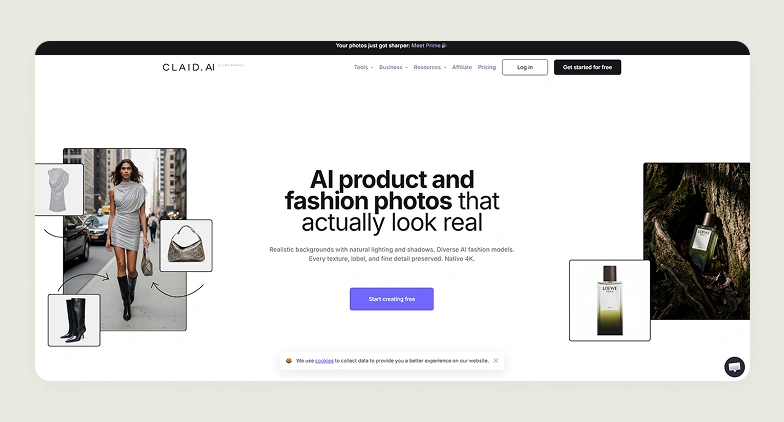
Claid AI is an API-first product photography platform built specifically for businesses that need to create and enhance product visuals with great control. It is designed to streamline ecommerce workflows, where consistency and automation matter far more than one-off creative edits. Instead of relying on manual design processes, it allows your teams to programmatically build workflows that can automate image generation and enhancements and achieve standardized visuals across thousands of SKUs.
Claid AI is also built for integration into your systems, like ecommerce systems, DAMs, or PIMs. Features like AI Photoshoots, custom-trained models, and automated enhancements allow you to go from a single product image to a full library of ready-to-use visuals quickly. The result is a platform that sits at the intersection of infrastructure and creativity.
Why do users look for Claid AI alternatives?
There are two main reasons.
Most teams exploring alternatives to Claid AI do not question its capabilities. Rather, they question its accessibility. As an API-first platform, it often requires developer involvement for customizing workflows, which can slow down operations for their marketing and creative teams. Businesses today are looking for tools that are intuitive to use without sacrificing depth. They want the ability to quickly edit and standardize product images through a visual interface, while still having granular control over workflows and elements like backgrounds, lighting, shadows, and brand consistency.
Secondly, while Claid AI is positioned as an ecommerce product photography tool, in practice, it is heavily optimized for fashion and apparel workflows. This limits its effectiveness for broader ecommerce use cases. Much of its core functionality revolves around generating on-model images and transforming flatlay or mannequin shots into styled clothing visuals.
While it does offer generic features like background removal and image enhancement, the platform’s strongest value lies in clothing presentation rather than complex product categories. So, for ecommerce businesses selling items like toys, furniture, home furnishing, etc., Claid AI lacks category-specific intelligence, such as accurate material rendering or functional detailing.

10 Best Claid AI alternatives to try in 2026
When you work with Claid AI, getting the exact output you want often requires technical setup and/or developer support. This can slow things down for teams that just want to move fast. Thankfully, today, there are several tools that combine ease of use with deep customization, giving you the flexibility to create and scale visuals without relying heavily on APIs.
To help you arrive at the right tool quickly, we have compared and reviewed the 10 best Claid AI competitors for 2026 in this section. You will also find a quick snapshot of the top 7 tools below, with full reviews of all 10 further in this guide.
| Claid AI alternative | Differentiating factor | Free trial available | G2 Rating |
| WizStudio | Generation of hyper-realistic lifestyle images for ecommerce products | Yes, with unrestricted access to all features | 4.8 |
| Flair AI | Powerful template-based editing that keeps your product visuals on-brand | There is a free-forever plan with limited generations. | 4.3 |
| Photoroom | Strong batch processing features | A free plan with access to the basic feature set | 4.3 |
| Pebblely | Ease of use without compromising on image quality | No free trial or free plans. | 4.0 |
| SellerPic | Support for multiple image generation models | A free plan with 20 credits is available | 4.7 |
| PicCopilot | A powerful mobile app for generating visual assets | A forever-free plan with 25 Pcoins is available | Not rated |
| Omi | Ability to create a 3D “Digital Twin” of a product | A free trial is available | Not rated |
1. WizStudio
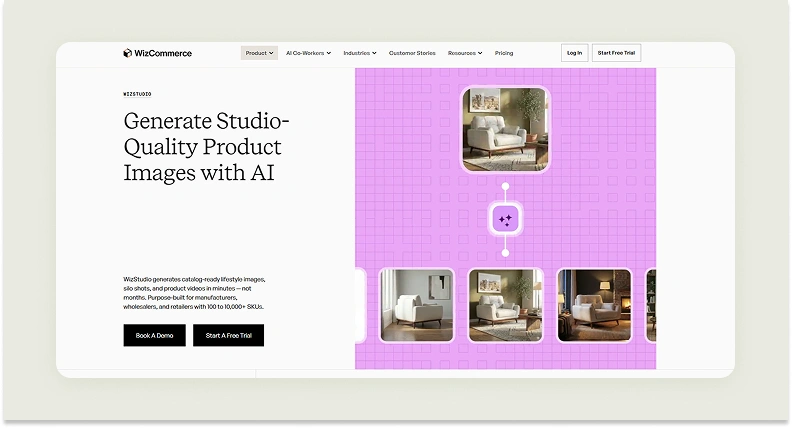
WizStudio is one of the top Claid AI alternatives in 2026, especially for teams that want consistent outputs without dealing with APIs or complex setups. It is an AI product photography generation platform is built with a clear focus on usability and replaces technical workflows with a guided experience that anyone on your team can use. All you need to do is upload a basic product photo. The platform guides you through the process, helping you create best-in-class lifestyle images without needing prior expertise.
But what sets WizStudio further apart is how it doesn’t compromise on brand control. You can make deep customizations to your visuals to match your brand guidelines. On top of that, its done-for-you services give you the option to bring in experts who can refine and perfect your visuals across your entire catalog. This makes WizStudio not just easier to use than Claid AI, but also a more complete solution for businesses looking to produce polished images without adding operational complexity.
Key Features
- Multi-product staging: Bring your entire collection to life in a single frame by placing multiple products into one cohesive scene.
- Bulk generation: Skip the repetitive work and generate hundreds of high-quality visuals in one go. Building large catalogs is fast and effortless in WizStudio.
- Line drawings: Instantly convert product shots into clean and technical-style illustrations. Use them to simplify complex details for catalogs or spec sheets.
- Variant generation: Turn one product image into multiple variations in seconds. Showcase different colors and options without reshooting.
- Silo shot generation: Get crisp images with perfectly balanced lighting and distraction-free backgrounds every time.
- Image-to-video: Upgrade static visuals into short and eye-catching videos that add motion and depth to your product storytelling.
Pricing
WizStudio keeps its pricing simple and scalable, so you can start small and expand as your visual needs grow.
- Free trial: Get started with 5 credits and full access to all the core tools like background removal, AI shadows, dimension lines, and the magic eraser to test the platform without commitment.
- Starter plan ($250 for 2 months): It is tailor-made for small teams looking to elevate their visuals. This plan includes 16 credits and access to essential AI features such as lifestyle image creation, editing tools, relighting, upscaling, and product swapping.
- Pro plan ($500 for 4 months): It is built for growing brands. This plan offers 40 credits along with everything in Starter, plus advanced capabilities like creating scenes with multiple products.
- Studio plan ($1,125 for 6 months): It is designed for brands that rely heavily on visual content. It includes 120 credits and unlocks premium features like product videos, close-up shots, and 360-degree views.
- Enterprise plan (Custom pricing): It is tailored for large-scale operations. This plan includes all features along with enterprise-grade support such as bulk image creation, variant generation, dimensional visuals, and dedicated services.
You can check WizStudio’s pricing in detail to find the plan that best fits your workflow and scale.
How WizStudio is better than Claid AI
Claid AI requires developer resources to configure workflows, a barrier that slows down marketing and catalog teams who need to move fast. WizStudio delivers the same depth of bulk generation, lifestyle imagery, and visual consistency through a guided, no-code interface that any team member can use from day one, across furniture, home goods, and general ecommerce categories that Claid AI’s fashion-first toolset underserves.
2. Flair AI
Flair AI is a Claid AI alternative used by businesses of all sizes. The biggest similarity between the two platforms is the strong focus on fashion use cases. Features like on-model photography, virtual try on, and AI human builder of Flair AI prove this. But the similarities end there. Unlike Claid AI, Flair AI lets you build product photoshoots digitally, without requiring technical skills. You get a drag-and-drop canvas through which you can generate compositions, adjust lighting, add/remove props, etc. But it is also not as intuitive as WizStudio and is difficult to master fine control (like object placement).
Key Features
Bulk content generation, on-model photography, magic erase, extend image dimensions, enhance image resolution, upscale, virtual try-on.
Pricing
Flair AI offers three plans: A free forever plan with 5 image generations and 1 custom model, a Pro plan at $10/month for faster rendering and image variations, a Pro+ plan at $35/month for 80 images and up to 8 custom models, a Scale plan at $55/month for 150 images and priority rendering, and an Enterprise plan at custom pricing with unlimited API access and a commercial license.
Where Flair AI falls short
- Fine control over object placement and composition requires significant manual effort and has a steep learning curve that slows non-technical catalog teams.
- Product accuracy is inconsistent; shapes, text, and logos on products are frequently distorted in generated outputs.
- No expert review layer or managed service, quality assurance falls entirely on the user at every stage of production.
How WizStudio is better than Flair AI
Flair AI’s canvas-based approach demands manual iteration to get consistent results, a bottleneck wholesalers and catalog teams can’t afford at scale. WizStudio combines bulk AI generation with an expert review workflow, delivering production-ready visuals across hundreds of SKUs without the trial-and-error Flair AI requires.
3. Photoroom
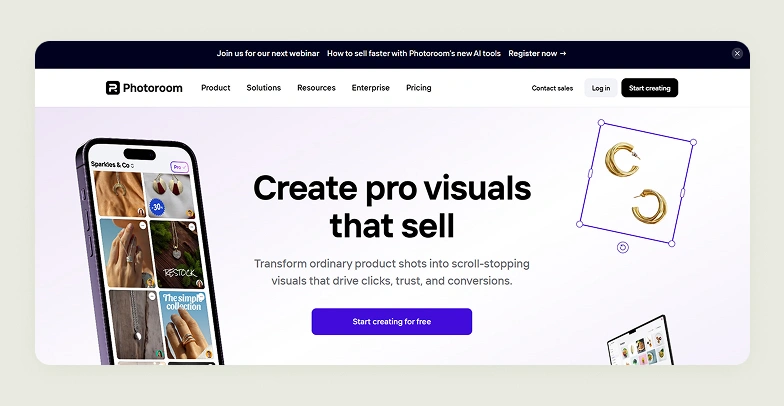
Photoroom is built for teams that want to standardize their product image pipeline through a visual interface. It also stands out for its ability to fit into everyday ecommerce operations. For instance, through its direct Shopify integration, users can import, edit, and update product images directly within their store. It is also well-suited for managing large catalogs. Features like Batch Mode make it easy to apply the same backgrounds, lighting, edits, and framing across hundreds of catalog images at once.
Key Features
Virtual model, background remover, background generator, remove objects, product shadows, and brand kit.
Pricing
Photoroom offers a Pro plan at $12.99/month for 500 batch exports, a Max plan at $34.99/month for 1,500 batch exports with Shopify integration, an Ultra plan at $99/month for 5,000 batch exports and top-tier model access, and an Enterprise plan at custom pricing for high-volume API and automation workflows.
Where Photoroom falls short
- Core strength is background editing, lifestyle scene generation, and contextual environment creation are not where the platform is built to compete.
- Output realism is inconsistent at scale, with batch mode producing variable lighting and shadow quality that requires manual correction across large catalogs.
- Feature depth is concentrated in fashion and jewelry, leaving brands in furniture, home goods, and other categories with a noticeably limited tool set.
How WizStudio is better than Photoroom
Photoroom handles background edits quickly, but stops there. Brands managing diverse product catalogs need more than a clean cutout. WizStudio generates complete lifestyle imagery, silo shots, and variants across any product category, with a review workflow that ensures catalog-ready quality at scale.
4. Pebblely

Pebblely focuses specifically on product photography rather than being a general-purpose design or editing tool like many others available today. Its working model is straightforward. Users need to upload a product image and define a scene or choose from presets. The platform then generates multiple catalog-ready visuals that look professional. With built-in features like bulk image creation and reusable templates, it also helps maintain visual consistency across large product sets while staying aligned with brand guidelines.
Key Features
Background themes, custom prompts, bulk generate, and group shot.
Pricing
Pebbleby offers two pricing tiers: A Basic plan at $19/month for 200 images with 40+ background themes and bulk generation, and a Pro plan at $39/month for 500 images with all Basic features included.
Where Pebblely falls short
- Very limited feature set compared to purpose-built product photography platforms, no variant generation, line drawings, silo shot standardization, or video output.
- Preset-driven workflow offers little flexibility for brands that need custom scenes, brand-specific styling, or complex compositions.
- No expert review, managed services, or quality assurance layer for teams that need production-grade outputs at scale.
How WizStudio is better than Pebblely
Pebblely generates decent product images within a narrow, preset-based framework. WizStudio gives wholesalers and catalog teams the full range: bulk generation, lifestyle scenes, silo shots, variants, and expert review without the ceiling that Pebblely’s limited feature set imposes on growing catalogs.
5. SellerPic
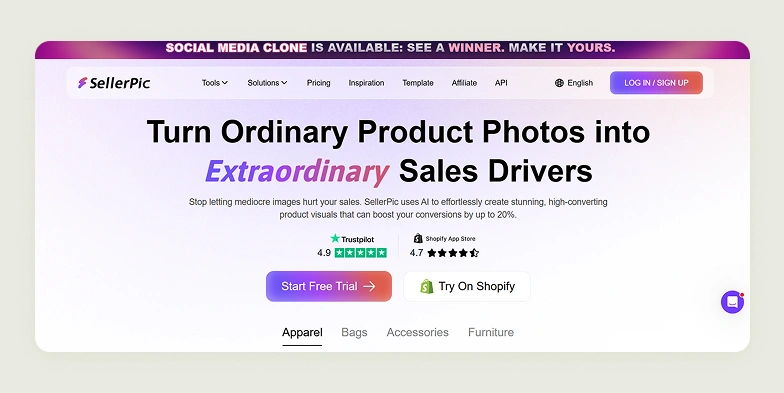
SellerPic is a niche-focused Claid AI alternative designed specifically for ecommerce sellers in fashion and jewelry. The tool leans into many industry-specific use cases with features tailored to how these products are marketed in those sectors. Its tight Shopify integration lets users import product images directly from their store, enhance or transform them using AI, and push updates back into listings with minimal effort.
Key Features
AI image upscaler, background replacer, background remover, image retouch, image extender, image enhancer, color changer, magic eraser, and instruct edit.
Pricing
SellerPic offers 4 pricing tiers: A free plan with 20 credits, a Starter plan at $29/month for 200 credits and up to 3 custom models, a Growth plan at $79/month for 600 credits with video features and up to 5 custom models, and an Advanced plan at $99/month for 3,000 credits with batch processing and unlimited models.
Where SellerPic falls short
- Built almost exclusively for fashion and jewelry brands, furniture, home goods, or general merchandise have minimal relevant features to work with.
- Deep Shopify dependency means the full workflow only functions within that ecosystem, limiting utility for brands on other platforms.
- Output quality varies significantly by input and frequently requires prompt refinement to reach usable results.
How WizStudio is better than SellerPic
SellerPic is purpose-built for Shopify fashion sellers in one narrow category. WizStudio serves wholesalers and manufacturers across furniture, home goods, décor, and general ecommerce with bulk generation, consistent outputs, and catalog-scale workflows that aren’t tied to one platform or one industry vertical.
6. PicCopilot
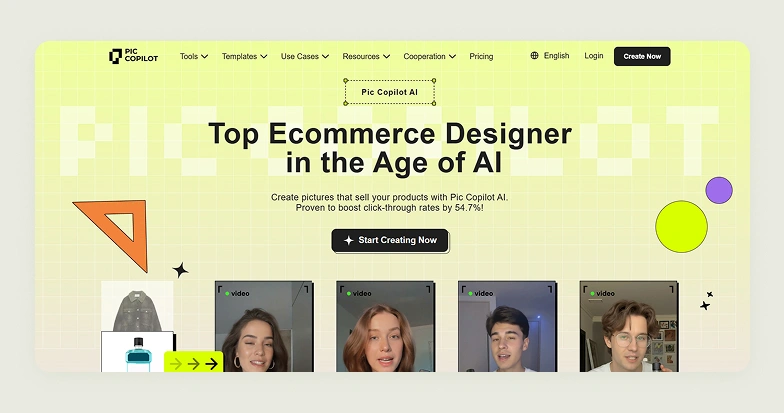
PicCopilot is a browser-based AI image editing and generation platform with a strong focus on ecommerce marketing use cases. It was developed by Alibaba’s international team and smartly leverages large-scale product image data and LLMs to automate high-volume image creation tasks. In essence, it sits between basic visual generation tools and complex DAM systems, offering a balance of ease of use and automation while helping teams produce visuals without heavy design effort.
Key Features
Image tool, AI templates, AI backgrounds, AI shadows, style clone, background remover, image translator, and chat photo editor.
Pricing
PicCopilot offers 3 pricing tiers: A free plan with 25 Pcoins and basic AI tools, a Pro plan at $5.99/month for 300 Pcoins with bulk processing and premium templates, and a Pro+ plan at $8.99/month for 1,000 Pcoins with the lowest generation costs and enhanced assets.
Where PicCopilot falls short
- Template-heavy approach consistently produces generic outputs that fail to capture unique brand elements or product-specific visual identity.
- No structured catalog workflow, no silo shot standardization, variant generation, or line drawings for brands managing large SKU sets.
- Developed primarily for marketing visuals and ad creatives, not for the consistency and accuracy that wholesale and catalog production requires.
How WizStudio is better than PicCopilot
PicCopilot generates template-driven marketing visuals that look similar across every brand using the same library. WizStudio generates product-accurate, brand-specific imagery at catalog scale with lifestyle scenes, silo shots, and expert review built for wholesalers who need visual consistency across thousands of SKUs, not generic ad templates.
7. Omi
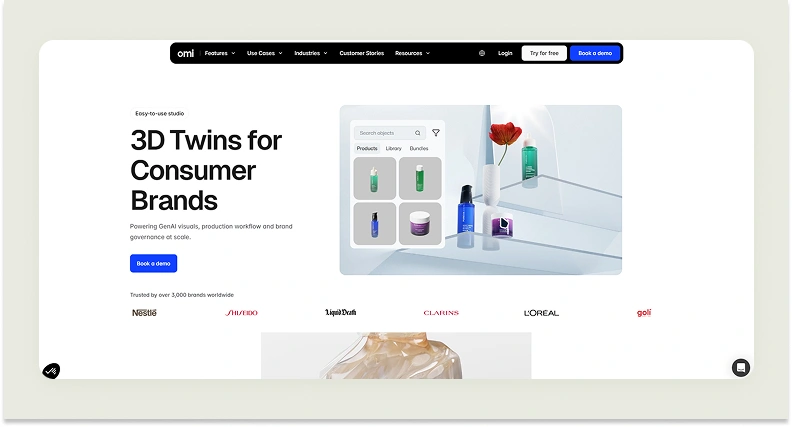
Apart from the fact that Omi is tailor-made for the cosmetics and beauty industries while Claid AI leans more toward the fashion industry, the biggest difference between the two is the way Omi approaches image generation. While the usual AI-based image generation tool is available, the platform also offers a feature called “3D Twins”. As the name suggests, this feature creates 3D replicas of real products. For each SKU, it builds a highly realistic digital version that serves as a reusable base for generating a wide range of visual assets. These digital models can then be placed in a simulated studio, where users can adjust lighting, angles, backgrounds, and props to produce different outputs.
Key Features
Digital twins, studio, productdropAI, and workflow.
Pricing
Omi does not publicly disclose its pricing. A demo booking is required to access plan details and costs.
Where Omi falls short
- Built exclusively for cosmetics and beauty, with no relevant functionality for brands in furniture, home goods, apparel, or general ecommerce.
- Non-transparent pricing requires a demo just to understand costs, creating a barrier for teams doing straightforward tool comparisons.
- 3D twin creation adds production complexity that most catalog teams don’t need and can’t justify operationally.
How WizStudio is better than Omi
Omi’s 3D twin approach serves a specific cosmetics workflow that most ecommerce brands don’t operate in. WizStudio generates catalog-ready product visuals across furniture, home goods, décor, and more, with transparent pricing, a guided workflow that any team member can use, and bulk generation that scales without requiring 3D modeling infrastructure.
8. Picsart
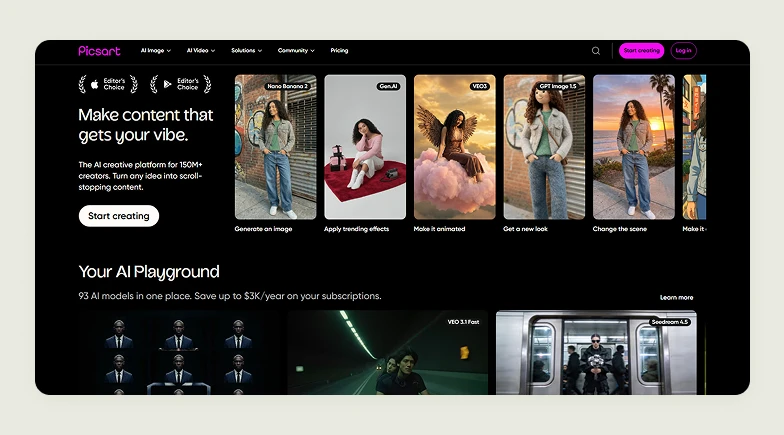
Picsart is one of the Claid AI alternatives that gives equal importance to photo editing and photo generation. For image generation, the platform supports a variety of AI models like Nano Banana 2, Gen.AI, VEO3, etc. It originally gained traction as a mobile-first app, becoming popular for its easy-to-use tools that allowed users to remix images, create stickers, and design meme-style visuals with minimal effort. Over time, Picsart evolved into a community-driven platform centered around creativity and experimentation.
Key Features
AI image generator (text-to-image), AI background generation, AI avatar creation, AI sticker generator, and AI asset maker (brand assets generator).
Pricing
Picsart offers 4 pricing tiers: A free plan with 5 AI credits per week, a Pro plan at $15/month for 500 credits with advanced editing and bulk tools, an Ultra plan at $45/month for 2,500 credits with early AI feature access and multiple brand kits, and an Enterprise plan at custom pricing with SDK access and white-label options.
Where Picsart falls short
- Community-first platform built for social content creation and creative experimentation, not for structured ecommerce product photography workflows.
- No catalog-scale infrastructure, no silo-shot generation, lifestyle scene creation, variant standardization, or SKU-level visual management.
- AI credits run thin quickly for catalog teams; even the Ultra plan’s 2,500 credits per month is a ceiling for brands generating imagery across large product sets.
How WizStudio is better than Picsart
Picsart is a social creative platform where product photography is an afterthought. Brands managing large catalogs need consistent, ecommerce-ready visuals at volume. WizStudio delivers lifestyle images, silo shots, and bulk generation purpose-built for that output, not filtered through a community editing app.
9. Phot.AI

Phot.AI is a general-purpose AI image editing and generation platform that caters to a wide range of industries and use cases, unlike Claid AI, which is more focused on fashion workflows. It offers flexible creative tools that can be used for marketing, social media, design, and content creation, making it popular among small creators, startups, and growing businesses that need quick visuals. The platform also provides two distinct service layers: a Full-Service (Done-for-You Creative) option that delivers ready-made assets and an Enterprise offering with custom integrations and scalability features.
Key Features
Background remover, background replacer, generative fill, AI image extender, image enhancer, image upscaler, AI photo editor, and AI blur background.
Pricing
Phot.AI offers three pricing tiers: A Starter plan at $49/month for 500 credits with basic AI tools and HD exports, a Pro+ plan at $149/month for 1,500 credits with multi-marketplace publishing and bulk editing, and a Growth plan at $249/month for 3,000 credits with team collaboration features.
Where Phot.AI falls short
- Output consistency is unreliable across different styles and content types without expert intervention, making it difficult to maintain visual uniformity across a large catalog.
- Pricing is high relative to output volume; 500 credits at $49/month on the entry plan is a poor ratio for brands needing to generate imagery at a catalog scale.
- General-purpose tool without dedicated catalog workflows; no silo shot standardization, variant generation, or structured bulk output for wholesale use cases.
How WizStudio is better than Phot.AI
Phot.AI relies on human expert support to compensate for inconsistent AI outputs, adding cost and turnaround time. WizStudio combines reliable AI generation with an integrated expert review workflow, giving wholesalers and catalog teams consistent, production-ready visuals at scale without paying premium rates for inconsistency correction.
10. Dresma
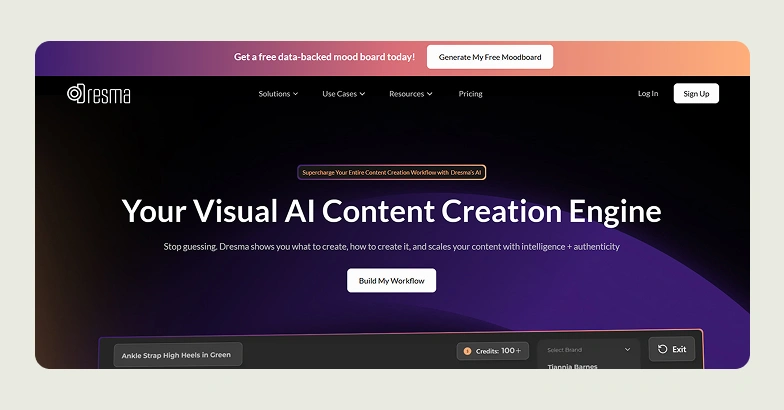
Dresma is the final Claid AI competitor in our list, known for its data-first approach to creative production. Instead of just generating images, it analyzes high-performing visuals across marketplaces and social platforms to guide what brands should create before actually producing them. This workflow combines competitor insights, AI-generated mood boards, and automated content generation. The platform also integrates a human-in-the-loop quality check, ensuring outputs remain authentic and aligned with brand guidelines.
Key Features
AI video generator, moodboard generator, AI backgrounds, AI product photography, free image resizer, batch photo editor, white background, and background remover.
Pricing
Dresma offers three pricing models: A DIY plan from $5 with pay-as-you-go credits and basic AI tools, a Co-Create credit-based plan that combines AI with human creative support and is priced per asset, and a Pro plan at custom pricing for enterprise teams needing dedicated support, bulk workflows, and API integrations.
Where Dresma falls short
- Credit-based pricing across multiple tiers becomes expensive quickly for brands managing large product catalogs with ongoing visual production needs.
- The Co-Create model introduces turnaround delays that make it impractical for teams that need to produce and update catalog imagery at speed.
- Competitive analysis and moodboard generation add process layers that most wholesale and catalog teams don’t need before producing straightforward product visuals.
How WizStudio is better than Dresma
Dresma’s data-first workflow adds discovery and analysis steps before image production even begins useful for campaign planning, not for catalog teams that need to generate product visuals fast and at volume. WizStudio goes directly from product shot to catalog-ready output, with predictable pricing and bulk generation built for wholesalers who can’t afford creative production delays.
Alt text: Use WizStudio for generating product photography effortlessly
Key factors to consider while evaluating a Claid AI alternative
When you are picking a Claid AI alternative, it is important to go beyond simple comparison. You need to evaluate how well the platform fits your workflow and scale requirements. Here are some key factors to consider before making a decision:
- Ease of use and workflow simplicity: A good tool should have an intuitive interface. It should allow you to generate and edit images quickly without a steep learning curve. Look for platforms that offer guided workflows or one-click actions to reduce manual effort.
- Advanced AI photo generation capabilities: Not all AI tools are equal. Some focus on basic edits, while others offer advanced features like lifestyle image generation, scene creation, virtual try-ons, and prompt-based editing. Choose a platform that aligns with the type of visuals you need.
- Export quality and resolution: High-quality outputs are critical, especially for ecommerce and ads. Ensure the tool supports HD or 4K exports, maintains sharpness after upscaling, and delivers consistent results across multiple images.
- Pricing and scalability: Evaluate whether the pricing model fits your usage. Also, make sure the tool scales affordably as your catalog grows.
- Industry and ecommerce specialization: Some tools are generic, while others are built specifically for ecommerce. If you manage product catalogs, look for ecommerce-specific features.
- Consistency and quality of outputs: Generating one great image is easy. Maintaining consistency across hundreds or thousands is not. Look for tools that support repeatable workflows to ensure uniformity.
- Done-for-you services: If you lack in-house design resources, consider platforms that offer managed or done-for-you services. These can include creative direction, asset production, and performance optimization.
- Bulk editing and automation: For large catalogs, bulk processing is essential. Features like batch editing, multi-image generation, and automation workflows can save significant time and effort.
Create professional product photos easily with WizStudio
Creating high-quality product images should not feel like a technical project. That is exactly where WizStudio stands out. Unlike API-heavy tools like Claid AI, WizStudio is built for simplicity from the ground up. It allows anyone to generate studio-quality product photos and campaign-ready visuals in just a few clicks.
It is easy to get consistent and polished results without complex setups when you are working with WizStudio. You can customize backgrounds, adjust styles, and fine-tune outputs visually, giving you full creative control without needing developer support. So, if you are looking for a faster and more flexible way than using Claid AI to create product visuals, WizStudio is worth exploring. Sign up for a free trial now.
Frequently Asked Questions
Are bulk AI editing tools secure and private?
Most modern AI image editing platforms follow standard security practices like data encryption and controlled access. However, the level of security varies by provider. Enterprise-focused tools often offer better compliance and data handling policies.
Is there a better AI product photo tool than Claid AI?
Yes, especially for teams that prefer ease of use over API-heavy workflows. While Claid AI is powerful, tools like WizStudio offer a more intuitive and guided experience without compromising on output quality or brand control. This makes them more accessible for marketing and ecommerce teams that want results without relying on developers.
Which Claid AI competitor is best for scaling ecommerce?
The best tool for scaling depends on how efficiently it handles bulk operations and consistency. WizStudio stands out here with features like bulk generation, variant creation, and done-for-you services, making it ideal for brands managing large and growing product catalogs.
What are the disadvantages of Claid AI?
Claid AI’s biggest limitation is its API-first approach, which often requires technical expertise to fully utilize. It is also heavily optimized for fashion use cases, making it less effective for other ecommerce categories like furniture or electronics. These factors can slow down teams looking for faster and more flexible solutions.
Which Claid AI competitor offers faster bulk processing?
Several tools support bulk processing, but ease and speed vary. WizStudio simplifies bulk creation through guided workflows, allowing you to generate hundreds of consistent visuals quickly without complex setup. This makes it especially efficient compared to tools that require manual configuration or prompt tuning.
Can I switch from Claid AI to another tool easily?
Yes, most alternatives are designed to be more user-friendly and require minimal setup. Since many tools operate via simple upload-and-generate workflows, transitioning is typically smooth. Platforms like WizStudio further reduce friction by offering intuitive interfaces that your teams can adopt quickly.
How much does Claid AI cost compared to competitors?
Claid AI follows a credit-based pricing model, which can become expensive depending on usage. In contrast, many alternatives like WizStudio provide clearly defined tiers that scale with your needs, making it easier to manage budgets as your catalog grows.