Skip to content




Book a studio. Coordinate shoots. Burn through budgets. Sounds familiar? A few years ago, this was the only way to create high-quality product visuals. Today, you can generate an entire catalog from your laptop in hours. This is largely due to the emergence of AI-powered image generators and editors like Flair AI. This platform, in particular, has completely reset expectations around speed, cost, quality, and creative control through its AI-powered feature set.
But here is the catch. As the AI product photography space booms, Flair AI ends up camouflaging into a crowded landscape of “good enough” solutions. Once you start scaling, the cracks show. Inconsistent results surface. You end up with limited control over brand identity. And that is exactly why many brands start exploring alternatives to Flair AI
This blog is designed to help you discover the best Flair AI alternatives in the market that are built for where the product photography market is headed, not where it started.
What is Flair AI?
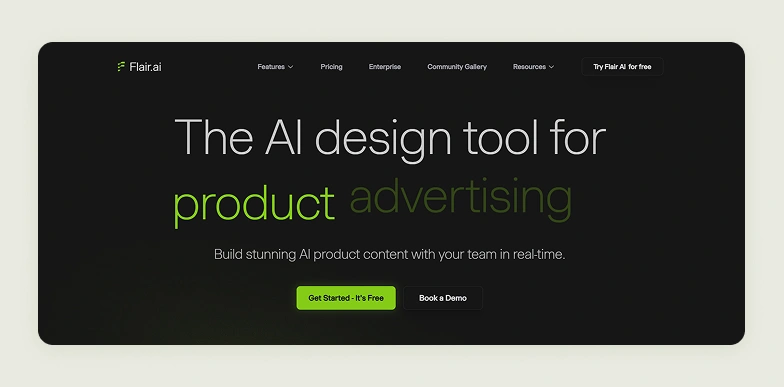
Flair AI is a full-service product photo design and editing studio that is powered by artificial intelligence and accessible through your browser. Instead of tweaking photos one by one, you can design an entire scene for your product from scratch. You can also easily arrange elements, control lighting, and shape the composition, all within an interactive workspace.
Flair AI has dedicated features for fashion use cases. For instance, you can showcase apparel on AI-generated models. The platform is particularly capable of retaining fabric details and textures. On top of all these, Flair AI lets you train custom AI models tailored to your products. This makes it easier to maintain a consistent visual style across campaigns and catalogs. It is used mostly by brands operating in industries like fashion, food, jewelry, beauty, home decor, and furniture.
Why do users look for Flair AI alternatives?
While Flair AI might seem to work initially, the real issues come up when you scale your image workflows. Flair AI was never designed for consistency and high-volume production, even though it has a bulk generation feature. Creating a few good images is easy, but generating hundreds or even thousands of consistent visuals that meet your brand guidelines and output requirements becomes tedious and requires manual intervention. This is especially cumbersome for wholesalers managing large inventories across multiple SKUs, for whom speed and uniformity are non-negotiable.
Another common concern is the level of control over product accuracy. While outputs may look visually appealing, subtle inconsistencies in textures and colors are not uncommon in Flair AI. This can impact how trustworthy your product appears to retail buyers and bulk purchasers. For businesses and wholesalers that rely on precision at scale, these gaps often push them to explore more reliable alternatives.

10 best Flair AI alternatives to try in 2026
If you have spent some time with Flair AI, you’ve probably realized that it works well for certain use cases only. but may not fully support everything as your needs grow. That is where exploring alternatives starts to make sense. Today, there are plenty of tools that are not only better than Flair AI but take very different approaches, whether it is scaling catalog production or fitting better into ecommerce workflows.
To make your decision-making easier, we’ve put together a list of the 10 best Flair AI competitors to try in 2026. Below, you’ll also find a quick snapshot of 7 standout tools from the list, so you can quickly compare what each one brings to the table before diving deeper.
| Flair AI alternative | Differentiating factor | Free trial available | G2 Rating |
| WizStudio | Generation of hyper-realistic lifestyle images for ecommerce products. | Yes, with unrestricted access to all features | 4.8 |
| LightX | Strong community support | A free plan with access to basic tools is available | 4.0 |
| AdCreative | Helps in generating high-performing ad creatives using product photography | Yes, a 7-day free trial is available | 4.3 |
| Claid AI | Many powerful capabilities for fashion brands | Yes, 50 free credits are available for usage | 4.5 |
| Kive | Built in collaboration tools to organize inspirations | There is a free plan with limited generations | 4.3 |
| SellerPic | Shopify integration that allows embedding of visual content creation directly into existing ecommerce workflows. | Yes, a free plan with 20 credits is available | 4.7 |
| Photoroom | Strong batch processing features. | Yes, a free plan with access to the basic feature set | 4.3 |
1. WizStudio
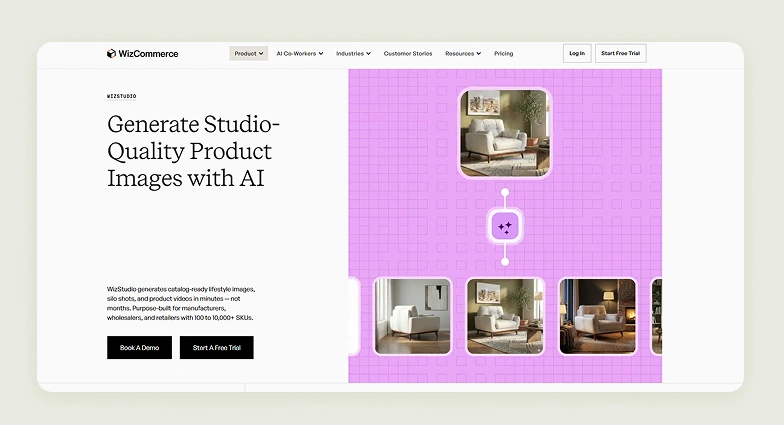
WizStudio is a strong alternative to Flair AI, designed specifically for wholesalers and manufacturers who need to produce large volumes of product visuals quickly, without compromising on output quality and consistency. In WizStudio, even basic product photos can be transformed into studio-quality lifestyle images, silo shots, and short videos in minutes.
What sets WizStudio apart from Flair AI is its emphasis on accuracy and scale, combined with a simplified workflow. Users can upload raw product images, and the platform automatically cleans them up by removing backgrounds, adjusting angles, and enhancing colors before generating polished outputs. This is powered by advanced AI models that understand lighting, angles, and textures, resulting in more lifelike product visuals. From there, built-in editing tools allow for quick refinements like adding shadows, improving lighting, or correcting tones. For teams that opt for it, every generated image can also go through a human review process, adding an extra layer of quality control.
Key features
- Multi-product staging: Effortlessly create scenes that feature multiple products together, making it easier to present a collection of products instead of individual items.
- Bulk generation: Generate large batches of product visuals at once, ideal for catalog updates and seasonal rollouts.
- Line drawings: Convert product images into clean, technical-style visuals that help explain specifications in catalogs or manuals.
- Variant generation: Create multiple product variations from a single image without needing separate photoshoots.
- Silo shot generation: Produce clean and catalog-ready product images with consistent backgrounds and balanced lighting.
- Image-to-video: Turn static product images into short and engaging video clips for richer and more dynamic content.
Pricing
WizStudio offers a tiered pricing structure designed to support businesses as their product visual needs grow:
- Free Trial: Includes 5 credits with access to core tools like background removal, AI shadows, dimension lines, and magic eraser
- Starter ($250 for 2 months): Includes 16 credits with essential features such as lifestyle image generation, AI editor, image expansion, relighting, upscaling, and product swapping
- Pro ($500 for 4 months): Includes 40 credits, everything in Starter, plus advanced capabilities like multi-product staging
- Studio ($1,125 for 6 months): Includes 120 credits, access to Pro features, along with lifestyle videos, close-up videos, and 360-degree product visuals
- Enterprise (Custom): Built for high-volume teams, offering all features plus bulk generation, variant creation, dimensional drawings, and managed services.
Check out the complete pricing details of WizStudio.
2. LightX
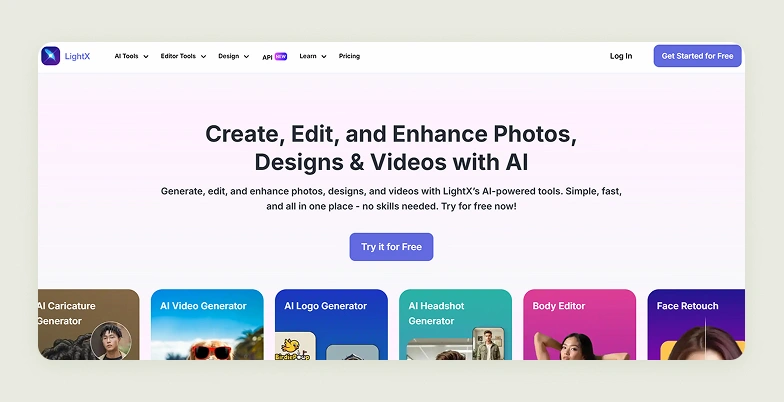
LightX is an all-in-one creative platform that handles photo editing, design, and video creation using AI. From basic adjustments like cropping and retouching to more advanced features such as avatar generation and image-to-video transformations, the platform offers all and is built to serve a broad spectrum of creative use cases. While LightX does offer tools like AI product photoshoots and background generation for showcasing products, these sit alongside dozens of other tools. This makes it a flexible option for general content creation, but for users looking for more specialized product photography workflows, it might feel a little under-equipped.
Key features for product photography
Basic editing, remove background, PNG high-resolution export, AI clean up, remove text, AI image generator, AI upscale, AI expand, and AI replace.
Pricing
LightX offers a free Starter plan with 5 daily AI credits and basic tools, a Pro plan at $6.99/month with 1,000 monthly credits and full feature access, and a one-time AI Credits Pack at $4.99 for 500 credits.
Where LightX falls short
- Product photography tools are buried inside a general creative app with no dedicated catalog workflow.
- No bulk generation, images are processed one at a time, which doesn’t scale for large SKU sets.
- No silo shots, variant creation, line drawings, or any ecommerce-specific output structure.
How is WizStudio better than LightX?
LightX is a general creative app that happens to include product photography tools. WizStudio is built exclusively for product photography at catalog scale, with bulk generation, consistent lighting across SKUs, expert review, and outputs that are ecommerce-ready without manual cleanup. More user-friendly interface and better community support.
3. AdCreative
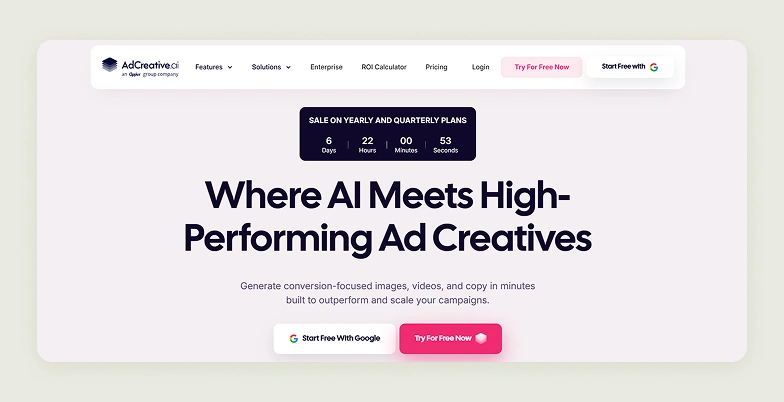
AdCreative.ai is an AI-powered advertising platform built to generate ad creatives. It combines multiple layers of the ad creation process, including banners, videos, ad copy, and even product photoshoots, into a single system designed for marketing teams. Its proprietary models are trained on real ad data to generate conversion-focused creatives. The platform does include an AI product photoshoots module, allowing users to transform product images into ecommerce-ready visuals. However, like in LightX, this capability sits within a much broader ecosystem that is clearly optimized for ad performance rather than detailed product accuracy.
Key features for product photography
Product photoshoots, fashion photoshoots, and AI image generation.
Pricing
AdCreative offers a Starter plan at $39/month for 10 credits, a Professional plan at $249/month for 50 credits with video and insights tools, and an Ultimate plan at $999/month for 100 credits with full access and team collaboration. All plans are billed monthly.
Where AdCreative falls short
- Product photoshoots are a secondary module inside an ad creation platform, not the core focus.
- Credit limits are low for the price; 100 credits/month on the top plan is a hard ceiling for catalog-scale needs.
- Outputs are optimized for ad engagement, not product accuracy, a problem when color, texture, and proportion matter.
How WizStudio is better than AdCreative
AdCreative is optimized for ad performance, not product accuracy. WizStudio generates hyper-realistic product visuals built for catalog use where textures, proportions, and brand consistency across thousands of SKUs matter more than click-through rates.
4. Claid AI
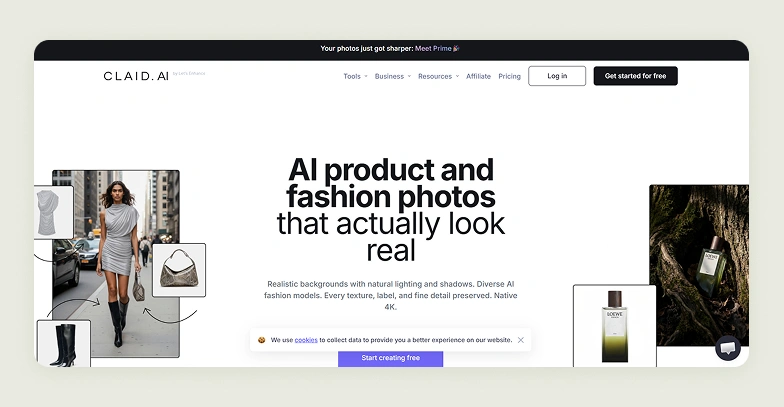
Claid AI is a full-stack AI product photography suite built specifically for ecommerce product photography use cases. The platform supports a wide range of outputs, right from catalog shots to lifestyle visuals and campaign-ready creatives. The platform is a lot like Flair AI, owing to its strong focus on generating and refining product visuals in large numbers. Where Claid starts to stand apart, however, is its noticeably deeper investment in fashion photography. The platform goes beyond basic product staging with much more advanced capabilities like AI Fashion Models, which can transform flat-lay or mannequin images into realistic on-model photos using a library of diverse models.
Key features for product photography
AI backgrounds, image enhancer and upscaler, image expander, AI fashion models, AI fashion studio, flatlay to model, model backgrounds, and image color changer.
Pricing
Claid AI offers a free trial with 50 credits, an Essentials plan at $15/month for 500 credits with core tools up to 2K resolution, a Pro plan at $49/month for 2,000+ credits with 4K generation, and a Business plan at custom pricing with advanced API workflows and dedicated support.
Where Claid AI falls short
- Advanced features require developer setup, not accessible for non-technical catalog teams.
- Feature depth is concentrated in fashion; brands in furniture, home goods, or CPG get a noticeably thinner tool set.
- Maintaining consistency across large batches still requires significant manual review, per user reports.
How WizStudio is better than Claid AI
Claid AI goes deep on fashion but narrows quickly outside it. WizStudio serves a broader set of product categories; furniture, home goods, décor, and general ecommerce with the same depth of bulk generation, expert review, and consistent output quality, without requiring technical configuration to get there.
5. Kive AI
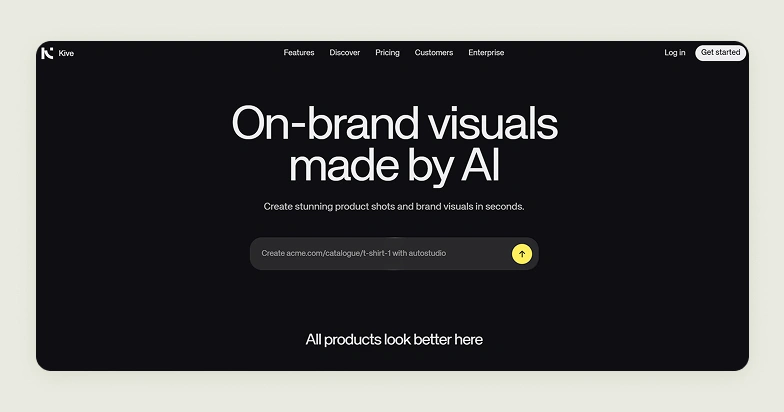
Kive AI is a creative workspace that goes beyond simple image generation to cover the entire lifecycle of visual content. Instead of acting as just a product photography tool, it brings together image and video generation, asset management, moodboarding, and collaboration into a single platform. The idea is to help teams move from ideation to final asset creation without switching tools. For ecommerce photography specifically, Kive offers features like Product Shots, which allow users to train AI on their own products and generate new lifestyle-style visuals in different environments.
Key features for product photography
Product accuracy, curated presets, multi-product scenes, brand consistency, custom presets, batch creation, and AI editing.
Pricing
Kive offers a free plan with limited generations and up to 5 boards, a Basic plan at $20/month for AI generation tools and up to 3 users, a Pro plan at $100/month for brand style training and up to 10 users, and an Enterprise plan at custom pricing with advanced security and dedicated support.
Where Kive AI falls short
- Product shots are one feature inside a broader ideation and moodboarding platform not a dedicated catalog tool.
- Brand style training and meaningful usage limits are locked behind the $100/month Pro tier.
- Collaboration-first design adds steps to workflows that should move from upload to output quickly.
How WizStudio is better than Kive AI
Kive is built for creative teams working through ideas. WizStudio is built for catalog teams delivering outputs. If your goal is generating hundreds of consistent, ecommerce-ready product visuals not organizing mood boards, then WizStudio is the right tool to use.
6. SellerPic
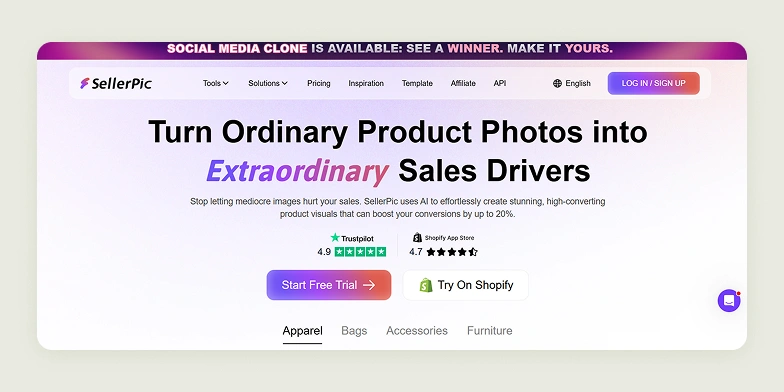
SellerPic is an AI product photo generator built specifically for ecommerce sellers dealing with fashion and jewelry products. One of its standout aspects is its deep Shopify integration, which allows users to import product images directly from their store, edit visuals using AI, and then export them back into product listings in just a few clicks. Capabilities like AI fashion models allow brands to showcase apparel or jewelry on realistic models without traditional photoshoots. The virtual try-on experience goes a step further by letting customers see products on themselves or on different model types.
Key features for product photography
Product spotlight, lifestyle scene, product in hand, AI image upscaler, background replacer, background remover, image retouch, image extender, and image enhancer.
Pricing
SellerPic offers a free plan with 20 credits, a Starter plan at $29/month for 200 credits and up to 3 custom models, a Growth plan at $79/month for 600 credits with added video features, and an Advanced plan at $99/month for 3,000 credits with batch processing and unlimited models.
Where SellerPic falls short
- Built almost entirely for fashion and jewelry, brands in any other category get a shallow feature set.
- Deep Shopify dependency means the full experience only works within that ecosystem.
- Output quality drops noticeably on non-apparel product types, with proportion and background inconsistencies reported by users.
How WizStudio is better than SellerPic
SellerPic solves a narrow problem for Shopify fashion sellers. WizStudio serves a wider range of product categories and catalog sizes without platform dependency, without category limitations, and with a structured bulk generation workflow that scales well beyond what SellerPic is designed for.
7. Photoroom
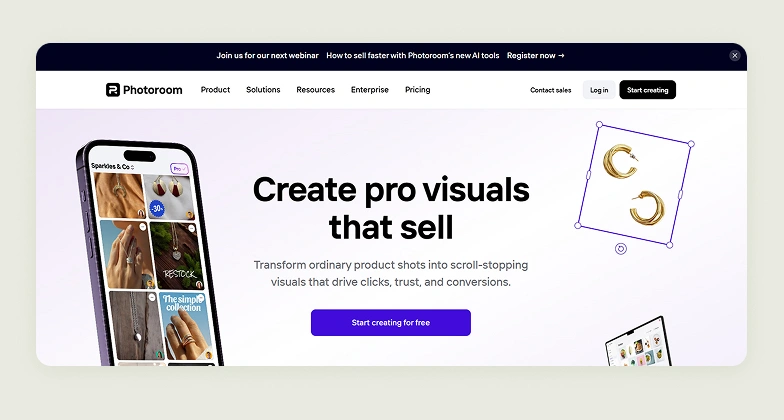
Photoroom is another production-focused Flair AI alternative built for ecommerce teams who want to standardize and streamline the entire product image workflow. Features like Batch Mode allow teams to apply the same edits, backgrounds, photography lighting, and framing across hundreds of images at once. Compared to Flair AI, Photoroom also stands out for its tight integration into ecommerce workflows, especially through its direct Shopify connection. This allows users to sync, edit, and update product images directly within their store.
Key features for product photography
Background removal, retouch, static templates, white background, AI backgrounds, and AI shadows.
Pricing
Photoroom offers a Pro plan at $12.99/month for 500 batch exports, a Max plan at $34.99/month for 1,500 batch exports with Shopify integration, an Ultra plan at $99/month for 5,000 batch exports and top-tier model access, and an Enterprise plan at custom pricing for high-volume API and automation use cases.
Where Photoroom falls short
- Batch mode produces inconsistent lighting and shadow quality at scale, requiring manual correction that offsets the speed benefit.
- Lifestyle scene generation is limited. Photoroom’s strength is background replacement, not contextual environment creation.
- No catalog structure for variant generation, silo standardization, line drawings, or expert review.
How WizStudio is better than Photoroom
Photoroom is fast for background edits. WizStudio goes further generating complete lifestyle imagery, silo shots, variants, and videos, all at catalog scale and with a review layer that ensures output quality before anything reaches a listing.
8. Fotor
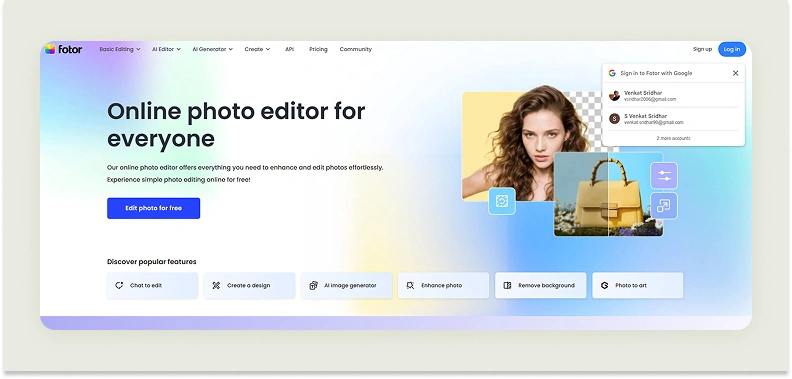
Fotor is a photo editing platform available across web, desktop, and mobile interfaces. This flexibility supports both quick edits on the go and more structured editing on larger screens. Beyond basic editing, Fotor is structured around three core functions: edit, collage, and design. Users can enhance individual images and create multi-image collages in various styles. They can also work on broader graphic design projects like product photography, within the same environment. This all-in-one approach makes it a general-purpose creative tool rather than a specialized solution.
Key features for product photography
AI photo editor, AI image extender, background remover, change background, remove object, and AI image generator.
Pricing
Fotor has a free Basic plan with limited credits and watermarked exports, a Pro plan at $10.99/month for 100 AI credits, a Pro+ plan at $23.99/month for 300 credits with batch editing and brand kits, and a Max plan at $49.99/month for 1,000 credits with higher limits and advanced tools.
Where Fotor falls short
- No dedicated product photography workflow, it is a graphic design and collage tool first.
- Fragmented interface between its edit, collage, and design modules slows down catalog production.
- AI outputs lack the texture accuracy and lighting realism needed for professional product imagery.
How WizStudio is better than Fotor
Fotor is a marketing graphic tool that covers a wide range of general editing needs. WizStudio is purpose-built for one thing: producing catalog-ready product visuals at scale. Every feature in WizStudio, from bulk generation to scene relighting to expert review — exists specifically to serve that output.
9. WeShop AI
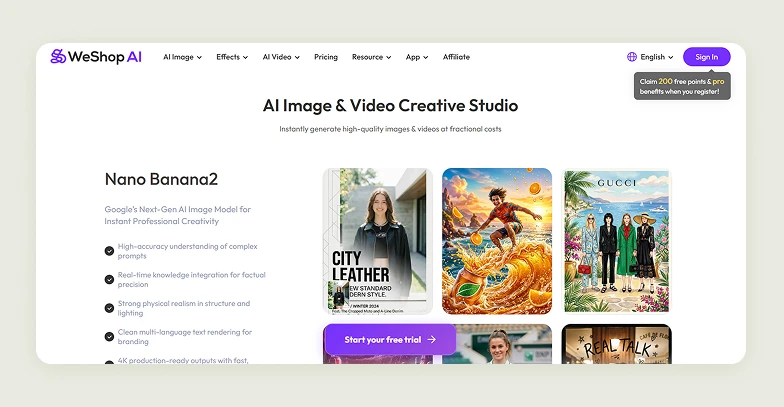
WeShop is a creative studio that places equal emphasis on both image and video generation, rather than treating video as an add-on. It brings together multiple AI models within a single interface, allowing users to generate, edit, and experiment with visuals in any model of their choice. The platform shows a clear focus on fashion product photography. Features like outfit generation, pose changes, and transforming products onto mannequins or models highlight its strength in apparel workflows. These capabilities allow brands to quickly create varied, on-model visuals without traditional photoshoots.
Key features for product photography
Virtual try-on, AI model, AI product image generation, to mannequin, change pose, remove background, and expand image.
Pricing
WeShop AI uses a points-based model. Plans range from a weekly entry plan at $2.99 for 600 points, to a $12.99/month plan for 3,000 points, up to higher-tier plans at $58, $118, and $488 per month offering 15,000, 36,000, and 160,000 points respectively, with better cost-per-point ratios and priority access at the top end.
Where WeShop AI falls short
- Points-based pricing is difficult to forecast. Costs escalate quickly at catalog-scale volumes.
- Core capabilities are fashion-specific; furniture, home goods, and other categories have minimal relevant features.
- No bulk generation queue, variant standardization, or expert review for large SKU sets.
How WizStudio is better than WeShop AI
WeShop AI is a strong tool for fashion brands that need realistic AI models. WizStudio is built for brands that need to scale an entire product catalog across multiple categories, at high volume, with consistent output quality in a workflow that does not require manual point budgeting or category-specific workarounds.
10. CreatorKit

CreatorKit is a performance-focused visual content engine designed for ecommerce and ads. In it, you can turn simple inputs like a product image, URL, or even a blog link into ready-to-publish visuals or videos within minutes. Its AI agent can generate images and videos directly from written content and refine them through feedback loops, reducing the need for manual iteration. Additionally, the platform focuses on creating visuals for ads, allowing users to remix the same footage into multiple ad variations and generate UGC-style content. This makes it particularly useful for performance marketers who need to quickly experiment with creatives across campaigns.
Key features for product photography
Automated image creation, customizable templates, brand kit integration, background removal, and multi-platform optimization.
Pricing
CreatorKit offers a free plan with heavily limited downloads across features, a Pro plan at $39/month with unlimited generations and one custom AI actor, a Business plan at $99/month with higher download limits and up to 10 AI actors, a Business Plus plan at $134/month for higher limits and real-time support, and a custom Enterprise plan for large-scale needs. Here are the different plans offered by CreatorKit. Across all plans, you get access to AI ads, AI actors, AI clones (beta), AI product images, script generation, watermark removal, and chat support:
Where CreatorKit falls short
- Outputs are optimized for ad engagement, not catalog accuracy, color fidelity and texture precision take a back seat.
- Per-feature download caps create unexpected bottlenecks when generating across multiple output types.
- Limited brand control. Template customization does not substitute for proper style consistency across SKUs.
How WizStudio is better than CreatorKit
CreatorKit is a performance marketing tool that can produce product visuals as part of its ad creation workflow. WizStudio is a product photography platform where catalog accuracy, visual consistency, and bulk generation are the core purpose not a byproduct of an ad engine.
How to choose the right Flair AI competitors and alternatives?
Most tools will tell you they can generate “studio-quality images in seconds.” And technically, they are not wrong. The real difference shows up only after you start using them, when you need consistency across hundreds of SKUs, and visuals that actually work in a live ecommerce environment. That is why choosing the right Flair AI alternative is less about features on paper and more about how the tool performs in real workflows.
Here is a practical checklist to help you evaluate what actually matters:
- Does the platform require prompt engineering, or is it guided and intuitive?
- Does it generate realistic and high-quality product visuals consistently?
- Can it handle different use cases like lifestyle shots and white background images?
- Are colors, textures, angles, and proportions preserved across outputs?
- Are the outputs high-resolution and upload-ready?
- Does it support formats and standards required by ecommerce platforms?
- Does it support batch workflows for scaling catalogs?
- Does it support features like white backgrounds, variants, and listing-ready formats?
- Does the tool cater to your category, such as fashion, furniture, or CPG?
- Is pricing based on credits, subscriptions, or usage?
- Do the images look realistic or overly AI-generated?
- Does the platform offer expert reviews or managed services?
- Can it fit seamlessly into your current content pipeline?
This checklist helps you move beyond surface-level claims and focus on what actually impacts your output at scale.
Create professional product photos easily with WizStudio
When compared to Flair AI, WizStudio makes it significantly easier to generate and edit product visuals, thanks to its simple and guided workflow. You can upload a basic product image and quickly transform it into polished and ready-to-use creatives without getting stuck in complex controls or steep learning curves. It also ticks all the essential boxes, from consistency and speed to quality output.
But the real reason to make the switch is the level of control it offers. Whether you’re creating a handful of catalog visuals or generating hundreds of variant images, WizStudio helps you do it faster without compromising on quality. The outputs feel production-ready and not experimental.
So, if you’re looking for a tool that balances ease of use with professional-grade results, WizStudio is a clear step ahead. Sign up for a free trial now.
Frequently Asked Questions
Is Flair AI worth it?
Whether Flair AI is worth it depends on your scale and workflow needs. It can be useful for generating and editing creative product visuals quickly, particularly for small-scale business needs. However, as your requirements grow, you might face limitations in consistency and accuracy. For businesses handling large catalogs, tools like WizStudio tend to offer more reliable and production-focused outputs.
What is the best alternative to Flair AI?
The best alternative to Flair AI depends on your specific use case and production goals. For ecommerce-focused product photography, WizStudio stands out as a strong option, built for high-volume catalog generation and ensuring consistent, accurate visuals across SKUs. Unlike general tools, it focuses on scalability, making it ideal for B2B brands, manufacturers, wholesalers, and even retailers.
Which editing tools are similar to Flair AI?
Several editing tools offer similar capabilities to Flair AI, including Photoroom, Fotor, and LightX. These platforms provide basic features like AI-based editing, background removal, and image enhancements. However, many of them are general-purpose editors. If you need more structured product photography workflows, WizStudio offers a more specialized approach.
What apps can replace Flair AI for photo editing?
Apps that can replace Flair AI for photo editing include Fotor, Photoroom, and LightX, which are suitable for simple tasks like background edits and enhancements. For more advanced needs like catalog production and bulk generation, platforms like WizStudio provide a more scalable solution.
Why look for a Flair AI alternative?
Users often look for a Flair AI alternative when they need better consistency and higher product accuracy, especially during large-scale image generation. Flair AI works well for smaller tasks, but scaling can be challenging. This is where tools like WizStudio come in, offering more control and efficiency for large product catalogs.
Which platform supports bulk AI photo editing?
Platforms that support bulk AI photo editing include Photoroom and Fotor, though they are often limited in scope. WizStudio is built specifically for bulk product photography workflows, allowing you to generate hundreds of product images at once while maintaining consistency across the entire catalog.
What other AI tools can generate professional product photos?
Several AI tools can generate professional product photos, including Claid AI, SellerPic, and WeShop AI, each with varying strengths. However, for businesses focused on ecommerce and large-scale production, WizStudio is often preferred due to its ability to deliver consistent, catalog-ready images efficiently.