Skip to content



QuickBooks remains a widely adopted accounting platform for small and mid-sized businesses. Its familiarity and strong adoption among accountants make it a common choice for managing finances and compliance across industries.
As businesses scale, many encounter significant limitations within QuickBooks. Challenges related to usability, manual processes, limited customization, and weak support for key B2B ecommerce strategies prompt teams to explore flexible QuickBooks alternatives.
This guide explores the top QuickBooks alternatives for businesses in 2026. We will compare leading accounting platforms to highlight their unique strengths. You will learn how WizCommerce strengthens accounting systems by connecting sales workflows to financial operations seamlessly.
TL;DR:
- Xero: Best for cloud-based simplicity and clean financial tracking features.
- Zoho Books: Perfect for automated workflows and cost-effective daily financial management.
- FreshBooks: Excellent for intuitive invoicing and hassle-free basic bookkeeping tasks.
- Sage Accounting: Ideal for robust compliance tools and deep financial reports.
- Wave Accounting: Best free accounting software for micro-businesses seeking essential bookkeeping features.
- NetSuite ERP: Best scalable ERP for large-scale global wholesale operations
- Odoo Accounting: Great modular open-source accounting solution for tech-savvy business owners.
- Accounting Seed: Best native Salesforce integration for unified CRM and finance.
- Kashoo: Ideal for straightforward income and expense management without clutter.
- Patriot Accounting: Ideal for simple payroll integration and easy bank reconciliation.
- Microsoft Dynamics 365 Business Central: Best for organizations needing deep Microsoft ecosystem integration tools.
- SAP Business One: Top choice for mid-market international distributors requiring global compliance.
Methodology: How we evaluated QuickBooks alternatives
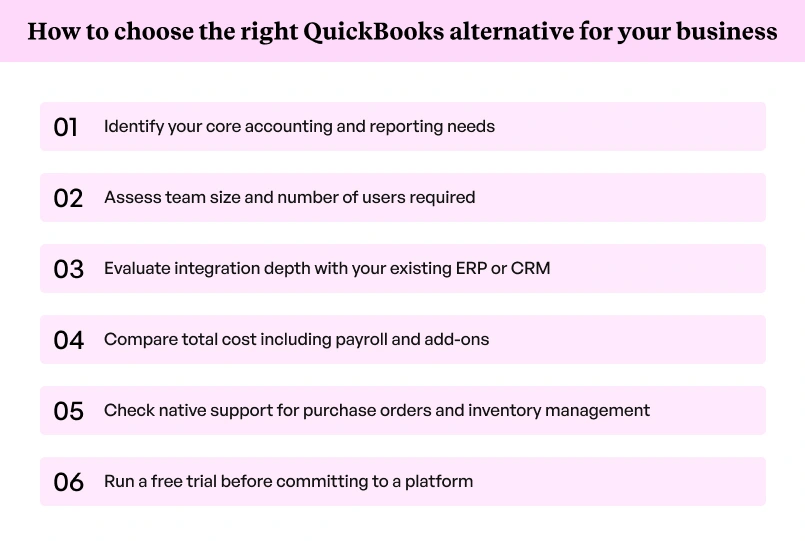
We assessed each platform across six criteria to find the best QuickBooks alternatives for businesses at different growth stages.
- Core accounting depth: Coverage of general ledger, bank reconciliation, financial reports, and balance sheet management
- Ease of use: Learning curve for non-accounting users and quality of user interface
- Pricing transparency: Clarity and fairness of pricing plans, including hidden costs
- Integration capability: Depth of connection with ERPs, payment processors, and business apps
- Scalability: Ability to support growth from small business to mid-market operations
- B2B and wholesale fit: Native or integration-based support for purchase orders and bulk order management
We assigned higher weight to integration and scalability, the two areas where wholesale businesses most often feel the pressure of an accounting system that cannot keep pace with order volume.
Top 12 QuickBooks alternatives for businesses in 2026
Each of the QuickBooks alternatives below is assessed on the criteria above, with current pricing and a clear verdict on which business type it serves.
Xero
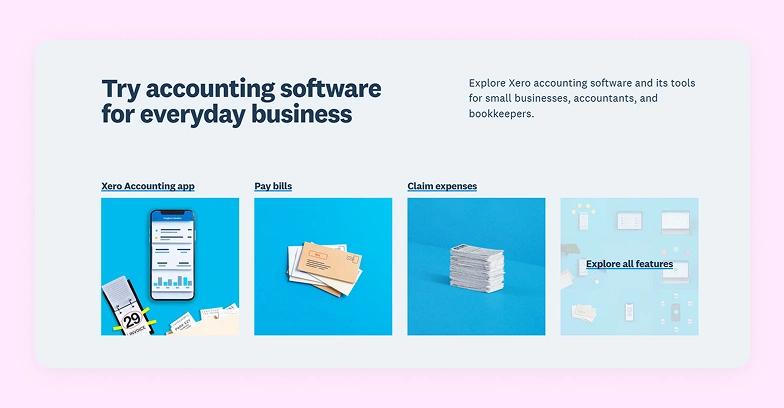
Xero is a cloud-based accounting platform with unlimited users on every plan, making it one of the best QuickBooks alternatives for growing businesses. Its automated bank reconciliation, deep integration ecosystem, and multi-currency support give finance teams real-time visibility without per-user cost penalties.
Pro tip: WizCommerce integrates with Xero to sync structured B2B order data, removing manual reconciliation between sales and finance.
Key features:
- Automated bank reconciliation with smart matching
- Multi-currency invoicing across 160+ currencies
- Real-time bank account feeds with automatic categorization
- 1,000+ third-party app integrations
- Built-in expense tracking on higher plans
Pros and cons:
| Pros | Cons |
| Unlimited users on all plans | Project tracking on highest plan only |
| Strong bank feed automation | No phone support available |
| Deep integration ecosystem | Reporting customization is limited |
Pricing: Xero subscription starts from $29 per month for the starter plan and goes up to $75 per month for the Premium plan.
Best for: Small and mid-sized businesses needing unlimited user access and strong global integrations.
Zoho Books
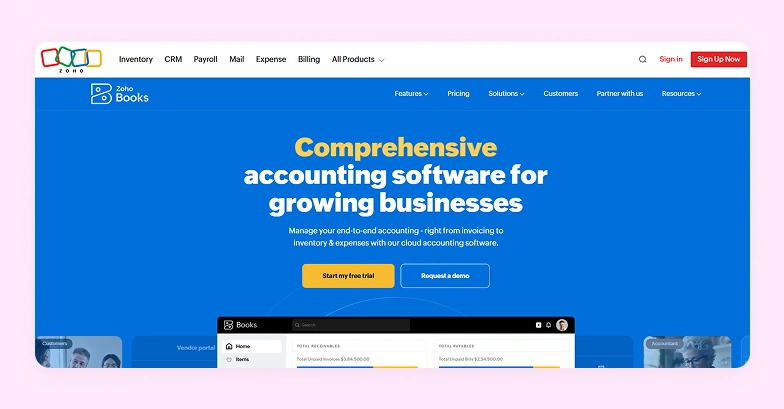
Zoho Books is part of the Zoho ecosystem and offers affordable, automation-focused accounting for growing businesses. Its free plan for sub-$50K businesses, tight integration with Zoho CRM, and strong workflow automation make it a practical accounting solution for teams already operating within the Zoho suite.
Key features:
- Automated invoicing, reminders, and payment collection
- GST and multi-jurisdiction tax compliance tools
- Workflow automation for recurring approvals
- Client portal for self-service invoice access
Pros and cons:
| Pros | Cons |
| Free plan for sub-$50K businesses | Advanced reporting lacks depth |
| Strong workflow automation | Payroll requires Zoho Payroll separately |
| Affordable across all plan tiers | Third-party integrations narrower than Xero |
Pricing: Free plan available; Standard from $15/month; Professional from $40/month; Premium from $60/month.
Best for: Businesses already using Zoho products that want an integrated, low-cost accounting solution.
FreshBooks
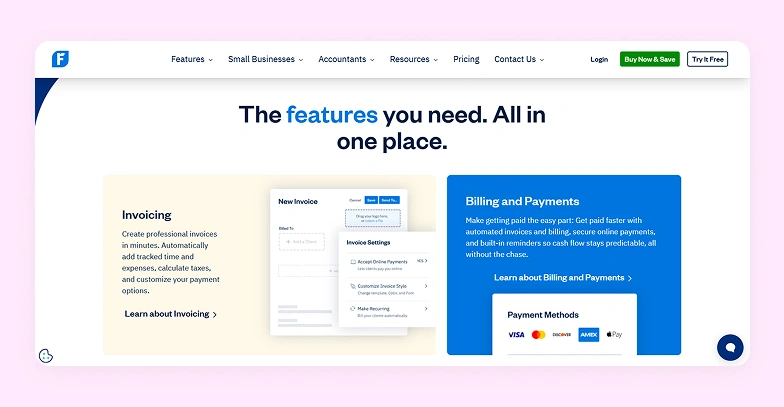
FreshBooks is built for freelancers and service-based businesses that prioritize invoicing, time tracking, and client communication over deep accounting features. Its user interface is noticeably cleaner than QuickBooks Online, and the learning curve is far shorter for non-accountants handling their own financial records.
Key features:
- Customizable professional invoices with automatic reminders
- Client retainers and recurring billing automation
- Credit card payments, ACH, and Apple Pay acceptance
Pros and cons:
| Pros | Cons |
| Excellent invoicing experience | Billable client limits on Lite and Plus plans |
| Easy learning curve | $11/user/month for additional team members |
| Strong client communication tools | Accounting depth limited for larger businesses |
Pricing: Lite from $23/month (5 clients); Plus from $43/month (50 clients); Premium from $70/month (unlimited clients).
Best for: Freelancers, consultants, and professional services companies billing by the hour or project.
Sage Accounting
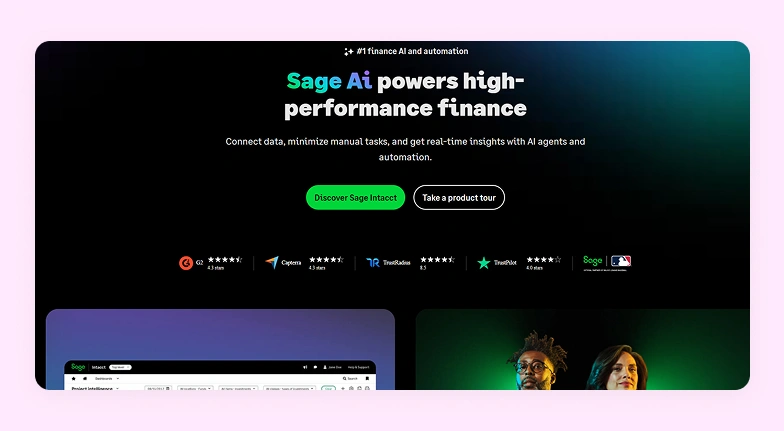
Sage Accounting covers the core needs of growing businesses with strong cash flow management and compliance tools. For larger organizations, Sage Intacct offers multi-entity capabilities at enterprise scale, making Sage one of the few platforms that scales from basic bookkeeping services through to full enterprise accounting.
Pro tip: WizCommerce integrates with Sage, syncing B2B order and pricing data directly into your accounting system without manual reconciliation.
Key features:
- Real-time cash flow forecasting and management
- Multi-currency invoicing and bank reconciliation
- VAT and regional tax compliance tools
- Inventory tracking on standard plan
Pros and cons:
| Pros | Cons |
| Strong compliance and tax coverage | Payroll is a separate subscription |
| Good cash flow visibility | Fewer third-party integrations than Xero |
| Scalable from sole trader to enterprise | Sage Intacct requires custom enterprise pricing |
Pricing: Sage Accounting starts from $124.42 per month for Pro Accounting version. Pricing for Sage Intacct is available on request.
Best for: Growing businesses needing reliable cash flow management and compliance support across multiple regions.
Wave Accounting
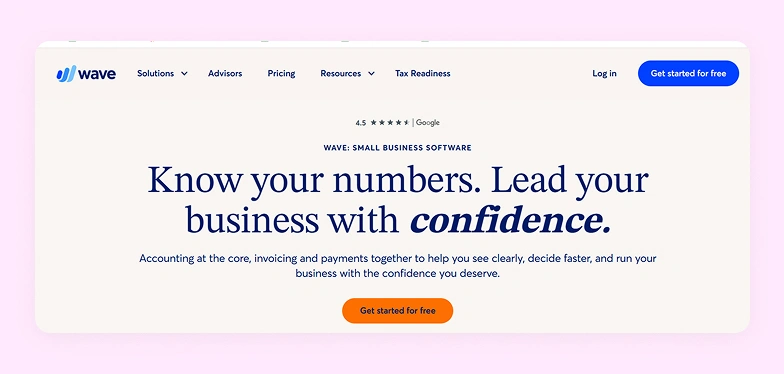
Wave Accounting is the most accessible free accounting software on this list. The free plan covers unlimited invoices, expense tracking, and bank account syncing for an unlimited number of users. The Wave Pro plan adds automation and receipt capture features for growing businesses.
Key features:
- Unlimited invoicing and expense tracking at no cost
- Automatic bank and credit card syncing
- Basic bookkeeping and general ledger management
- Wave pro plan with automated receipt capture
- Mobile app for on-the-go expense management
Pros and cons:
| Pros | Cons |
| Completely free core plan | No project management or time tracking |
| Unlimited invoices with no caps | Payment processing fees apply per transaction |
| Simple user interface | Limited integration beyond Wave’s own tools |
Pricing: Free plan for core features; Wave Pro plan at $19/month.
Best for: Freelancers and micro-businesses needing basic bookkeeping services without any subscription fees.
NetSuite ERP
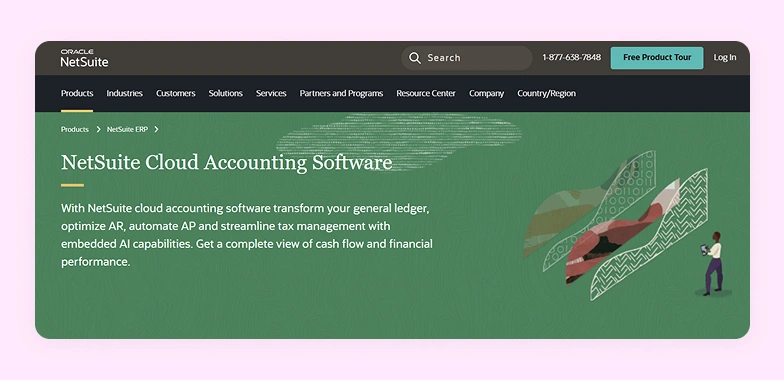
Oracle NetSuite is a full ERP software platform for mid-market and enterprise businesses that have outgrown standalone accounting. It covers finance, inventory management, order management, and CRM in one system, providing a unified data source across departments. The implementation timeline and cost are significant, making it a platform for organizations with dedicated IT resources.
Pro Tip: WizCommerce integrates with NetSuite to pass clean B2B order data into the ERP, eliminating manual entry across large eCommerce catalogs.
Key features:
- Multi-entity and multi-currency financial consolidation
- Real-time revenue recognition and financial reports
- Advanced inventory management across warehouse locations
Pros and cons:
| Pros | Cons |
| Full ERP across finance and operations | Pricing is opaque and enterprise-level |
| Scales well for larger organizations | Long implementation timelines |
| Strong financial reporting depth | Not cost-effective for smaller businesses |
Pricing: Custom pricing available on request
Best for: Mid-market and enterprise businesses needing a unified ERP across finance, supply chain, and operations.
Odoo Accounting
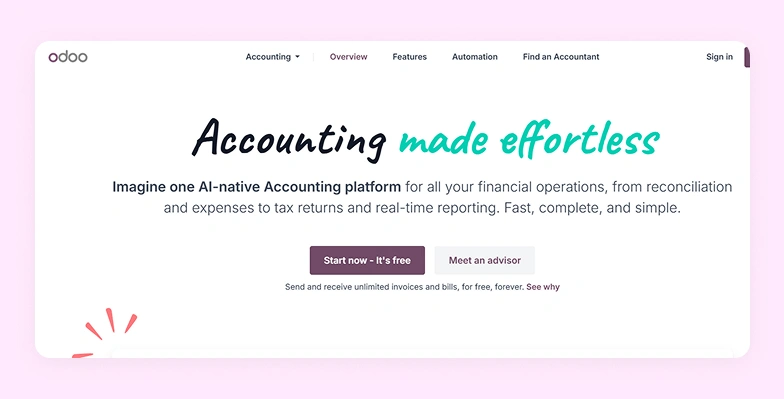
Odoo is an open-source business platform with a dedicated accounting module that connects with its sales, inventory, and HR tools. Its modular structure makes it a compelling QuickBooks alternative for businesses wanting to consolidate workflows into one platform.
Key features:
- Multi-currency invoicing with live exchange rates
- Inventory management linked to the accounting module
- Flexible workflow automation across business functions
- Open-source code base with a community edition available
Pros and cons:
| Pros | Cons |
| Highly modular and customizable | Steep learning curve for non-technical users |
| Strong cross-module integration | Community support quality varies |
| Free community edition available | Advanced features require Enterprise licensing |
Pricing: One app available for free; paid plans start from $24 per month.
Best for: Businesses with technical capacity wanting a modular open-source platform across accounting and operations.
Accounting Seed
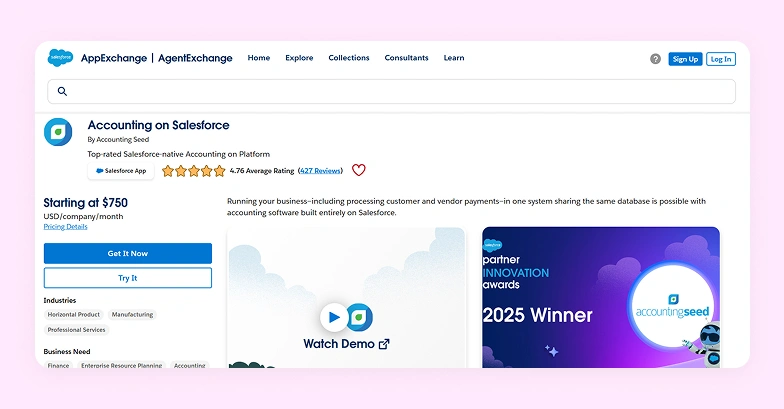
Accounting Seed is built entirely within Salesforce, making it a natural accounting solution for businesses that already run sales and operations on Salesforce CRM. It eliminates third-party connectors between accounting and CRM data. Configuration requires Salesforce expertise and adds setup time.
Key features:
- Project accounting with cost tracking
- Automated billing, invoicing, and revenue recognition
- AI-assisted accounts payable and receivable workflows
Pros and cons:
| Pros | Cons |
| Deep Salesforce-native data integration | Requires active Salesforce subscription |
| Real-time sales-to-finance visibility | Reporting setup is complex and time-consuming |
| Strong multi-currency and multi-entity support | No dedicated mobile app available |
Pricing: Custom pricing; starts at approximately $750/month. Salesforce subscription is an additional cost.
Best for: Salesforce-first businesses wanting unified finance and CRM data without external integration overhead.
Kashoo

Kashoo is a flat-rate cloud accounting platform designed for small business owners who want clean basic bookkeeping without per-user costs or complex pricing tiers. It covers the accounting needs of most straightforward businesses at one predictable monthly rate.
Key features:
- Automated bank reconciliation and transaction categorization
- Unlimited invoices and professional invoice customization
- Expense tracking and receipt management
- Simple financial reports and balance sheet generation
- Flat-rate pricing with unlimited users included
Pros and cons:
| Pros | Cons |
| Flat-rate pricing regardless of user count | No payroll module built in |
| Very easy to set up and navigate | Integration options are limited |
| Good automation for basic bookkeeping | Not suited to growing operational complexity |
Pricing: Flat rate at $20/month for small businesses and $30/month for a personalized software for large businesses.
Best for: Sole traders and small business owners who value simplicity and predictable monthly costs above feature depth.
Patriot Accounting
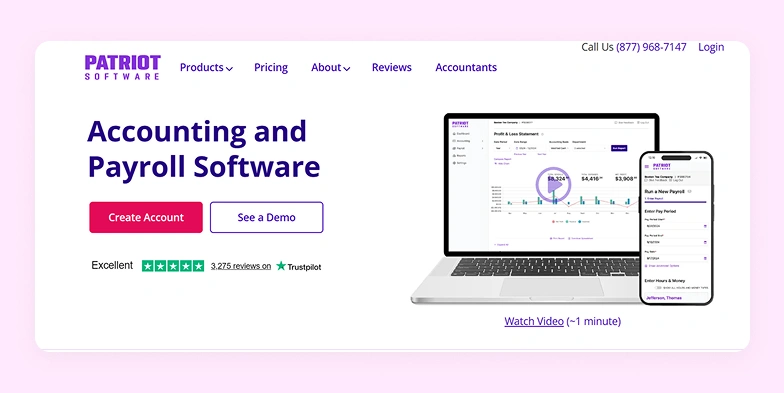
Patriot Accounting is a US-focused platform combining core bookkeeping with a built-in payroll module, removing the need for two separate subscriptions. Its automated tax payments, direct deposit support, and straightforward user interface make it the highest-rated option on this list among small business owners managing their own books.
Key features:
- US payroll with automated tax payments and direct deposit
- Bank reconciliation and expense tracking
- Unlimited invoices and professional invoice creation
- 1099 preparation and filing support
- Simple user interface for non-accountants
Pros and cons:
| Pros | Cons |
| Highest G2 rating on this list at 4.8/5 | US-only with no multi-currency support |
| Affordable combined payroll and accounting | Reporting depth is limited |
| Transparent, predictable pricing | Integration options are narrow |
Pricing: Basic Accounting at $20/month; Full Service Accounting at $30/month. Payroll adds $17/month.
Best for: Small US-based businesses wanting affordable combined accounting and payroll without multiple subscriptions.
Microsoft Dynamics 365 Business Central
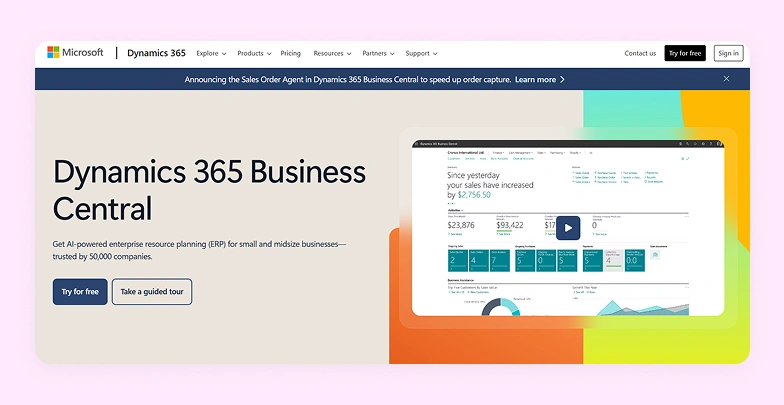
Microsoft Dynamics 365 Business Central is a cloud ERP platform for businesses that have outgrown standalone accounting software. Its native integration with Microsoft 365, Power BI, and Teams gives finance teams real-time visibility across operations. It connects financials with inventory, sales, and project management in one system, making it a logical upgrade path from QuickBooks Online for mid-market businesses.
Key features:
- General ledger with Power BI financial reporting integration
- Multi-currency and multi-entity financial management
- Inventory management across multiple warehouse locations
- Project management and job costing modules included
- Native integration with Microsoft 365 and Teams
Pros and cons:
| Pros | Cons |
| Deep Microsoft ecosystem integration | High per-user cost relative to entry-level tools |
| Real-time reporting via Power BI | Implementation requires a certified Microsoft partner |
| Strong scalability for growing businesses | Complexity increases with additional modules |
Pricing: Essentials at $80/user/month; Premium at $110/user/month; Team Member at $8/user/month.
Best for: Growing mid-market businesses in the Microsoft ecosystem scaling beyond entry-level accounting software.
Pro Tip: WizCommerce integrates with Business Central to sync B2B order and pricing data directly into the ERP without manual reconciliation.
SAP Business One
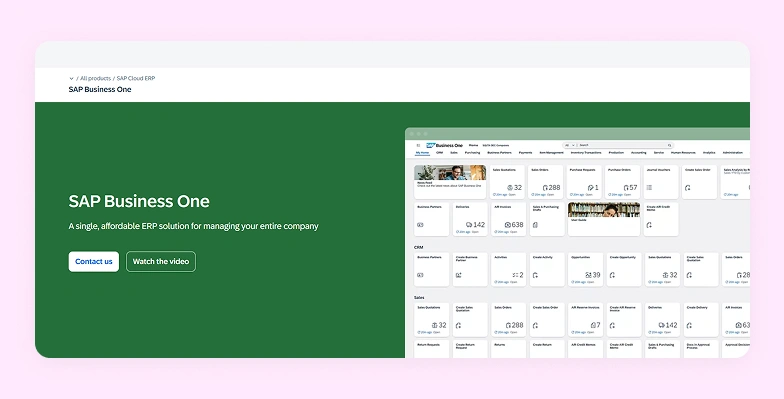
SAP Business One is an end-to-end ERP for small and mid-sized enterprises that need finance, operations, inventory management, and CRM managed in one system. It is the most feature-complete platform on this list, with deep production planning and supply chain capabilities. Implementation complexity and cost place it firmly in the dedicated IT resources tier.
Key features:
- Financial management with multi-currency consolidation
- Production planning and inventory management
- Built-in CRM with sales order management
- Business intelligence dashboards and financial reports
- Integration with the broader SAP ecosystem
Pros and cons:
| Pros | Cons |
| End-to-end ERP across all business functions | High implementation cost and specialist dependency |
| Strong production and inventory management | User interface is less modern than newer platforms |
| Scales well into mid-enterprise operations | Requires dedicated SAP implementation consultants |
Pricing: Pricing is available on request.
Best for: Small and mid-sized enterprises with complex cross-department operations needing a full ERP platform.
Why you should integrate QuickBooks with WizCommerce
WizCommerce integrates natively with QuickBooks Online, syncing clean order data, customer pricing, and payment records directly into your accounting system without manual entry or reconciliation delays.
Wholesale eCommerce businesses running on QuickBooks alone frequently encounter a familiar problem: order data arrives fragmented, customer-specific pricing is reconciled manually, and the gap between what sales closes and what finance records widens every quarter. Our integration closes that gap at the source.
- Centralized B2B order management: Capture orders, pricing, and customer details in one system, ensuring QuickBooks receives structured, error-free data without manual entry or fragmented sales workflows across your accounting team.
- Customer-specific pricing and catalogs: Your sales teams manage negotiated pricing, catalogs, and product availability in WizCommerce, while QuickBooks focuses on financial records without handling complex B2B pricing logic.
- Faster and cleaner data synchronization: Orders and payments sync seamlessly into QuickBooks, reducing reconciliation delays, duplicate entries, and reporting inconsistencies that develop when sales tools run separately from the accounting system.
- Shared visibility for finance and sales teams: Both teams work from one source of truth, enabling better cash flow management, faster invoicing, and clearer insights into revenue performance across customers and channels.
- Scalable support for growing transaction volumes: As order volume increases, WizCommerce handles the B2B complexity — bulk orders, tiered pricing, and multi-account workflows that accounting software alone was never designed to manage.
Book a demo to see how WizCommerce enhances your accounting software by streamlining B2B sales.
FAQs
What program is similar to QuickBooks?
The program most similar to QuickBooks includes options like Xero, Zoho Books, and FreshBooks. Xero mirrors QuickBooks Online most closely across features, reporting, and integrations. Zoho Books suits smaller businesses at lower price points. For wholesale operations specifically, pairing any of these platforms with WizCommerce handles the B2B order management gap that standalone accounting software does not address.
Which accounting software is easier to use than QuickBooks?
The accounting software easier to use than QuickBooks includes FreshBooks and Wave Accounting, both offering a cleaner user interface and a shorter learning curve. Kashoo is the simplest option for small business owners who need basic bookkeeping services without accounting knowledge. Patriot Accounting also scores highly on ease of use and holds the highest G2 rating on this list, at 4.8/5 across its user reviews.
What is the best alternative to QuickBooks?
The best QuickBooks alternative depends on your business size and accounting needs. Xero is the strongest direct competitor for small and mid-sized businesses. NetSuite or Microsoft Dynamics 365 Business Central suits larger organizations needing ERP software. For wholesale businesses, pairing any accounting platform with WizCommerce closes the B2B order management and customer-specific pricing gap that accounting software alone cannot fill.
What software do most accountants use?
Most accountants work with QuickBooks, Xero, or Sage Intacct, depending on client size. QuickBooks holds the largest share of the small business accounting market. Xero has grown significantly among accounting teams valuing collaboration and unlimited users. Enterprise accounting teams gravitate toward NetSuite or Microsoft Dynamics 365 for multi-entity financial management and robust reporting.
What is the most used accounting software in the USA?
QuickBooks remains the most widely used accounting software in the USA for small and mid-sized businesses. Xero is the strongest challenger, particularly among businesses with accounting teams that need real-time collaboration. Wave Accounting leads among freelancers and micro-businesses seeking free accounting software with core bookkeeping functionality and no monthly subscription.