Skip to content



As a wholesale or distribution business grows, B2B order management stops being simple. Orders start arriving through more channels at once: sales reps writing them in the field through a B2B order taking app, buyers placing them on a self-service customer portal, EDI partners sending them automatically, and long-tail accounts emailing purchase orders, and it is that last channel order entry software is bought to solve, because an emailed attachment is the only one of the four that still needs a person to retype it into the ERP. Every one of those orders carries its own negotiated pricing, minimum quantities, and payment terms, making a wholesale order management system valuable for keeping those workflows organized. Handling that order volume by hand leads to slow processing, pricing mistakes, and orders that reach the warehouse wrong.
This is the problem the best B2B order management software is built to solve. A strong platform pulls every order into one place, checks each one against live pricing, inventory, and customer terms, and then passes clean records to your accounting and back-office systems while giving your team and your buyers real-time visibility into status. The capabilities that matter most are multi-channel order capture, real-time validation, customer-specific pricing, and automated order flow, and together they are what separate a real order management platform from a basic online order form.
The right platform depends on how your business sells and where your orders come from. This guide compares ten of the best B2B order management software platforms for wholesalers and distributors in 2026, laying out each platform’s strengths, ideal fit, key features, and trade-offs so you can build a shortlist with confidence.
Only two of the ten include a CRM. If account management is part of what you’re solving, that’s worth comparing on its own terms – see the best CRM for wholesale distributors.
Below is the detailed list.
Best B2B order management software at a glance for wholesalers and distributors
The table below compares the top order processing software on type, ideal buyer, order channels, and how quickly you can go live. It is a fast way to narrow the field before reading the detailed breakdowns. Use it to build an initial shortlist that matches how your team sells.
| Platform | Type | Best for | Rep / Portal / AI extraction | Go-live |
|---|---|---|---|---|
| WizCommerce | AI-powered B2B OMS | Wholesale and distribution | All three, native | Weeks |
| RepZIO | Rep app + B2B ecommerce | Rep-driven wholesalers | Rep app and portal | Weeks |
| Pepperi | B2B commerce + rep app | Consumer-goods brands | Rep app and portal | Weeks to months |
| NuORDER | Wholesale ecommerce/catalog | Fashion and lifestyle brands | Portal-first | Weeks |
| B2B Wave | B2B ordering portal | SMB wholesalers | Portal | Weeks |
| MarketTime | Wholesale commerce for agencies | Sales agencies and showrooms | Rep app and portal | Weeks to months |
| Orderwerks | B2B ordering portal | Distributors and manufacturers | Portal | Weeks |
| Cin7 | Inventory-led OMS | Multichannel product sellers | Portal + Al extraction | Weeks to months |
| Brightpearl | Retail/wholesale operations | Omnichannel retail and wholesale | Portal and integrations | Months |
| Now Commerce | QuickBooks B2B portal | QuickBooks SMB wholesalers | Rep and buyer portal | Weeks |
Compare: The best B2B order management platforms in 2026
Each platform below is built to capture, validate, and sync B2B orders as its primary job, and each fits a different kind of wholesale operation. For every option you will find what it does, its key features, its pros and cons, and the buyer it suits best. Read them against the way your own orders come in and the systems you already run.
1. WizCommerce
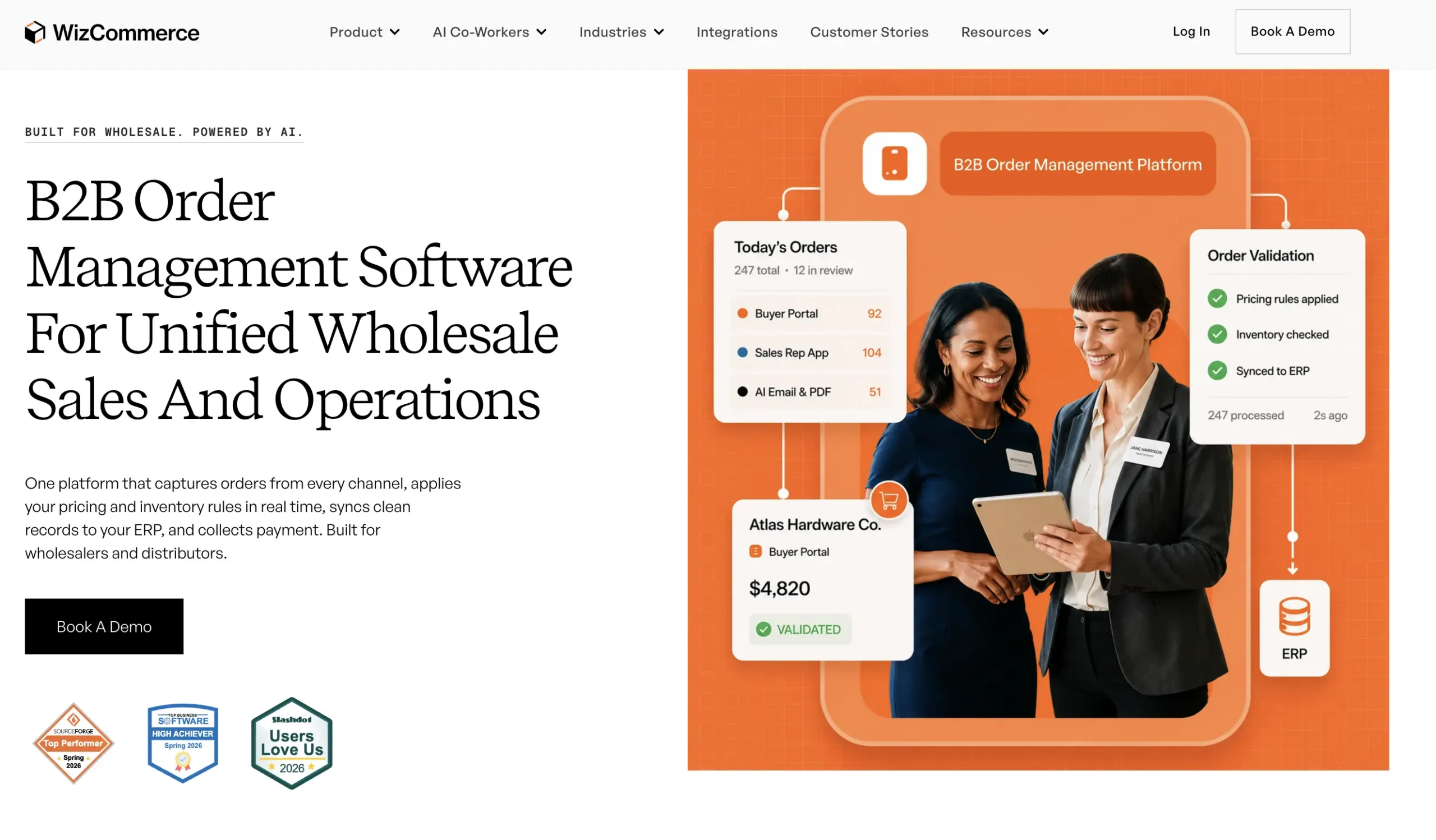
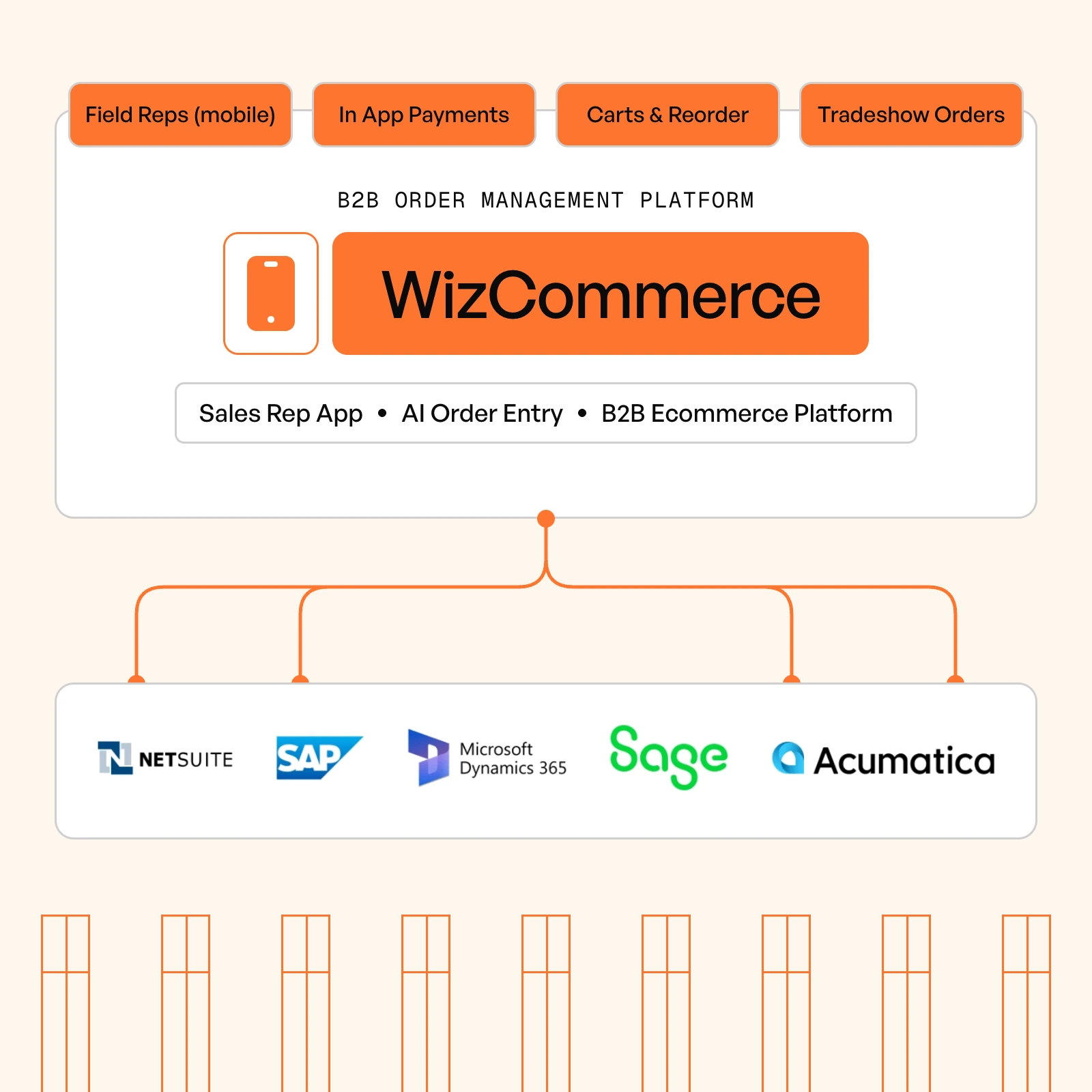
WizCommerce is an AI-powered B2B order management platform built for wholesalers and distributors. Every channel a buyer uses feeds a single order queue: a branded B2B customer ordering portal, a mobile B2B sales-rep app, AI that reads emailed and PDF purchase orders (Ella). Each order is checked against pricing tiers, customer terms, and live inventory before it is finalized, so orders that move downstream are already clean and correctly priced. Behind that, WizCommerce’s B2B order management software keeps orders, customers, and inventory in sync with the accounting and back-office systems you already run.
Key features:
- One queue for rep, portal, EDI, and AI-read email or PDF orders, so no channel runs its own disconnected workflow.
- Real-time validation of pricing tiers, customer terms, inventory, minimum order quantities, and case-pack rules on every order.
- AI-powered, typo-tolerant search and recommendations that surface the right SKU inside large, complex catalogs.
- Offline order-taking for trade shows and field sales, with automatic sync once connectivity returns.
- Quote creation and one-click conversion to orders, with card-on-file, ACH, and net terms inside the order flow.
- Accounts, deals, quotes and rep activity held in a wholesale distributor CRM on the same platform, so the order queue and the customer relationship read from one record rather than two systems.
- Two-way sync with your accounting and back-office systems through more than 1,000 pre-built connectors.
Pros: built for wholesale rep, portal, and EDI ordering; typically live in weeks rather than months; native AI order entry; works alongside the systems you already run.
Cons: purpose-built for wholesale and distribution, so it is not aimed at generic B2C retail; a newer brand than the established players.
Best for: wholesalers and distributors that want fast time to value across every order channel.
WizCommerce runs the orders.
WizCommerce is an AI-powered B2B order management platform built for wholesalers and distributors. It captures and manages clean, validated orders and pushes them directly into your ERP.
2. RepZIO
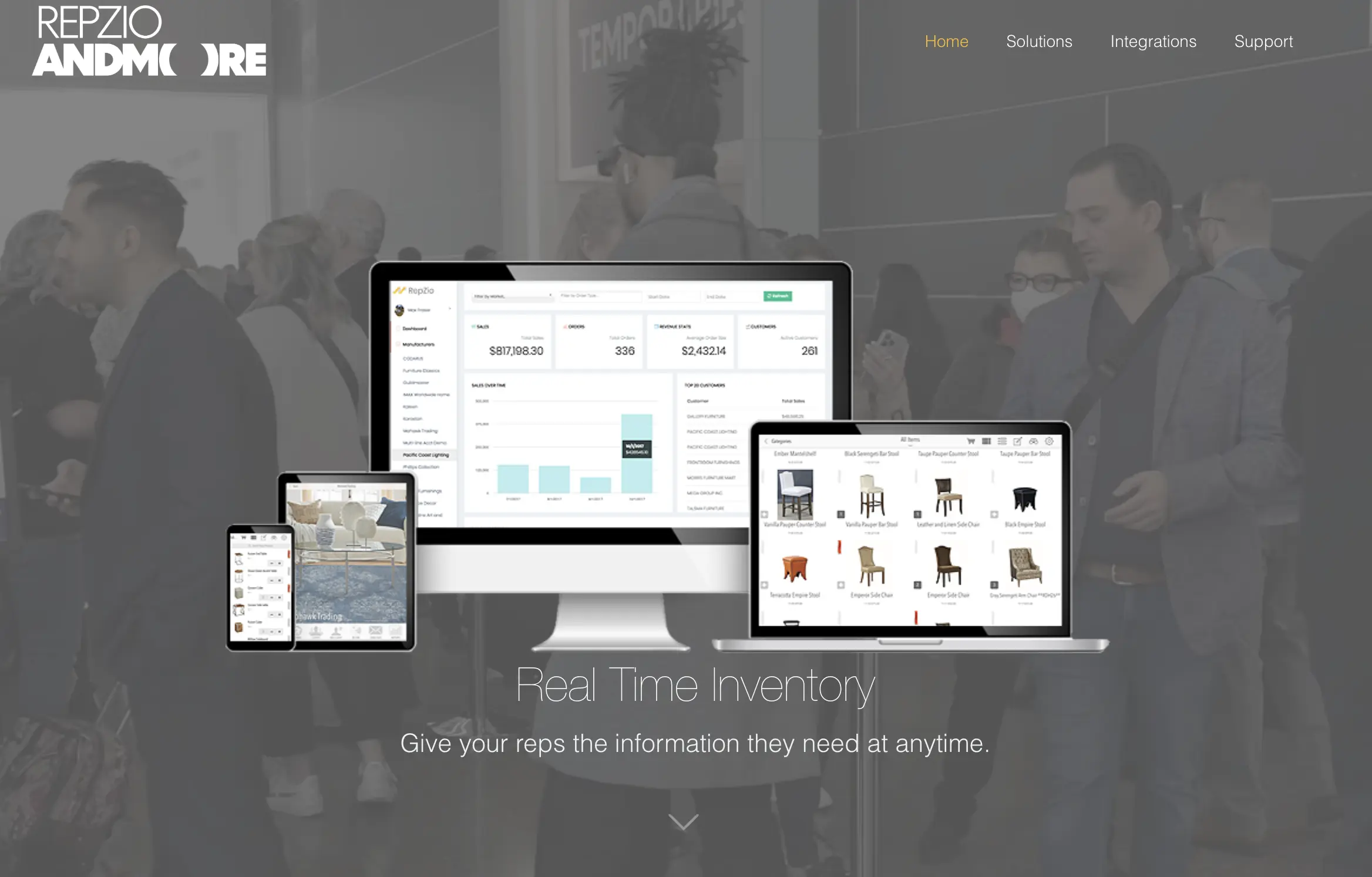
RepZIO is a B2B sales and order management platform for wholesalers, manufacturers, and independent sales reps. Its mobile app lets reps write orders online or offline, present digital catalogs, and take payment, while a companion B2B webstore lets buyers order on their own. Orders sync back to the accounting and back-office systems that run the business, which makes it a common choice for rep-heavy wholesale teams.
Key features:
- Mobile order-writing app that works offline
- B2B ecommerce webstore for buyer self-service
- Digital catalogs and real-time inventory for reps
- Integrated payment processing and back-office sync
Pros: strong, established mobile rep ordering that works well offline, with a buyer webstore alongside it.
Cons: the interface can feel dated next to newer platforms, and configuration takes some effort.
Best for: rep-driven wholesalers and manufacturers that want mobile order entry plus a buyer webstore.
3. Pepperi
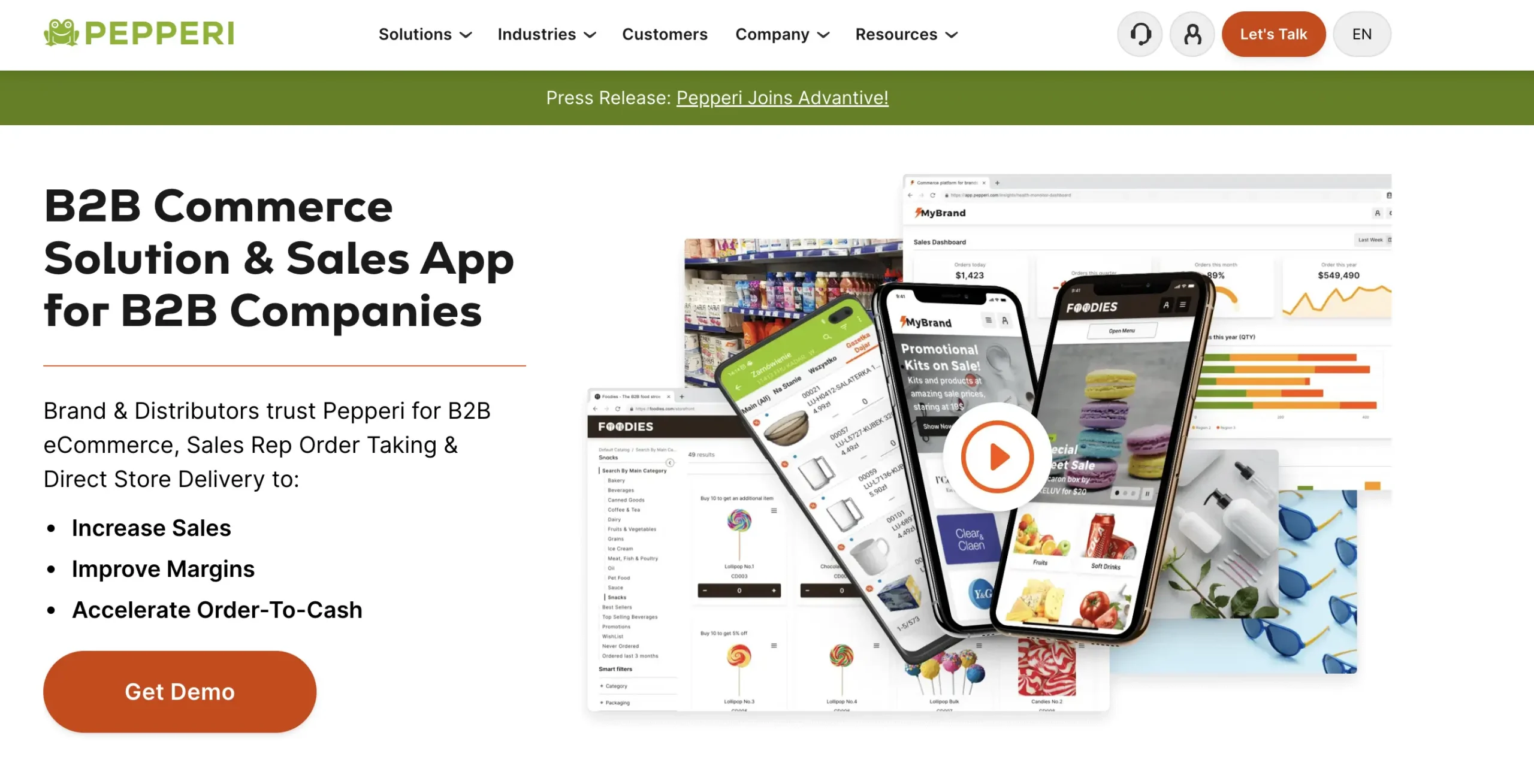
Pepperi is a B2B commerce platform that pairs a mobile sales-rep order-taking app with a self-service B2B ecommerce storefront and order management. It is aimed primarily at consumer-goods brands and distributors that sell through field reps and want a buyer-facing channel as well. Reps write orders online or offline, buyers self-serve on the storefront, and orders flow back to the systems that run the business.
Key features:
- Mobile sales-rep app with offline order-taking and in-app catalogs
- Self-service B2B ecommerce storefront for buyers
- Trade-promotion and route-sales tools built for consumer goods
- Integrations with common accounting and back-office systems
Pros: a strong combination of rep app and buyer storefront, with deep promotion and catalog features for consumer-goods selling.
Cons: configuration can be complex, and the platform can be costly for smaller teams.
Best for: consumer-goods brands and distributors that want rep-driven ordering and B2B ecommerce in one platform.
4. NuORDER (by Lightspeed)
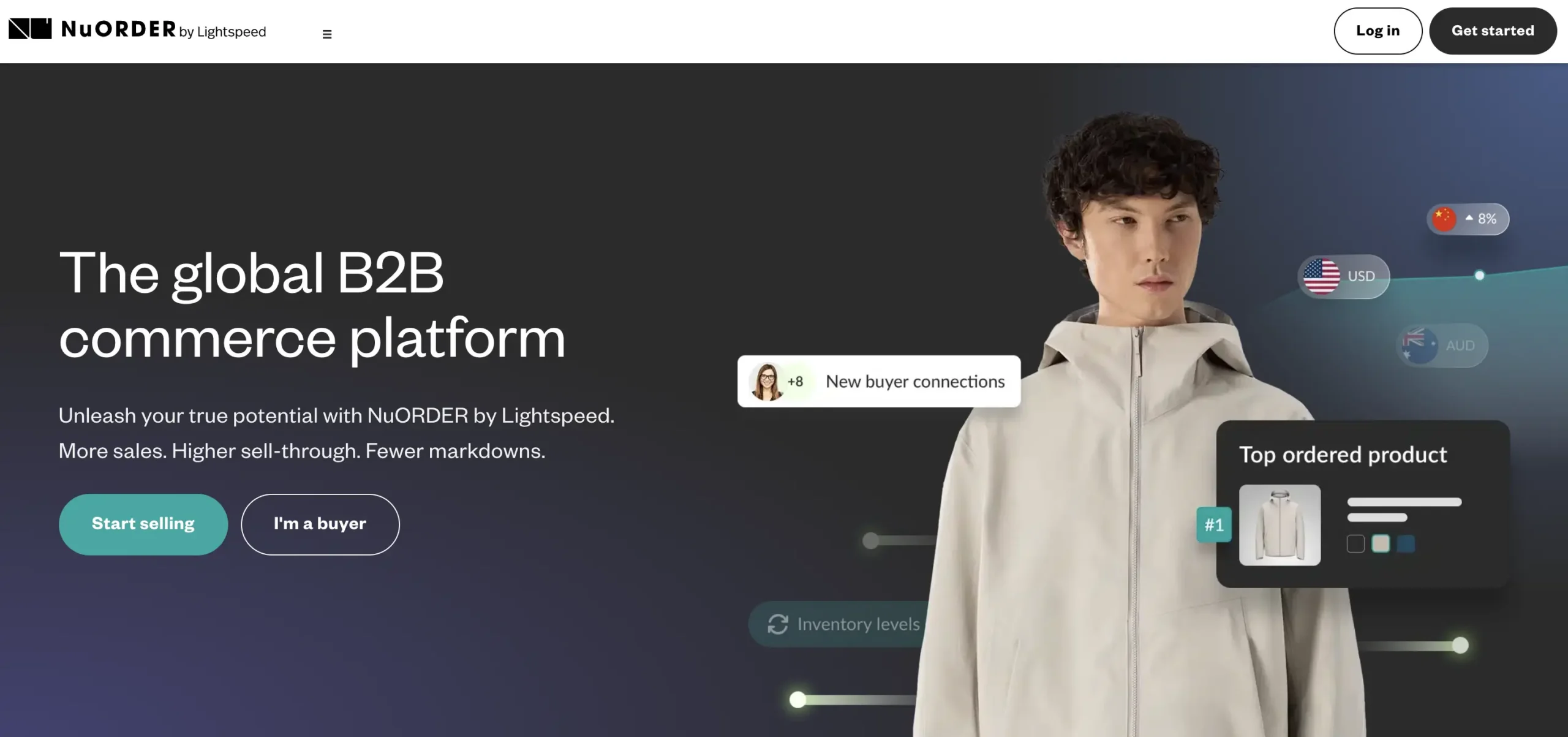
NuORDER, now part of Lightspeed, is a B2B wholesale ecommerce and digital-catalog platform used widely in fashion, footwear, and accessories. Its strength is the buying experience, with digital linesheets, virtual showrooms, and assortment planning that modernize seasonal wholesale. It connects brands with retail buyers and supports online wholesale ordering across those relationships.
Key features:
- Digital linesheets and interactive catalogs
- Virtual showrooms and line or assortment planning
- Online wholesale ordering with brand-to-retailer connections
- Payments and back-office integrations
Pros: a best-in-class catalog and merchandising experience for brands, and a natural fit for seasonal, fashion-led wholesale.
Cons: it is oriented toward brand catalog and selling rather than deep distributor back-office operations or EDI-heavy programs.
Best for: fashion and lifestyle brands that sell wholesale through catalogs and showrooms.
5. B2B Wave
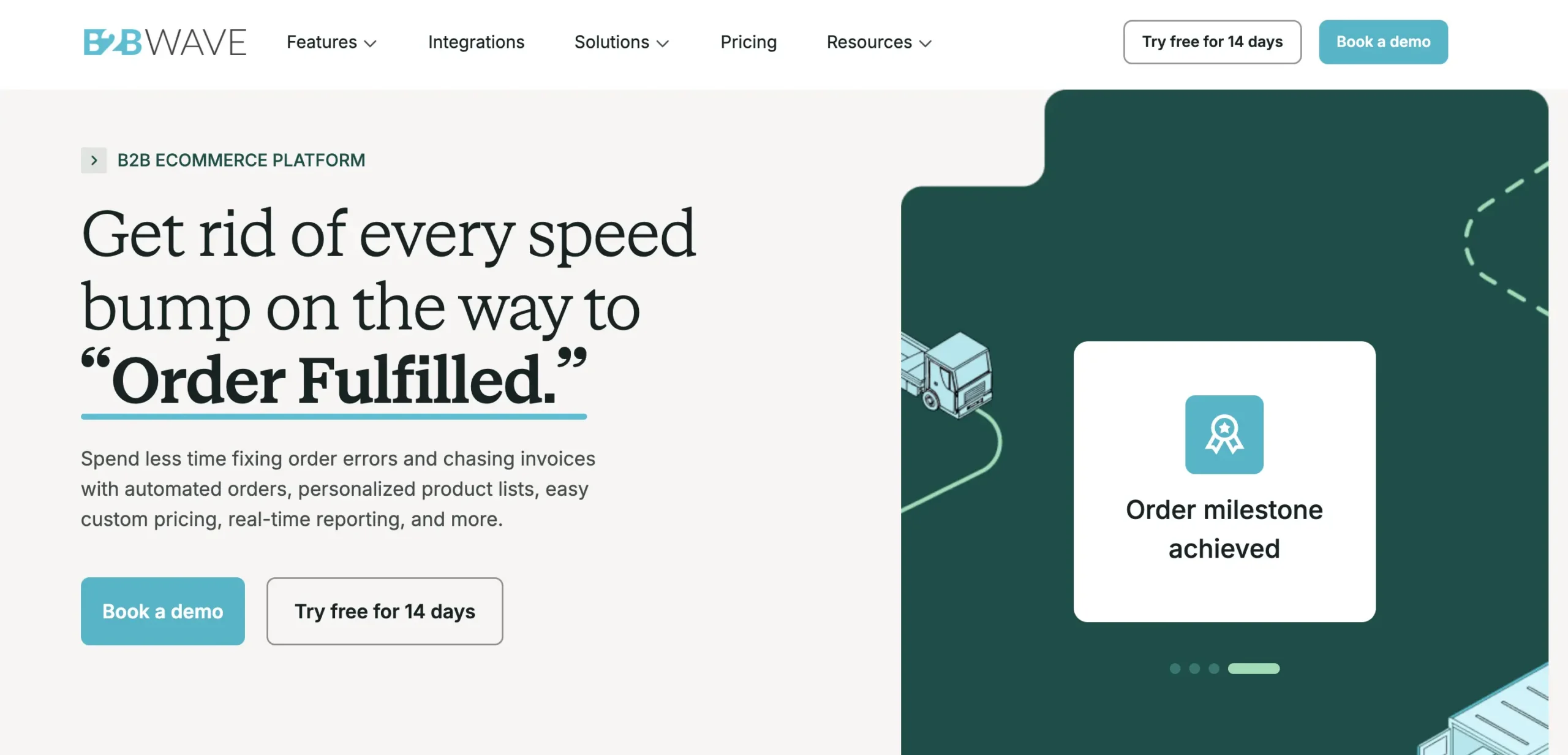
B2B Wave is a B2B ecommerce and ordering platform for wholesalers and distributors that want a clean, self-service buyer portal without a long build. Buyers log in to see their own catalogs and pricing, place and reorder online, and track status, while the back office manages products, customers, and orders in one place. It is positioned toward small and mid-sized wholesalers that value speed to launch.
Key features:
- Self-service B2B ordering portal with customer-specific catalogs and pricing
- Order management and reorder workflows
- Product, customer, and price-list management
- Integrations with accounting tools and automation platforms
Pros: quick to set up, with a clean self-service portal and pricing that fits SMB wholesalers.
Cons: lighter on field-rep mobile ordering and deep EDI, so it fits simpler operations best.
Best for: small and mid-sized wholesalers that want a fast, self-service ordering portal.
6. MarketTime
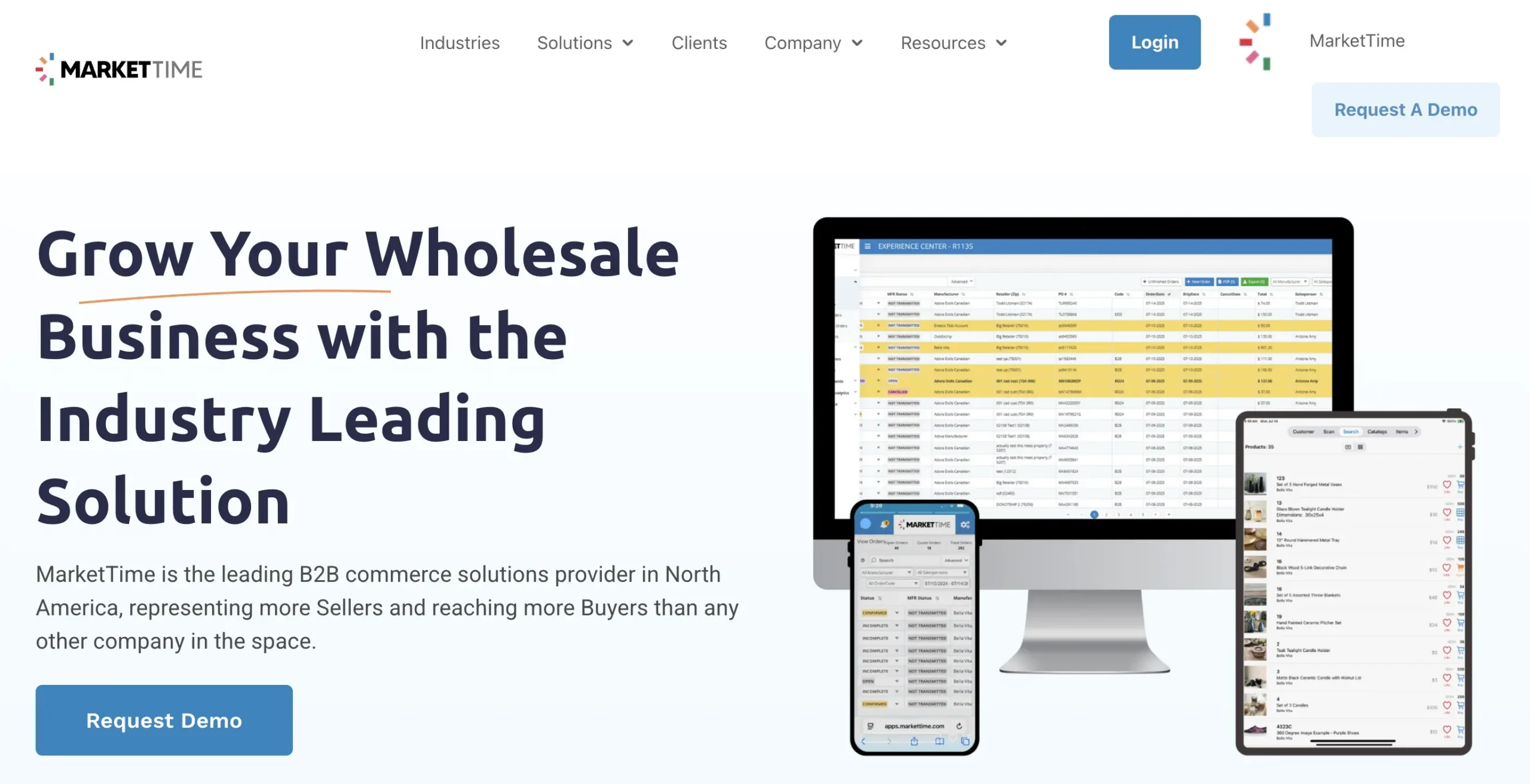
MarketTime is a wholesale commerce and order management platform used heavily by sales agencies, rep groups, and showrooms, particularly in the gift, home, and apparel markets. It covers rep order writing, digital catalogs and line sheets, a B2B marketplace, and order routing to the brands an agency represents. Because it is built around multi-line selling, it fits agencies as much as individual brands.
Key features:
- Rep order writing across multiple represented brands
- Digital catalogs and line sheets
- B2B marketplace and buyer ordering
- Order routing and EDI to vendor brands
Pros: purpose-built for multi-line sales agencies and showrooms, with deep roots in gift and home wholesale.
Cons: its agency and showroom focus can feel broad for a single brand that just wants its own order management.
Best for: sales agencies, rep groups, and showrooms managing orders across many brands.
7. Orderwerks
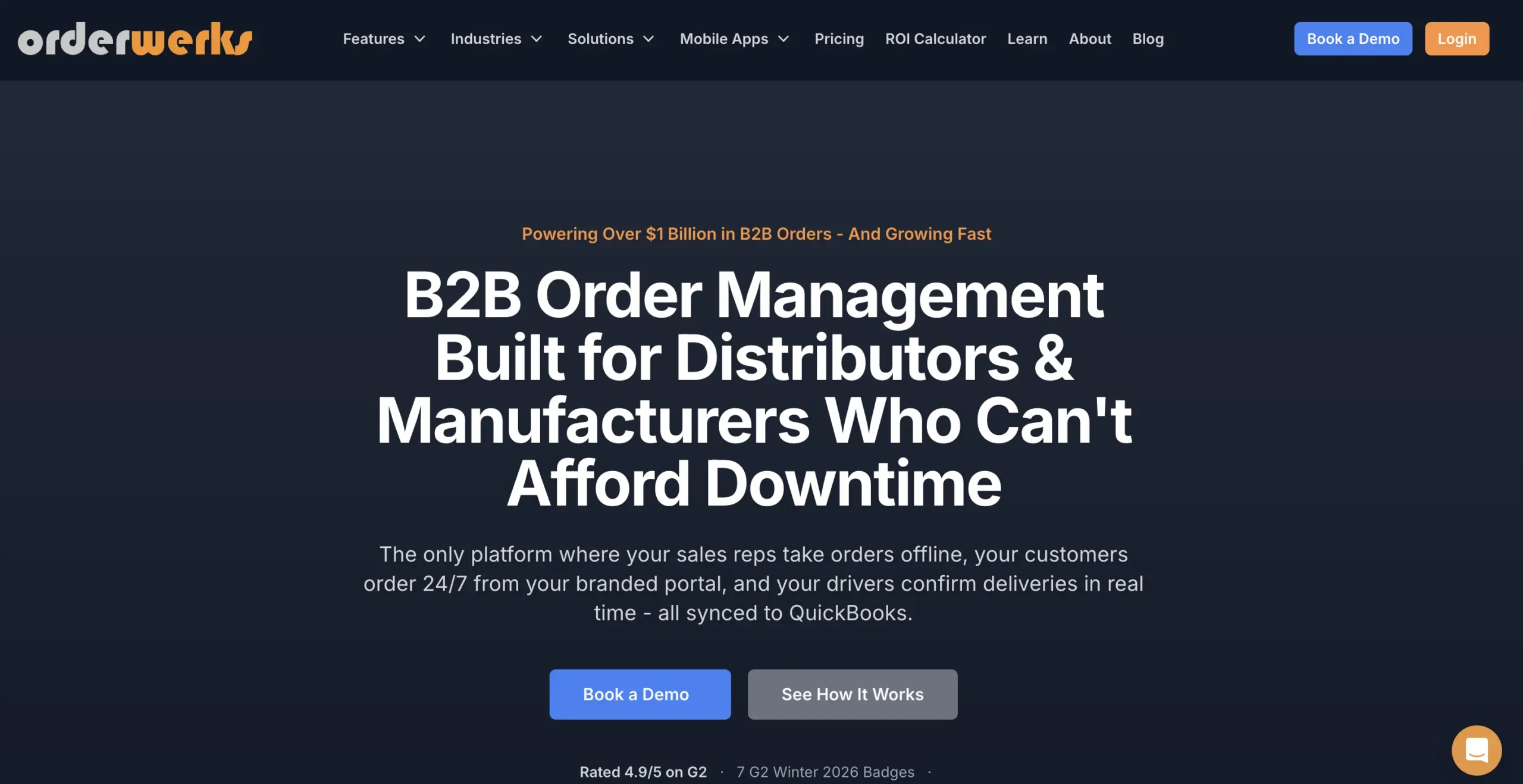
Orderwerks is a B2B order management and online ordering platform for wholesalers, distributors, and manufacturers. It gives buyers a customer portal with bulk and quick-order tools, customer-specific pricing, and catalogs, while the back office manages orders and integrations. It is a flexible, configurable option for distributors that want more control over the ordering experience.
Key features:
- Customer ordering portal with bulk and quick-order tools
- Customer-specific pricing and catalogs
- Order management and status tracking
- Back-office and accounting integrations
Pros: a flexible, configurable B2B portal with strong bulk-ordering tools for distributors.
Cons: a smaller vendor and ecosystem than the majors, with fewer native connectors out of the box.
Best for: wholesalers and distributors that want a configurable B2B ordering portal.
8. SimplyDepo
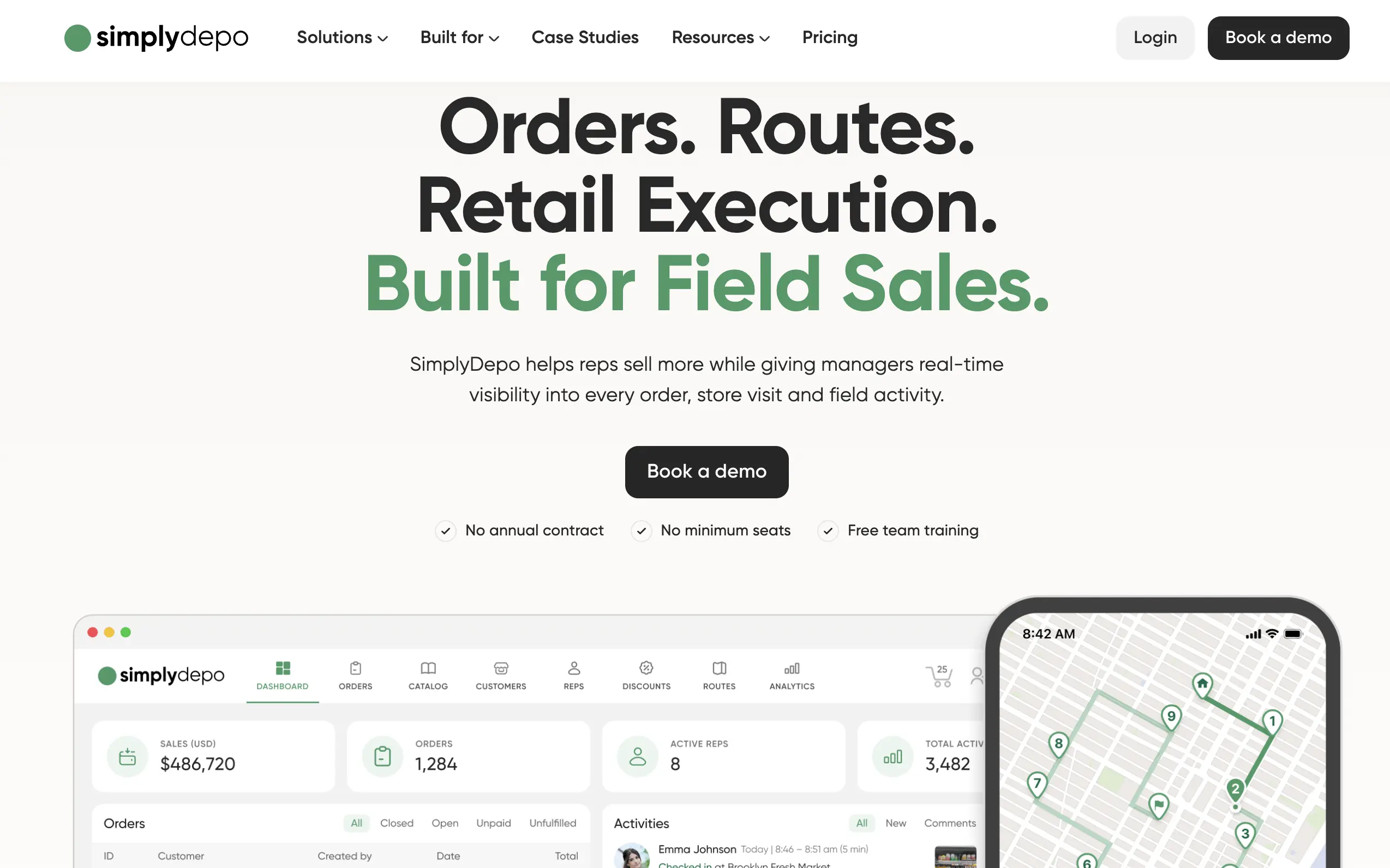
SimplyDepo is a B2B order management platform for CPG brands and distributors who sell through reps, routes, and direct-store-delivery. It combines a sales rep app, route planning, retail execution (store tasks, audits, photo proof), a distributor CRM, and a B2B order portal in one system, with real-time visibility into every order and store visit. It suits field-heavy operations where rep productivity and in-store execution matter more than deep inventory or ERP machinery.
Key features:
- Sales rep app for in-field ordering, visit logging, and photo-proof compliance
- Route planning and territory coverage tracking
- B2B self-service reorder portal with synced pricing and availability
- Distributor CRM and accounting integrations (QuickBooks, Acumatica, Shopify, Stripe)
Pros: strong field-sales, route, and retail-execution workflows with fast setup and high rep adoption; no annual contract or seat minimums.
Cons: it is field-execution- and route-first rather than inventory- or ERP-first, so it is a lighter fit for complex multi-warehouse stock control or native EDI to big-box retail.
Best for: CPG brands and DSD distributors whose top priority is field rep productivity and consistent in-store execution across routes.
9. Brightpearl (by Sage)
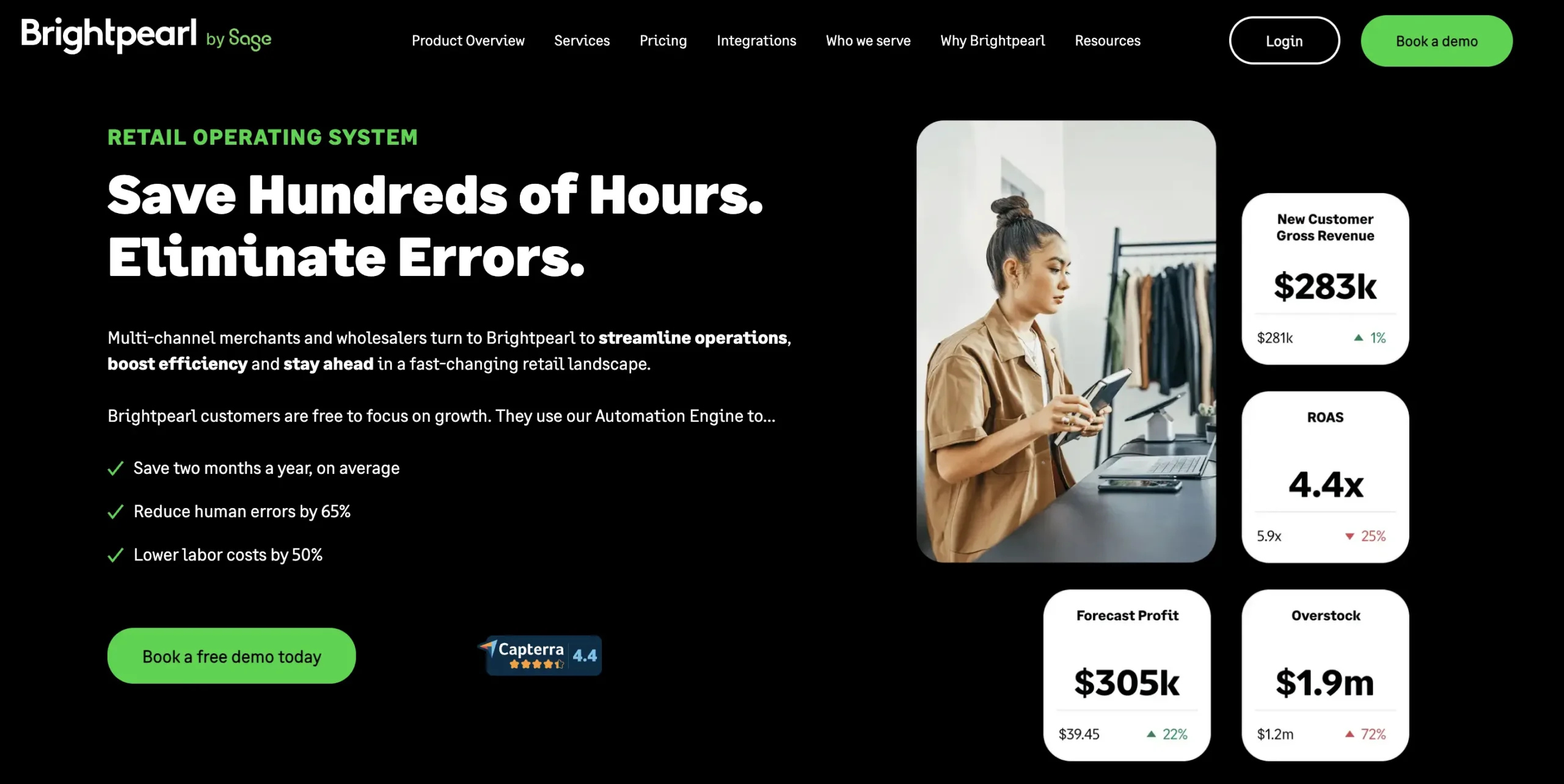
Brightpearl, owned by Sage, is a retail and wholesale operations platform that covers order management, inventory, purchasing, CRM, and built-in accounting. Its automation engine is designed for teams processing high order volumes. It fits omnichannel operations that want operations and financials in one place.
Key features:
- Order and inventory management across channels
- Built-in accounting and purchasing or supplier management
- Automation engine for high-volume order routing
- Integrations with major ecommerce platforms and marketplaces
Pros: it unifies operations and accounting, and automates a large share of order routing for high-volume retail and wholesale.
Cons: it leans toward omnichannel retail, and the cost and implementation can be heavy for a smaller wholesaler.
Best for: omnichannel retailers and wholesalers that want operations and accounting together.
10. Now Commerce
Now Commerce is a B2B ordering platform that works on top of QuickBooks. It gives wholesalers and manufacturers a customer self-service portal, a sales-rep portal, and warehouse or shipping workflows that stay in sync with QuickBooks Desktop or Online. It is a practical fit for smaller operations that already run their business on QuickBooks. Operations that also raise production or assembly jobs will need more than sales-order sync — QuickBooks work orders are handled by a separate class of integration.
Key features:
- B2B customer self-service ordering portal
- Sales-rep ordering portal
- Two-way QuickBooks Desktop and Online sync
- Order, warehouse, and shipping workflows
Pros: a fast, affordable fit for QuickBooks-centric SMB wholesalers, and simple to set up.
Cons: it is centered on QuickBooks, and lighter on AI and enterprise-grade capabilities.
Best for: small to mid-sized wholesalers on QuickBooks that want a buyer and rep portal without heavy overhead.
Conclusion
An Efficient B2B order management system is crucial for business success. By leveraging technology solutions like B2B order management systems, online ordering platforms, and customer portals, businesses can streamline operations, enhance customer satisfaction, and improve productivity.
Stay informed about the latest trends and choose the solution that aligns with your unique requirements. Embrace the power of a streamlined B2B sales process to thrive in the competitive marketplace and deliver exceptional customer experiences.
Platforms like WizCommerce demonstrate how the best order processing software can transform your operations, handling complex orders, bulk purchases, flexible payment terms, and inventory updates all in real-time, while keeping your teams aligned and customers informed.
Book a demo to see how streamlined B2B order management can simplify operations, reduce errors, and create a better experience for both your team and your customers.
FAQs
Which is the best order management software for B2B?
The best B2B order management software depends on how your orders come in and what systems you already use. WizCommerce is best suited to wholesalers and distributors managing orders across reps, buyer portals, emailed POs, and other sales channels; RepZIO fits rep-led wholesale teams; Pepperi is strong for consumer-goods brands; NuORDER fits fashion and lifestyle; and B2B Wave or NowCommerce are better suited to smaller wholesalers with simpler requirements.
What are the top 10 B2B order management systems?
The 10 B2B order management platforms are WizCommerce, RepZIO, Pepperi, NuORDER, B2B Wave, MarketTime, Orderwerks, SimplyDepo, Brightpearl, and NowCommerce. They cover different parts of B2B order management, from rep-driven ordering and buyer portals to AI order entry, multi-channel operations, and QuickBooks-connected workflows.
Should I buy a sales rep app or a full order management platform?
Choose a sales rep app if your main problem is helping reps browse catalogs, see customer pricing, and write orders in the field or at trade shows. Choose a full B2B order management platform when orders also arrive through buyers, ecommerce, email/PDF POs, or other channels and you need one workflow for validation and back-office sync. Platforms such as RepZIO focus heavily on rep ordering, while WizCommerce combines rep ordering with buyer self-service and AI-assisted PO intake.
Which order management system is easiest for a sales team to actually adopt?
WizCommerce is one of the easier B2B order management platforms for sales teams to adopt because reps can manage customers, catalogs, pricing, order history, and order entry within one connected workflow. Its rep-facing app also works offline, which helps field and trade-show teams continue selling without changing how they work. Pepperi is another strong option for field-sales-heavy organizations, while B2B Wave and Now Commerce may be simpler for smaller teams. The best platform is the one that minimizes training and reduces the number of systems reps need to use.
What’s the best order management software for B2B manufacturers with complex pricing and customer rules?
For manufacturers dealing with customer-specific pricing and complex ordering rules, prioritize software that validates those rules before orders move downstream. WizCommerce supports pricing tiers, customer terms, inventory checks, minimum order quantities, and case-pack rules, and Orderwerks is also positioned suited for distributors and manufacturers that need a configurable B2B ordering portal with customer-specific pricing.
What’s the best order management platform for enterprise B2B companies?
Pepperi is better aligned with complex consumer-goods organizations combining field sales, ecommerce, promotions, and catalogs; Brightpearl fits larger omnichannel businesses that want order management, inventory, purchasing, and accounting together; WizCommerce fits wholesalers and distributors that want multi-channel B2B ordering with AI-assisted order entry and ERP connectivity.
What’s the best order management software for a small wholesale business?
B2B Wave and NowCommerce are two of the strongest fits in this comparison for smaller wholesalers. B2B Wave is positioned toward small and mid-sized wholesalers that want a fast self-service B2B portal, while Now Commerce is particularly suited to smaller businesses already using QuickBooks and needing customer and sales-rep ordering without heavy overhead.
What’s the best software for bulk order management?
Orderwerks is one of the clearest choices in this guide for portal-based bulk ordering because it specifically provides bulk and quick-order tools. WizCommerce is a better fit when bulk orders also need wholesale-specific pricing, MOQ, case-pack, inventory, and customer-rule validation before being synchronized downstream.
Which platform is best for omnichannel or multi-channel order management?
For multi-channel B2B ordering, WizCommerce fits wholesalers combining sales-rep, portal, emailed-PO, and other order sources in one workflow. Brightpearl is a stronger fit when omnichannel order and inventory operations across retail and wholesale are the primary need, while MarketTime is particularly suited to agencies and showrooms managing orders across multiple represented brands.
Which platforms turn emailed POs and PDFs into orders?
WizCommerce is the platform explicitly described as using AI to read emailed and PDF purchase orders. Ella extracts the incoming PO, builds the order, flags exceptions, and prepares the completed order for the ERP, reducing the need for customer service teams to manually rekey emailed orders.
What’s the best B2B order tracking and status portal?
For buyer-facing order tracking, B2B Wave gives customers self-service ordering, reordering, and status tracking, while Orderwerks includes order management and status tracking in its customer portal. WizCommerce’s WizShop lets buyers place orders and track purchases while keeping buyer- and rep-driven workflows connected. The best choice depends on whether you primarily need a standalone portal or a broader order management platform.
Do I need an order management platform if I already run NetSuite or QuickBooks?
Yes, in most wholesale operations you still will. QuickBooks, NetSuite, Epicor, and Sage are all built to record an order once it exists, not to collect it from a rep at a trade show, a buyer on your portal, or a PDF sitting in an inbox. If the goal is to connect NetSuite to a storefront rather than replace it, the NetSuite ecommerce connector options compare the tools that do that. That collection layer is what a B2B order management platform adds, and it feeds whichever ERP you already run — AI order entry integration for Epicor, for example, pulls pricing and SKU data out of Epicor and pushes validated orders back in, with no rip-and-replace.
What moves across when you switch order management systems?
You can typically migrate customers, product catalogs, price lists, historical orders, integrations, and user accounts. Moving to a cloud based order management system is what keeps that switch measured in weeks rather than quarters — with WizCommerce, you can typically go live in less than 30 days, with the exact migration scope depending on your setup.