AI Home Decor Photography Generator
AI Home Decor Photography Without Physical Shoots
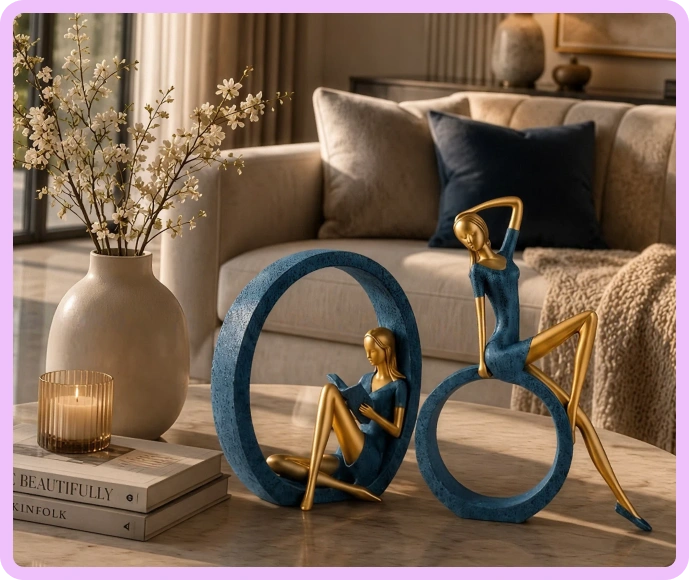
Generate realistic lifestyle and catalog visuals for entire home decor collections without restyling, reshooting, or long production cycles.
our customers
Built for Wholesale. Powered by AI.
Built for Home Decor Photoshoot. Powered by AI.
Up to 20x
cheaper than traditional photoshoot.
Up to 10x
faster go-to-market for newer collections
Up to 33%
higher conversion on website and marketplaces
How to create AI Home Decor product photos with WizStudio
Step 1
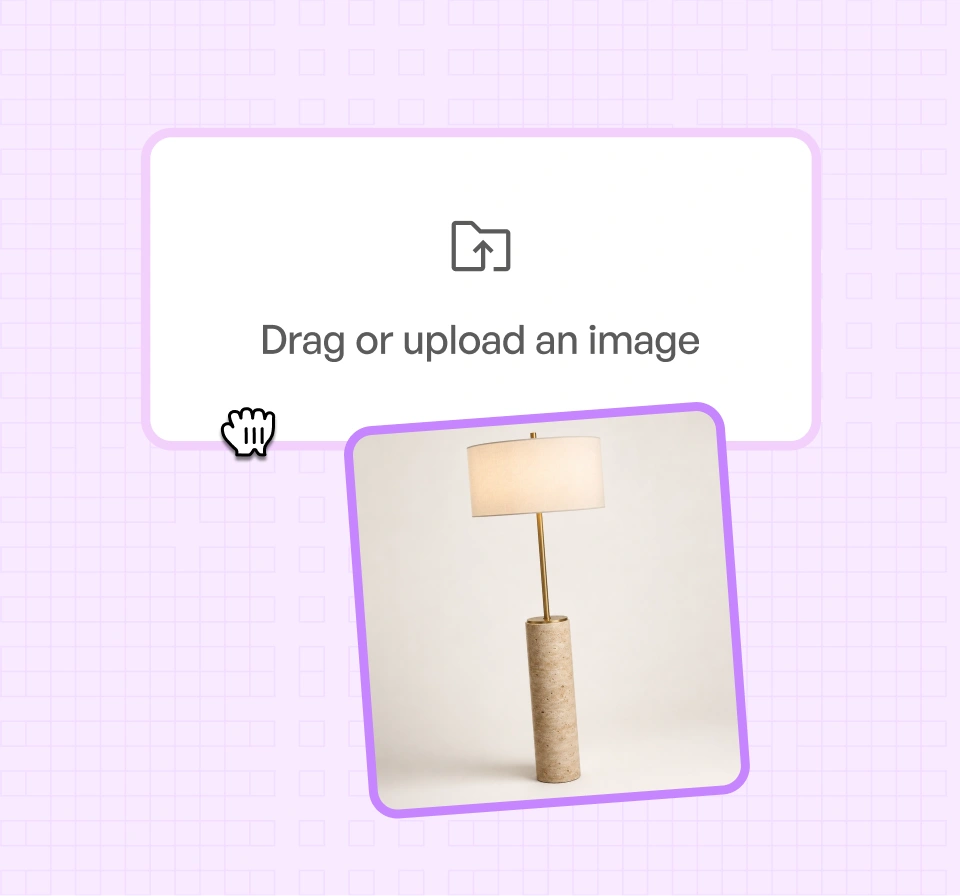
Upload Your Product Images
Start with a single home decor image, even a plain studio or warehouse photo.
Step 2
Choose Your Output
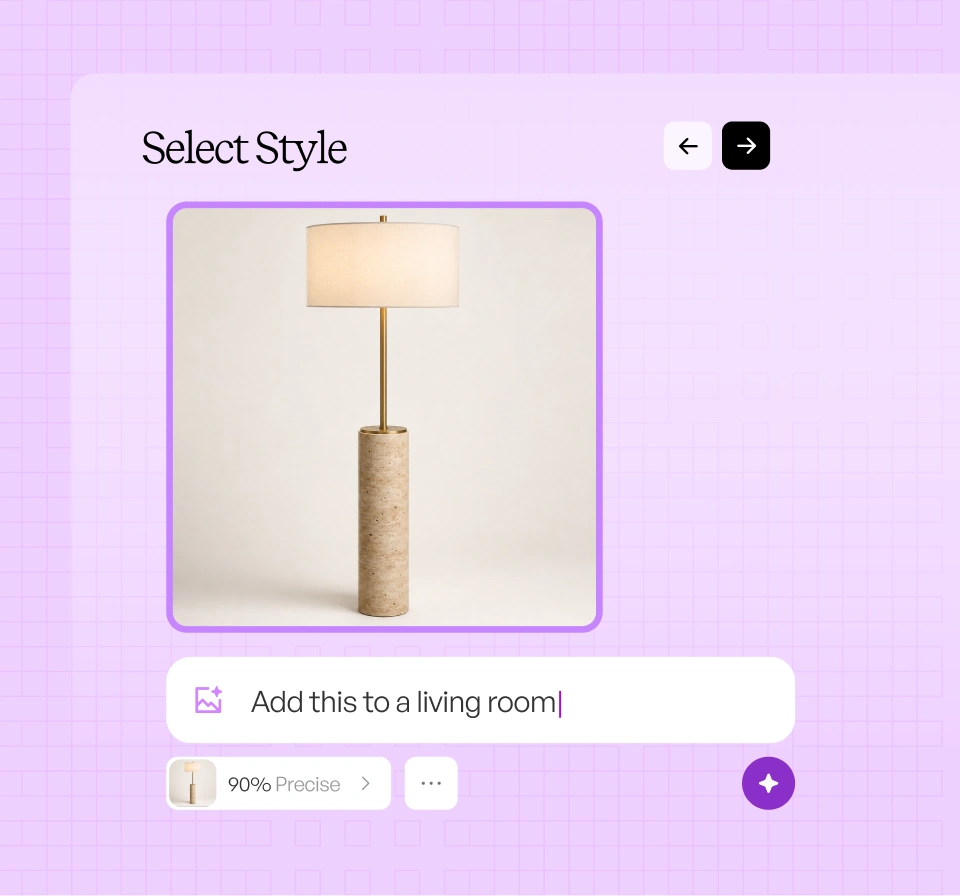
Pick the room setting, lighting, and mood, or describe it once and let WizStudio set it up.
Step 3
Generate and export room-ready visuals
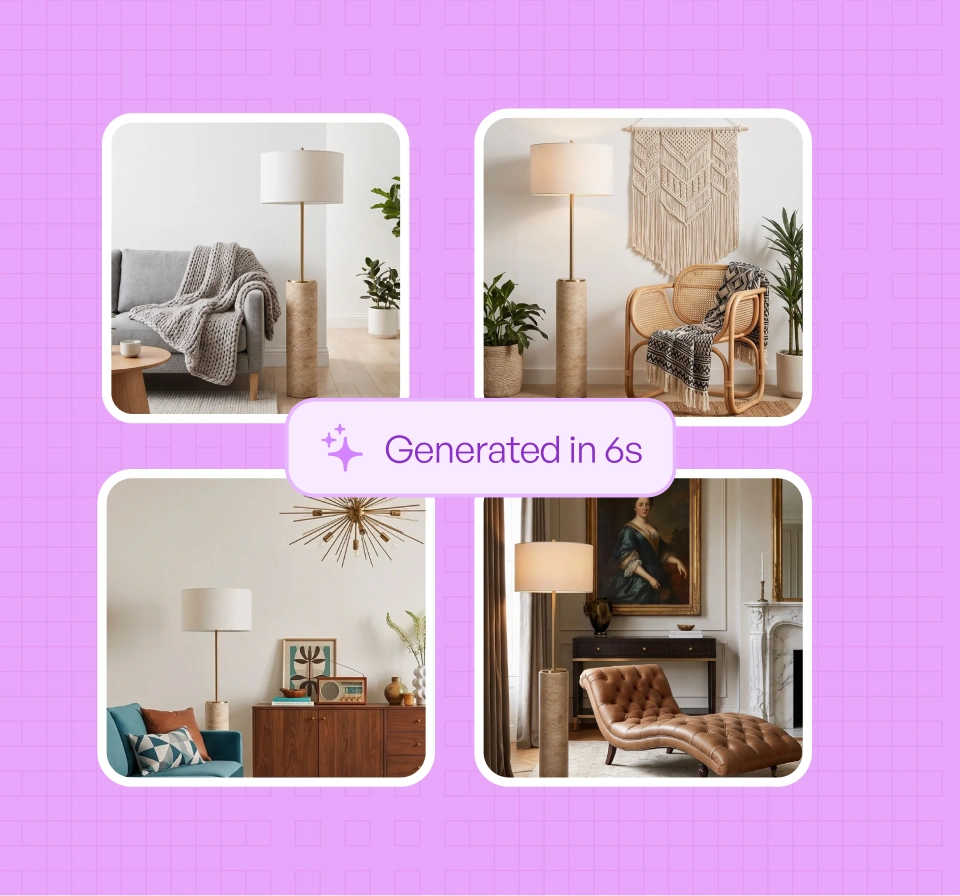
AI product photo generator styles your decor piece in realistic interiors with accurate proportion and material detail. Review the results and export catalog-ready images for your website, marketplaces, and trade channels.
THE CHALLENGE
Fresh home decor. Aging visuals?
01
Mix-and-match sells. Singles don’t.
Decor is rarely bought in isolation. Showing how pieces work together requires countless combinations that don’t scale with shoots.
02
Compositions take time. Fatigue sets in.
Creating unique merchandising setups repeatedly drains creative energy. Teams end up reusing visuals that no longer inspire.
03
Subjective styling. Stalled decisions.
Conventional photoshoots capture decor in a single setup. There is little guidance on alternative pairings that shoppers care about.
04
Flat visuals. Flat perceived value.
Decor relies on depth and material nuance. Static photography fails to communicate these details, especially across large collections.
AI home decor photography,
without the endless restyling
Make collections feel cohesive
Present multiple decor pieces as part of a unified visual story, even as your collections grow or refresh.
Reduce creative friction
Eliminate repetitive styling, setup, and time-consuming editing work that drains creative energy and slows your merchandising team.
Keep visuals fresh by default
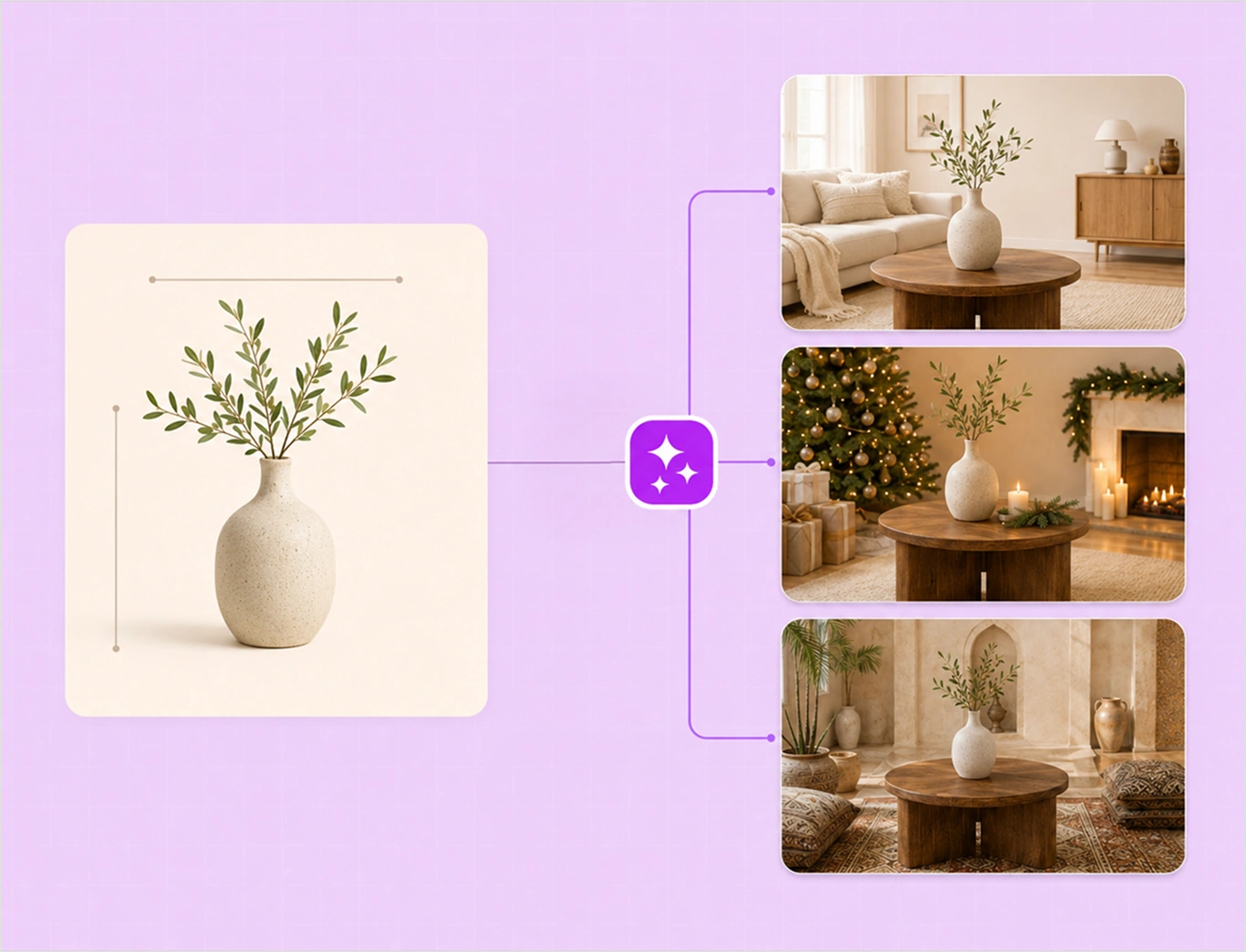
Adapt home decor imagery to trends, seasonal edits, and campaign themes, all without repeated home decor photoshoots.
Accelerate merchandising decisions
Preview multiple decor combinations quickly, helping your teams decide what to feature, bundle, or promote.
Experience how WizStudio helps you keep home decor visuals fresh, scalable, and upload-ready as your collections evolve.
Use case
How home decor brands create, refresh, and scale styled visuals
Seasonal and theme-based styling
Adapt decor visuals for festive edits, trend themes, and color stories without restyling entire sets or reshooting products each season.
Inspiration-led browsing experiences
Create rich visuals that help your buyers explore image combinations and discover complementary pieces, not just view single products.
Spotlight moments for standout decor
Create focused visual moments that elevate hero items without overwhelming shoppers with competing props or background.
Rapid refresh for fast-moving SKUs
Update visuals quickly for decor items with short life cycles, limited runs, and frequent drops. Process hundreds of SKUs in a single batch, without restarting the creative process each time.
FEATURES
Features built for AI
home decor photography
AI image expander
Extend furniture shots to fill any frame or aspect ratio, creating wider room scenes and better compositions.
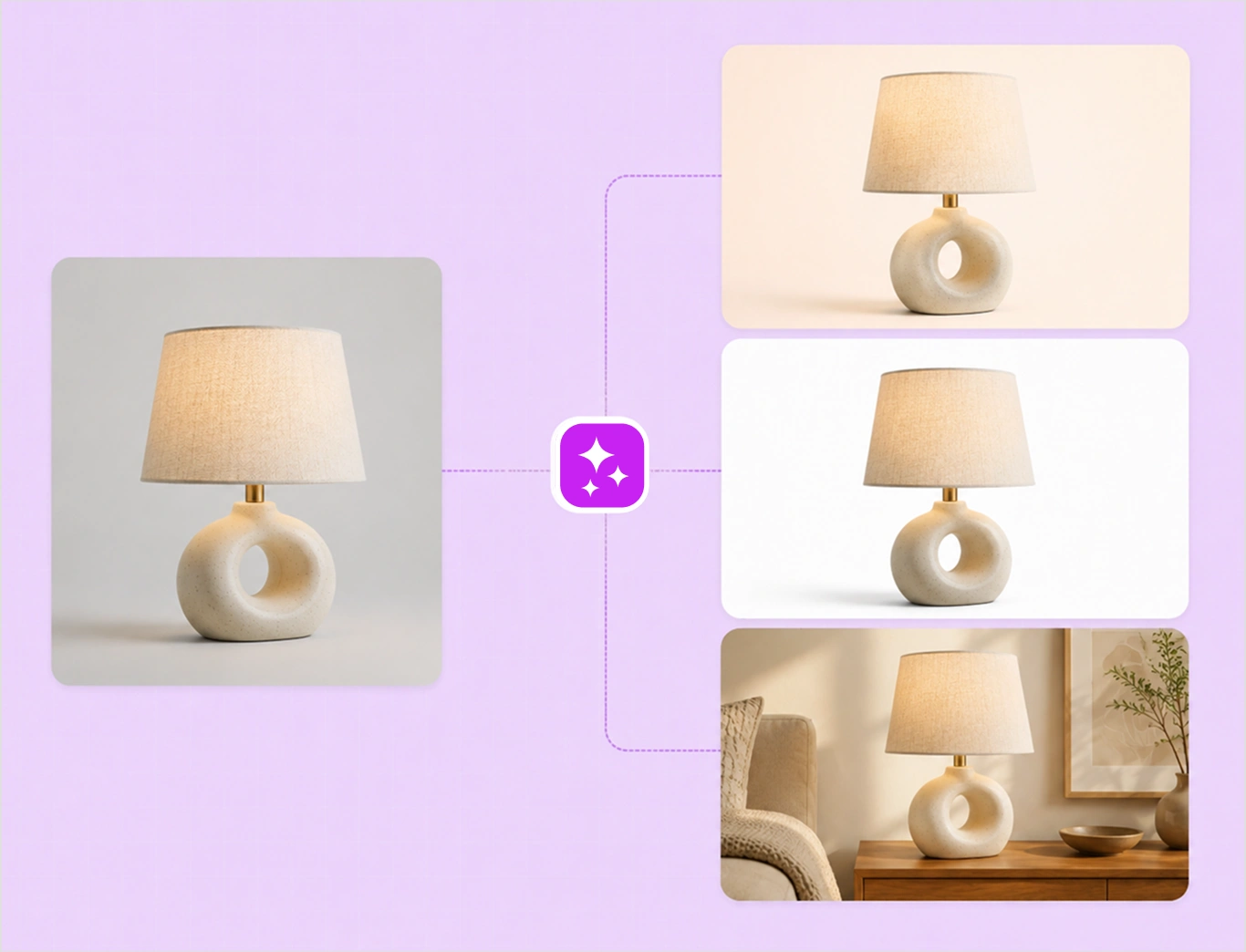
Variant builder
Generate every fabric, finish, and configuration of a piece from a single image, without shooting each option.
Background Remover
Cleanly cut furniture from any background to create crisp silo images for catalogs and marketplaces.
Dimension line draw
Add clear dimension lines so buyers understand exact size and proportion, and how a piece fits their space.
Bulk Silos builder
Turn large batches of product shots into clean, consistent silo images across your whole catalog at once.

Image to video
Turn a single furniture image into a short product video that shows the piece from every angle.
Magic Eraser
Remove distracting props, mismatched decor, or visual noise from furniture images.
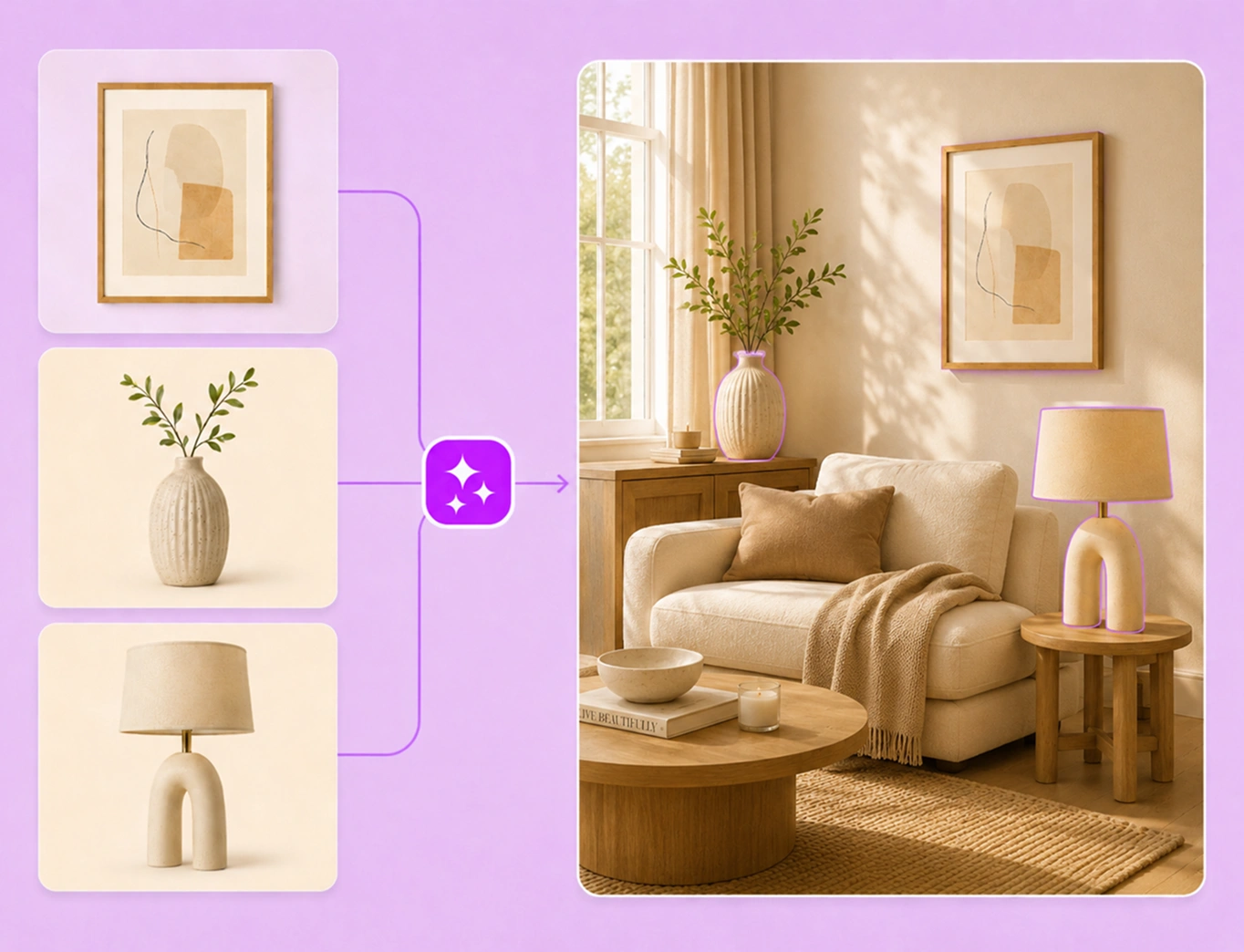
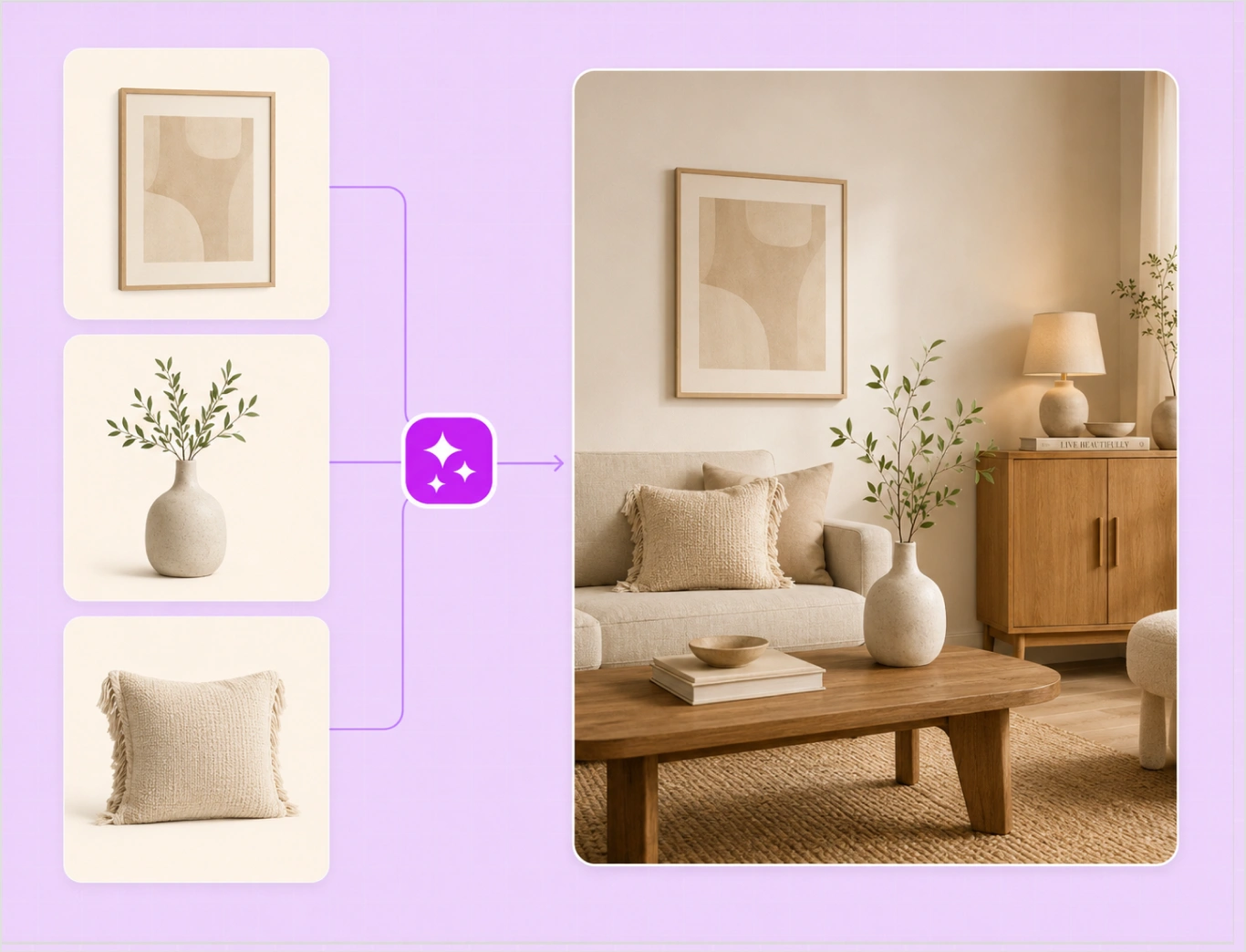
Multi-product generator
Place multiple furniture pieces into one lived-in interior that shows how they fit and function together.
COMPARE
WizStudio: Designed for
home decor brands
Discover why thousands of home decor brands choose WizStudio for AI home decor photography
| FEATURE | WizStudio | Generic image tools |
|---|---|---|
| Scale & proportion accuracy | Maintains correct furniture dimensions and room fit so products look true-to-size | Distorted proportions that misrepresent scale and placement |


| Material & texture fidelity | Preserves wood grain, fabric weave, and surface details | Smoothened textures and unrealistic material rendering |
| Lighting for interiors | Interior-aware lighting that matches real rooms | Flat or harsh lighting that breaks realism |

| Catalog-ready consistency | Uniform angles, lighting, and framing across SKUs and variants | Inconsistent visuals across collections |
| Done-for-you visual production | Share a brief — our industry experts handle execution | DIY tools with no industry context |
| Human review & revisions | Expert review ensures realism and buyer trust | No validation of visual accuracy |
| Pay only for approved visuals | Review and approve final images before paying | Pay upfront, regardless of quality |
| Room-scene visualization | Show furniture in complete interior settings | Limited to single-object visuals |
| Furniture-specific editing logic | Tools optimized for spatial grounding | Generic edits that ignore spatial context |
| Built-in realism refinement | Automatically optimized shadows and depth | Manual fixes with inconsistent outcomes |
- Kerri Christman
- VP of Marketing, Ganz
"We manage a very large number of SKUs and catalogues, and imagery is central to everything we do. WizStudio helps us scale feature imagery without adding time or cost."
500+
feature images created in weeks across multiple catalogues using AI-generated backgrounds
- Bree Cassidy
- Marketing Coordinator
"The imagery is seamless and realistic. Even reflections in mirrors look right, which is something we struggled with before."
$10k
a year cost savings by eliminating repeated photoshoots and editing cycles
2-week
imagery turnaround, reduced from 6 weeks previously required for photography and editing
- Kim Lambert
- Digital Marketing Specialist
"WizStudio saves me about four hours every week with AI lifestyle image generations for our products."
10%
revenue growth driven by AI-powered product recommendations
4hrs
saved every week on lifestyle image generation
One AI Product Photo Generator,
built for your category
Explore how WizStudio creates catalog-ready visuals across industries.
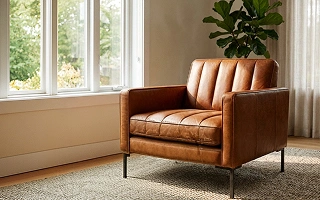
Furniture
Stage sofas and case goods in real room sets, with the true scale and materials buyers judge before they order.
SEE IT IN DETAILS
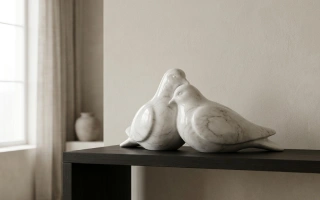
Home décor
Place vases, textiles, and tabletop pieces into styled rooms that look shot on location, not pasted onto a background.
SEE IT IN DETAILS
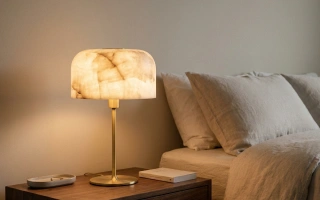
Lighting
Render lamps and fixtures with accurate glow, reflections, and finishes, lit to look exactly like the real product.
SEE IT IN DETAILS

Toys
Turn flat packaging shots into bright, playful hero images that stand out in a crowded category.
SEE IT IN DETAILS

Gifts
Give every item a giftable lifestyle scene and a clean silo, ready to drop straight into the catalog.
SEE IT IN DETAILS

Fashion
Show apparel on realistic models or as crisp flat-lays, with fabric, pattern, and fit kept true.
SEE IT IN DETAILS

Jewelry
Capture macro sparkle, fine detail, and true scale so small pieces sell without a physical shoot.
SEE IT IN DETAILSDemo call

Bring your collections to life, without traditional photoshoots
See how WizStudio generates room-ready home decor visuals for your entire catalog. Book a short walkthrough with our team.
Frequently Asked Questions
How to photograph home decor?
Good home decor photography is all about paying attention to styling and composition. Decor should be shown in context and layered naturally with surrounding elements to convey how pieces work together. Traditional home decor product photoshoots can be time-consuming and rigid. WizStudio helps you create styled home decor visuals digitally. This makes it easier to showcase products in multiple settings without repeated home decor photoshoots.
How to style a home for a photoshoot?
To style a home for a photoshoot, you need to balance color and spacing to avoid visual clutter. Decor should feel intentional but lived-in. This process often requires trial and error, which can be tedious. A home decor photography AI tool like WizStudio reduces this effort by allowing you to experiment with multiple styling variations virtually, helping identify what works best before committing to production.
How to decorate a room for a home decor catalog photoshoot?
To decorate a room for a photoshoot, start with a theme or story; it could be modern, cozy, minimal, festive, etc. Accessories are layered gradually to build depth and visual interest. However, traditional home decor product photography setups lock decor into one look. But with an AI home decor photography platform like WizStudio, you can generate multiple room-ready decor visuals from a single source. And this is without rebuilding or restyling your physical spaces.
What style in home decor is popular now?
The home decor style that is popular now leans toward warm minimalism, natural textures, earthy tones, and mix-and-match styling. Consumers prefer visuals that feel curated rather than staged. Keeping up with trends through home decor lifestyle photography alone can be costly. WizStudio helps you adapt decor visuals quickly to emerging styles without reshoots. This also helps keep your collections visually relevant.
How to use AI for home decor?
To use AI for home decor catalog photography, you can create styled visuals and adapt imagery for different themes or campaigns. Instead of relying on repeated home decor lifestyle photoshoots or costly home decor photo editing, AI home decor photography platforms like WizStudio enable you to generate styling-led visuals at scale that evolve with trends and merchandising needs.
Can I upload a picture of my room and decorate online?
Yes, you can upload a picture of your room and decorate online. Many AI home decor photoshoot platforms now allow you to upload photos of your rooms and visualize decor digitally. This helps consumers experiment with layouts and styling before making a purchase. Such home decor photo editing and generation tools make it easier to test ideas and gain confidence in how decor pieces might look in real spaces.
Skip to content