variant builder
The AI image variation generator built for product catalogs.
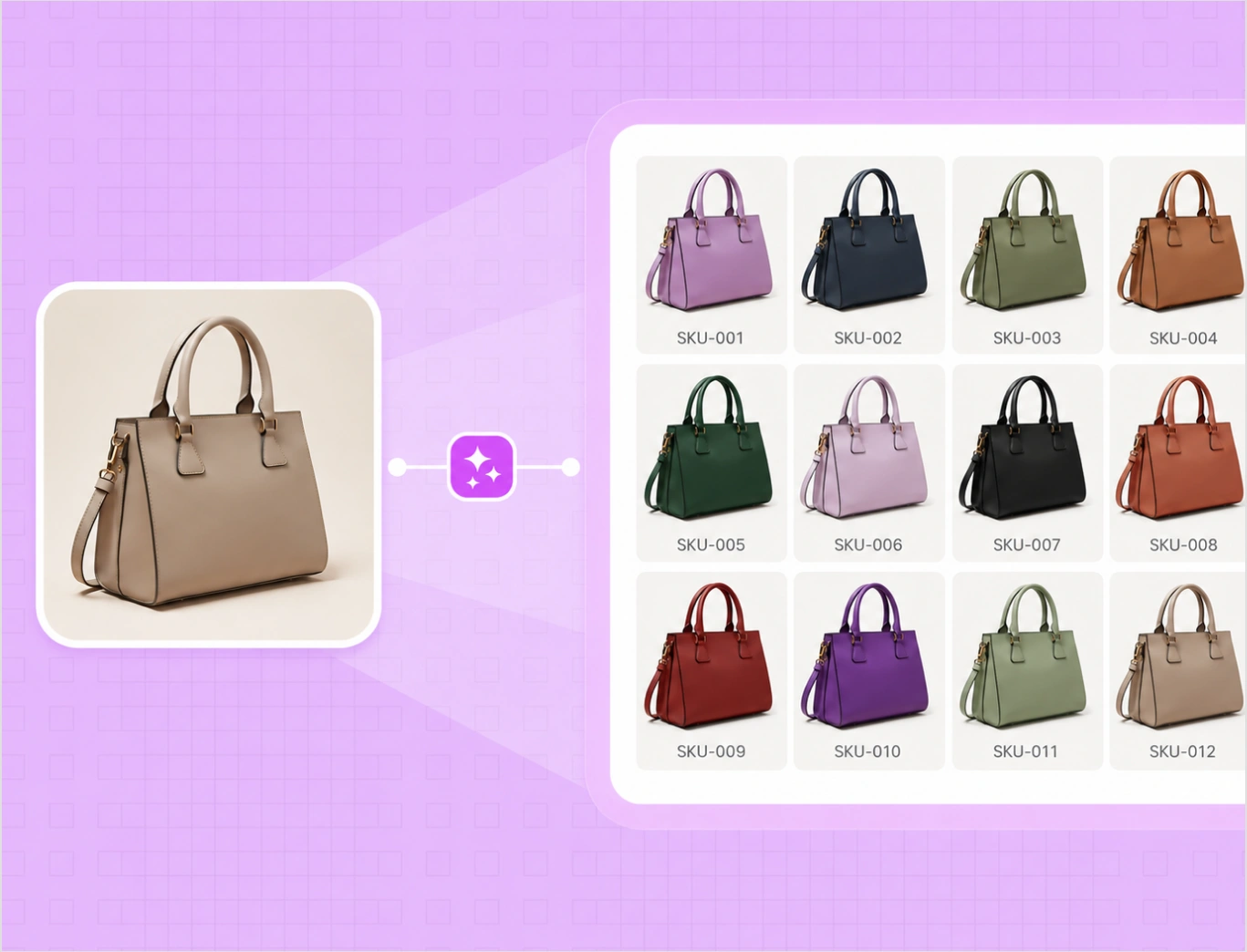
Upload one product photo, apply a fabric, material, pattern, or color swatch, and get clean, on-brand variations in minutes. One image becomes a full range, with weave, grain, and lighting intact.
Start with 5 free credits . Create variants free . No card needed
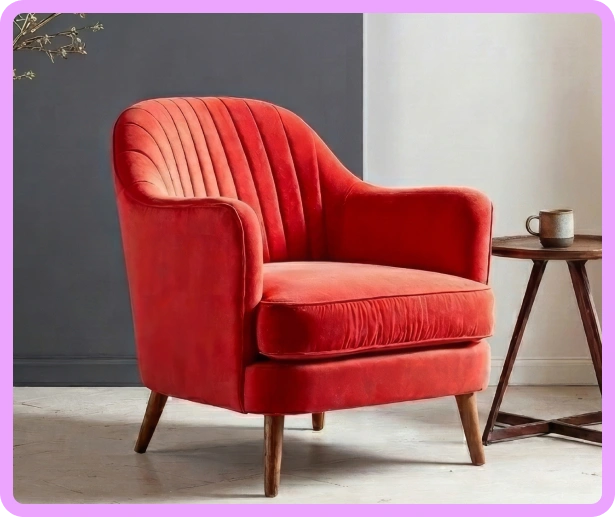
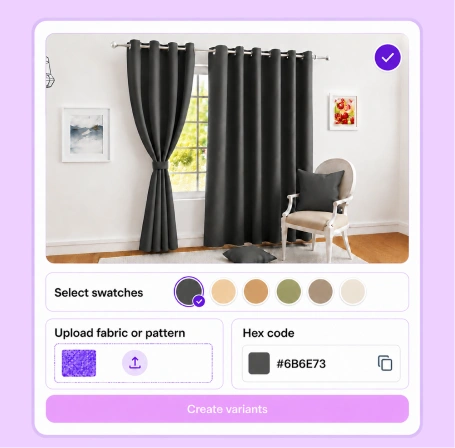
Click on the color to see the variant

our customers
Built for Wholesale. Powered by AI.
How the image Variation generator works
Three steps turn one product photo into a full set of variations. No reshoots. No manual masking.
Step 1
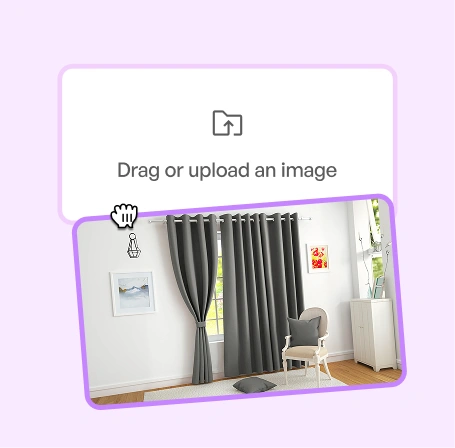
Upload Your Product Images
Add any product photo straight from your device or catalog. It does not need to be shot in WizStudio.
Step 2
Add and apply swatches
Add a fabric, material, pattern, or color reference, or enter an exact hex code.
Step 3
Review and export
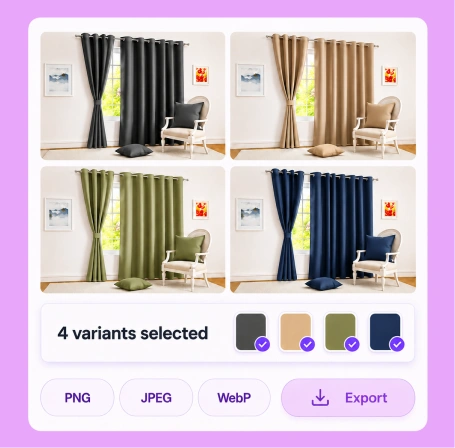
Review the variations and export clean images for PDPs, marketplaces, and catalogs.
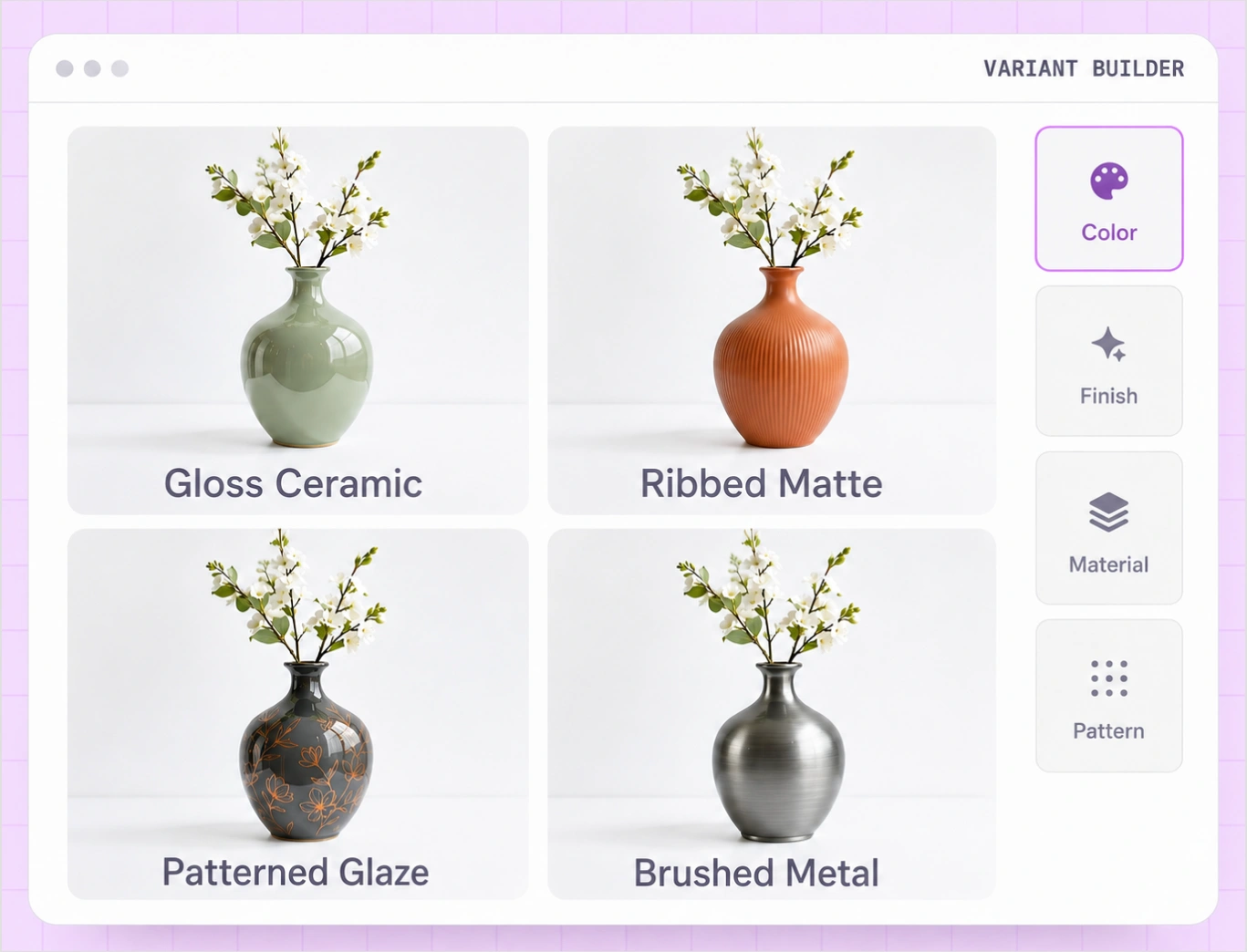
Generate variations across fabric, material, pattern, and color
Most tools rebuild the picture and hope it lands. Variant Builder changes only the attribute you choose and keeps the product consistent across every variation.
Fabric
Swap linen for velvet or bouclé while keeping the weave realistic.
Material
Show the same piece in oak, acacia , stainless steel, or brass.
Pattern
Apply a print or weave pattern that follows the product’s form.
Color
Generate every colorway from one shot, matched to exact hex codes.
An AI variation generator built for catalogs, not one-off edits
Holding a product steady across an entire catalog is the hard part. Variant Builder is built for exactly that: consistent color, finish, fabric, and pattern, SKU after SKU.
Color, finish, fabric, and pattern, from one upload
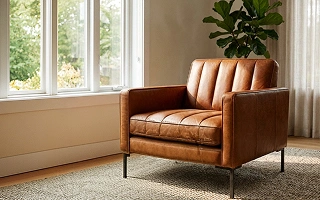
Most tools stop at color. Variant Builder recolors a product into every colorway, swaps finishes from matte to gloss to brushed metal, changes fabric from linen to velvet, and applies patterns that follow the product's shape. The geometry stays fixed, so a navy chair and a sage chair read as the same chair, shot the same way.
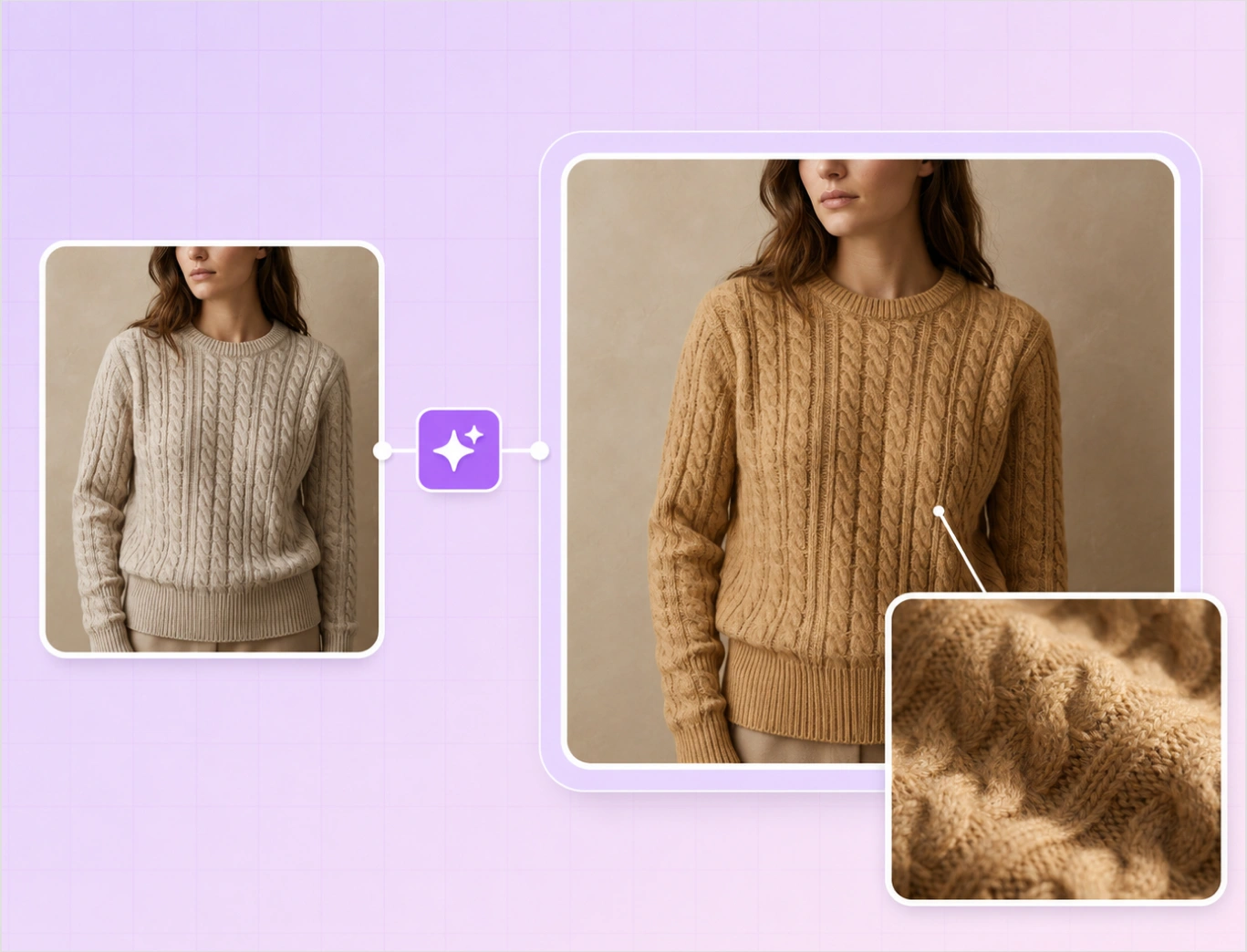
Texture and lighting stay exactly as photographed
Changing a color should not flatten the product. Weave, grain, stitching, and the original lighting carry into every variation, so each one looks photographed in a studio rather than recolored in an editor. That is what keeps a full catalog looking like one consistent shoot.
Built for thousands of SKUs, not a single hero shot
Run an entire product line in one bulk pass and get the full set of colorways and finishes back together, matched across every image. No editing one variation at a time, and no drift in look from the first SKU to the last.
Refine any variation with AI, in the same place you generate
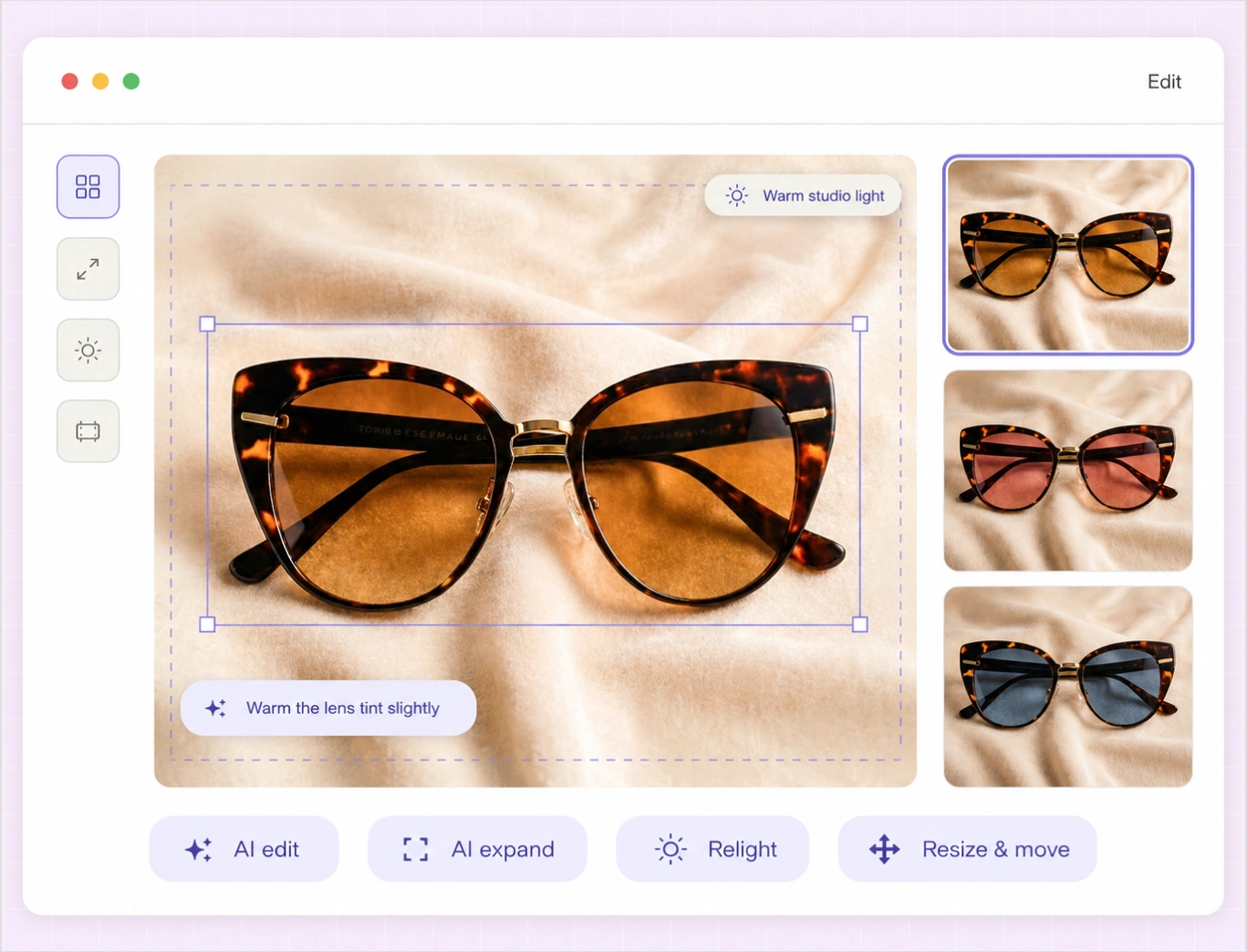
Every variation is a starting point you can take further. Describe a change in plain language with AI edit, change the aspect ratio with AI expand, reset the mood with relight, or grab an object and reposition it with resize and move. Basic editing tools sit right alongside, so you never jump between apps.
Export at up to 8K for web, marketplace, and print
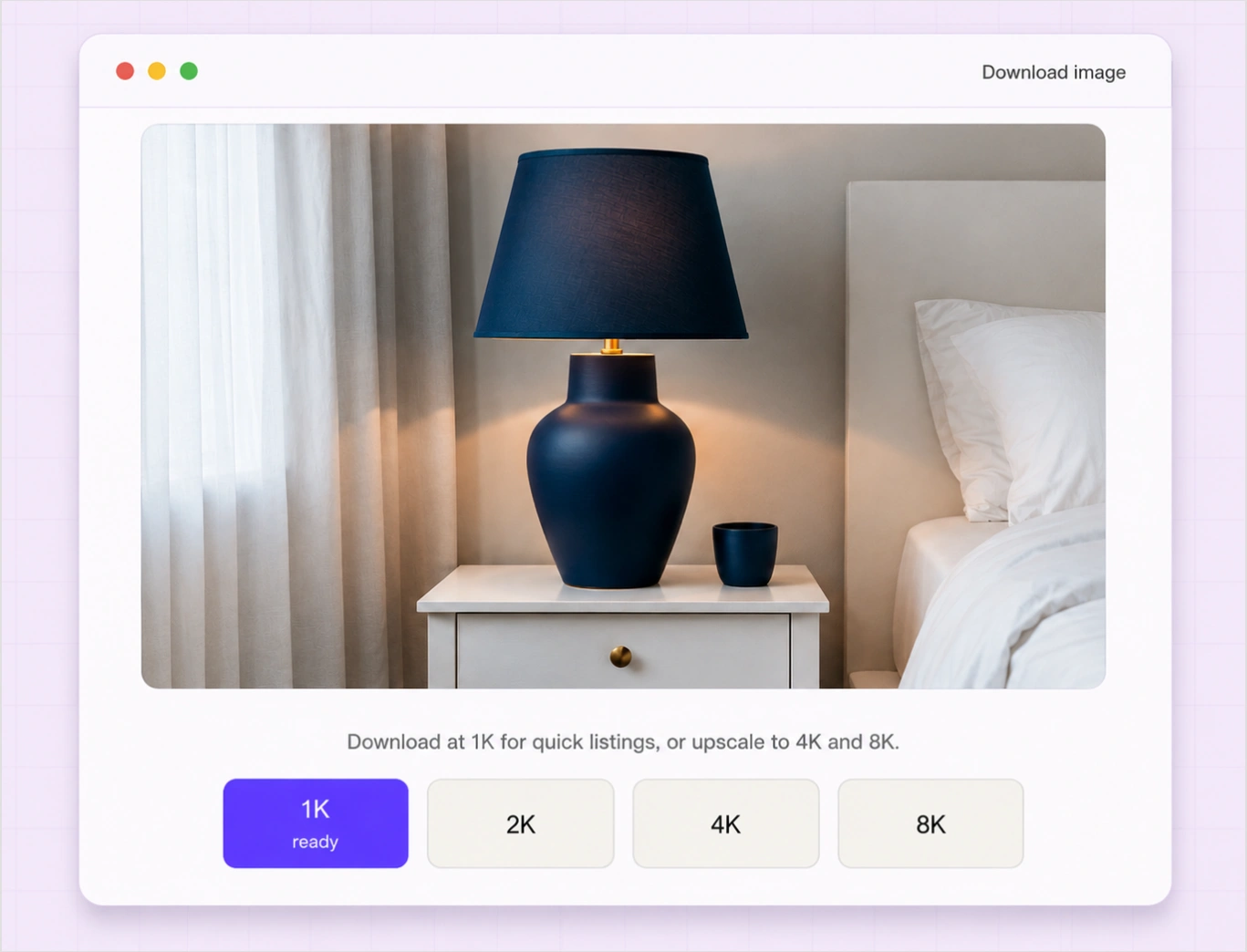
When a variation is right, size it for the job. Download at 1K for quick listings, or upscale to 4K and 8K for hero banners and print, with crisp detail at every step. One generated image becomes a full set of assets, ready wherever you publish.
Traditional reshoot vs Variant Builder
Same color range. Two very different paths to a finished listing.
| Features | Variant Builder | Traditional reshoot |
|---|---|---|
| New photo per color | One upload covers all | Sample, stage, shoot each one |
| Consistency across SKUs | Same light and geometry | Varies by shoot and lighting |
| Time to a full range | Minutes | Days to weeks |
| Texture and finish | Weave and grain preserved | Re-styled by hand |
| Catalog scale | Bulk runs, flat per image | Per-variant studio cost |
The rest of the WizStudio toolkit
Variant Builder is one of five tools for product visuals at catalog scale.
Generate your first variations free
Turn one product photo into a full range of variations. Want to see it run across an entire catalog? Book a demo.
Frequently Asked Questions
Is there a free AI image variation generator I can try?
Yes. Start free with trial credits and generate your first product variations before you pay anything. WizStudio runs on credits, so you create and preview as much as you like and only pay when you download. It is a low-risk way to try the AI image variation generator on your own product photos.
How much does it cost compared to a traditional reshoot?
Far less. Reshooting one color variant can run into the hundreds of dollars once you add samples, shipping, studio time, and retouching. Variant Builder generates the same variant for a fraction of that, and one photo gives you a full color range instead of a new shoot per SKU.
Can I show a product in new colors without reshooting?
Yes, that is the point. Upload one product photo and Variant Builder creates new color, finish, fabric, and pattern variants without reshooting, restyling, or ordering samples. The product’s shape and lighting stay fixed, so every variant looks like part of the same shoot.
Will it keep the texture, and can I match an exact color?
Both. Weave, grain, stitching, and shadows carry into every variation, so materials look photographed rather than painted over. Enter an exact hex code and the output matches your brand palette, so one navy reads as the same navy across every SKU.
Do the variations meet Amazon and Shopify image requirements?
Yes. Output clean, white-background images and export at the resolutions marketplaces expect, so variants are listing-ready for PDPs, Amazon, and Shopify without extra editing. Upscale to higher resolutions when you need zoom-ready or print-ready files.
Can I run this across a whole catalog, not one image at a time?
Yes. Variant Builder is built for bulk. Run a full product line in one pass and get every colorway and finish back together, matched across all images. For large catalogs, add an optional human review so the output meets your brand bar before it ships.
Can I use the generated images commercially?
Yes. The variations you generate are yours to use on product pages, marketplace listings, ads, and catalogs. Just make sure you hold the rights to the original product image you upload, and the variants you create from it are ready for commercial use.
Skip to content