Announcing our $8M fundraise to bring AI to wholesale. Read our manifesto

Dimension Lines

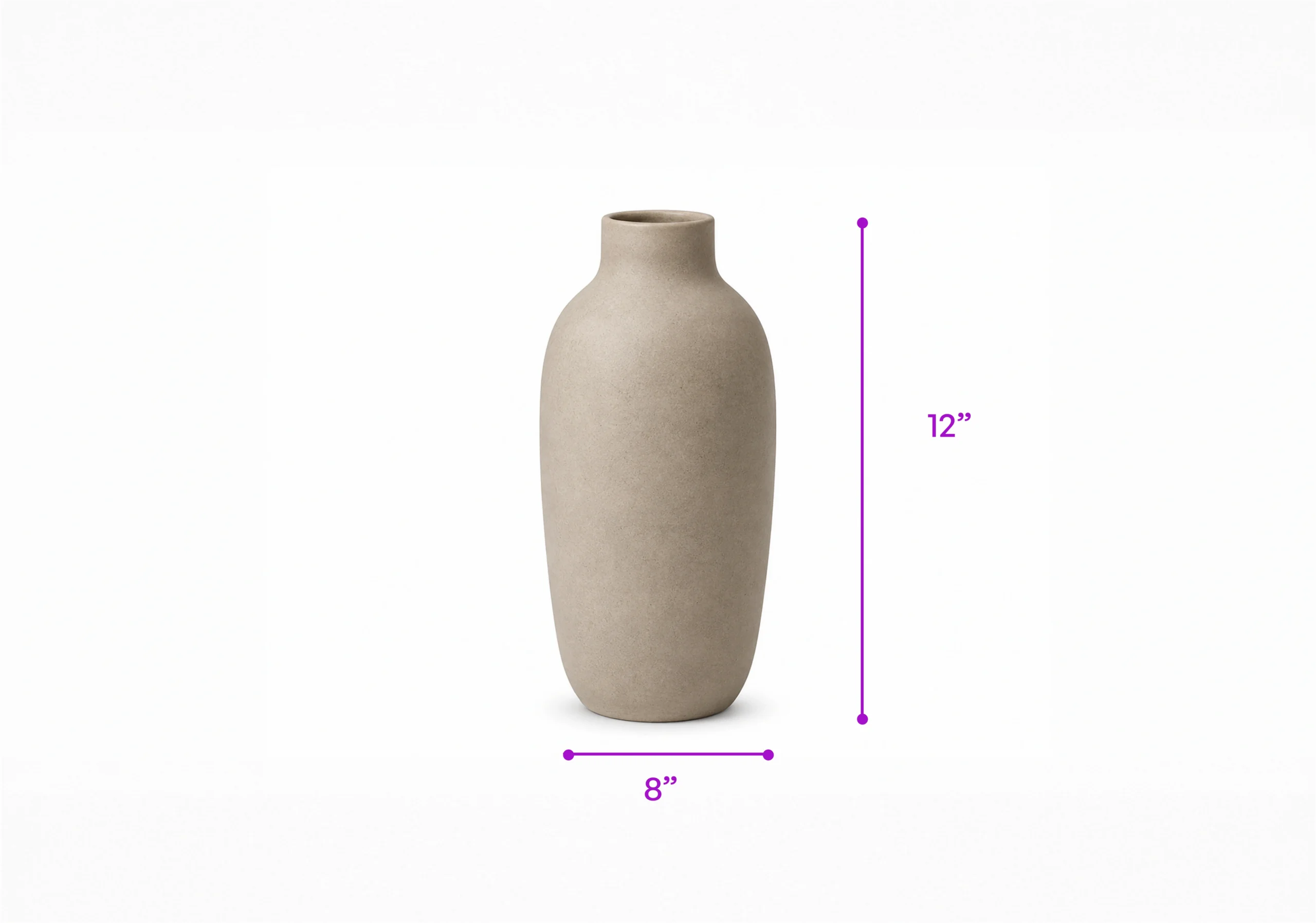
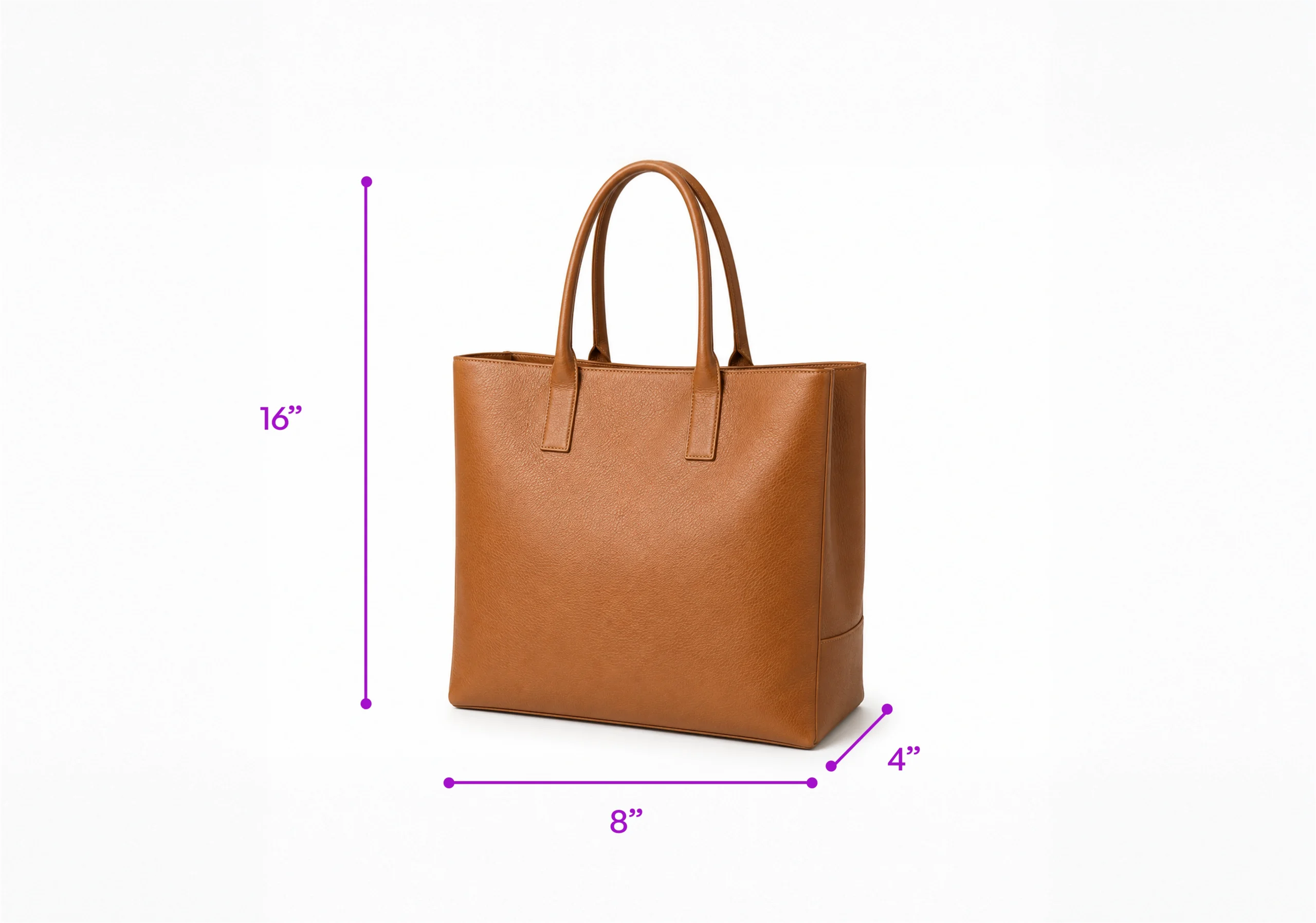
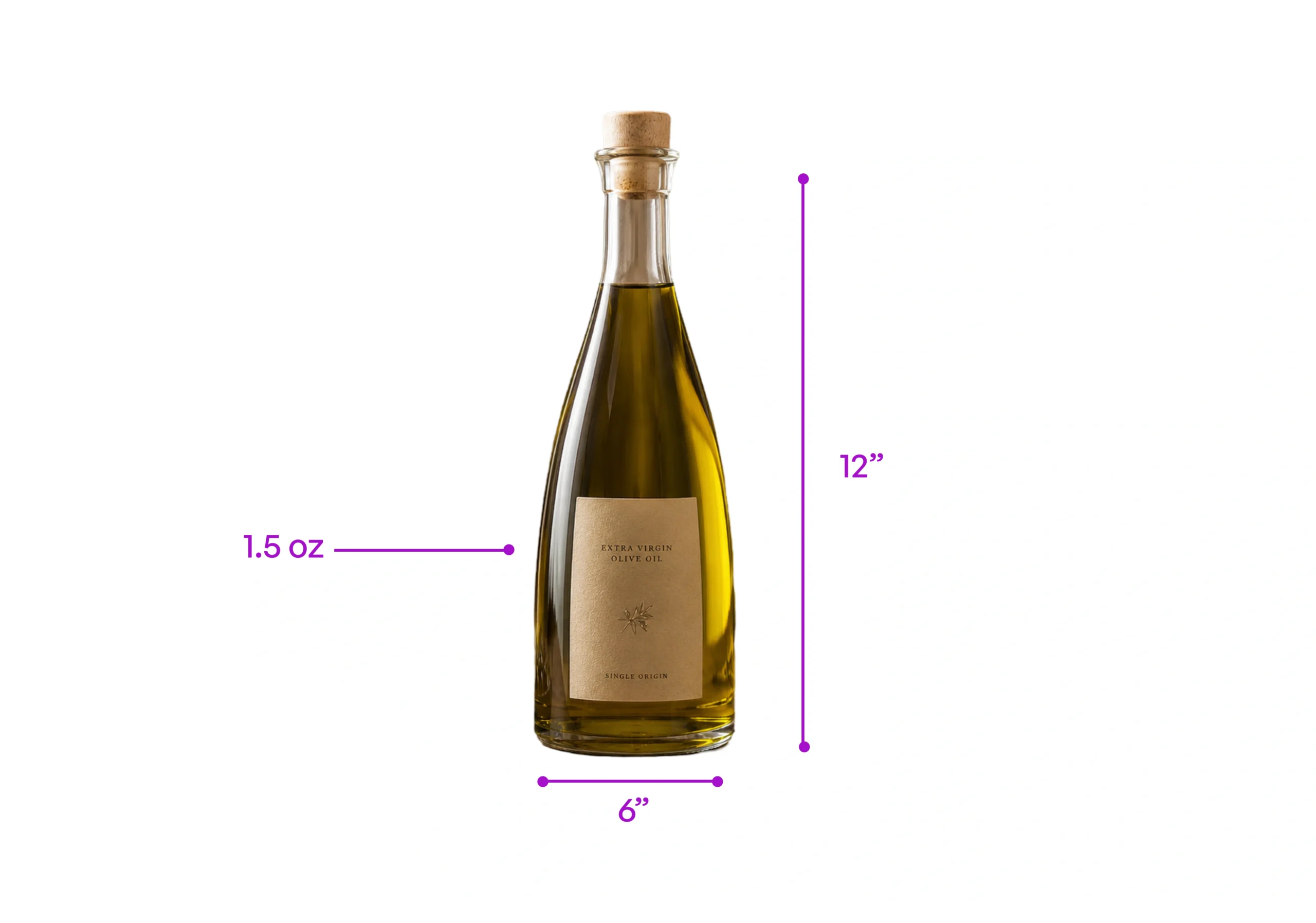
Add dimension lines to product images, in seconds.

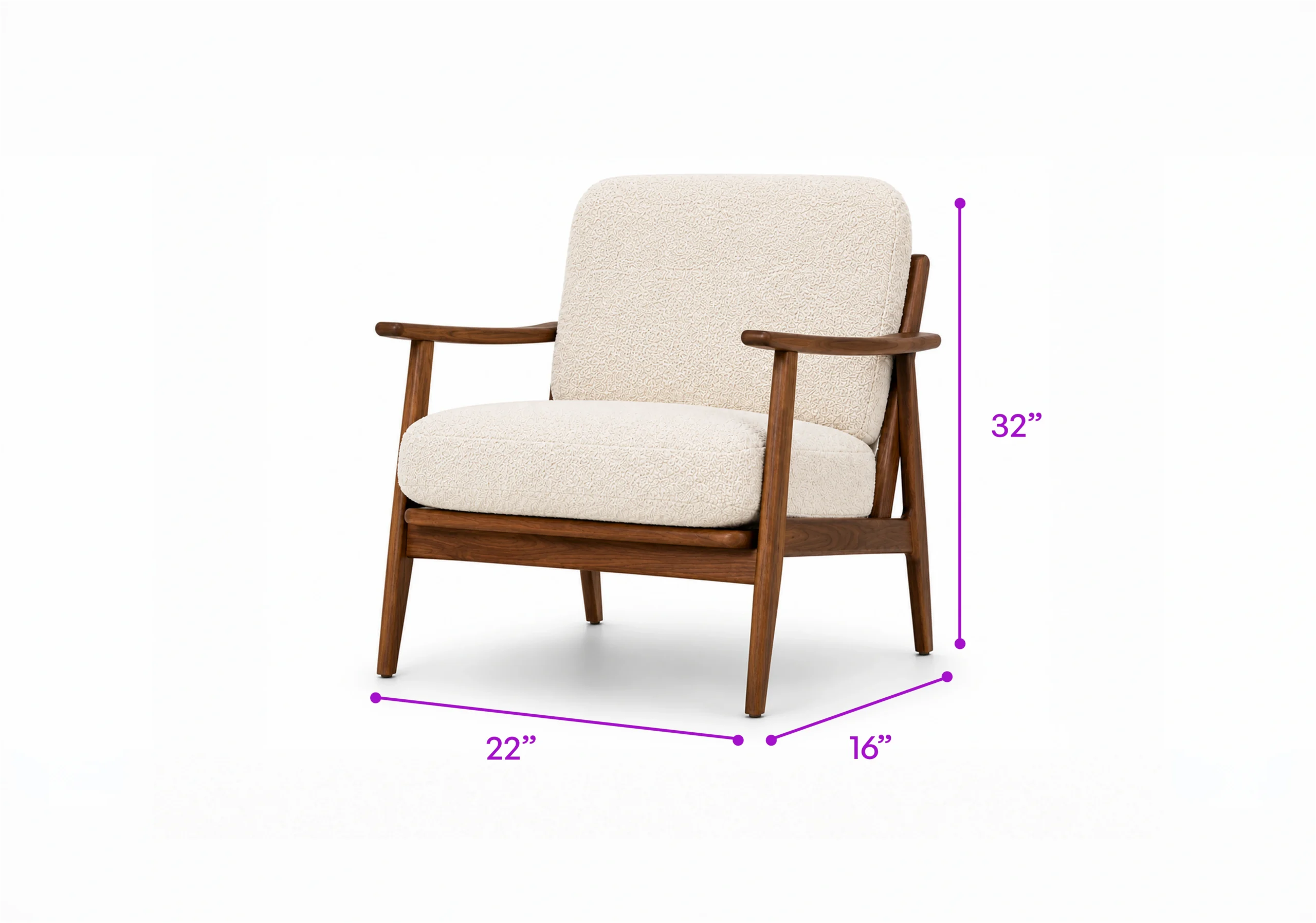
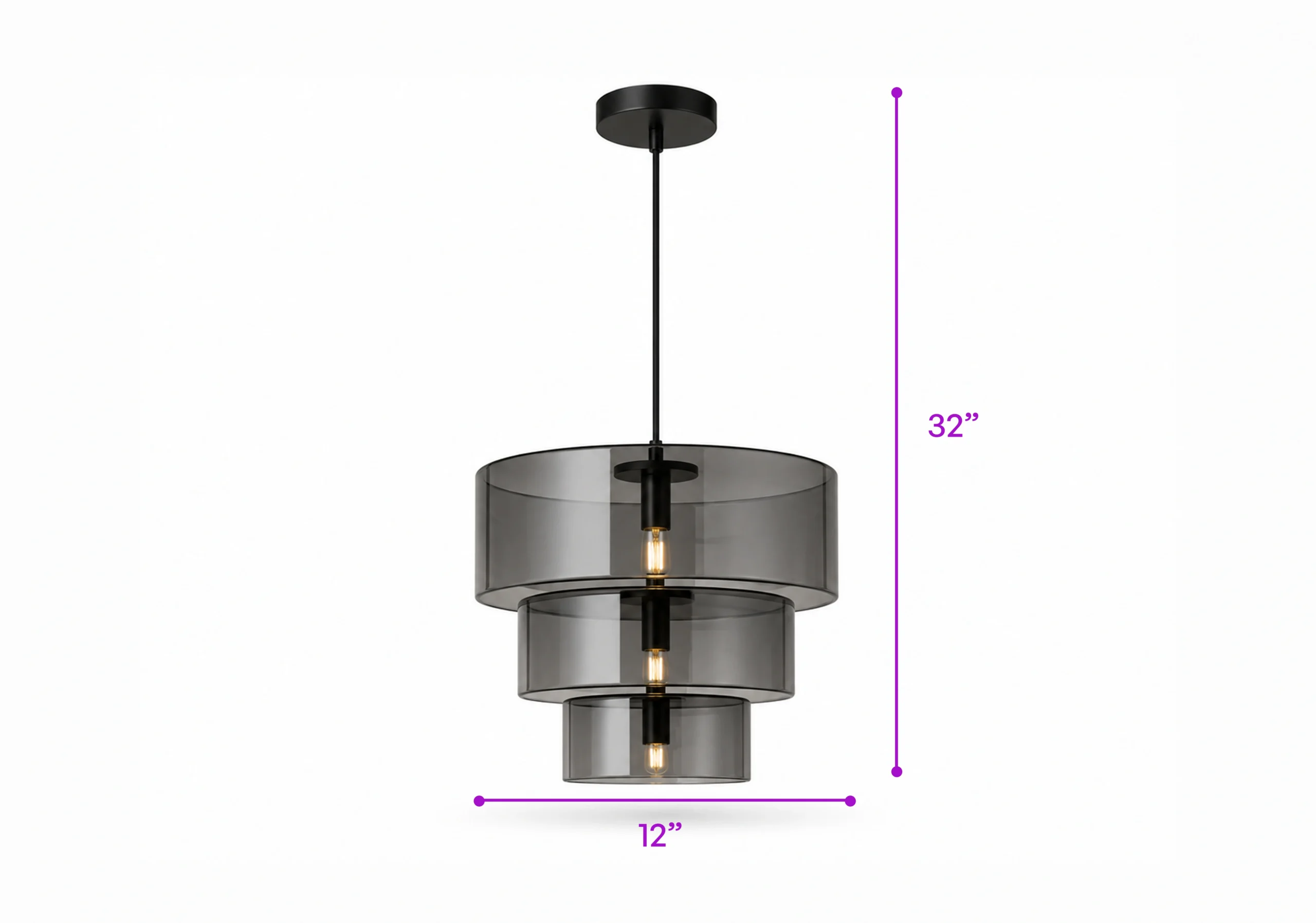
Upload a product photo, enter the measurements, and WizStudio draws precise dimension lines for length, width, height, and any custom measurement. Buyers see exact proportions at a glance, without hunting through spec sheets, so fewer orders come back over size.

Start with 5 free credits . Add Dimension Lines free . No card needed

our customers

Built for Wholesale. Powered by AI.

Built for Wholesale. Powered by AI.

image 1203 (1)

How to add dimension lines to a product image

Step 1

Vector

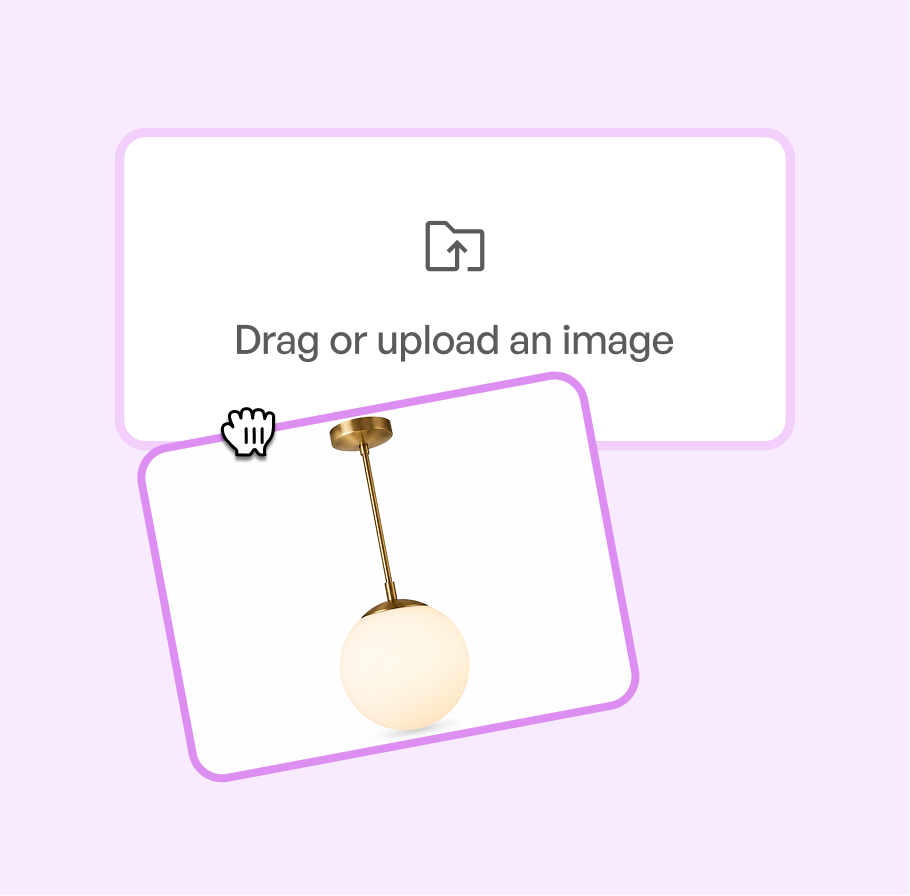
Upload Your Product Images

Add one product image or many at once. They do not need to be shot in WizStudio.

Step-1

Step 2

Ai-Status-In-Progress--Streamline-Carbon

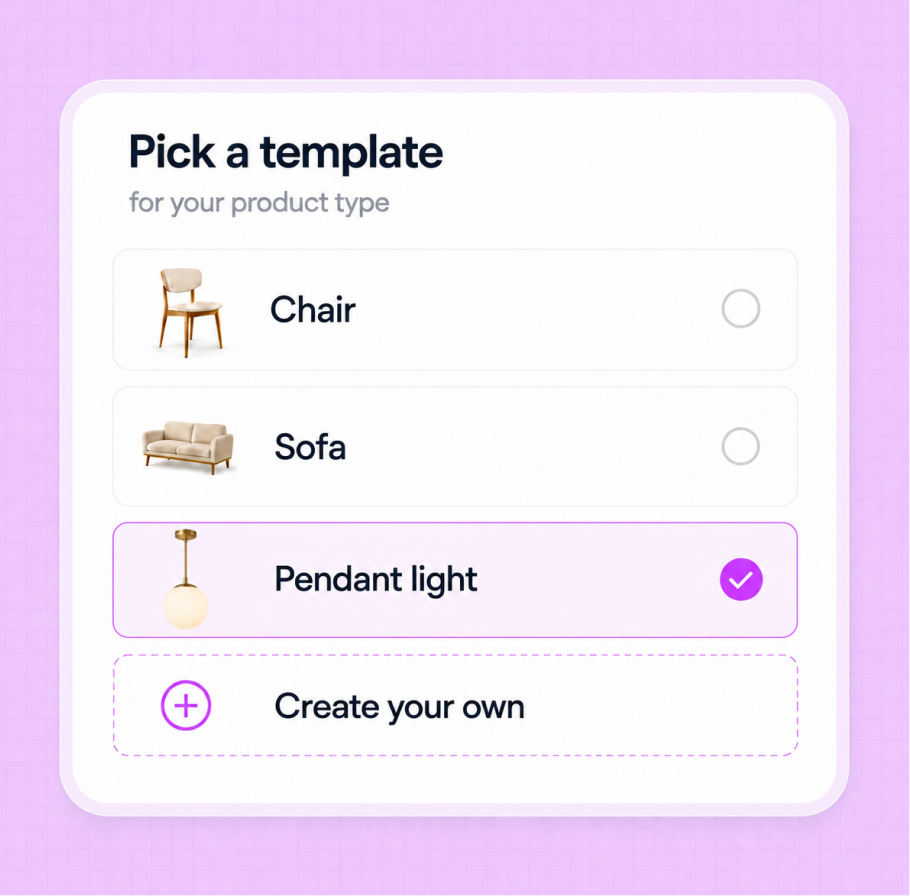
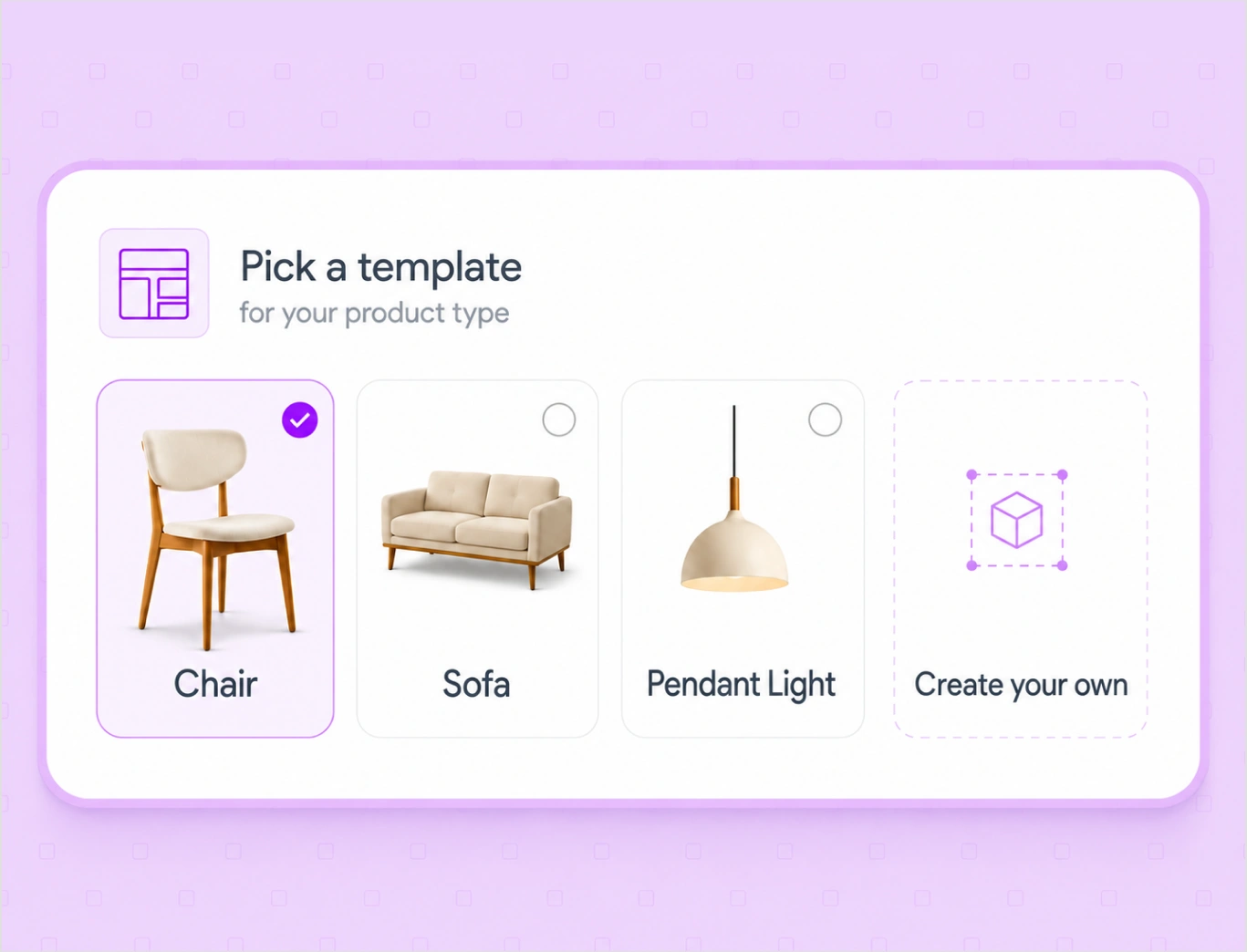
Select a template

Pick a template for your product type, like chair, sofa, or pendant light, and the right dimension lines are already set. Or create your own.

Step-2

Step 3

IconImagesSparkle

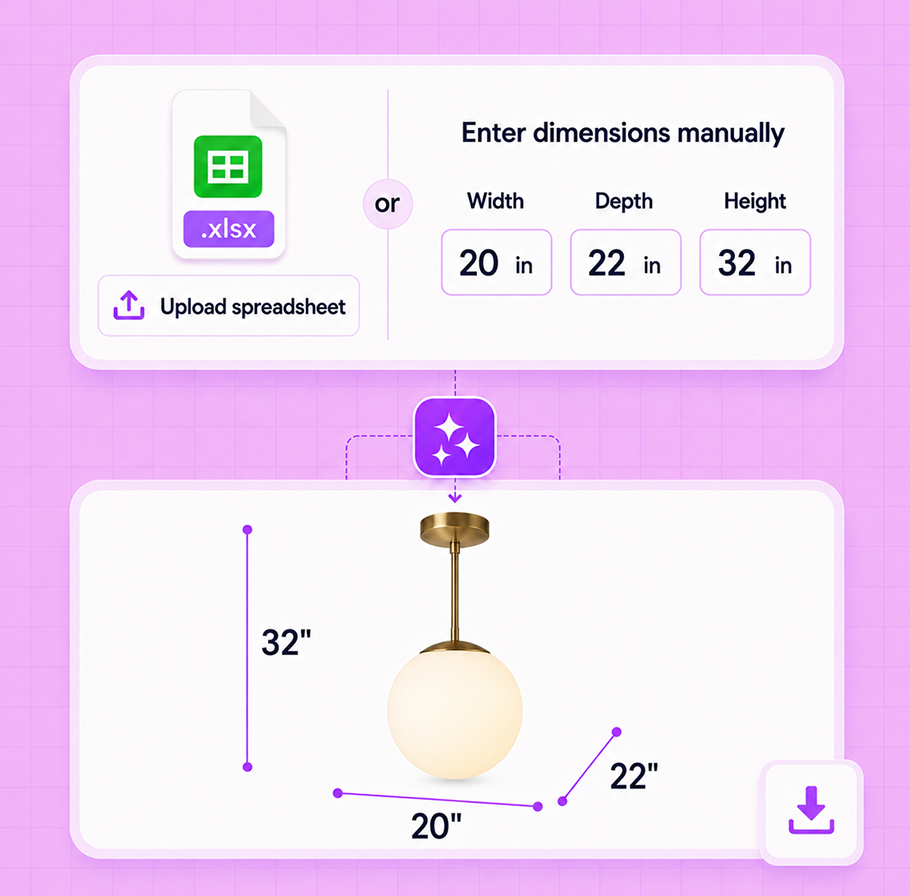
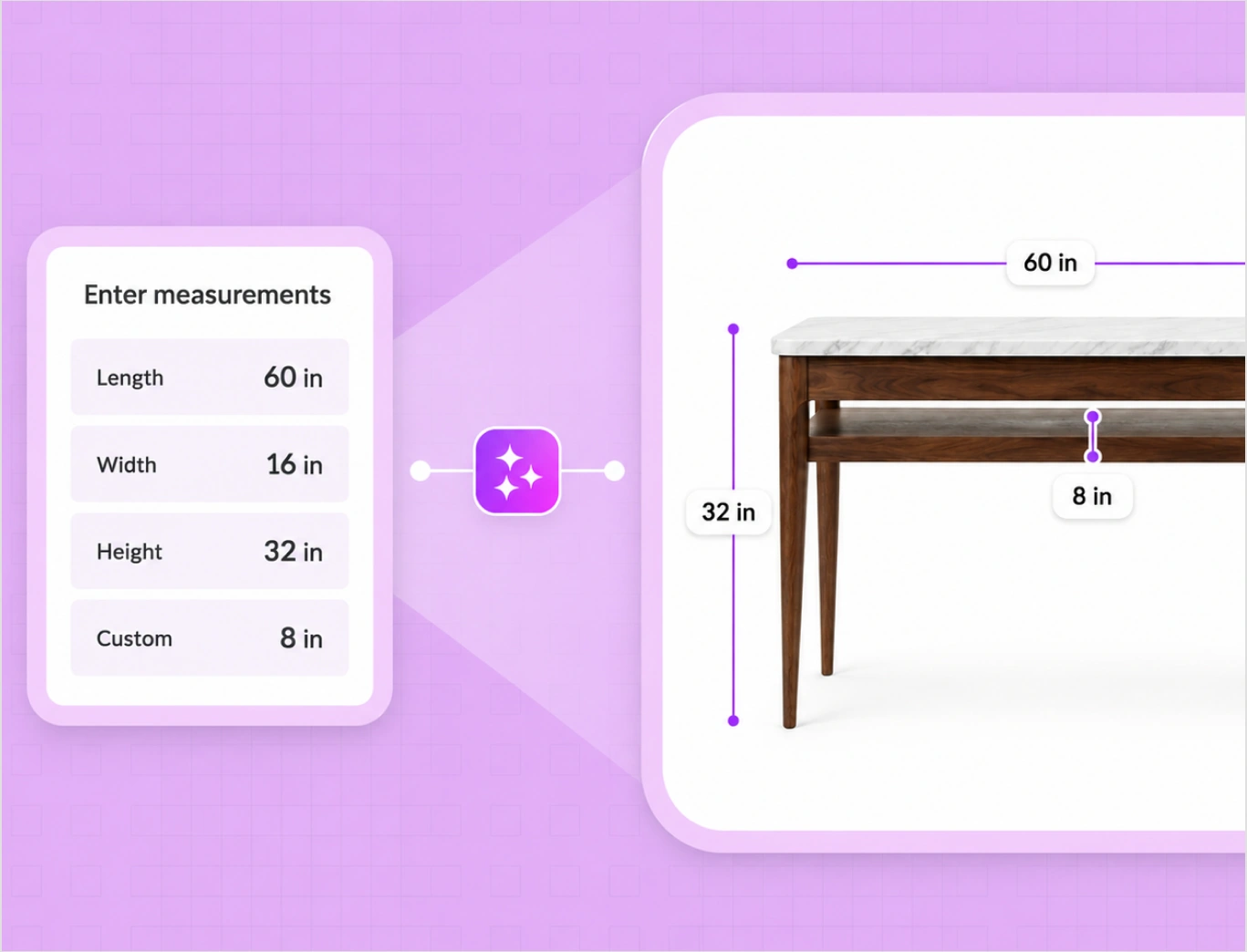
Add the dimensions

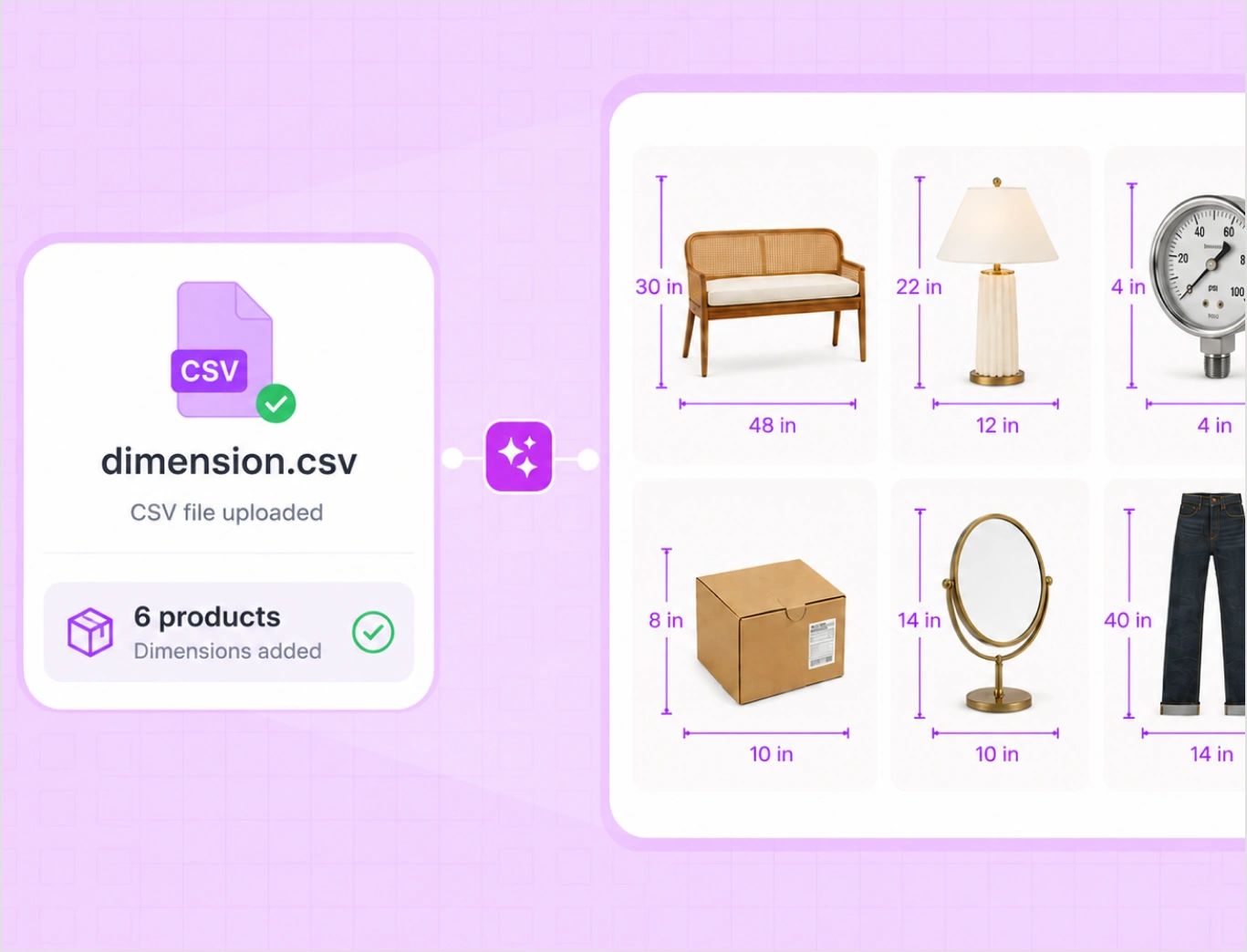
Enter the measurements, or upload them in a spreadsheet for many products at once. WizStudio draws the lines and you download the catalog-ready images.

Step-3

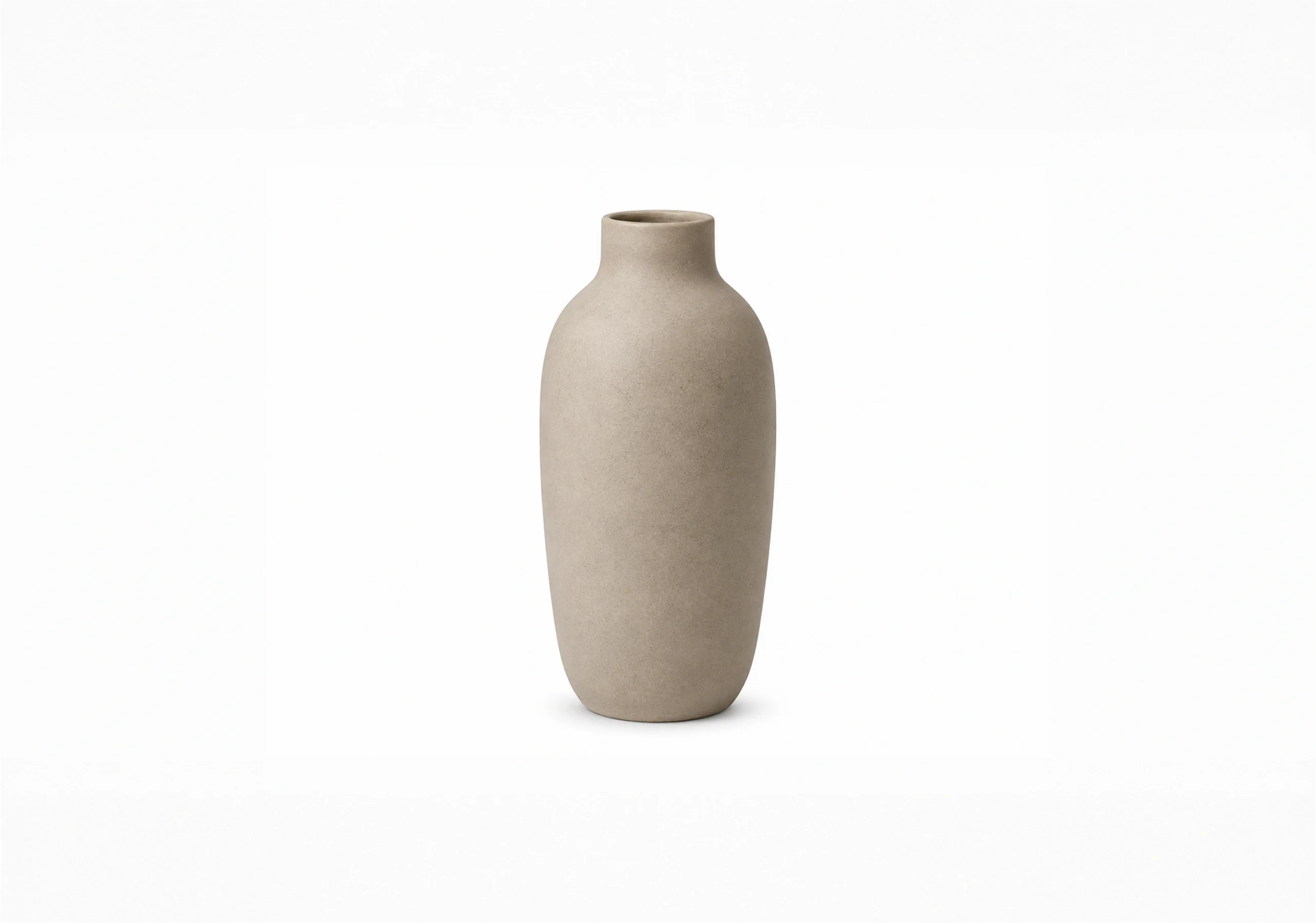
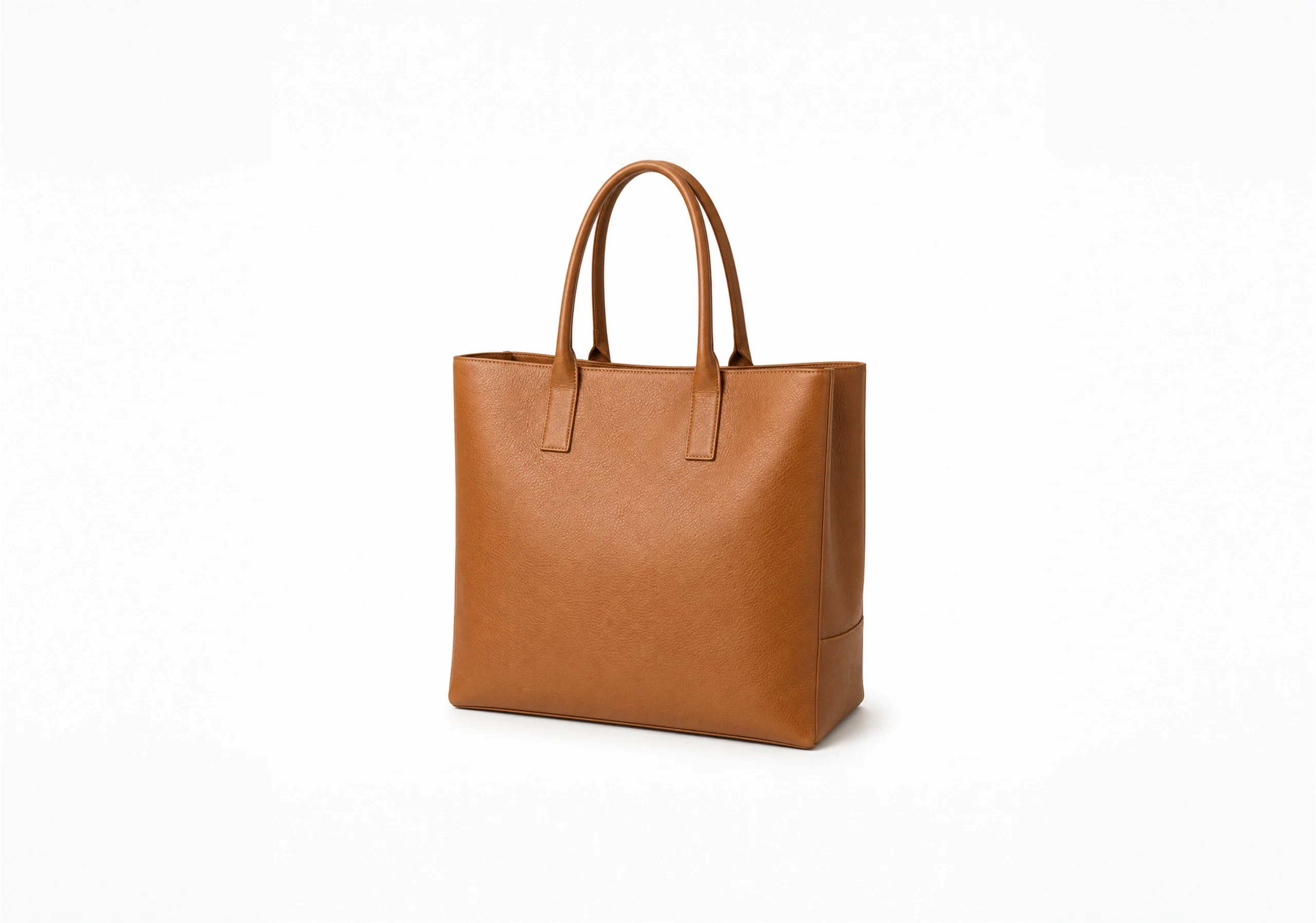
See dimension lines added across your catalog

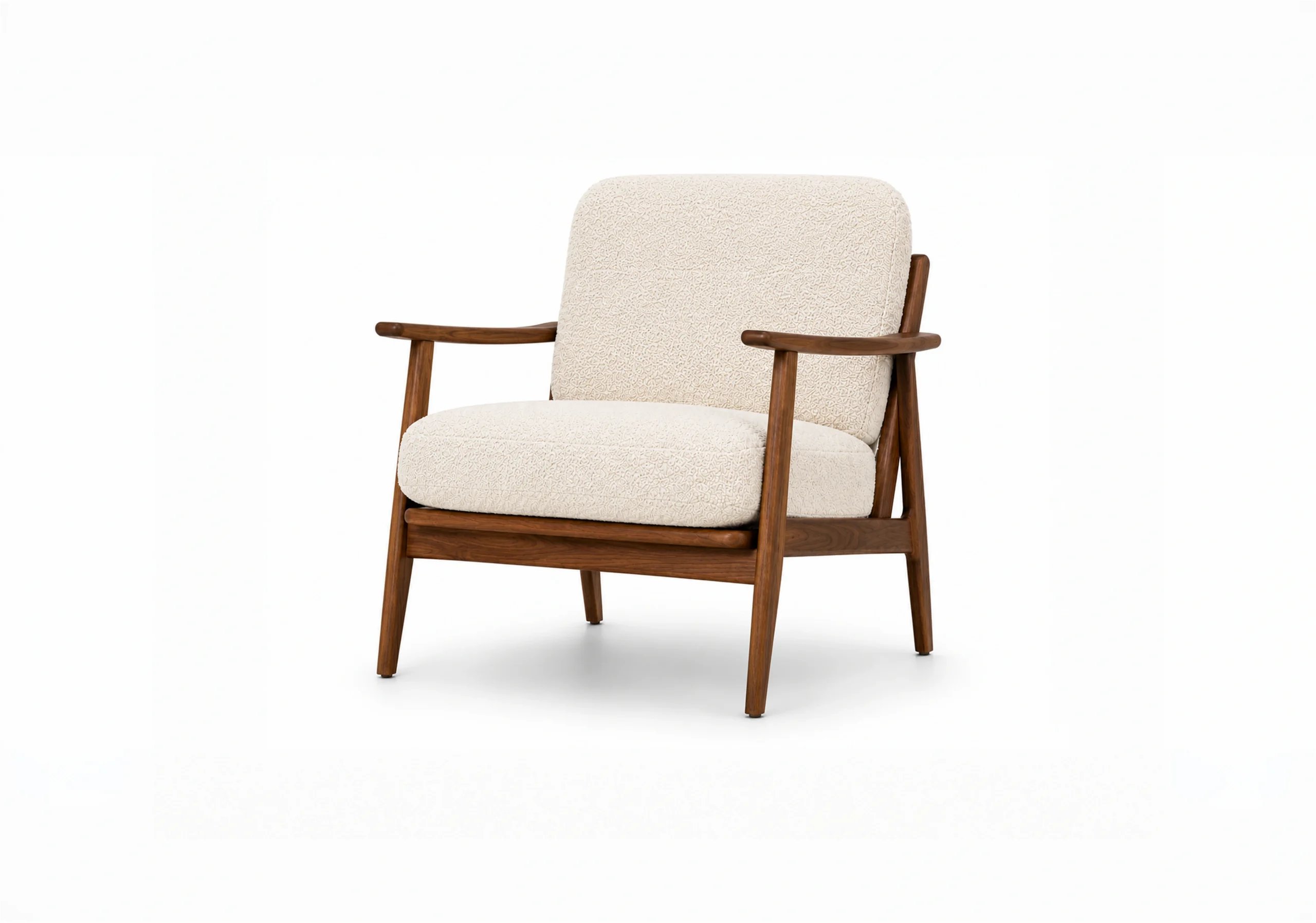
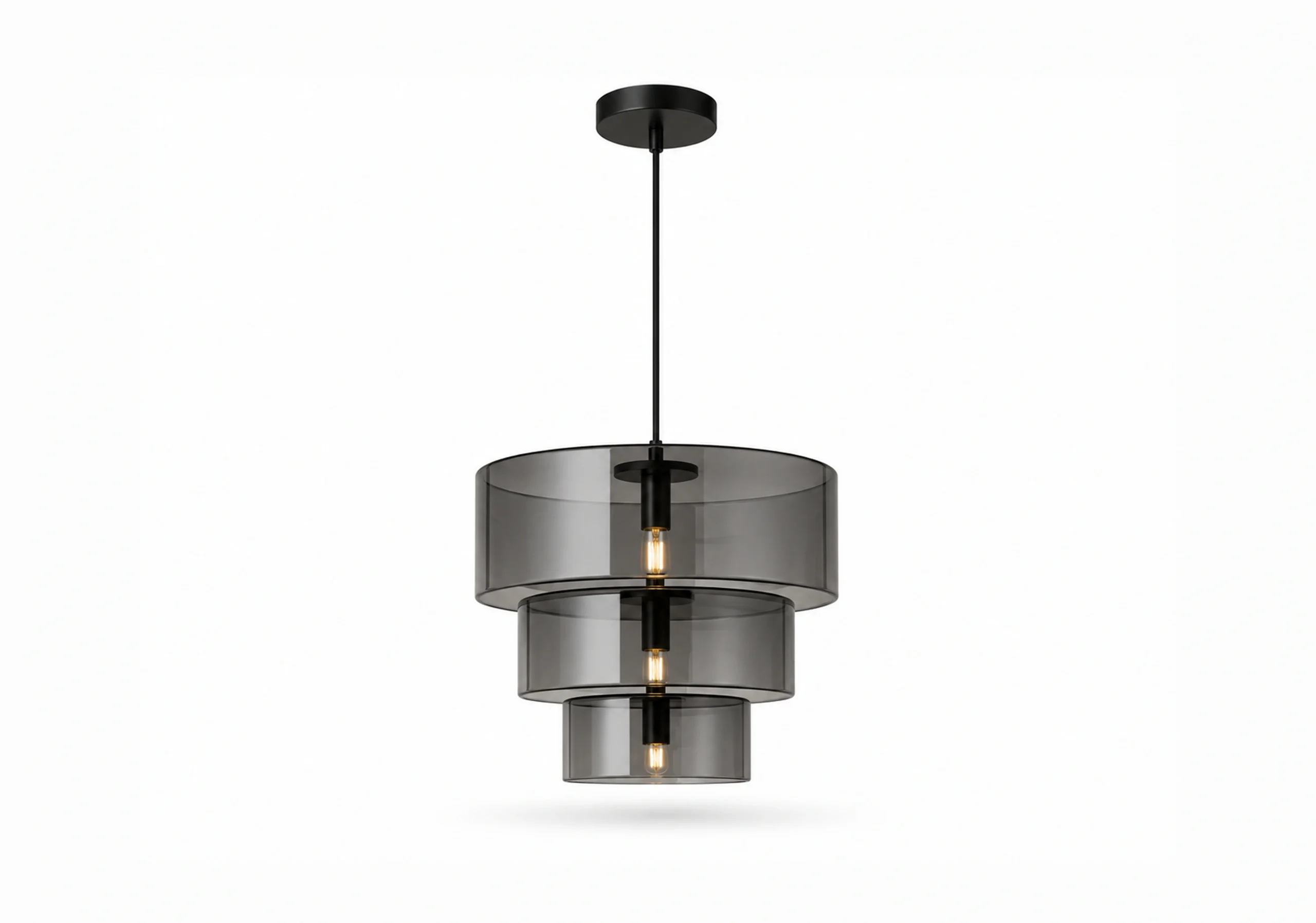
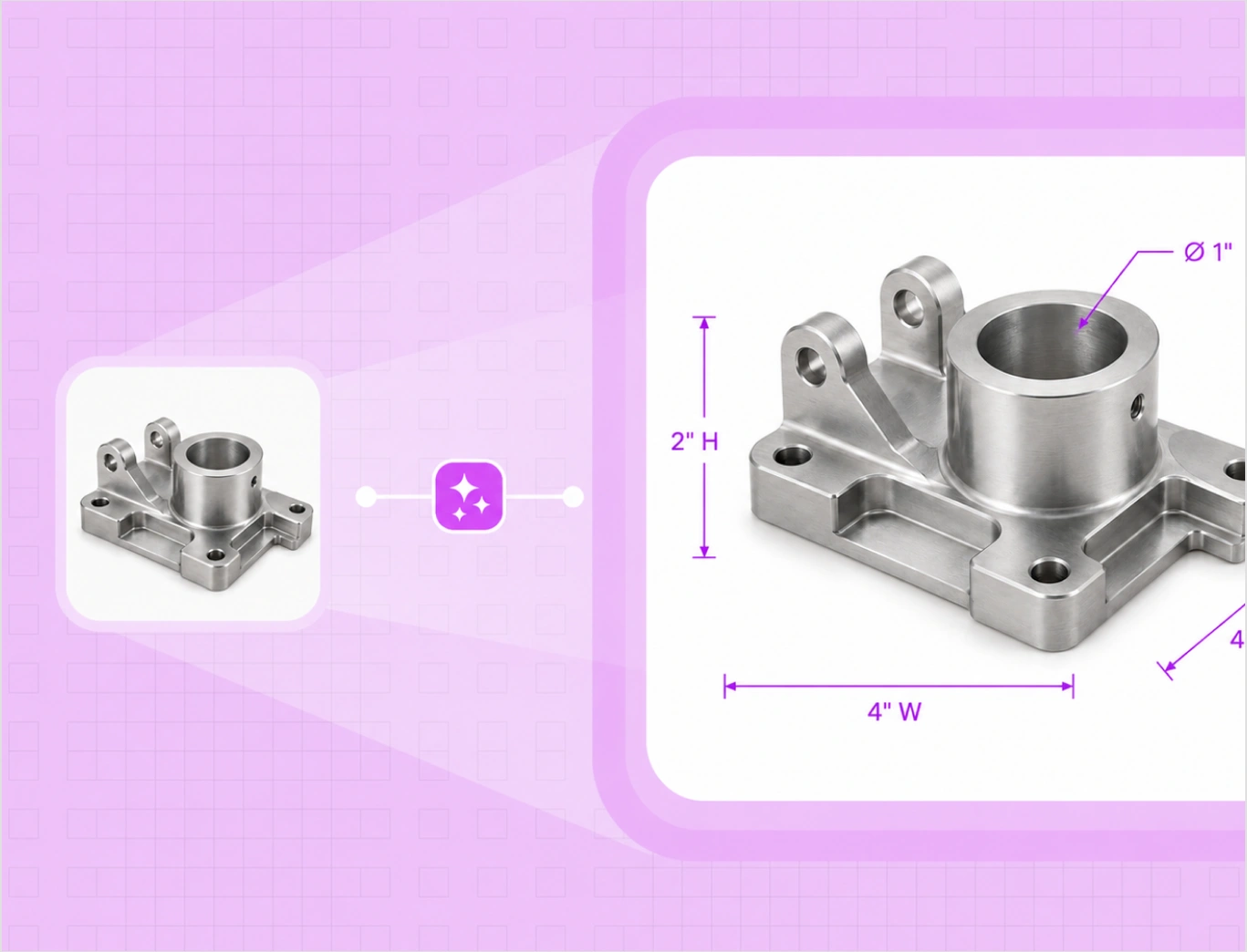
Pick a product type and drag to add the lines. Dimension Lines is especially valuable for furniture, fixtures, industrial equipment, and packaging, and works for any size-sensitive product.

After
Before
After
Before
After
Before
After
Before
After
Before

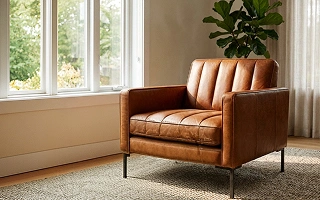
Show length, width, and height on bulky furniture, so buyers know it fits the space before they order.

A dimension tool built for catalogs, not one-off diagrams

Drawing one measurement by hand is easy. Keeping precise, consistent dimension images across an entire catalog is the hard part. WizStudio gives your catalog an engineering-grade look that competitors without dimension annotations cannot match.

Start from a template for your product type

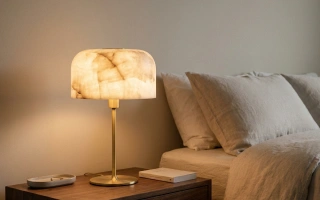
Pick a template like chair, sofa, pendant light, wall mirror, or coffee table, and the dimension lines for that product are already set. The sofa template, for example, draws height, depth, seat height, and width. Need a product type that is not listed? Create your own template once and reuse it across the catalog.

Box-1
Box-2

Dimension lines drawn from your numbers

Type the length, width, and height you already have, plus any custom measurement, and WizStudio places precise lines and labels on the image. As a dimension line creator built for product shots, it draws the numbers you supply, so they are always accurate and never guessed from the photo.

Show length, width, height, and custom measurements

Add length, width, height, and any custom measurement on the same product image, each with its own clean line and label. Buyers read the full size from the image itself, not a separate spec sheet, which is what they need for size-sensitive products.

Box-3
Box-4

Catalog-ready and consistent on every SKU

The dimension lines use one clean style, the same line weight, color, and label format on every image. That keeps your catalog looking uniform across hundreds of SKUs, instead of a mix of fonts and hand-drawn arrows from different designers. Set it once and every catalog dimension image matches.

Manual diagramming vs WizStudio

Same clean catalog. Two very different paths to listing-ready images.

Features WizStudio Manual or CAD
Dimension lines per image Enter the numbers, lines drawn for you Drawn by hand in Photoshop or a CAD tool
Accuracy of labels Uses the measurements you supply Easy to mislabel or mis-scale
Where buyers find size Right on the product image In a separate spec sheet or document
Whole catalog Bulk across the catalog One image at a time
Skill needed No design skills needed Design or CAD skills

The rest of the WizStudio toolkit

Dimension Lines is one of five tools for product visuals at catalog scale.

Frame 1

Bulk Silos Generator

Clean white-background silo images for a full catalog, in bulk.

Frame 4

Background Remover

Remove backgrounds and get clean cutouts in seconds.

Frame 2

Variant Builder

Color, finish, fabric, and pattern variations from one image.

Frame 5

Magic Eraser

Erase unwanted objects and marks from product photos.

Add dimensions to your first product images free

Show buyers the size on every image. Want to run dimension lines across a full catalog? Book a demo.

Frequently Asked Questions

How do I add dimension lines to a product image?

Upload the photo, type the real length, width, and height, and WizStudio draws clean dimension lines onto the image. It works as a dimension line creator for any product shot, so you get a catalog-ready file in seconds without opening Photoshop or a CAD tool. You download it ready to drop into listings, spec sheets, and catalogs.

Yes. Enter the measurements you already have and WizStudio places them as clean lines and labels on the image, so you add measurements to product photos without manual drawing. The numbers come from you, which keeps every label accurate for your catalog, product pages, and marketplace listings.

No. You pick a template for your product type, like chair, sofa, or pendant light, and the right dimension lines are already set for that product. You just supply the measurements. You can also create your own template once and reuse it, so the whole catalog follows the same line setup.

You enter the size. WizStudio does not guess dimensions from a picture, which can be unreliable. You supply the exact length, width, and height, and the tool draws the dimension lines to match. That keeps the measurements correct, because they come straight from your product specs rather than an estimate.

Yes. Add length, width, height, and any custom measurement on the same product image, each with its own clean line and label. Buyers see exact proportions at a glance, without hunting through a spec sheet, which matters for any product where size drives the buying decision.

Yes. Upload many products, then add the measurements in a spreadsheet: download a CSV that matches your template, fill in the values and units, and WizStudio verifies the data and draws the lines across every product in one run. As a dimension line generator for catalogs, it keeps the same style on every SKU.

Yes. The dimension lines use a clean, consistent style, the same line weight, color, and label format on every image. That keeps your catalog looking uniform across hundreds of SKUs, rather than a mix of fonts and hand-drawn arrows from different designers and files.

Often, yes. When buyers can see length, width, and height right on the image, fewer orders come back because a product did not fit the intended space or use case. Clear dimension images set the right expectation before checkout, which lowers size-related returns, exchange requests, and reorders.

It works for any size-sensitive product, and it is especially valuable for furniture, fixtures, industrial equipment, and packaging. From a sofa or a pendant light to a machined part or a shipping carton, you can add clean dimension lines for length, width, height, and custom measurements.