NOW LIVE WizCRM is now live The AI-first CRM for distributors — track every account, deal, and follow-up in the same app your reps take orders in.

✦ AI Lifestyle Image Generator

The AI lifestyle image generator built for high-volume product imagery.

Turn any raw product photo into a clean, professional lifestyle image with WizStudio. Just upload your product image and let AI create the scene around it.

Start with 5 free credits . Create lifestyle images free . No card needed

our customers

Built for Wholesale. Powered by AI.

Built for Wholesale. Powered by AI.

image 1203 (1)

How the AI lifestyle image generator works

Step 1

Vector

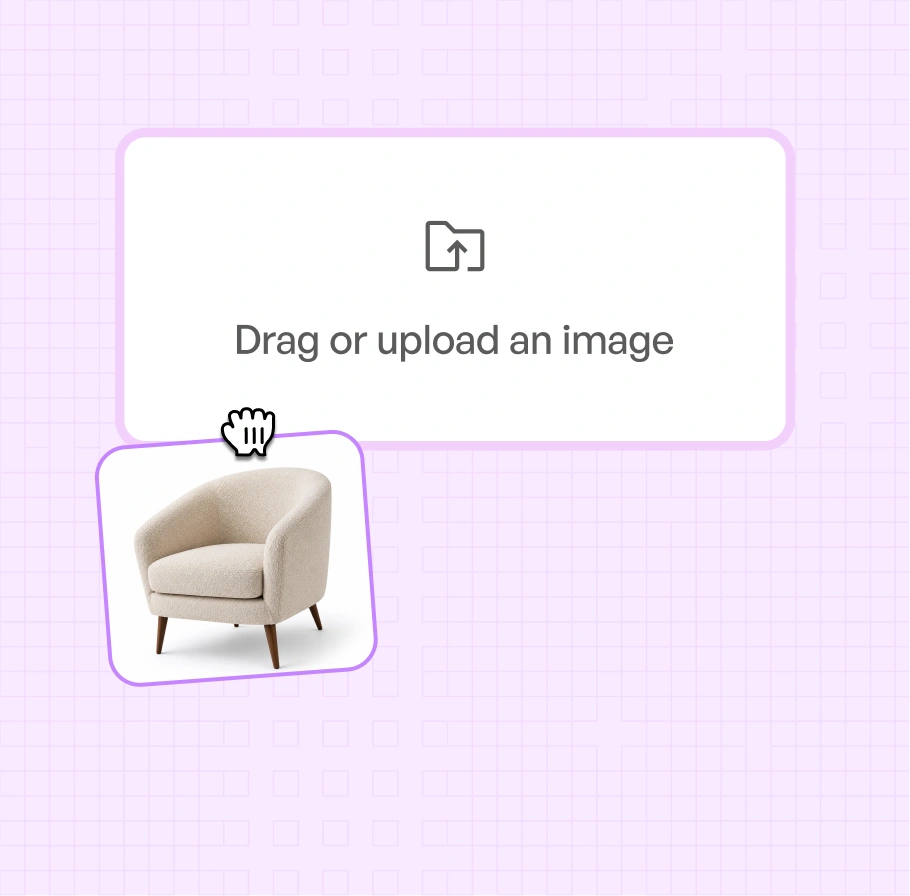
Upload Your Product Images

Add any product photo straight from your device or catalog: a warehouse shot, a phone photo, or a plain white silo. It does not need to be shot in WizStudio.

Lifestyle-step-1

Step 2

Ai-Status-In-Progress--Streamline-Carbon

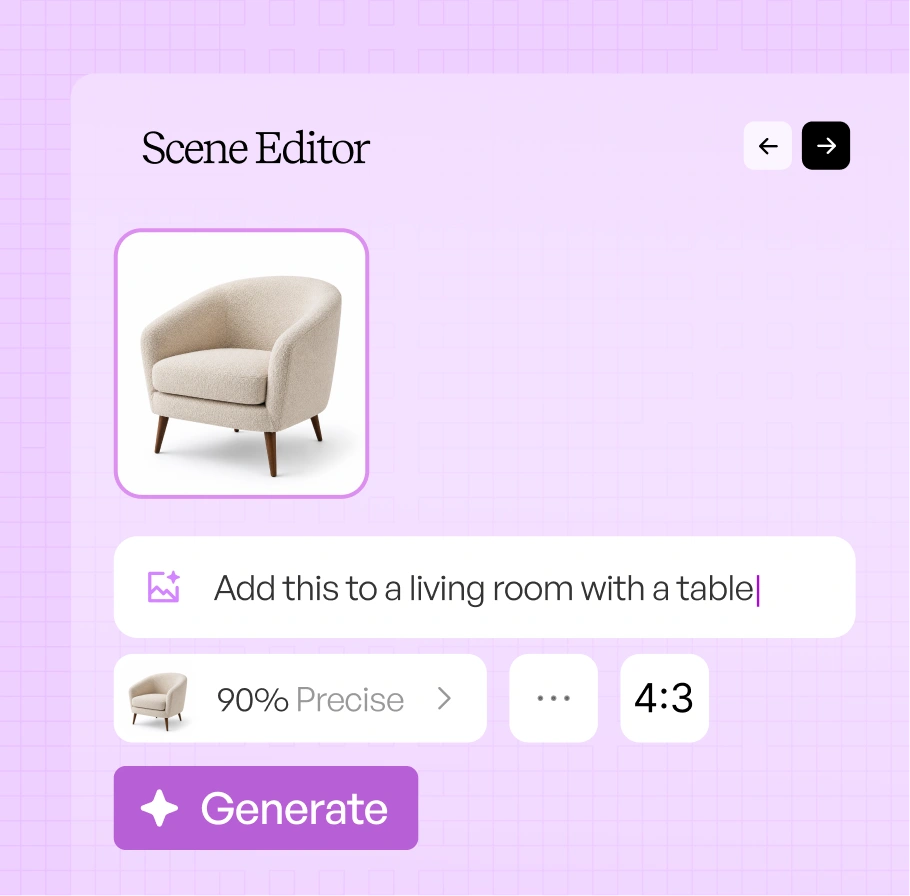
Describe the scene

Write the scene, the light, and the mood in plain language. Or upload a reference image so the scene matches a look you already sell.

Lifestyle-step-2

Step 3

IconImagesSparkle

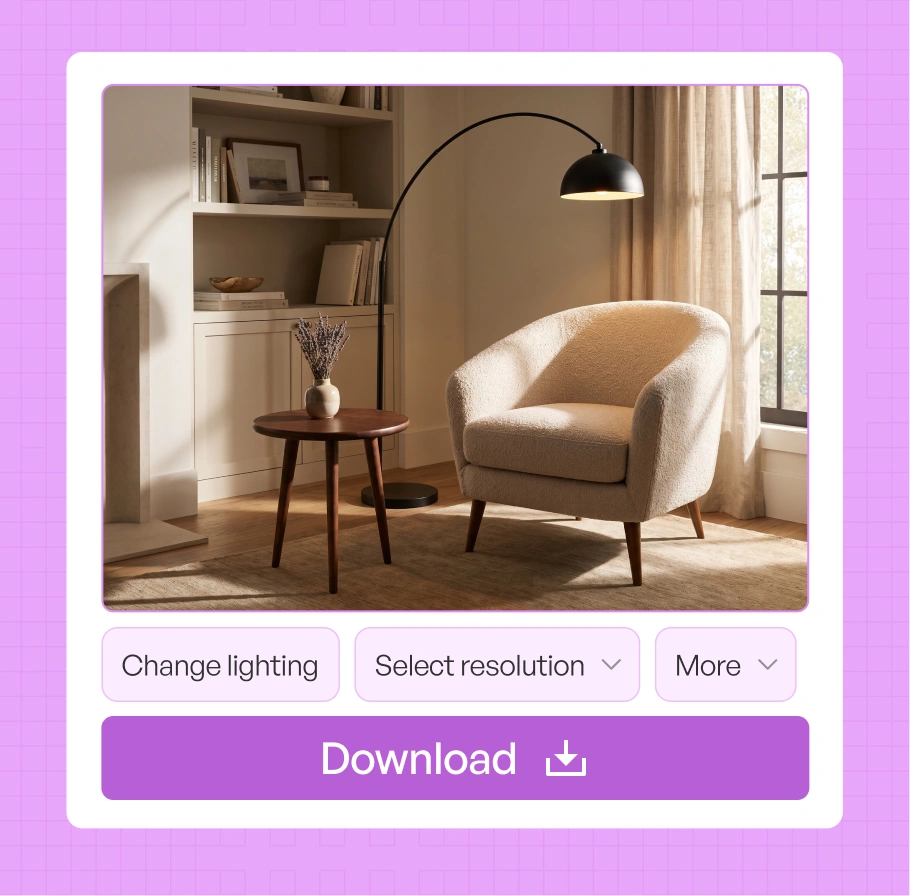
Review and export

Review the scenes, refine anything that needs adjusting, and download at resolutions from 1K up to 8K.

Lifestyle-step-3

See a warehouse shot become lifestyle product photography

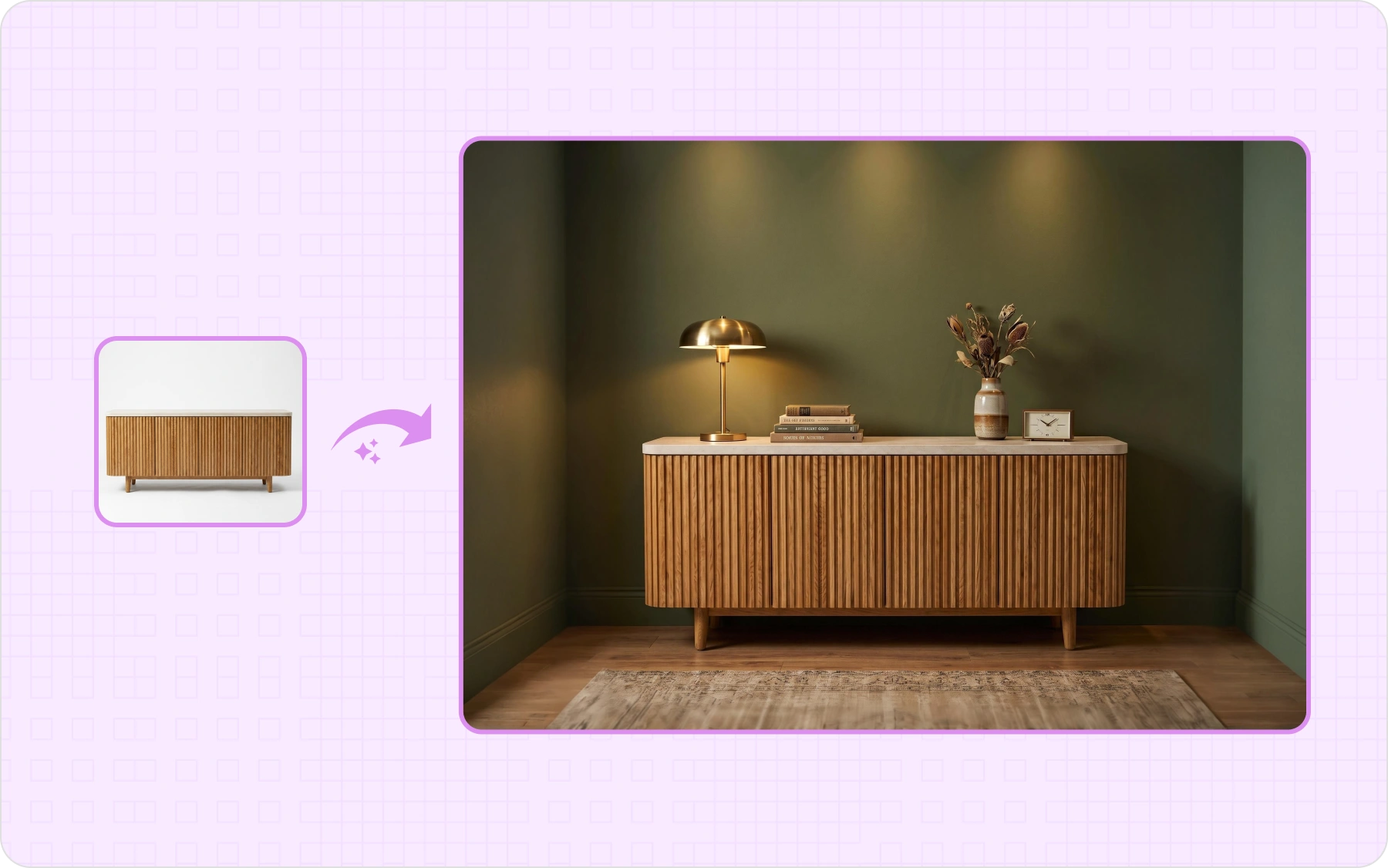
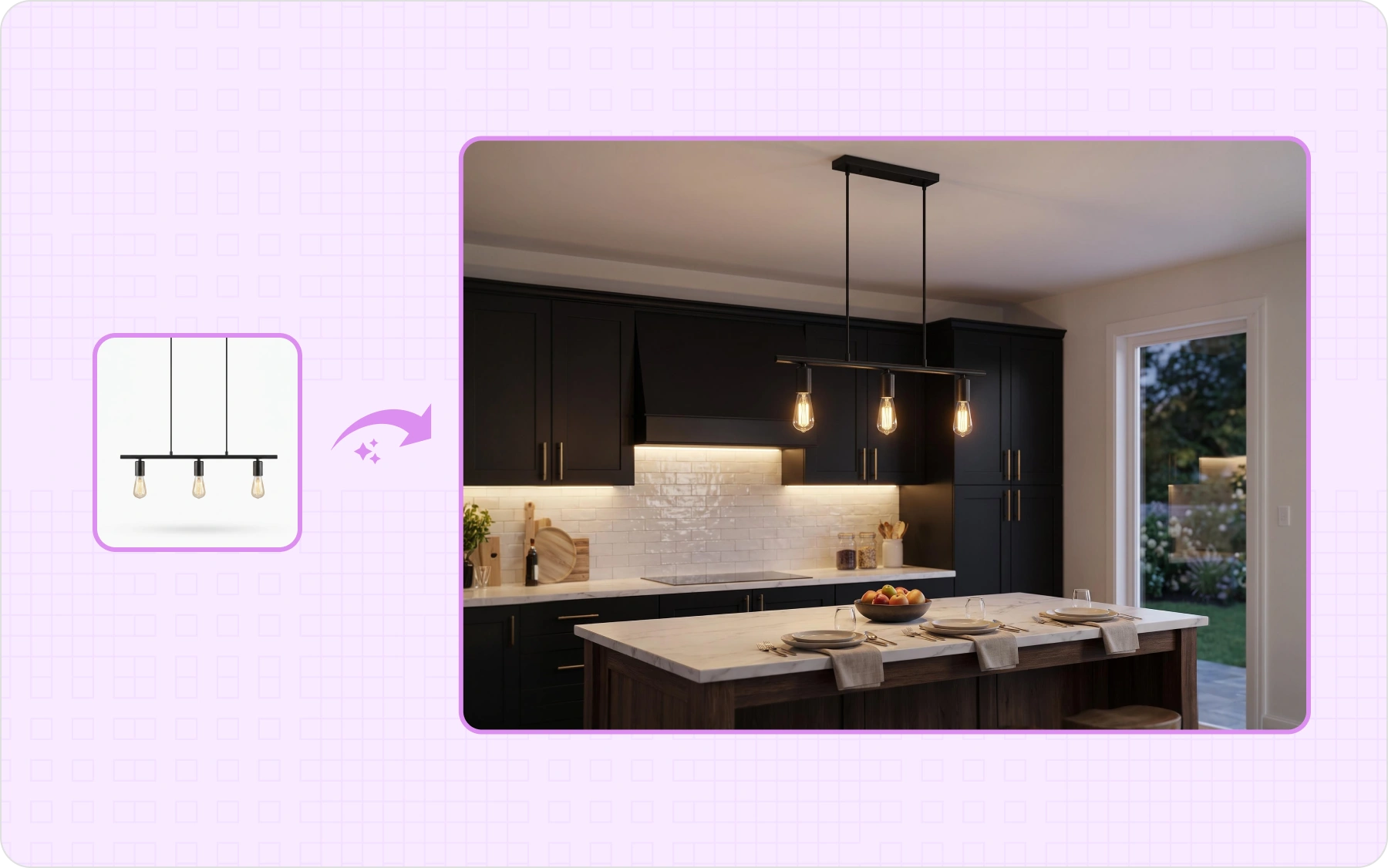
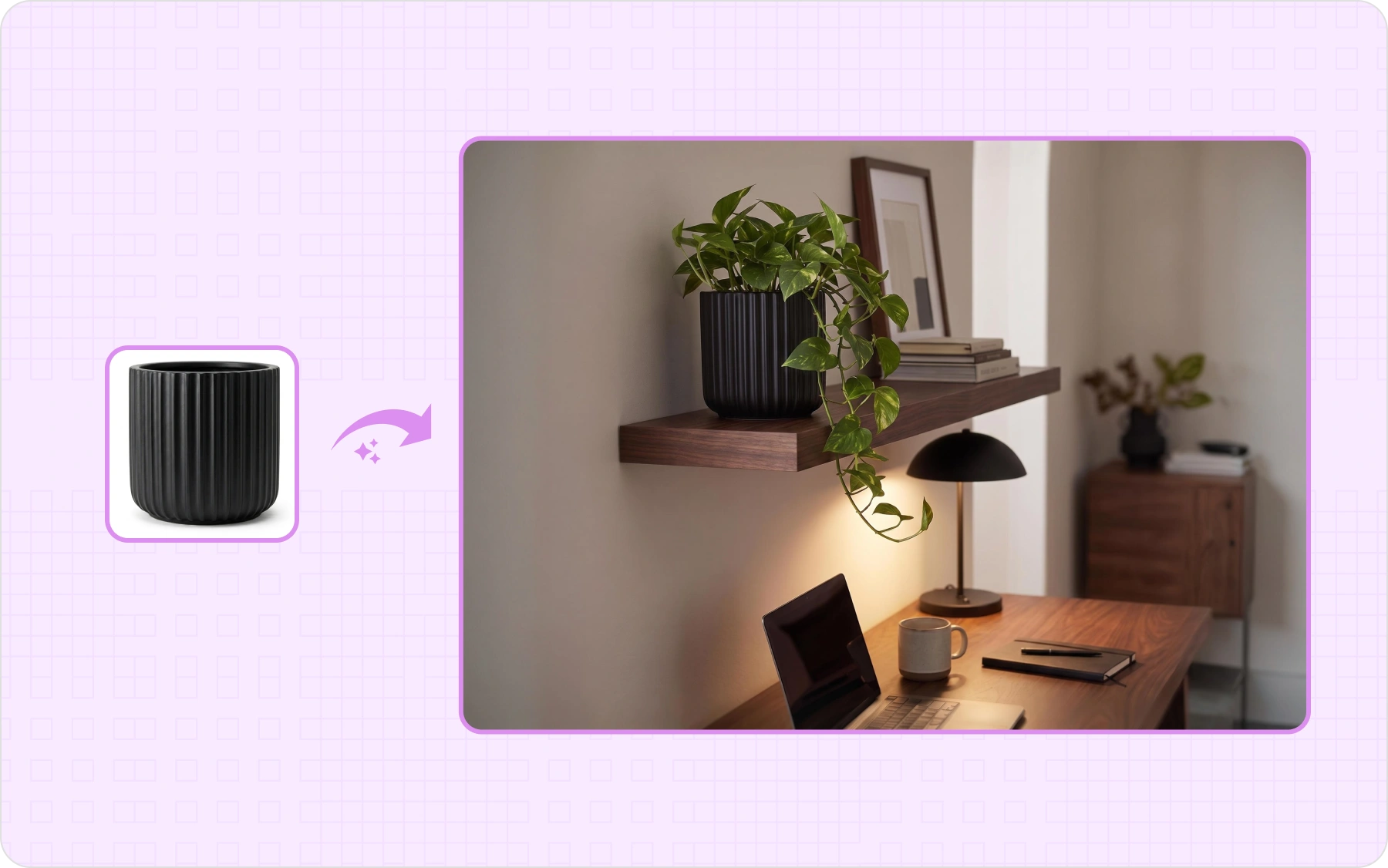
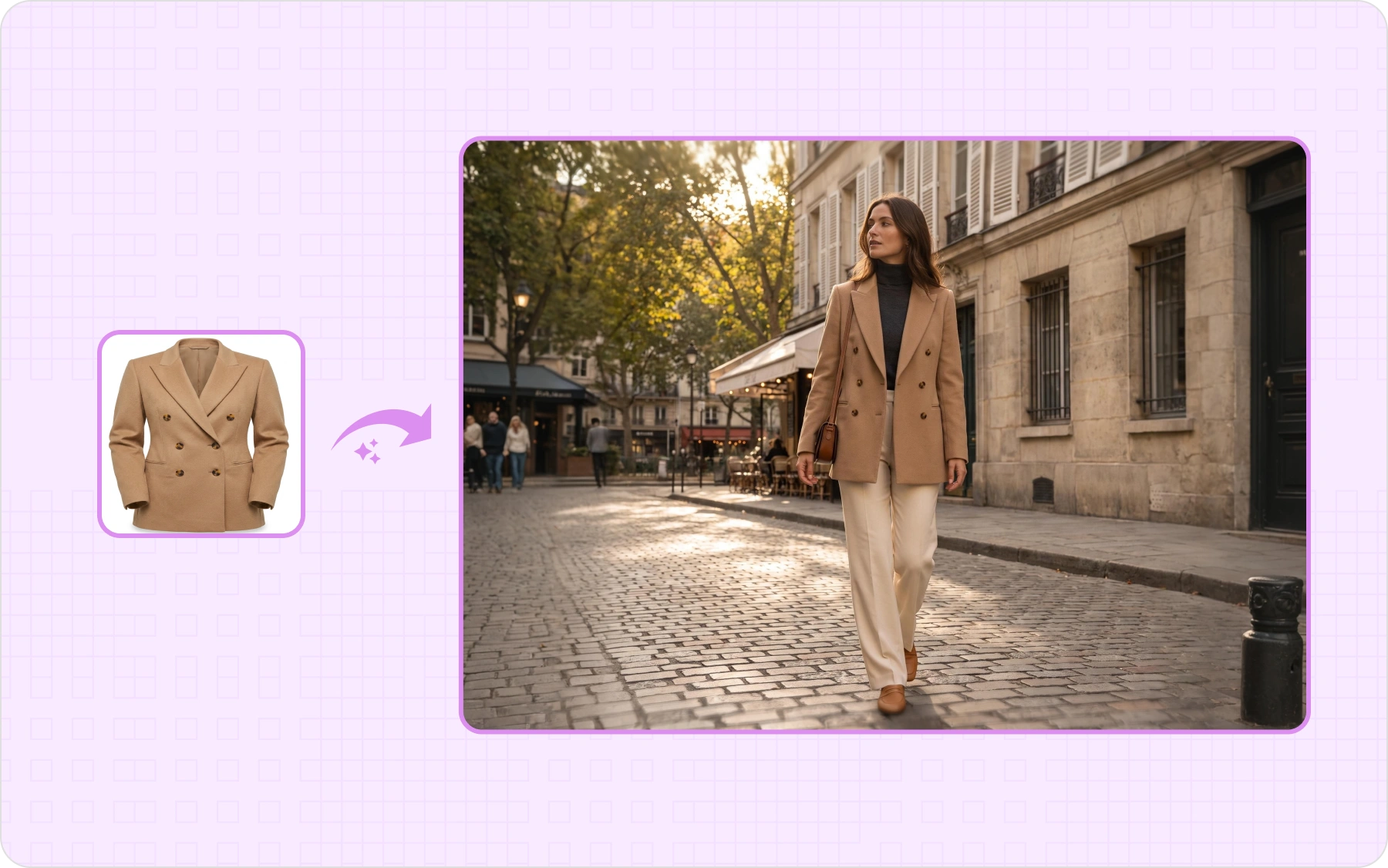
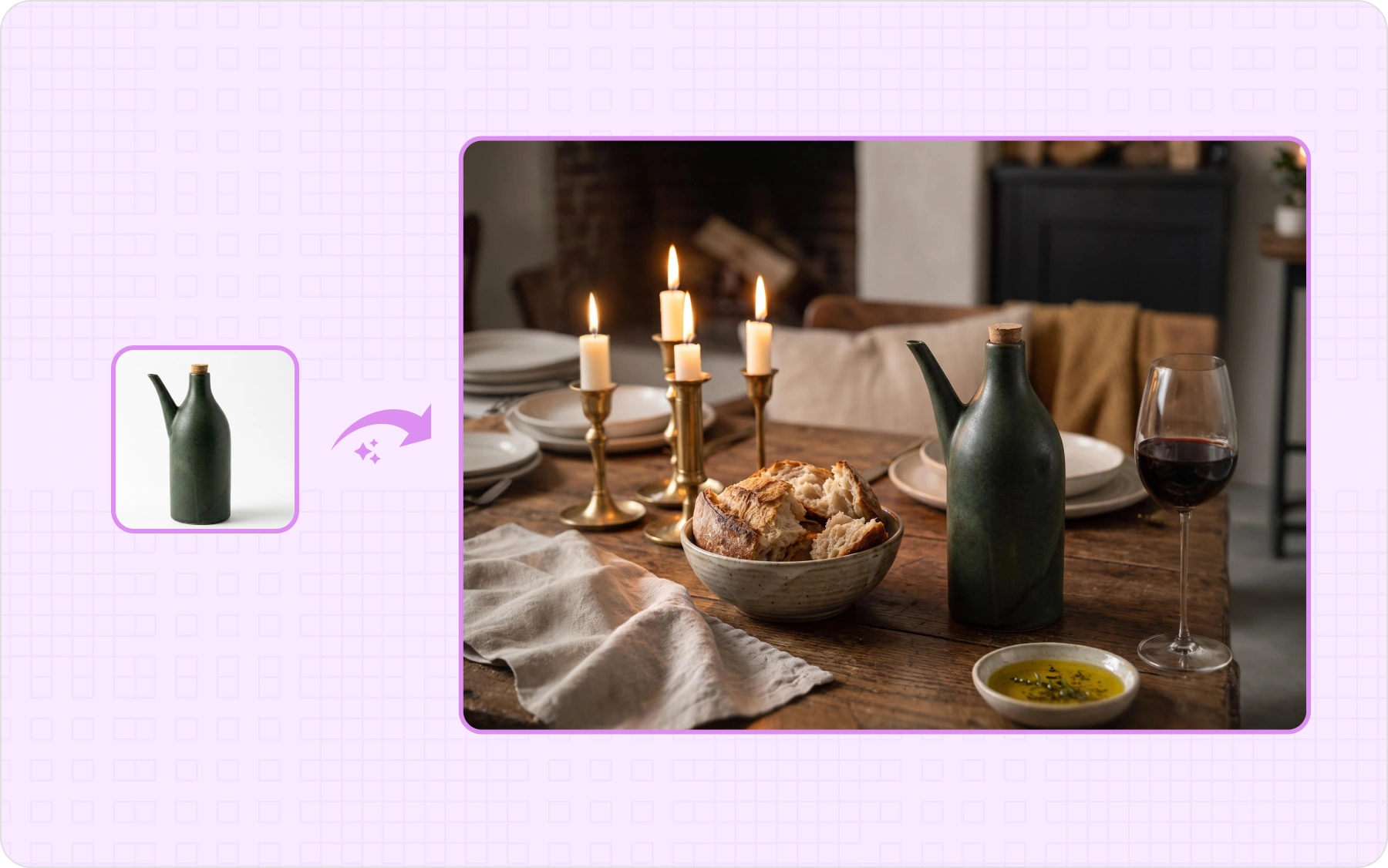
Pick a product type and drag to compare. The same raw photo becomes a styled, in-context scene across furniture, lighting, home decor, apparel, and food and beverage

Lifestyle-Furniture
Lifestyle-Lighting
Lifestyle-Homedecor
Lifestyle-Apparel
Lifestyle-Food-Beverages

Turn one product photo into endless lifestyle images

Staging one hero shot is easy. Holding a believable room, true scale, and the same styling across hundreds of SKUs is the hard part.

From a warehouse photo to a room that looks photographed

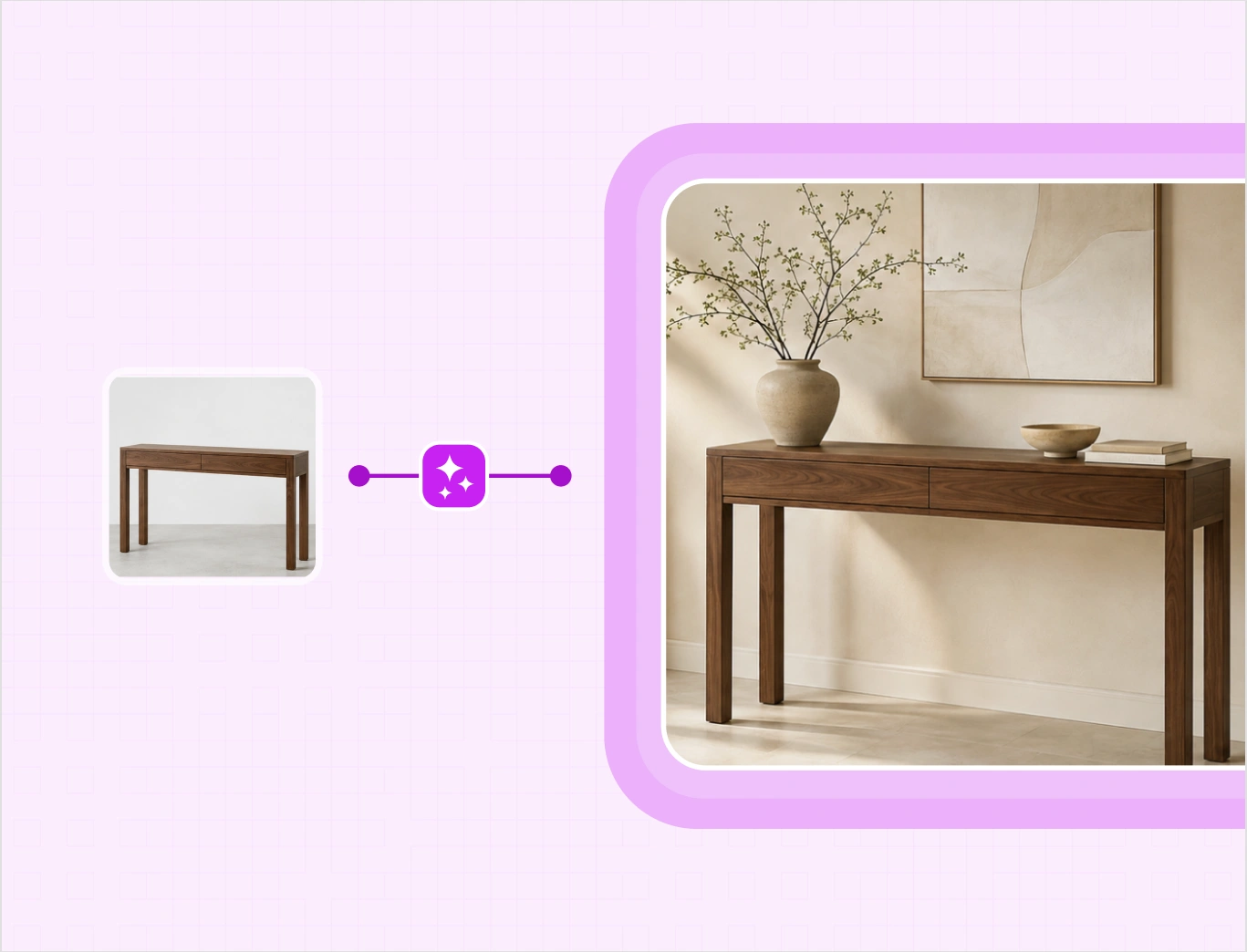
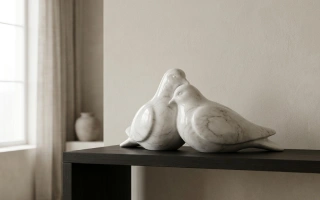
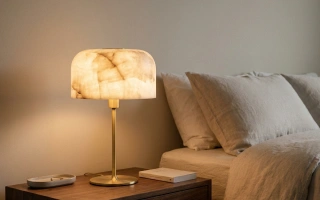
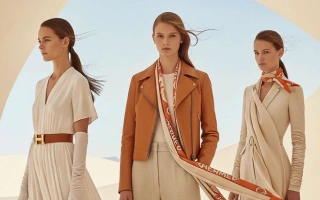
Most product photos are taken in warehouses, not for online listings. Upload a simple warehouse or phone photo to WizStudio, and AI turns it into a clean lifestyle image with the right lighting, shadows, and setting. The product stays natural and looks like it actually belongs in the scene.

Lifestyle-BG-1
Lifestyle-BG-2

Generate the right image in one go with a reference image

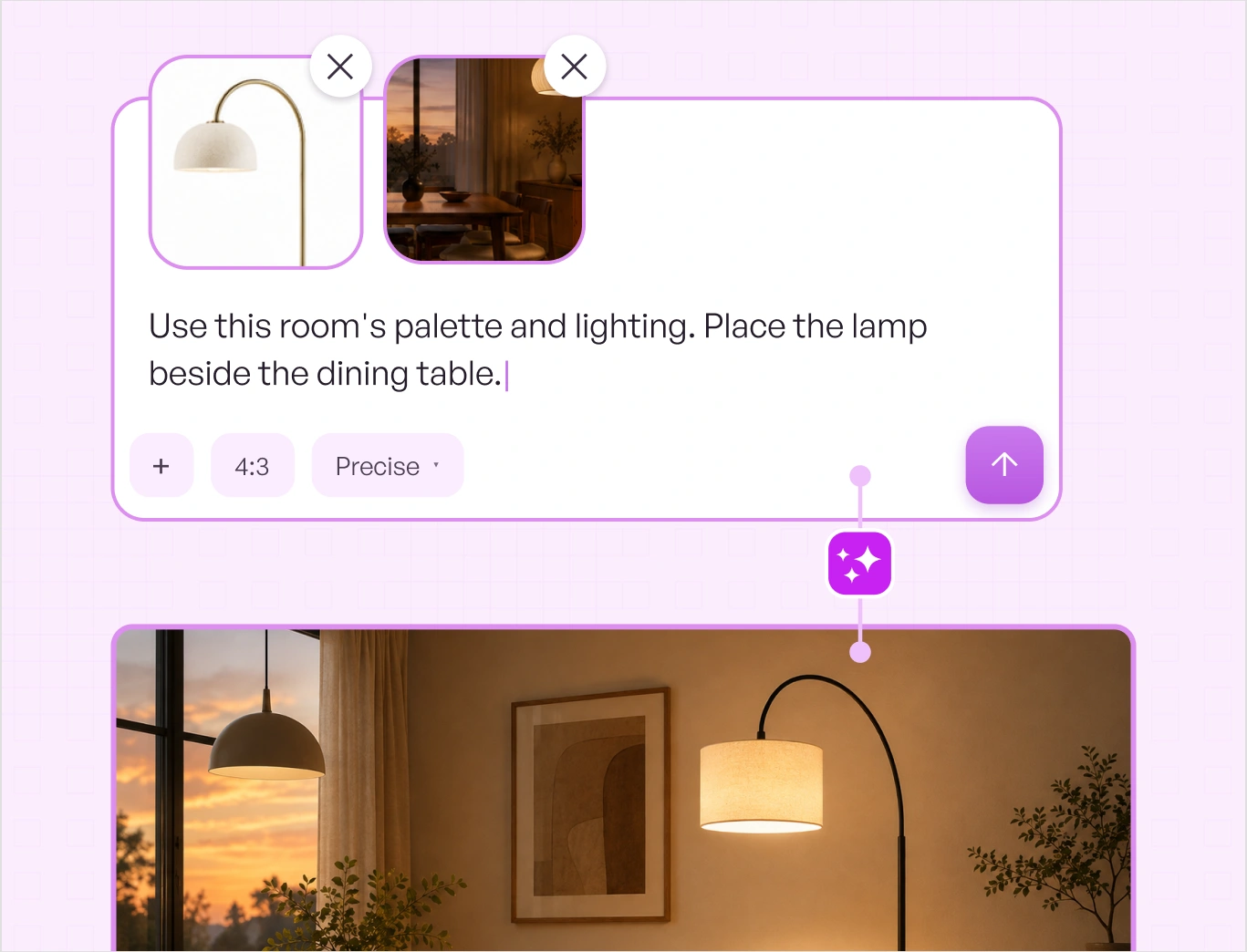
Write the room, the light, and the mood in plain language. A sunlit loft. A warm dining room at dusk. A neutral Scandinavian bedroom. When a brief is stricter than words allow, upload a reference image and the AI generates backgrounds for product photography that match that room's palette, light, and styling. Buyers who already know your look see the same look, on a product that was never shot in a studio.

Your product stays your product, down to the grain

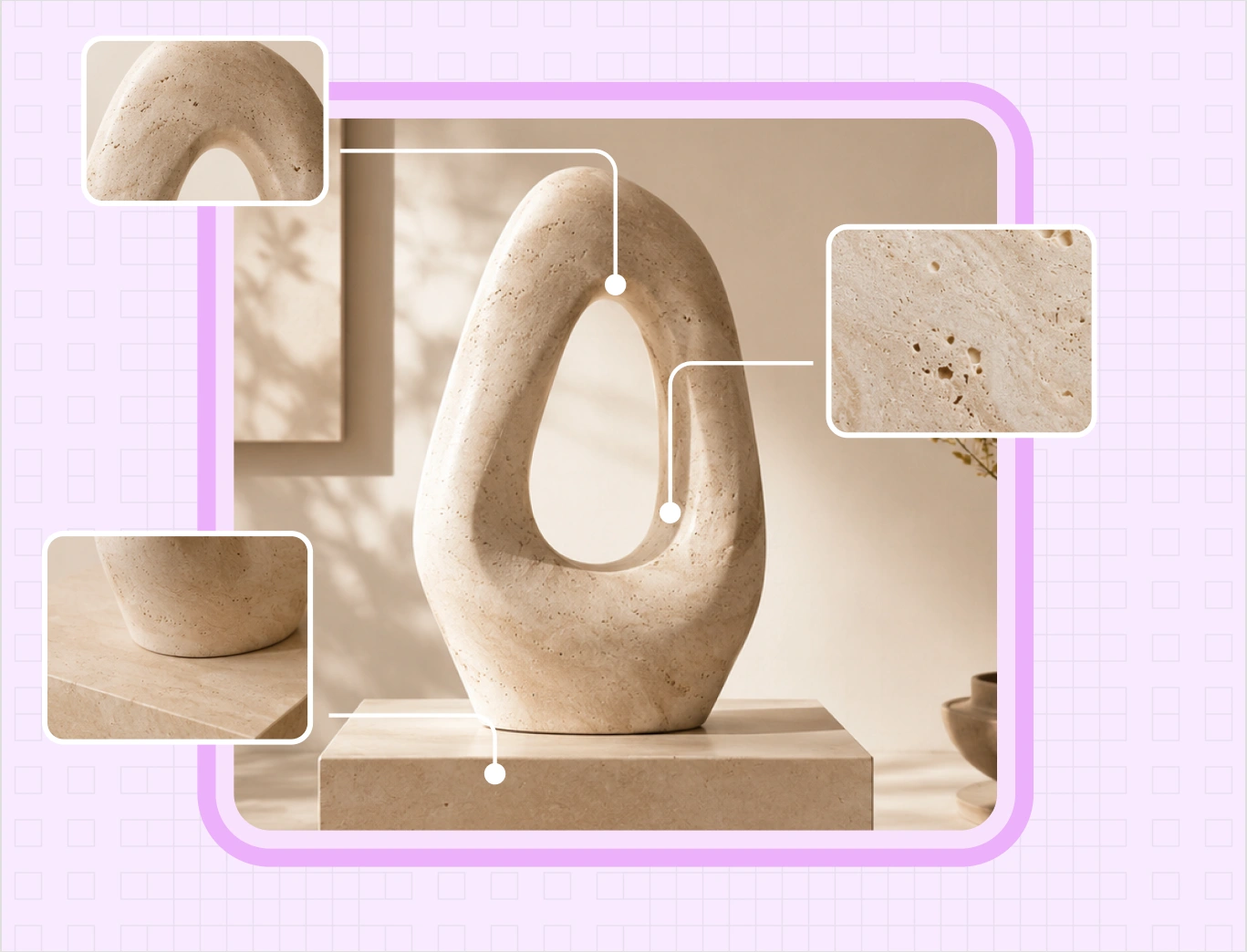
A styled room does not help if the product drifts. Shape, proportion, color, hardware, weave, and grain carry through from the original photo, so the sofa in the scene is the sofa that ships. That accuracy is what makes these images safe for PDPs, line sheets, and marketplaces, where a buyer expects the photo to match the crate.

Lifestyle-BG-3
Lifestyle-BG-4

Keep your product scale true to life

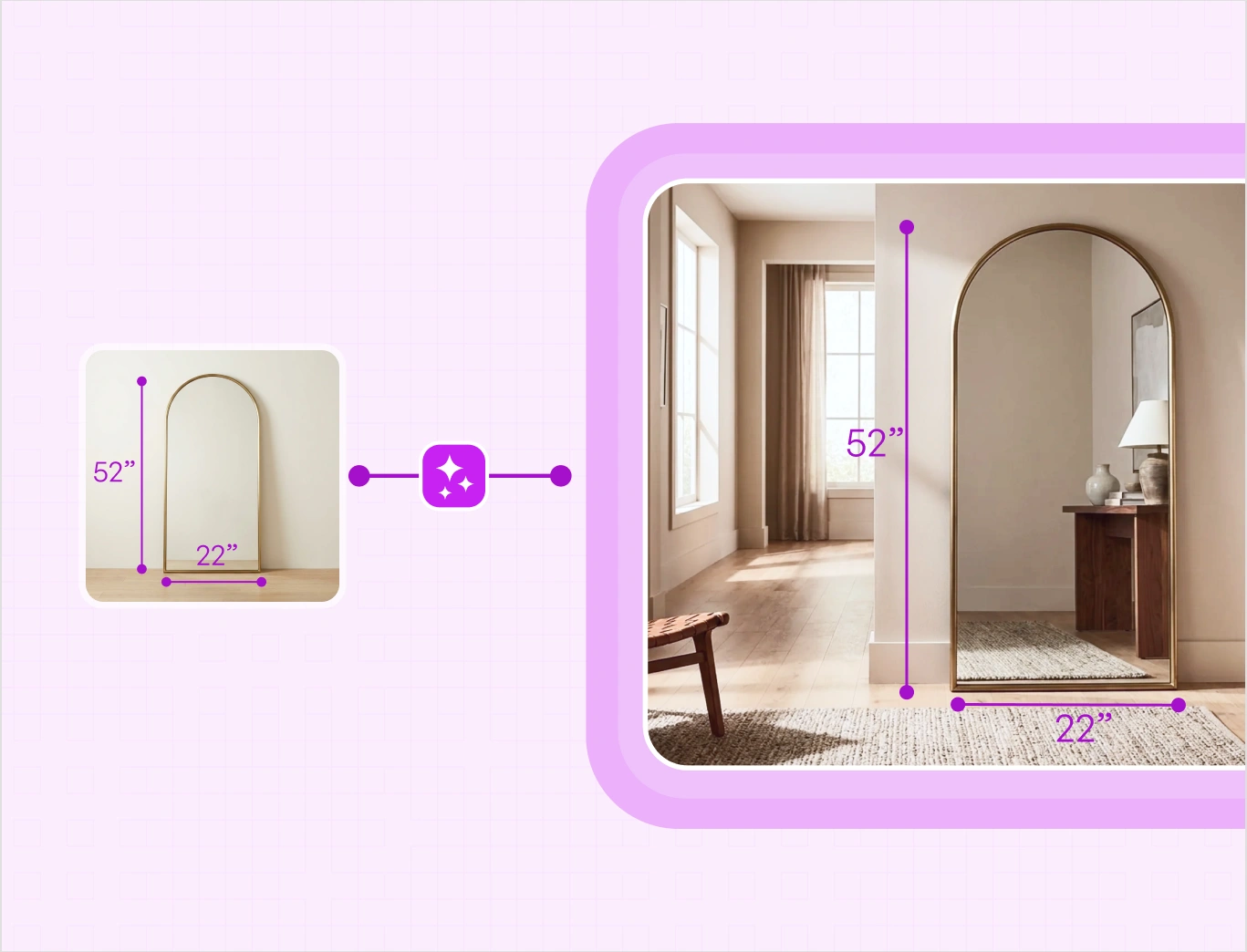
Buyers judge scale before they order. A chair sized wrong, a lamp floating an inch above the console. Products are placed at the size they actually are, against furniture and props sized to match, with contact shadows where the piece meets the floor or table. A three-seat sofa reads as a three-seat sofa, not a loveseat.

Stage the whole catalog in one pass, not one SKU at a time

Run a batch of up to 40 products and drop the whole set into one styled scene direction, so a spring launch comes back matched instead of assembled. Every image shares the same light, palette, and styling from the first SKU to the last, which is what makes a category page read as one shot.

Lifestyle-BG-5
Lifestyle-BG-6

Refine any scene with AI, in the same place you generate

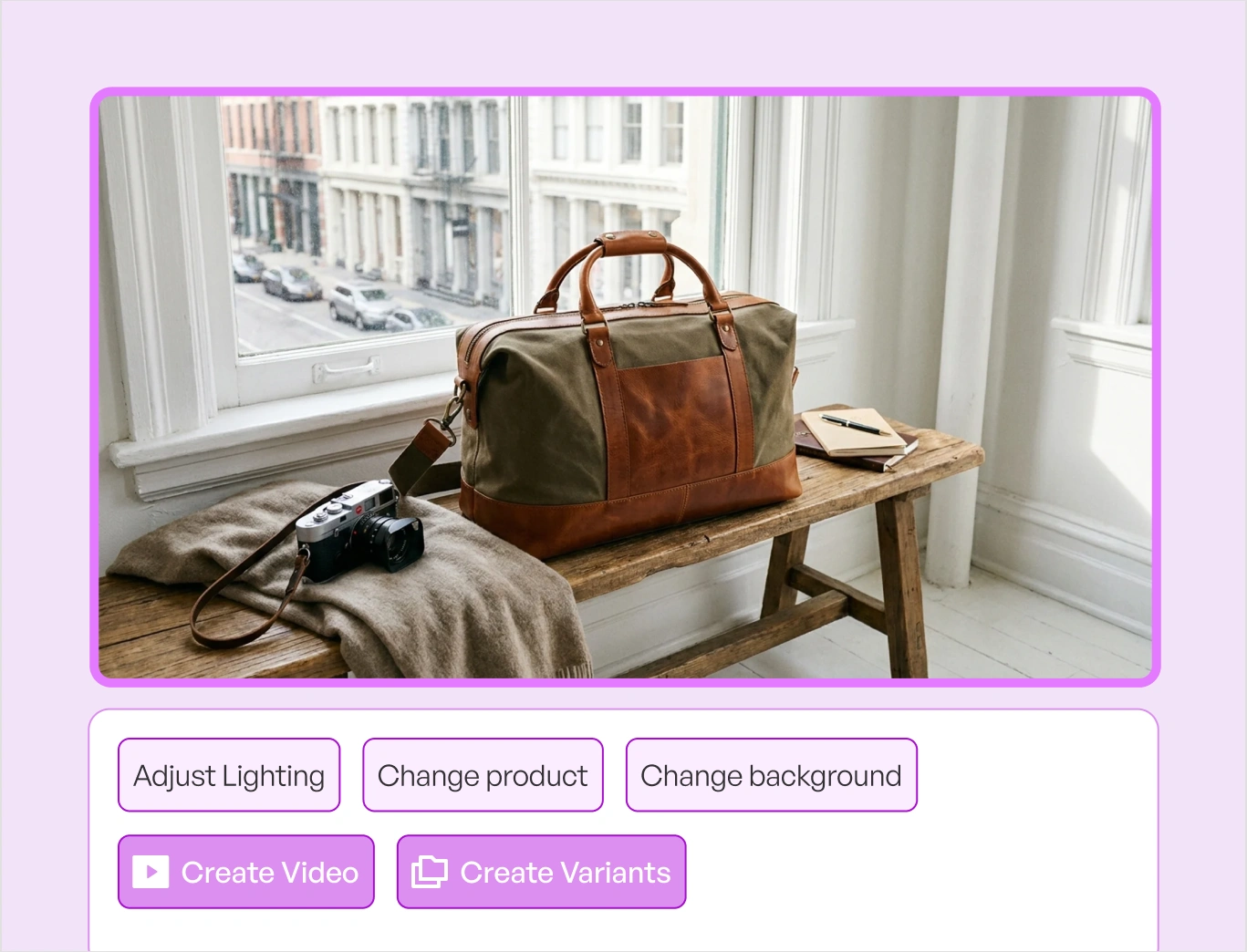
Every scene is a starting point you can take further. Describe a change in plain language with AI edit, widen the room or change the aspect ratio with AI expand, reset the mood with relight, clear a prop with magic eraser, or grab the product and reposition it with resize and move. Basic editing sits right alongside, so you never jump between apps.

Traditional lifestyle product photography vs WizStudio

Same styled room. Two very different paths to a finished listing.

Features WizStudio Traditional Lifestyle Product Photography
Scene per product Described in words, generated in minutes Location, set build, and stylist for every shot
Samples needed Works from a photo you already have Every product created and shipped to the set
Time to a full set of lifestyle product images Minutes across a batch Weeks of scheduling, shooting, and retouching
Cost per scene Flat per image Day rate, props, freight, and reshoots
Consistency across SKUs Same styling and light every SKU Varies by location, stylist, and shoot day

The rest of the WizStudio toolkit

Every tool in the WizStudio AI product photography suite works from the same product images, so your catalog stays consistent as it grows.

AI image expander

AI image expander

Extend furniture shots to fill any frame or aspect ratio, creating wider room scenes and better compositions.

Image to video

Image to video

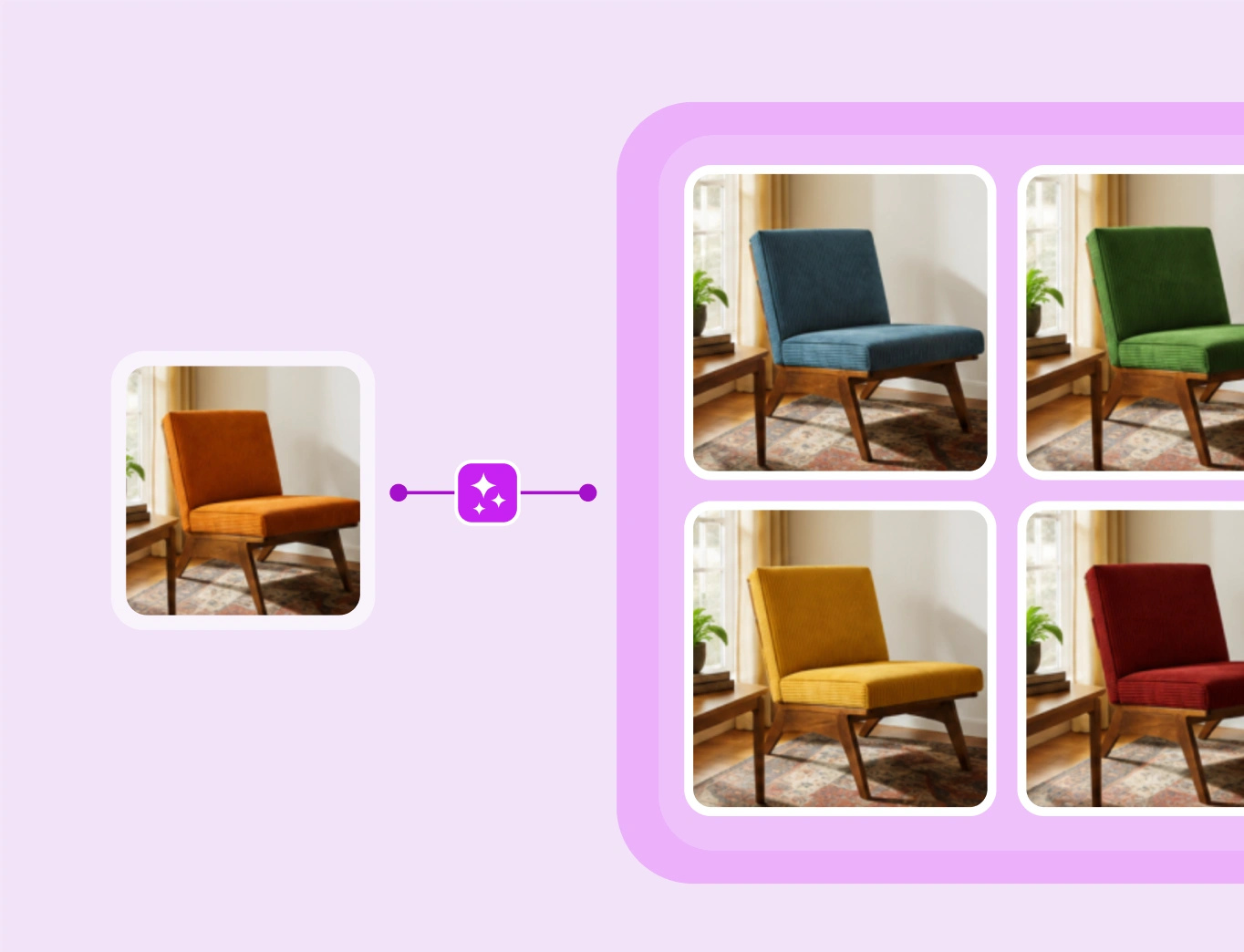
Turn a single furniture image into a short product video that shows the piece from every angle.

Variant builder

Generate every fabric, finish, and configuration of a piece from a single image, without shooting each option.

Bulk silo builder

Bulk Silos builder

Turn large batches of product shots into clean, consistent silo images across your whole catalog at once.

Dimension line draw

Dimension line draw

Add clear dimension lines so buyers understand exact size and proportion, and how a piece fits their space.

Magic eraser

Magic Eraser

Remove distracting props, mismatched decor, or visual noise from furniture images.

Multi-product generator

Multi-product generator

Place multiple furniture pieces into one lived-in interior that shows how they fit and function together.

Background remover

Background Remover

Cleanly cut furniture from any background to create crisp silo images for catalogs and marketplaces.

Bulk silo builder

Lifestyle Image Generator

Stage products in styled, real-world scenes.

Create your first AI lifestyle image for free

Upload one product photo and get catalog-ready lifestyle product shots. Explore the full AI product photography software, or book a demo.

Frequently Asked Questions

What is a lifestyle image?

A lifestyle image shows a product in a real setting rather than on a plain background: a sofa in a living room, a pendant over a dining table, a vase on a styled console. Most catalogs need both kinds of image. The silo proves what the product is, and the lifestyle scene shows it in a room the buyer recognizes.

Yes, and that is what the tool is built for. Upload a raw factory, warehouse, or supplier photo, or a plain white silo, and the AI stages the product in a generated scene. The input does not need good lighting, a clean floor, or a studio backdrop, and it does not need to have been shot in WizStudio.

Yes. Start with 5 free credits and stage your first products before you pay anything. WizStudio runs on credits, so you generate and preview as much as you like and only pay when you download. It is a low-risk way to test the AI lifestyle image generator on your own product photos.

Any room or setting you can describe. A sunlit loft, a warm dining room at dusk, a neutral bedroom, a merchandised retail floor, a working plant for industrial parts. There is no fixed list to pick from, so the scene is built from your words or from a reference image you upload rather than chosen from a menu.

Two ways. Describe the room, light, and mood in plain language and the AI builds it. Or upload a reference image, such as a shot from a past campaign or an interior that matches your brand, and the AI generates backgrounds for product photography that follow that palette, light, and styling. Use the reference route when a scene has to match a look you already sell.

No. The room and the light are generated around your product, while shape, proportion, color, hardware, weave, and grain carry through from the photo you uploaded. That accuracy is what makes the images safe for product pages and marketplaces, where buyers expect the photo to match what ships.

Yes. Run a batch of up to 50 products and apply one scene direction across the set, so the whole launch comes back matched on light, palette, and styling. A line that used to take weeks of location shooting turns into minutes of lifestyle product photography, with no drift in look from the first SKU to the last.

Yes. Marketplaces require a pure white background on the main image and allow lifestyle shots in the secondary slots, which is exactly where these belong. Generate the silo with Bulk Silo Builder or Background Remover for the main image, and use lifestyle scenes for the gallery, A plus content, and ads. Export at the resolution each channel asks for, up to 8K.

A traditional lifestyle shoot means a studio or location day rate, a stylist, props, and freight on every sample, then reshoots when a SKU changes. WizStudio charges a flat cost per image with no samples to ship and no crew to book, so cost scales with the number of images you need instead of the number of days you book.

Download at 1K for quick listings, or upscale to 4K and 8K for hero banners, trade show graphics, and print catalogs. Every image you generate is yours to use commercially across listings, marketplaces, line sheets, ads, email, and print.

Now live

Meet WizCRM

The AI-first CRM for distributors — track every account, deal, and follow-up in the same app your reps take orders in.