AI image expaneder
The AI image expander that resizes product photos to any layout.
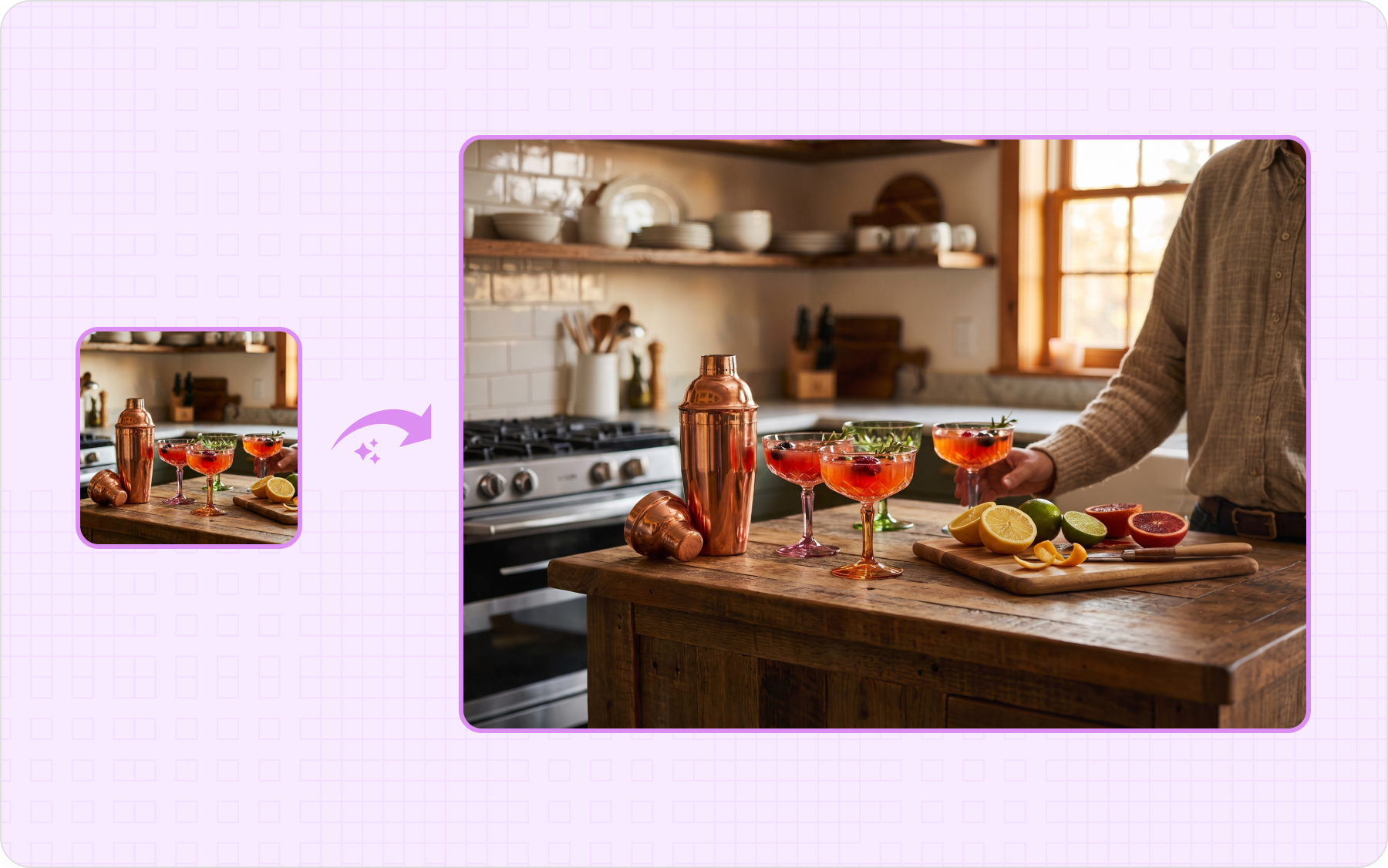
Resize a product photo without cropping by uploading it in the AI image extender that fills the space around it to a new aspect ratio, matching the original color, lighting, and background.
Start with 5 free credits . Expand your first product images free . No card needed
our customers
Built for Wholesale. Powered by AI.
How the AI image expander works
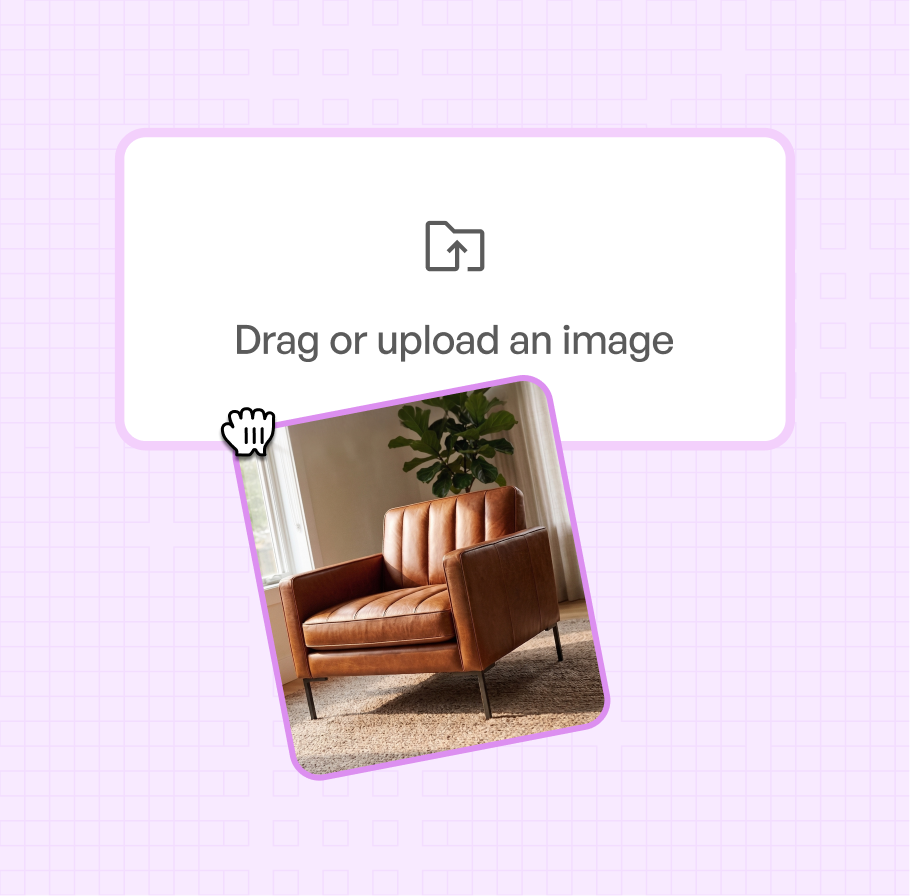
Step 1
Upload Your Product Images
Upload or open the product image you want to expand in AI Expand.
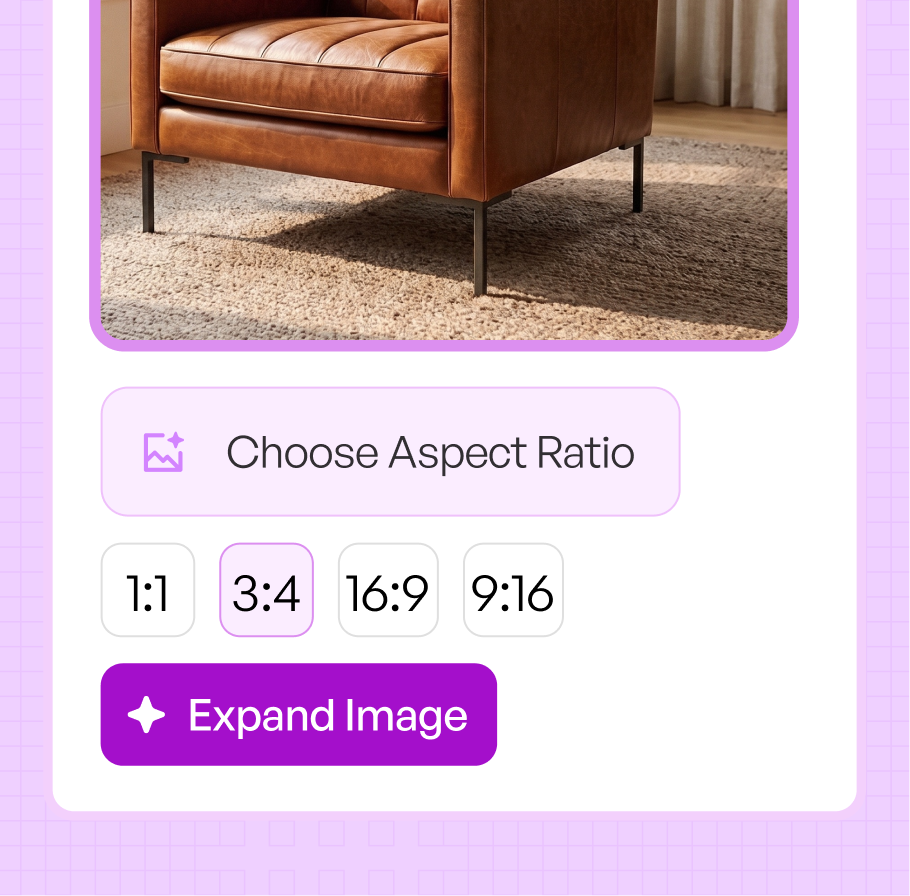
Step 2
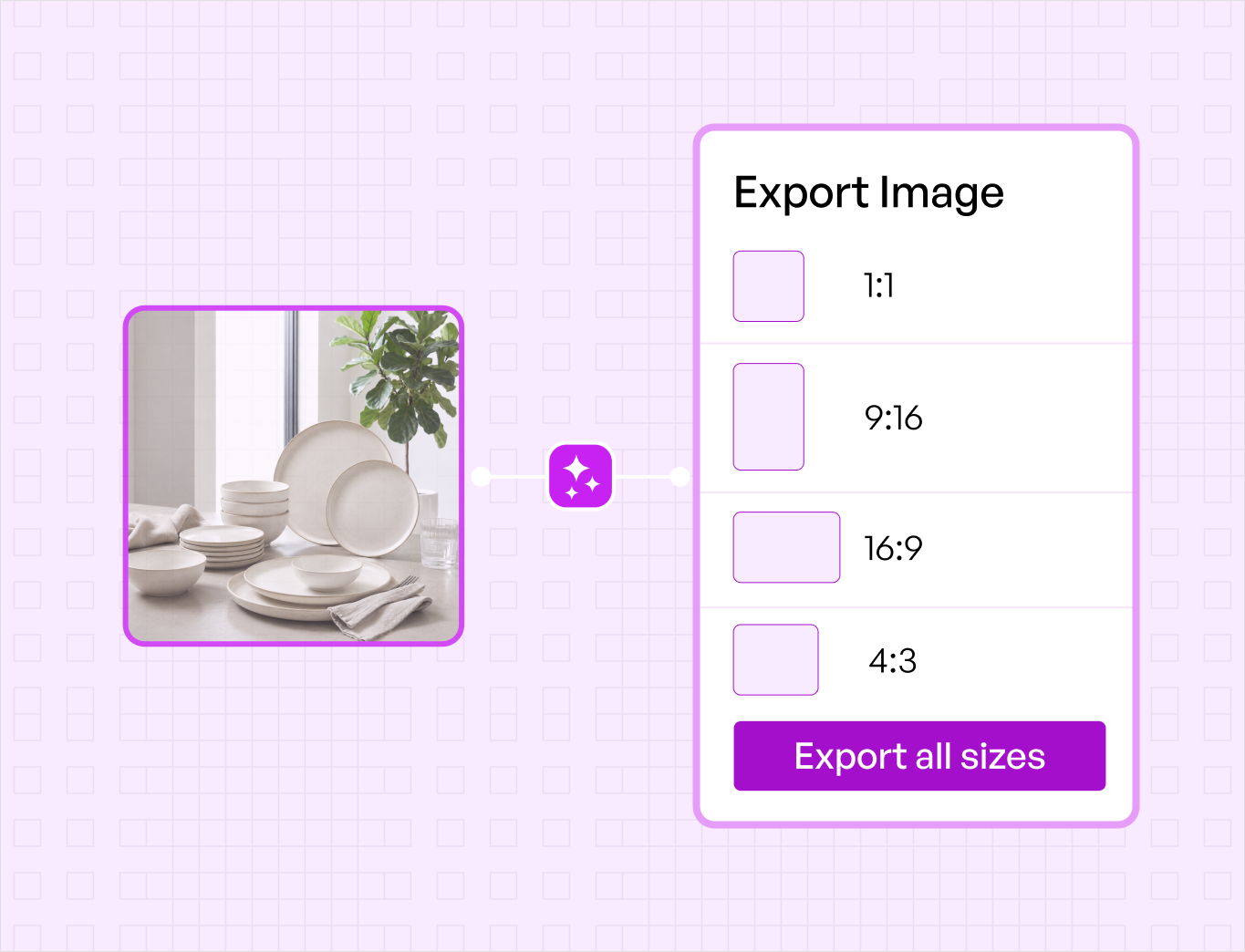
Choose a new aspect ratio
Pick the ratio you need, for example 1:1 for product listings or 3:4 for catalog pages, to extend the frame, then click Generate Variations.
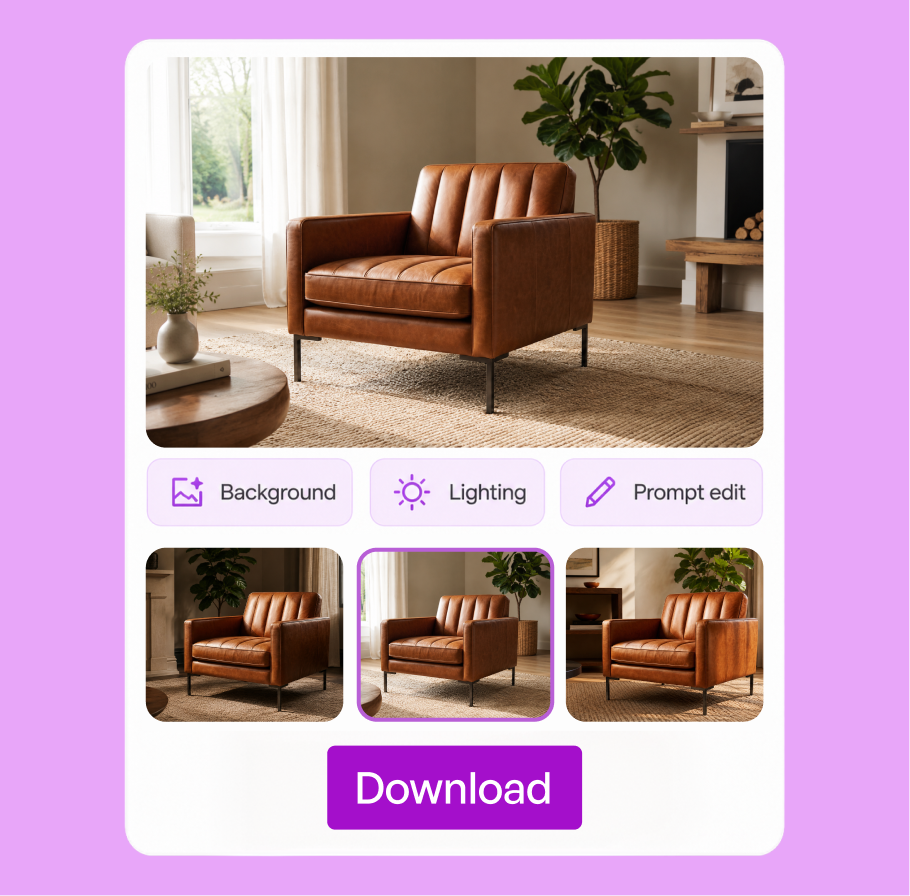
Step 3
Style the batch, then download
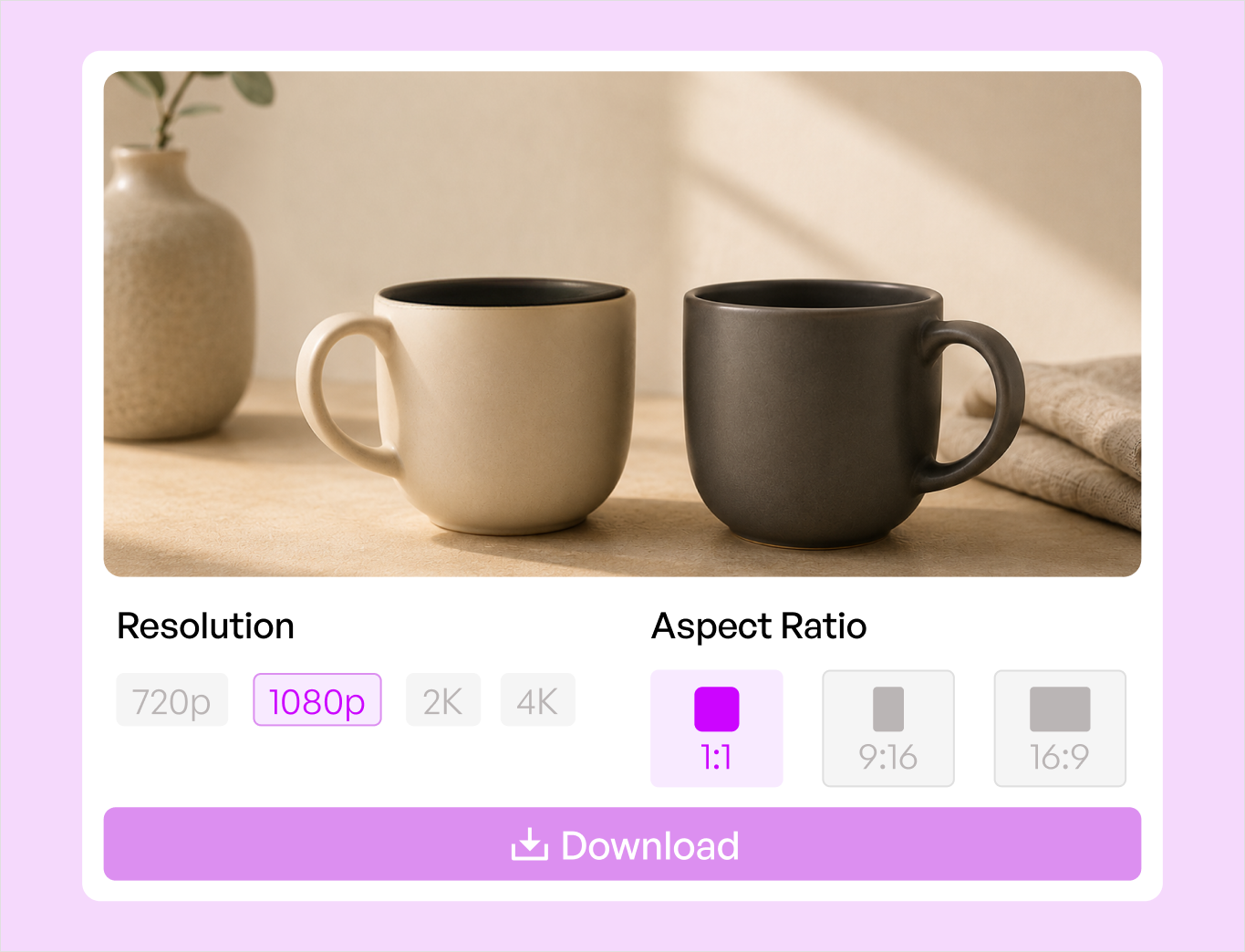
Your variations appear in the panel. Open one at full size, refine it in the Lifestyle Generator, or download it.
The AI image expander works for any product category
It handles every category you sell, so your whole catalog gets consistent expanded images that match the original scene, not just the easy products.
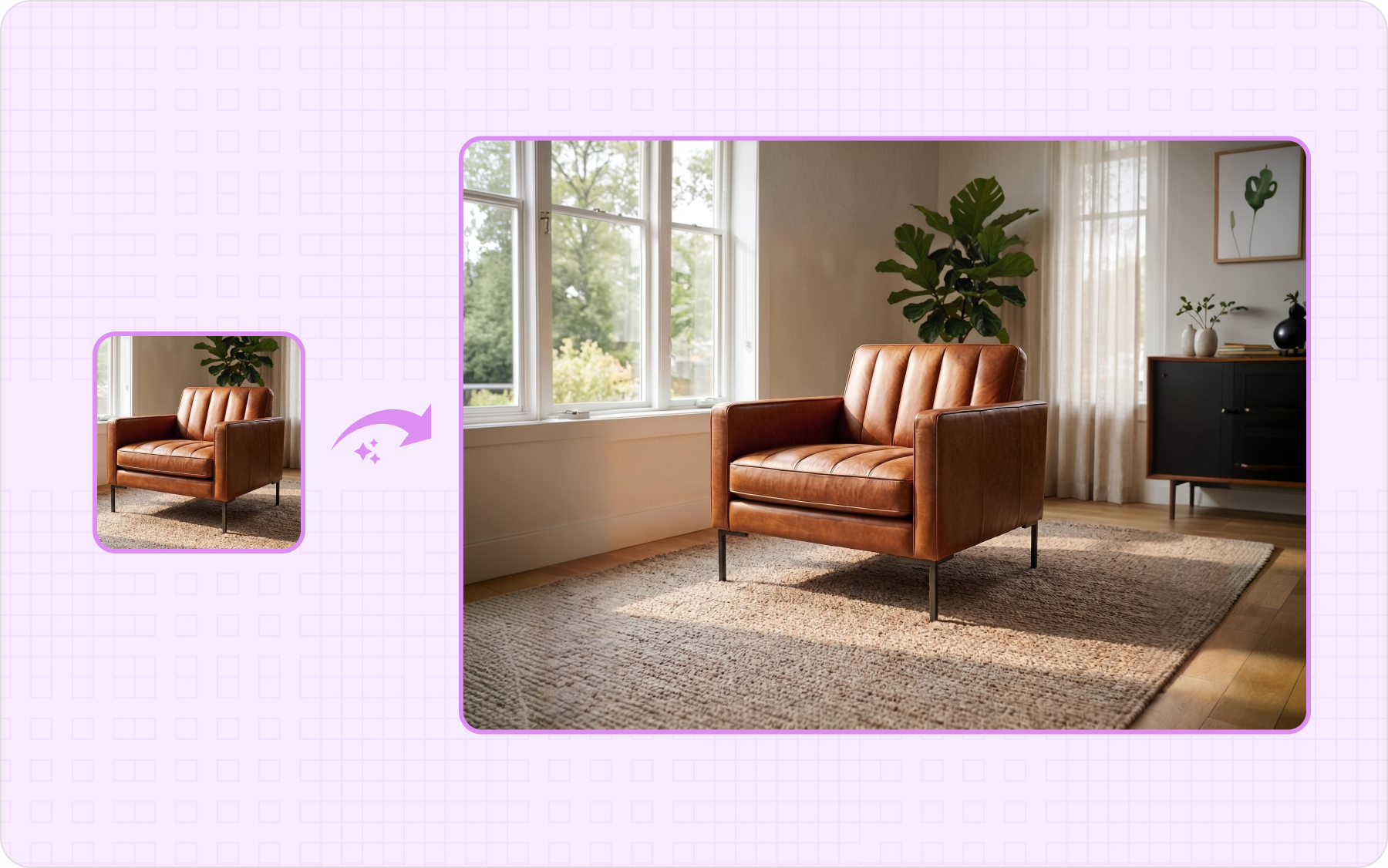
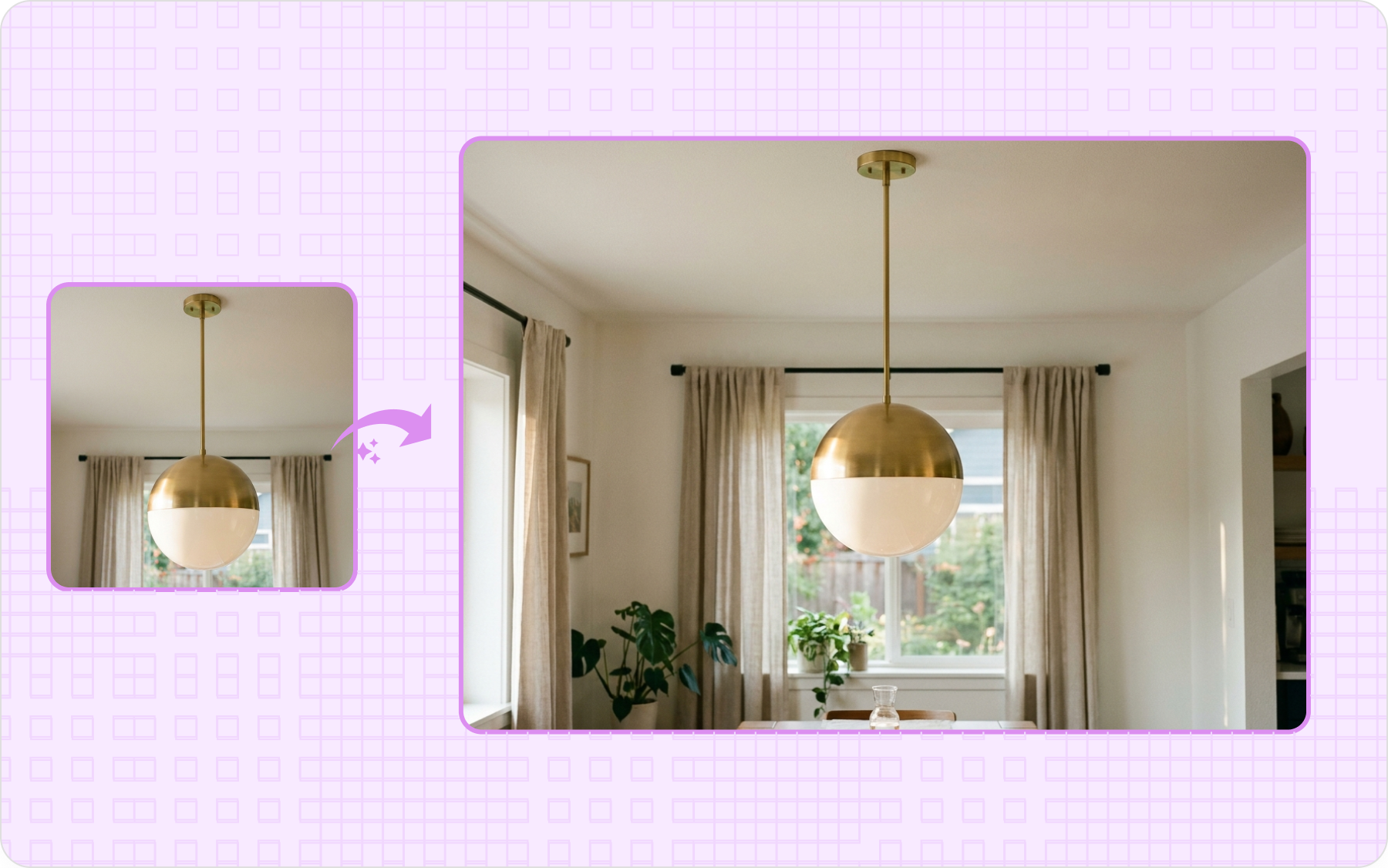
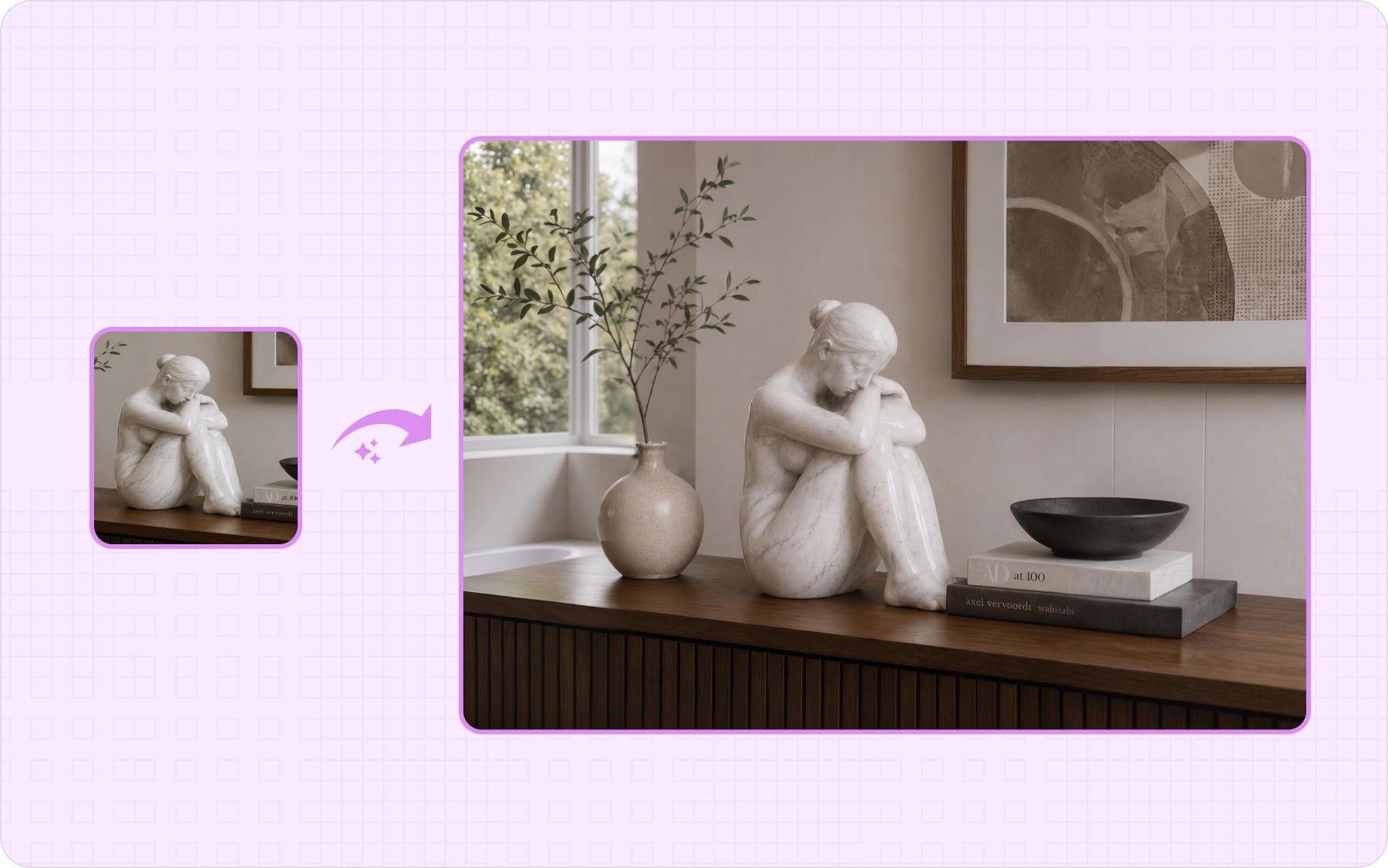
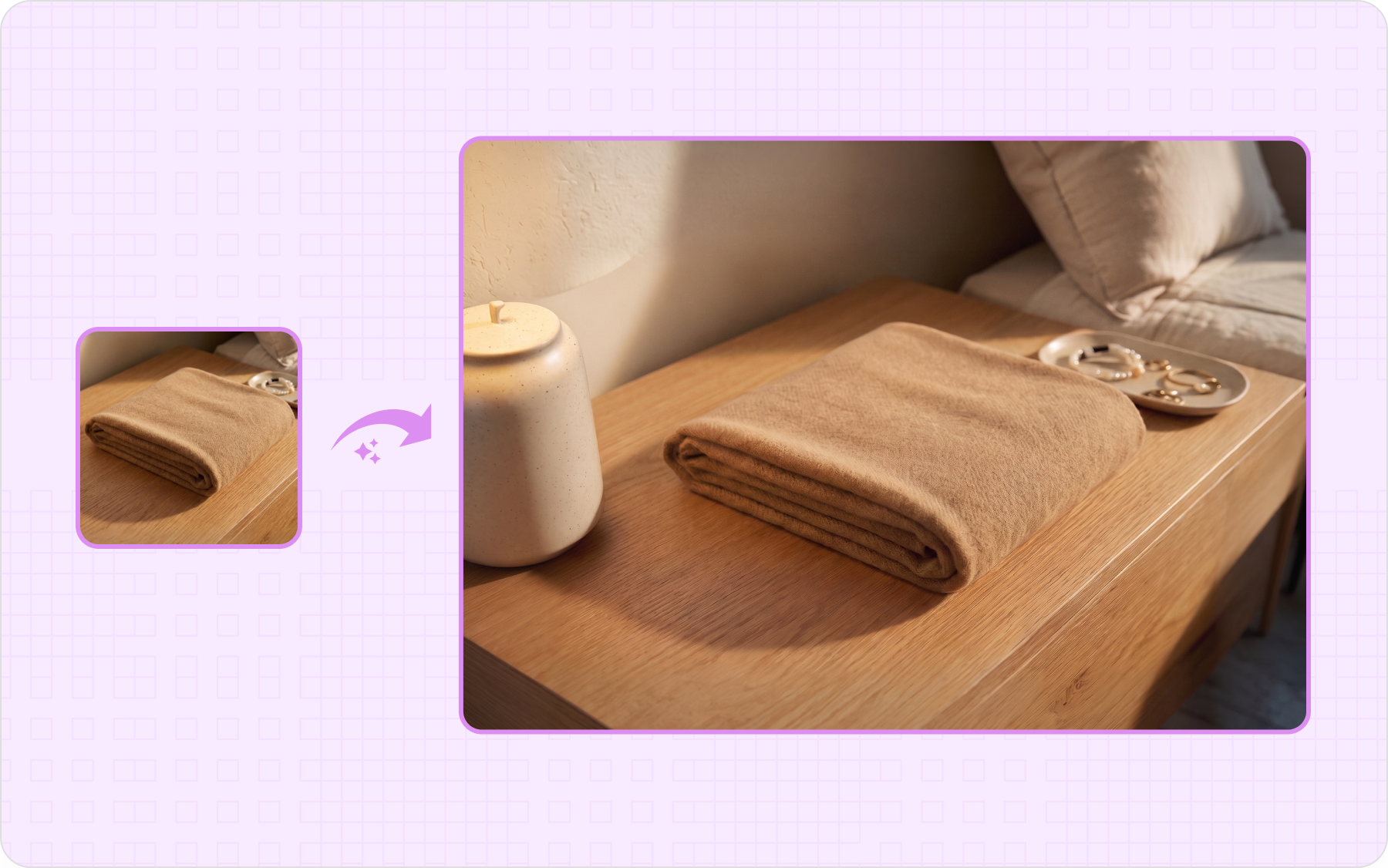
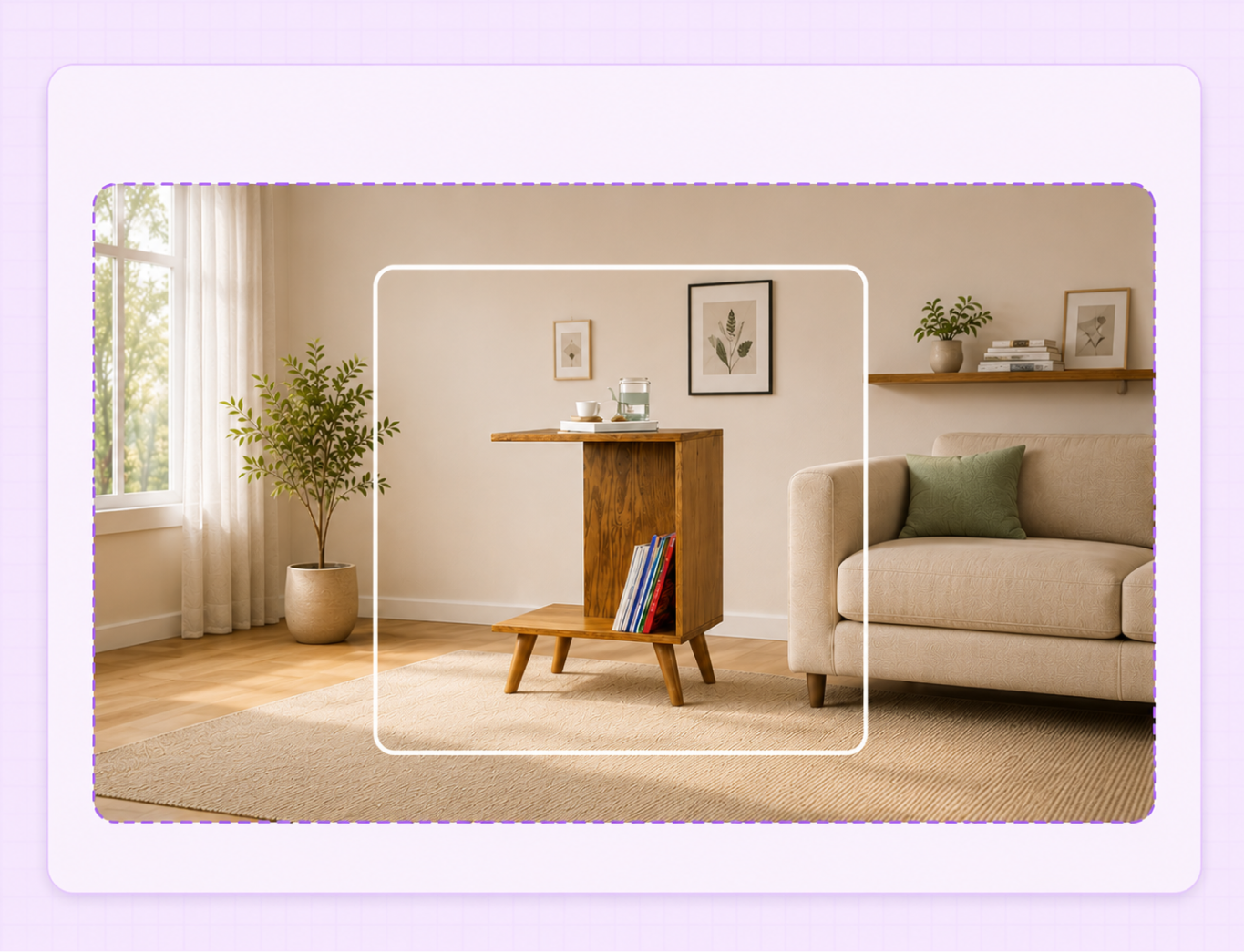
The product stays the same. The space around it grows to fill the new frame.
An AI image expander that extends the scene, not just the canvas
Most expanders just stretch or repeat the background to fill space. WizStudio continues the real scene, so lighting, color, and surfaces carry on without a seam.
Expanded areas that match the original scene
The AI image expander matches the new area to the original lighting, color, and background, so the outpainted space blends into the scene instead of standing out as a separate fill.
Built for catalog and marketplace ratios
One product photo covers every size you publish: a 1:1 square for listings, 3:4 for catalog pages, wide for banners, and vertical for social. Each one comes out ready to post, with no cropping or resizing by hand.
Get multiple versions from one expand
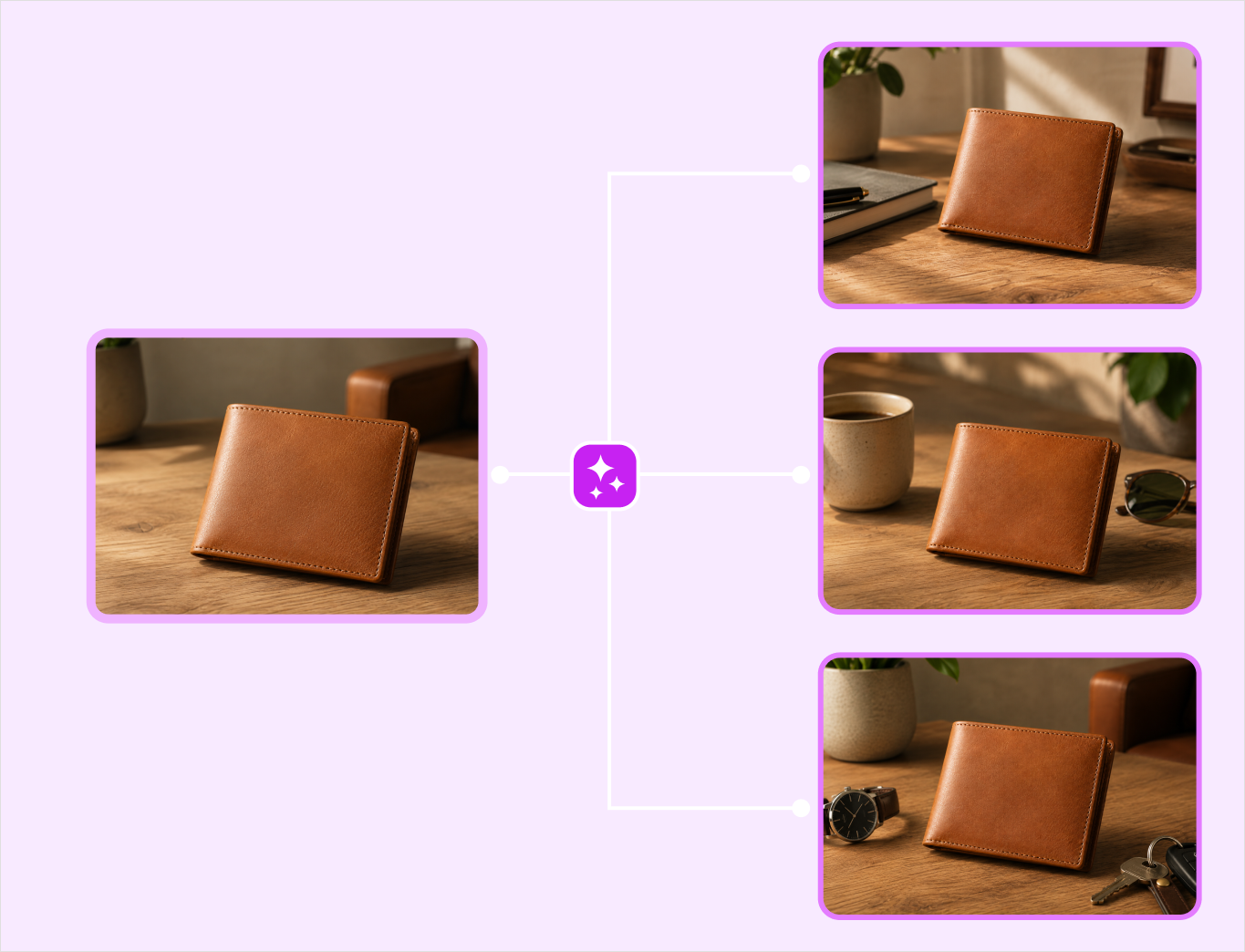
Every expand returns several variations at the aspect ratio you chose, so you compare them side by side and keep the one that fits your layout, instead of regenerating from scratch.
Keep editing after you expand
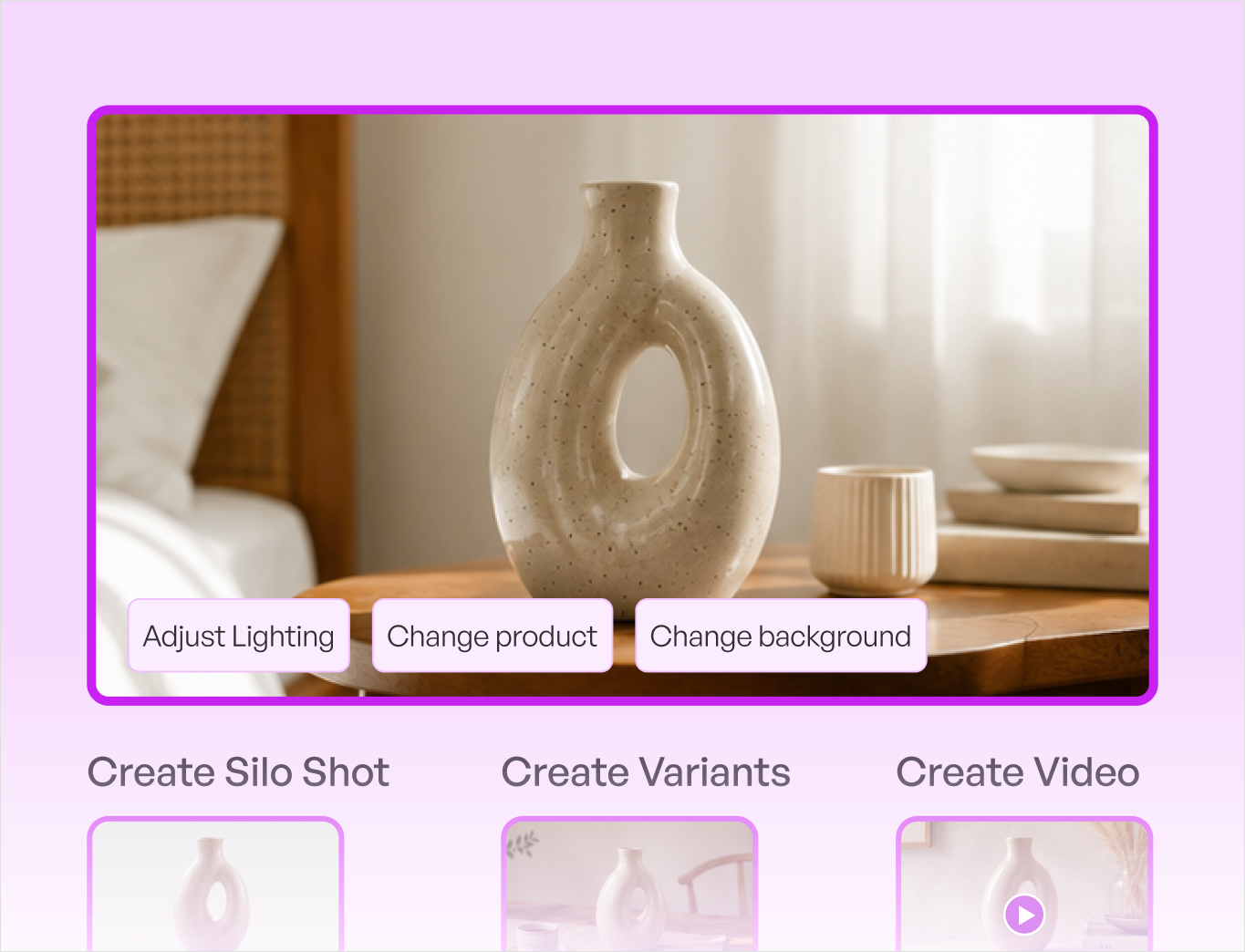
Open any expanded image in the Lifestyle Generator to adjust the background, relight it, or make prompt-based edits, and keep it alongside your silo, variant, dimension, and video work in the same AI product photography tool. Most expanders stop at the outpaint and leave you to finish elsewhere.
Download in the quality you need
Try as many aspect ratios and variations as you want, then download the ones you like. Set the resolution at download, up to 4K, so the file stays sharp for catalog and marketplace zoom.
Generic AI image extender vs WizStudio
One approach gives you a photo you can publish. The other gives you one you have to redo.
| Features | WizStudio | Generic AI image extender |
|---|---|---|
| Subject handling | Keeps the product untouched and in focus | Can redraw or distort the product |
| Scene match | Fills to match color, lighting, and style | New area can clash with the original |
| Output | Multiple variations to choose from | One result |
| Aspect ratios | Catalog and marketplace ratios | General canvas sizes |
| Workflow | Flows into the Lifestyle Generator and suite | Standalone tool |
One AI Product Photo Generator,
built for your category
Explore how WizStudio creates catalog-ready visuals across industries.
Furniture
Stage sofas and case goods in real room sets, with the true scale and materials buyers judge before they order.
SEE IT IN DETAILSHome décor
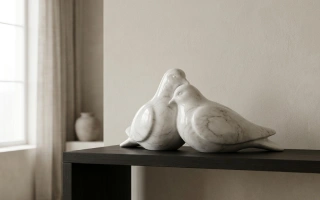
Place vases, textiles, and tabletop pieces into styled rooms that look shot on location, not pasted onto a background.
SEE IT IN DETAILSLighting
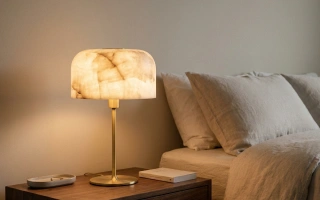
Render lamps and fixtures with accurate glow, reflections, and finishes, lit to look exactly like the real product.
SEE IT IN DETAILSToys
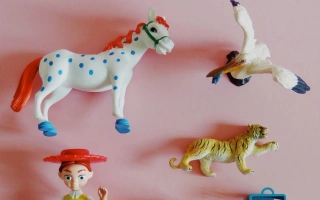
Turn flat packaging shots into bright, playful hero images that stand out in a crowded category.
SEE IT IN DETAILSGifts

Give every item a giftable lifestyle scene and a clean silo, ready to drop straight into the catalog.
SEE IT IN DETAILSFashion

Show apparel on realistic models or as crisp flat-lays, with fabric, pattern, and fit kept true.
SEE IT IN DETAILSJewelry

Capture macro sparkle, fine detail, and true scale so small pieces sell without a physical shoot.
SEE IT IN DETAILSThe rest of the WizStudio toolkit
Every tool in the WizStudio AI product photography suite works from the same product images, so your catalog stays consistent as it grows.
Expand your first product
image, free
Open a product photo, choose a new aspect ratio, and get catalog-ready variations in minutes. Explore the full AI product photography software, or book a demo.
Frequently Asked Questions
What is an AI image expander and how does it work?
An AI image expander extends a product photo beyond its original edges. You choose a new aspect ratio, and it generates the extra space around the product to match the original background, lighting, and color. Instead of cropping or reshooting, you get a wider or taller version of the same product shot in seconds.
Will the expanded area match the rest of my product photo?
Yes. It reads your product photo and fills the new space to match the same lighting, color, and background, so the added area blends in rather than looking pasted on. The product itself stays untouched and remains the focal point.
Can I expand a product photo to any aspect ratio?
You can expand to the ratios your channels use, such as 1:1 for marketplace listings and 3:4 for catalog pages, plus wide and vertical formats. If a result is not quite right, choose another ratio or refine it before you download.
Can I edit the expanded product image after generating it?
Yes. Open the expanded image in the Lifestyle Generator to adjust the background, change the lighting, or make prompt-based edits, so you can finish the shot without switching to another tool.
Can it extend the background of a product photo?
Yes. It works as a background extender, generating more of the scene around your product to reach a new size while matching the existing background. The product stays put, and only the space around it grows.
Does WizStudio create product images as well?
Yes. Alongside expanding images, WizStudio can create the original product shot too. It works as a product photo generator, so you can generate a product image first and then extend it to any size.
Skip to content