Announcing our $8M fundraise to bring AI to wholesale. Read our manifesto

Background Remover

The AI background remover built for product catalogs.

Upload a product photo and the AI removes the background in seconds, leaving a clean transparent cutout. Drop it onto white, a brand color, or your own background, and run your whole catalog in bulk.

Start with 5 free credits . Remove background free . No card needed

our customers

Built for Wholesale. Powered by AI.

Built for Wholesale. Powered by AI.

image 1203 (1)

How the AI background remover works

Step 1

Vector

Upload Your Product Images

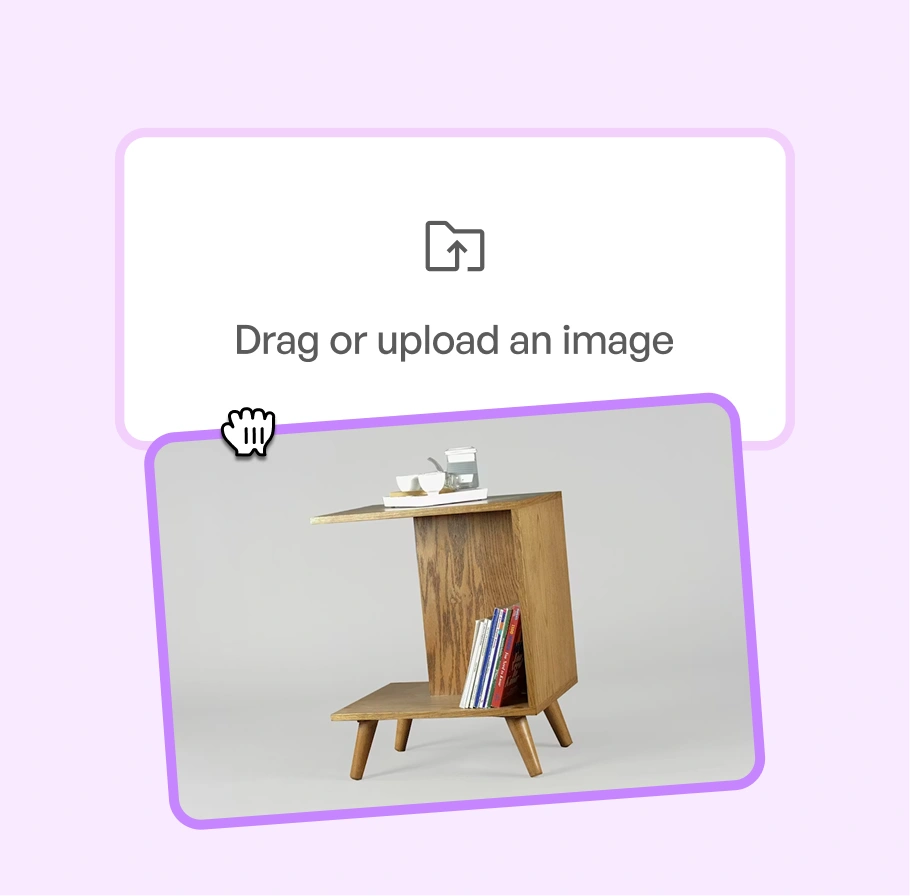
Add any product photo straight from your device or catalog. It does not need to be shot in WizStudio.

Background

Step 2

Ai-Status-In-Progress--Streamline-Carbon

Remove the background

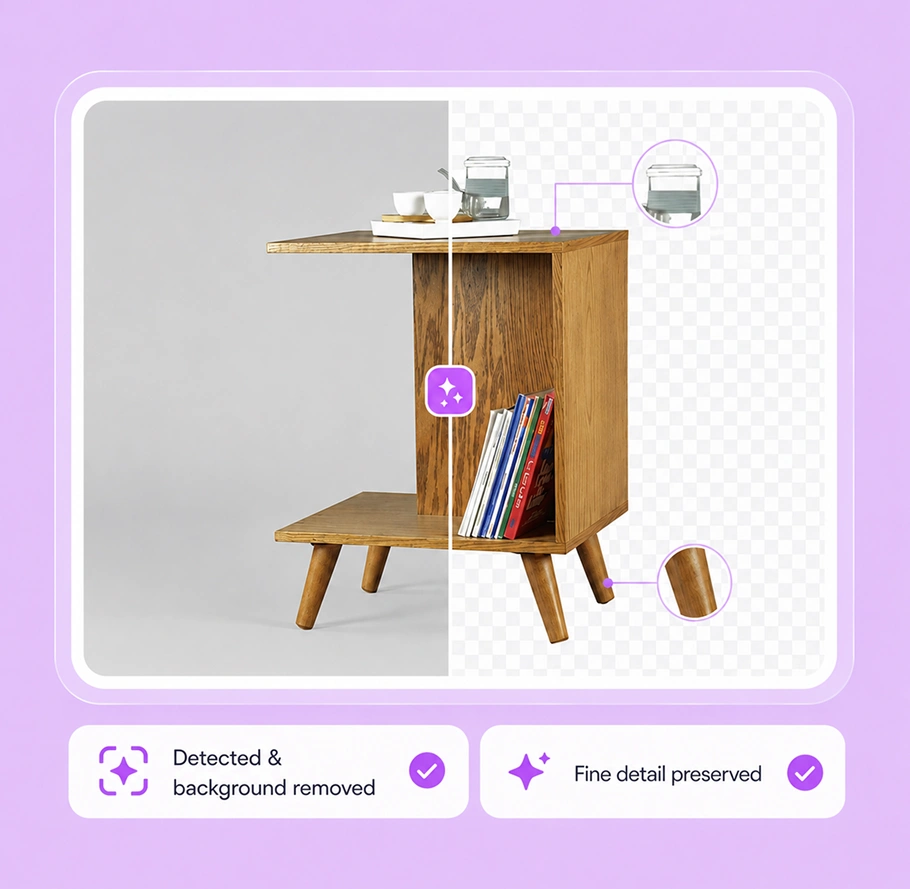
The AI detects the product and lifts the background cleanly, holding sharp edges on fabric, glass, and fine detail.

Background

Step 3

IconImagesSparkle

Add a background or export

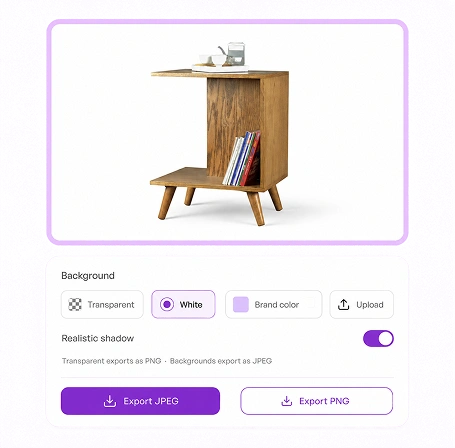
Keep the transparent cutout, or drop the product onto white, a brand color, or your own background with realistic shadows, then export.

Background

See the product background remover work across your catalog

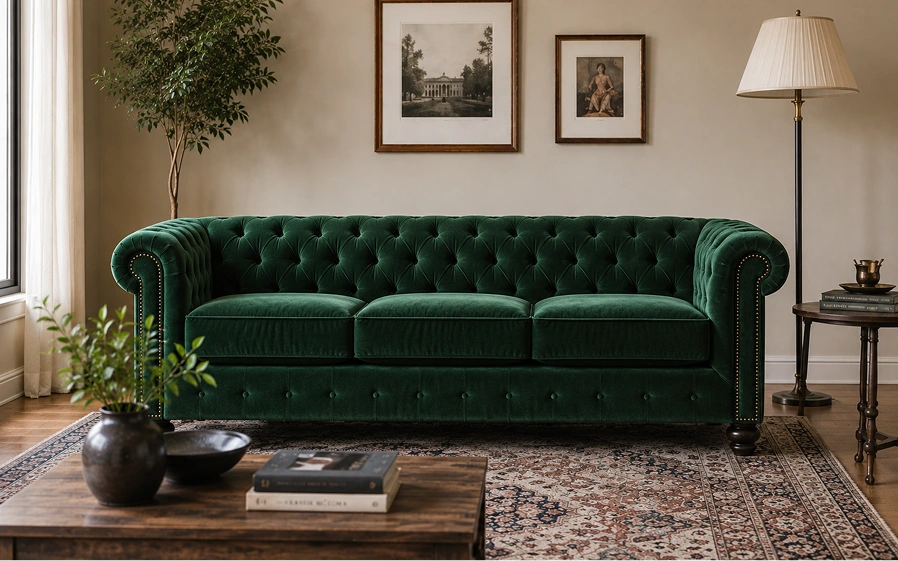
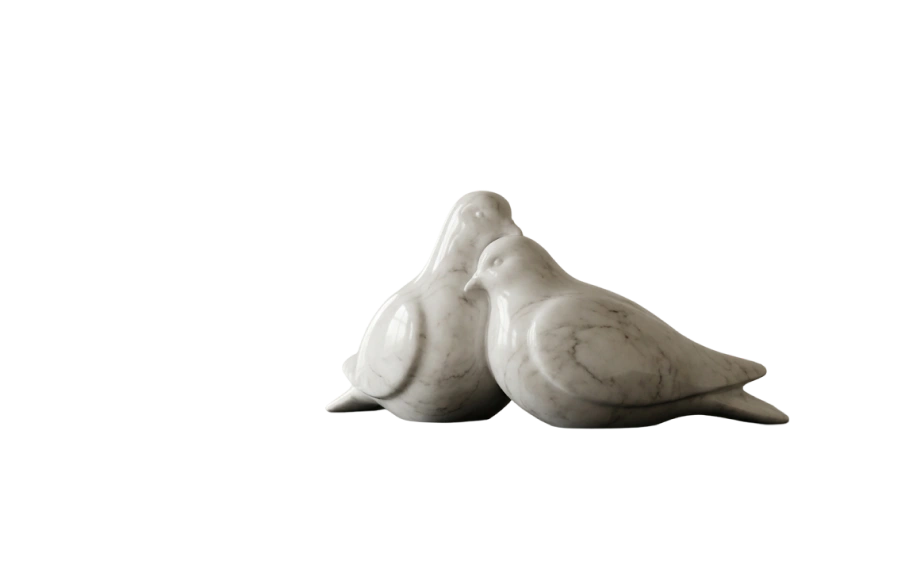
Pick a product type and drag to compare. The same clean cutout holds across furniture, lighting, apparel, food and beverage, and industrial parts.

After
Before
After
Before
After
Before
After
Before
After
Before

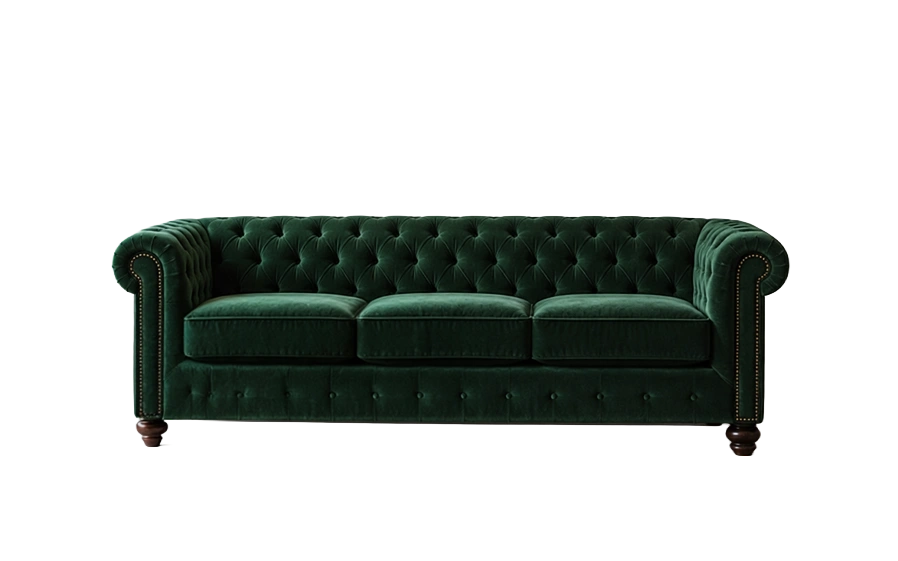
Clean edges on upholstery seams and slim table legs, with the weave and grain kept intact.

A product background remover built for catalogs, not one-off cutouts

Removing one background is easy. Keeping clean, consistent images across an entire catalog is the hard part, and that is what WizStudio is built for.

A clean transparent cutout from one upload

Upload a product photo and the AI detects the product and lifts the background in seconds, returning a clean, edge-accurate cutout on a transparent background. That cutout is the one asset every channel starts from, a transparent file you can place into any listing, deck, or layout without re-editing.

Background
Background

Clean edges on the detail that usually trips tools up

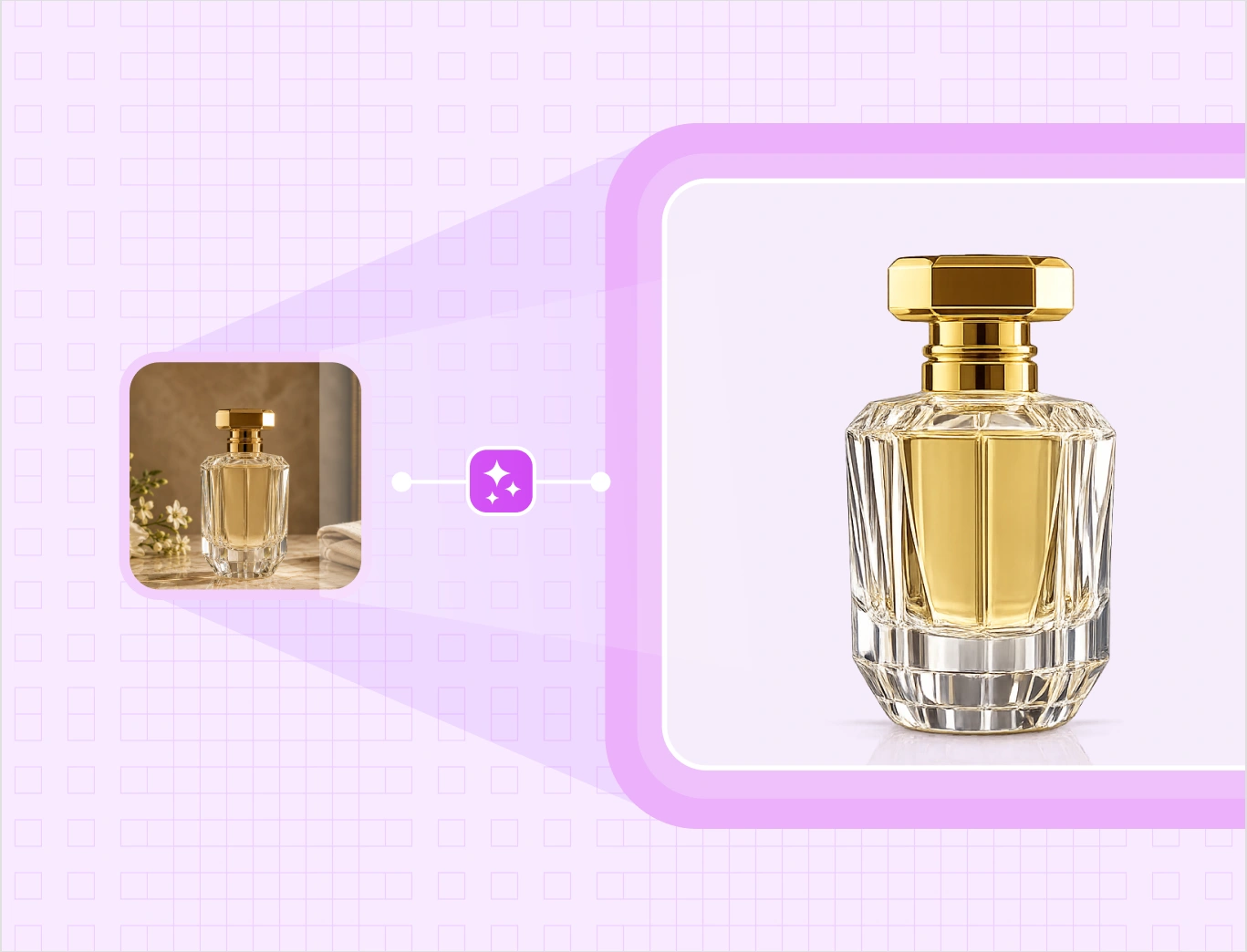
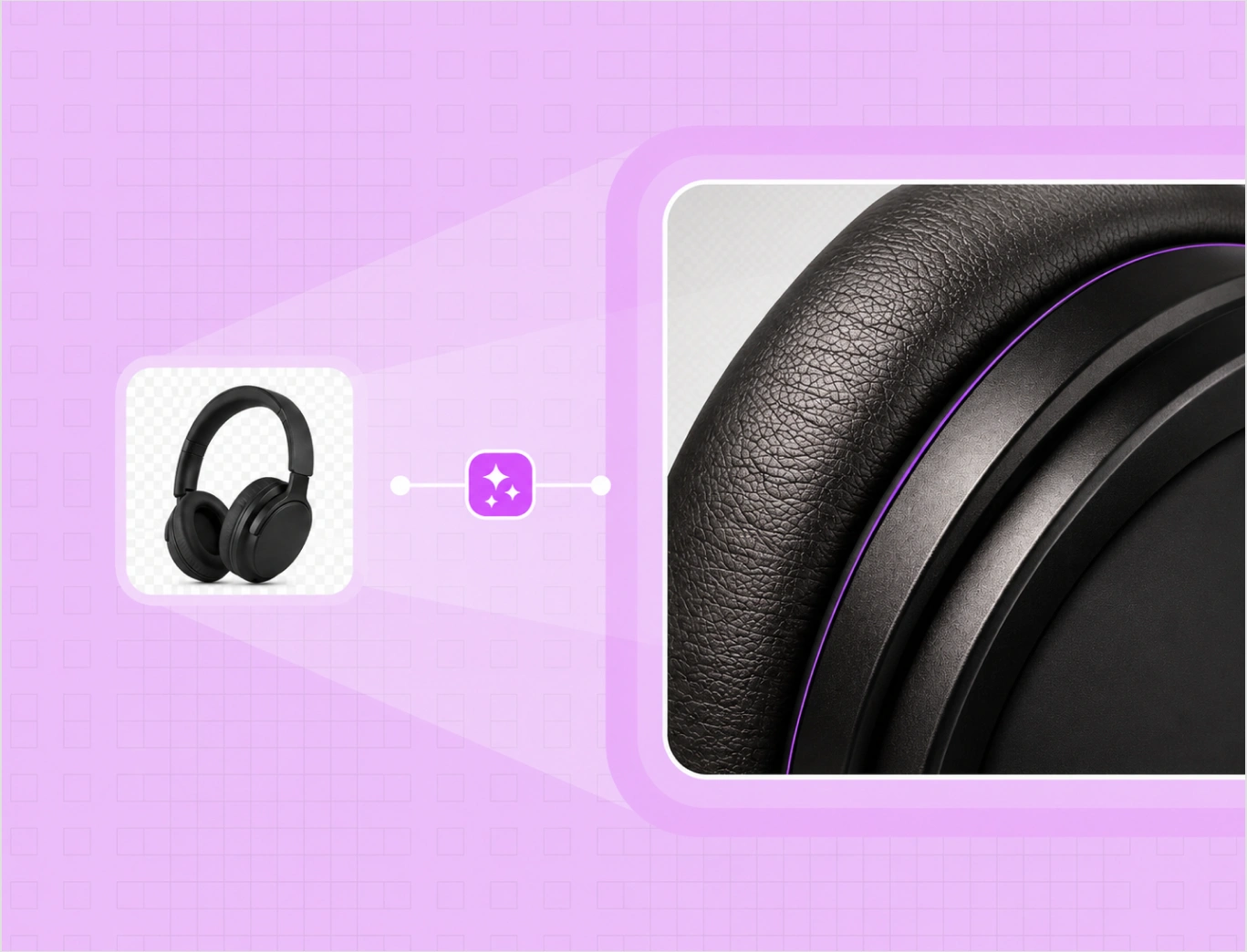
Soft fabric, flyaway threads, glass, fine straps, and reflective metal all keep sharp, defined edges, with no halos or rough outlines. That edge quality is what keeps your listings compliant and your catalog looking professional rather than cut out by hand.

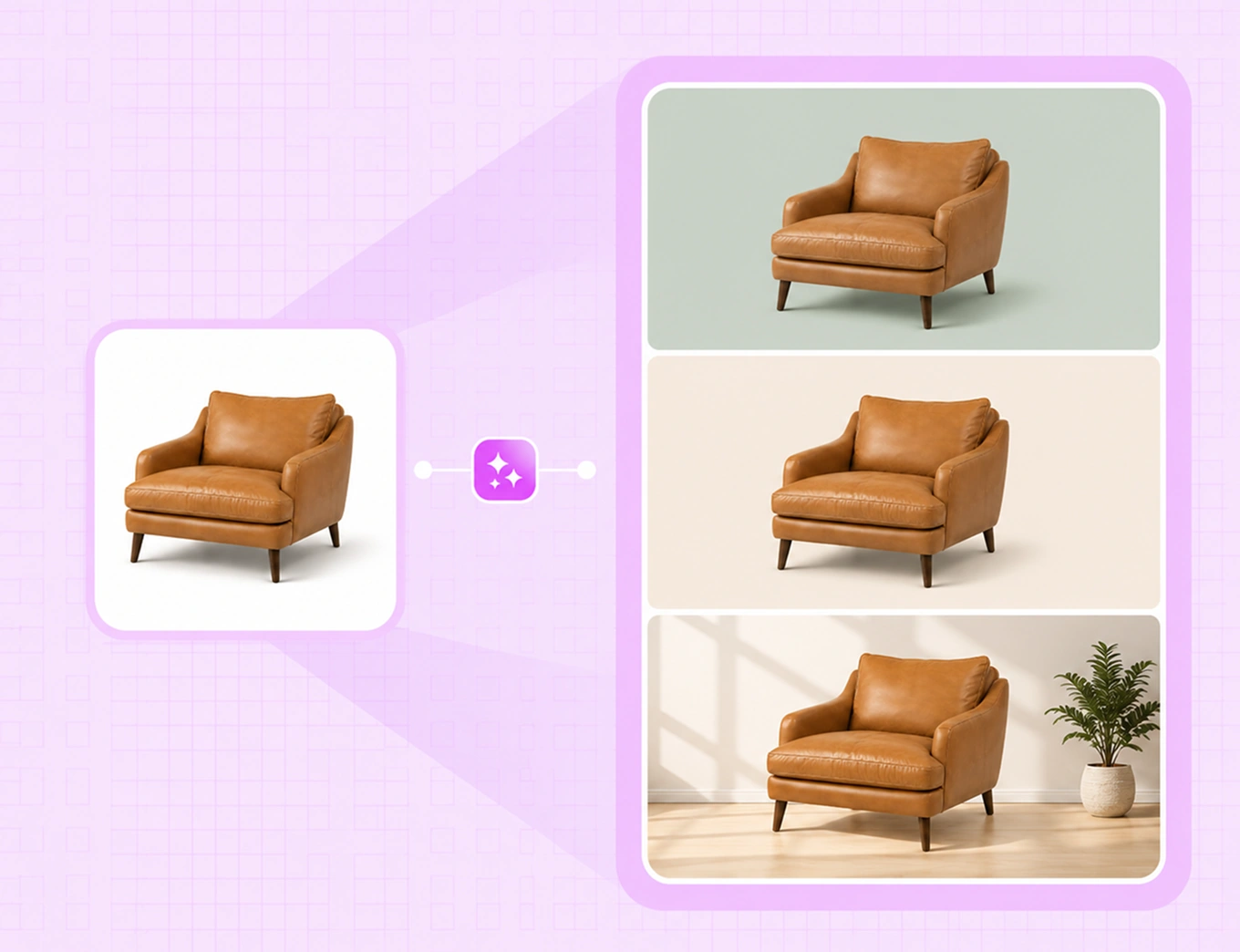
Add white, a brand color, or your own background

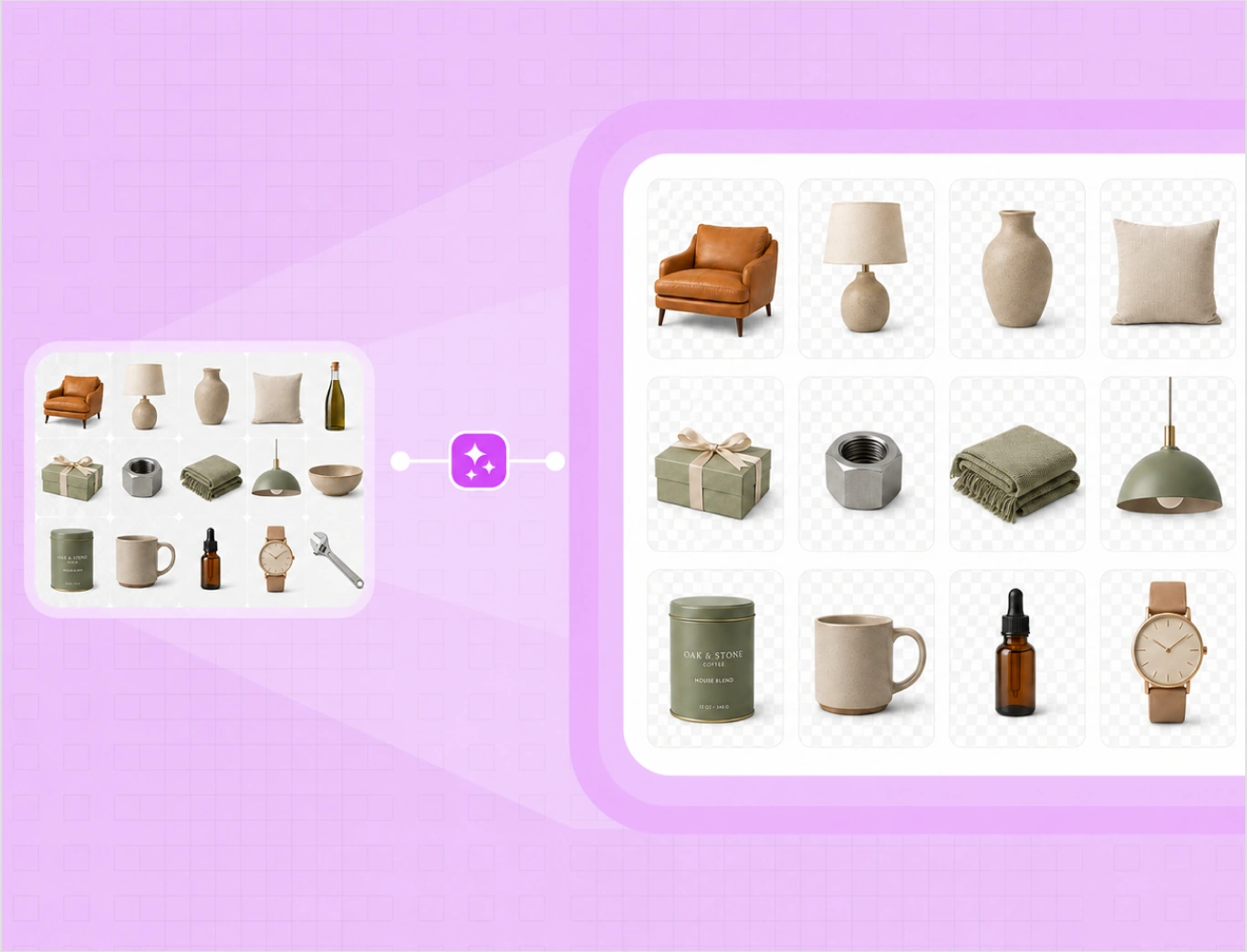
Run a batch through the Bulk Silo Editor and clean up to 50 images in one pass, straightening products and adding even padding across the set. A 200 SKU launch turns from days of one-by-one editing into minutes, with the same look from the first image to the last.

Background
Background

Remove backgrounds across the whole catalog in bulk

Run a batch through the Bulk Silo Editor and clean up to 50 images in one pass, straightening products and adding even padding across the set. A 200 SKU launch turns from days of one-by-one editing into minutes, with the same look from the first image to the last.

Manual masking vs WizStudio

Same clean catalog. Two very different paths to listing-ready images.

Features WizStudio Manual editing
Background per image Removed in one click Trace and mask each one by hand
Edges on fabric, glass, fine detail Clean edges held automatically Slow, and easy to leave halos
Whole catalog Bulk up to 50 per pass One image at a time
New background White, color, or your own in a click Composite and shadow by hand
Marketplace consistency Same clean look every SKU Varies by editor and shoot

The rest of the WizStudio toolkit

Background Remover is one of five tools for product visuals at catalog scale.

Frame 1

Bulk Silos Generator

Clean white-background silo images for a full catalog, in bulk.

Frame 3

Dimension line draw

Turn products into technical line drawings with dimensions.

Frame 2

Variant Builder

Color, finish, fabric, and pattern variations from one image.

Frame 5

Magic Eraser

Erase unwanted objects and marks from product photos.

Remove your first backgrounds free

Turn product photos into clean, listing-ready images. Want to see it run across an entire catalog? Book a demo.

Frequently Asked Questions

Can I remove backgrounds from multiple images in bulk?

Yes. The bulk photo background remover handles up to 50 images in one pass, cleaning backgrounds, straightening products, and adding even padding across the set. A 200 SKU launch goes from days of one-by-one editing to minutes, with a consistent look from the first image to the last.

After the background comes off, use it as a white background remover to set a pure white backdrop, then export at the size each platform expects, so product shots are listing-ready for Amazon, Shopify, eBay, and your own store. Running the catalog this way keeps every SKU on the same clean white background with no extra editing.

Once the background is removed, choose what goes behind the product: a clean white backdrop, a solid or custom brand color, your own background image, or an AI-generated scene. Realistic shadows keep the product grounded, so it looks placed in the scene rather than pasted on top.

Remove the background and WizStudio returns a clean transparent cutout you can download as a PNG, so you create a transparent background for any product in one step. This AI transparent background file drops straight into listings, decks, ads, or any layout, and from the same cutout you can switch to a white or colored background whenever a channel needs one.

Upload the photo and the product background remover detects the product and lifts the background in seconds, leaving a clean cutout. Keep it transparent, or place the product on white, a brand color, or your own background. This product photo background remover needs no manual masking, and it works online on any image you upload, not only photos shot in WizStudio.

Yes. You can start free and remove backgrounds from your first product images before you pay anything. WizStudio runs on credits, so you test this free AI background remover on your own catalog and only spend when you download. It is a low-risk way to check the edge quality on your real products first.

Yes. The background remover holds sharp, defined edges on fur, flyaway threads, glass, and intricate textures, without halos or rough cutouts. That edge quality is what keeps marketplace listings compliant and your catalog looking professional rather than cut out by hand.

Yes on both. The product background remover gives you images you can use on product pages, listings, ads, and catalogs, as long as you hold the rights to the photo you upload. It works to remove background for products across furniture, lighting, home decor, apparel, food and beverage, gifts, and industrial parts, from glossy surfaces to soft fabrics.