Announcing our $8M fundraise to bring AI to wholesale. Read our manifesto

Bulk Silo Builder

Silo product image generator for wholesale catalogs

Upload your product photo in silo image generator, remove backgrounds, straightens, add shadows and pads each product, then drops the whole batch on a template, a background, or an AI lifestyle scene. Clean, catalog-ready images in minutes.

Start with 5 free credits . Create silo images free . No card needed

our customers

Built for Wholesale. Powered by AI.

Built for Wholesale. Powered by AI.

image 1203 (1)

How the Silo product image generator works

Step 1

Vector

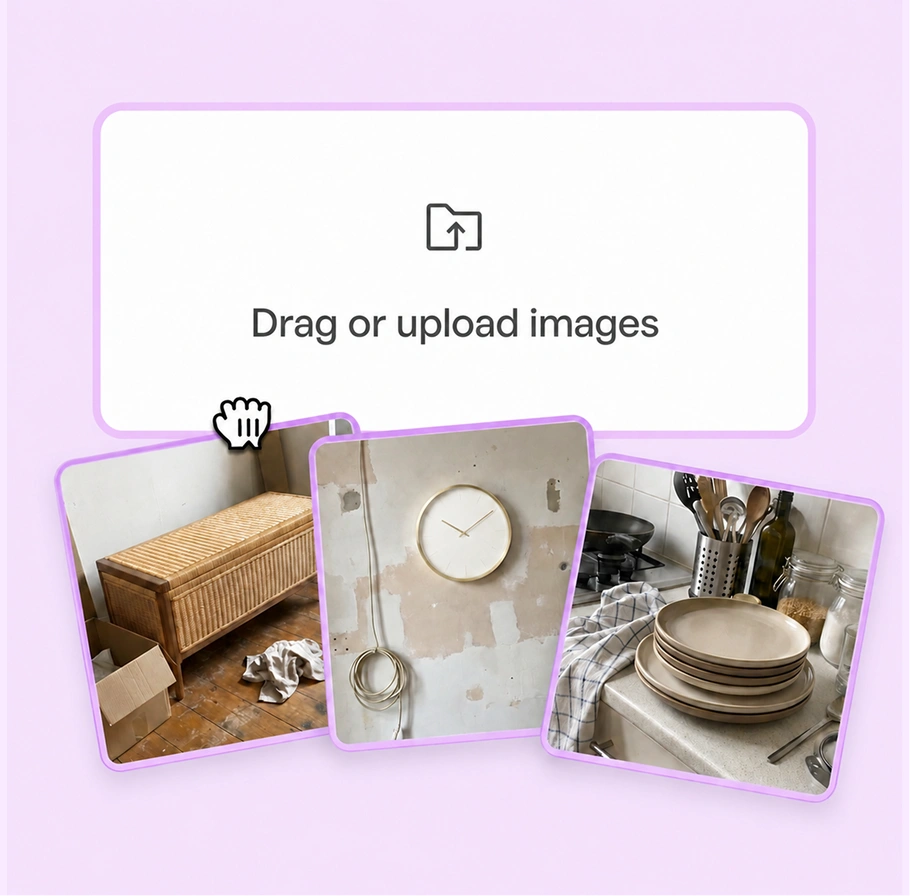
Upload Your Product Images

Add one product photo or a full batch, by upload or drag and drop.

Step-1

Step 2

Ai-Status-In-Progress--Streamline-Carbon

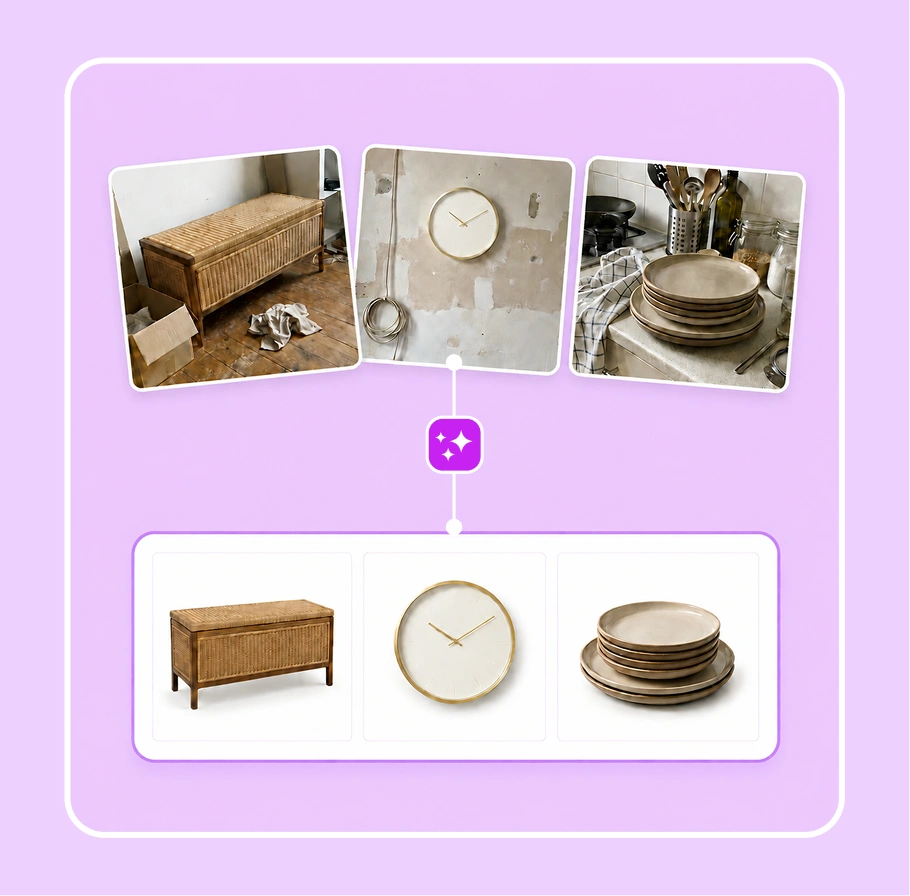
AI removes the background

AI clears the background from every product, then straightens and pads each one.

Step-2

Step 3

IconImagesSparkle

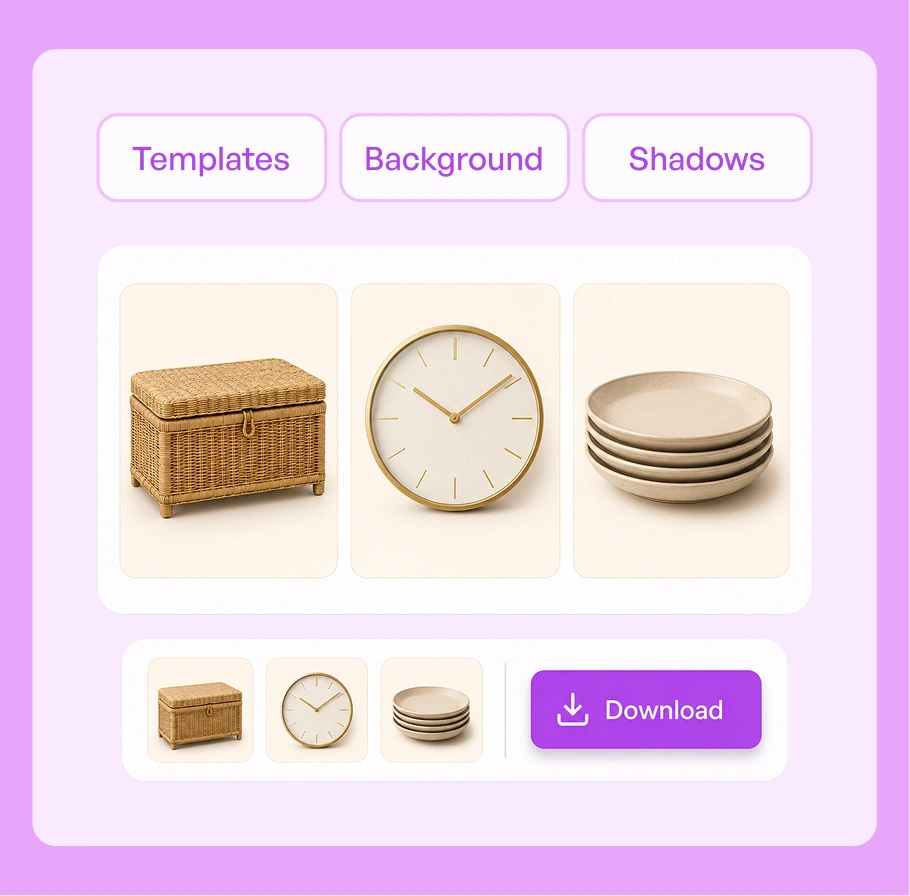
Style the batch, then download

Apply templates, backgrounds, and shadows to the whole set, then download image.

Step-3

See raw photos become clean silo images

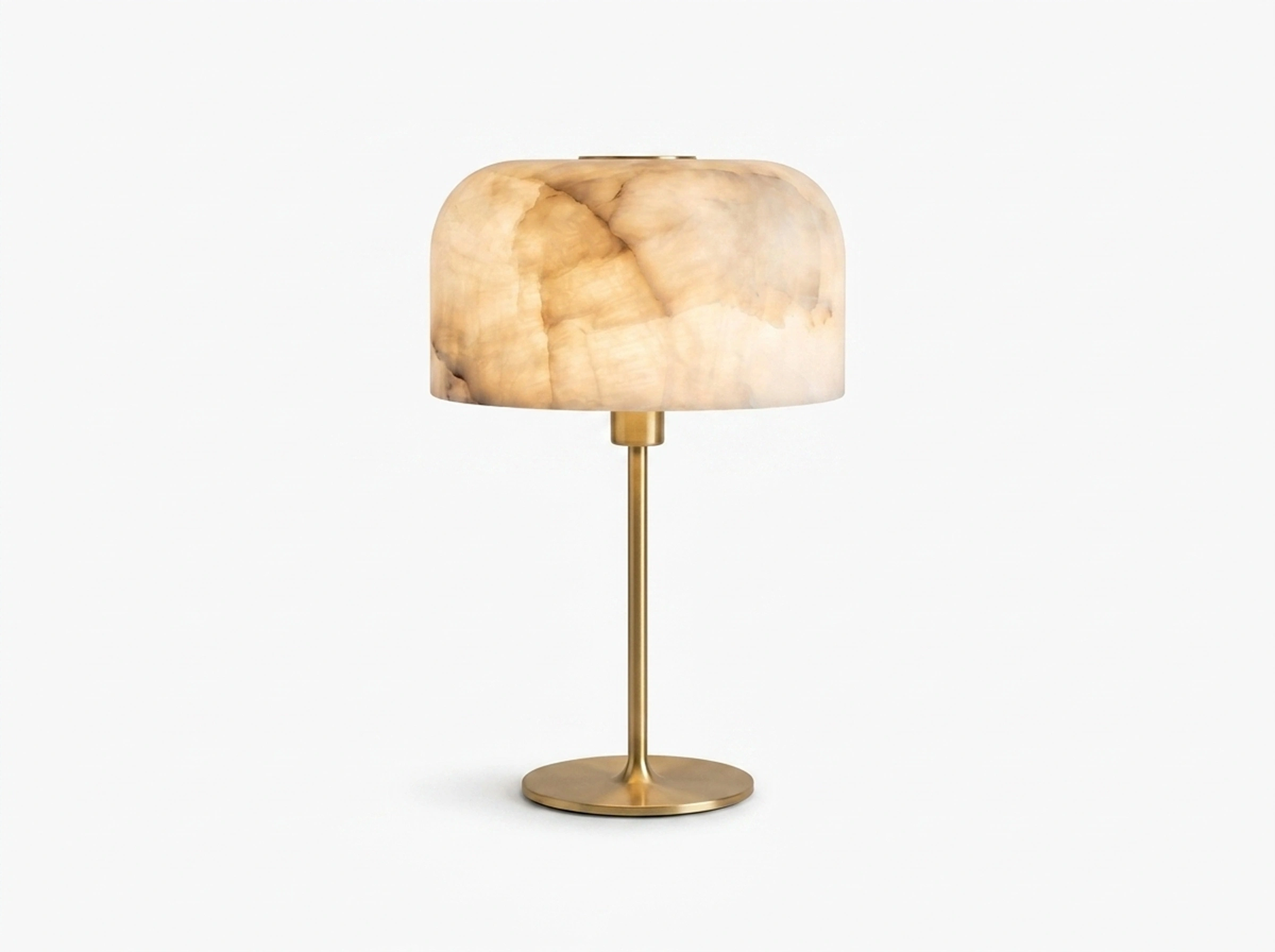
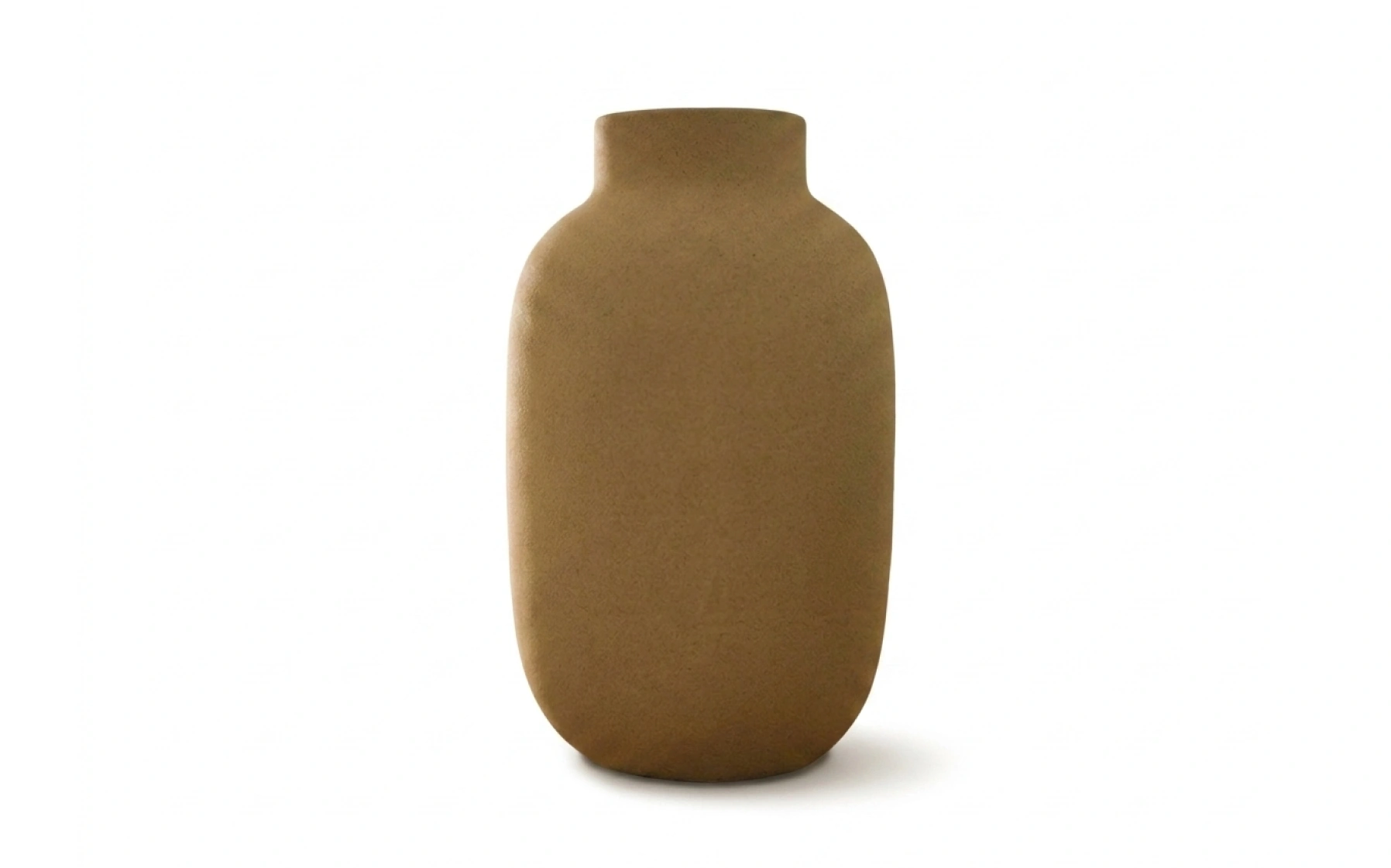
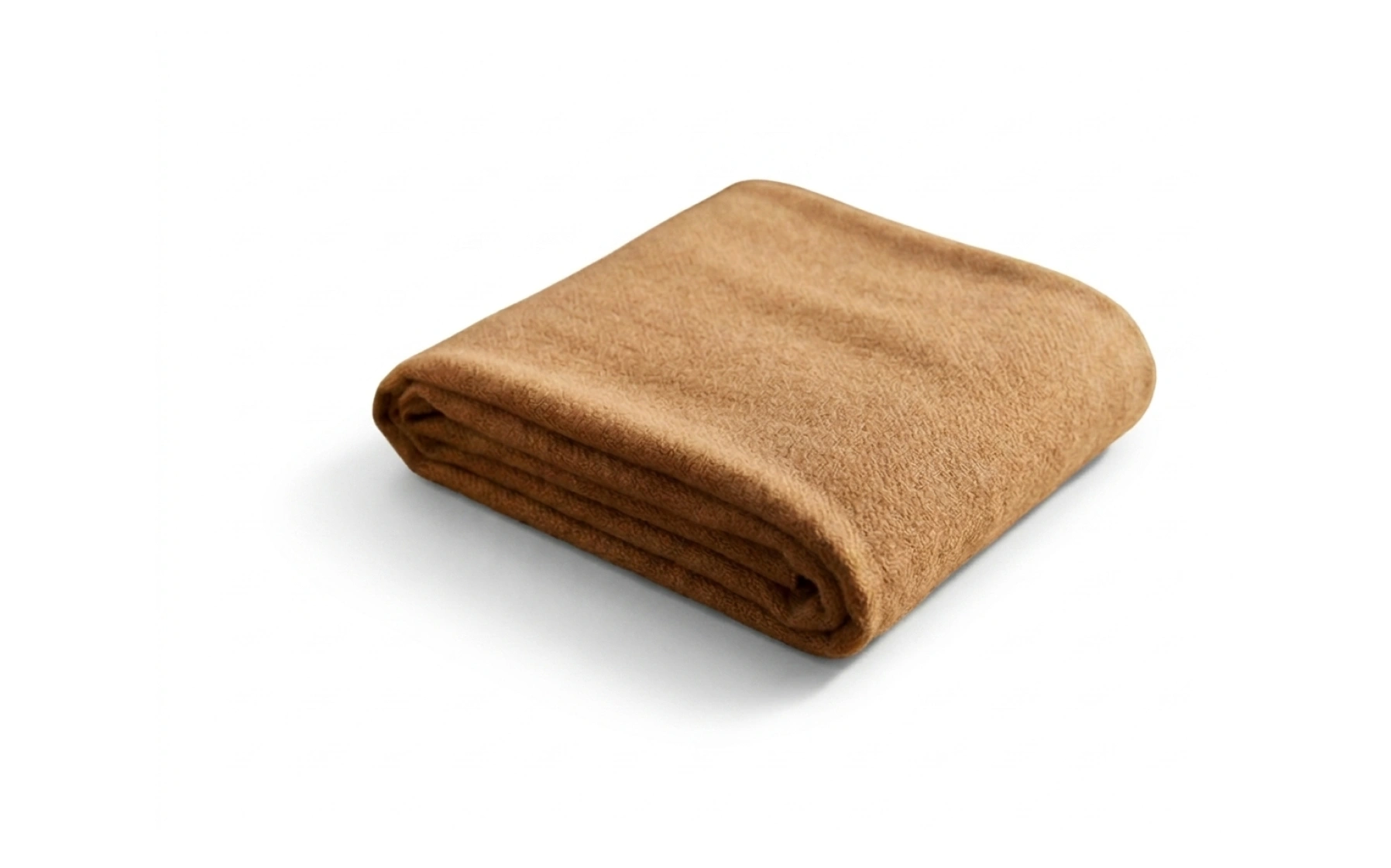
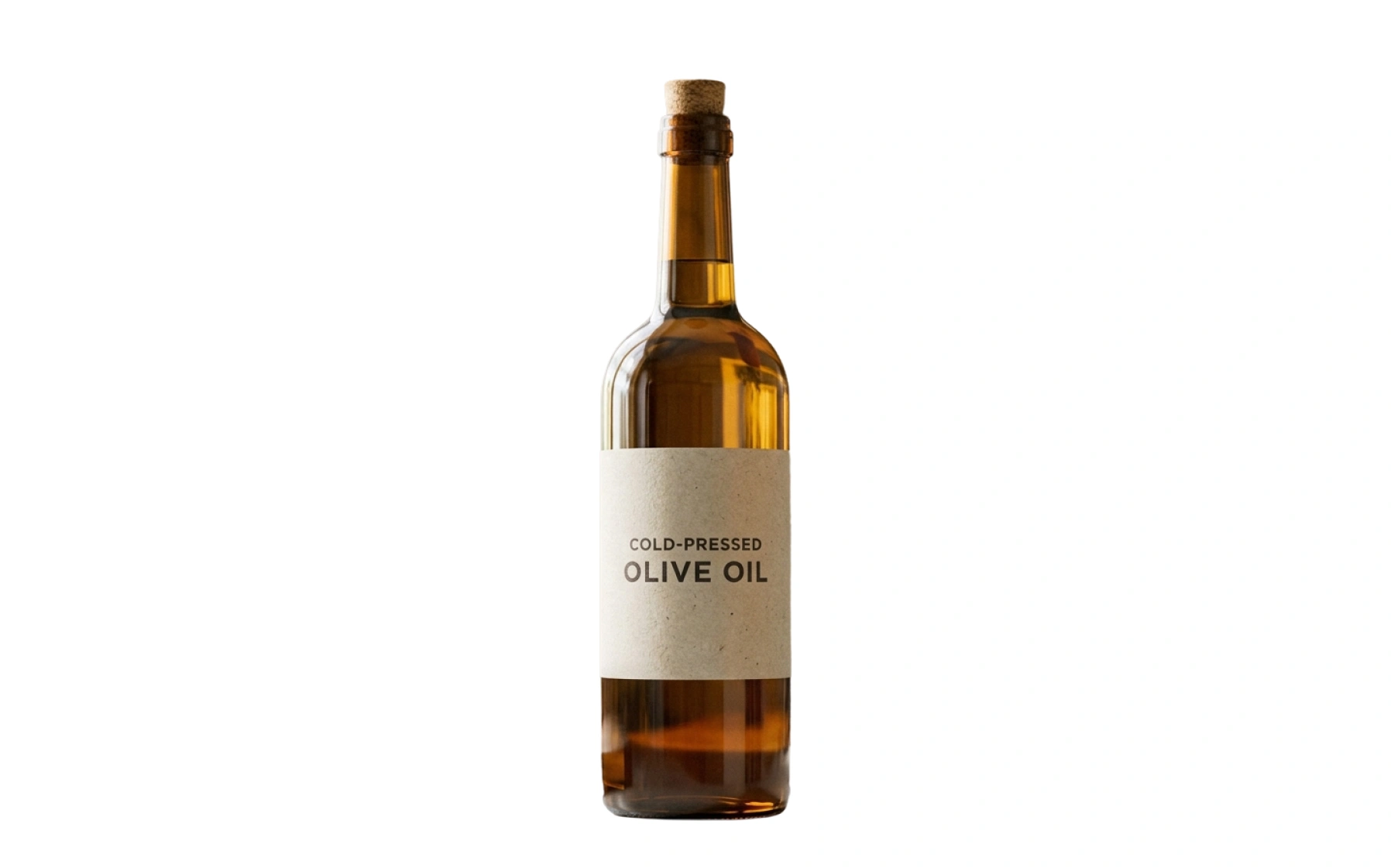
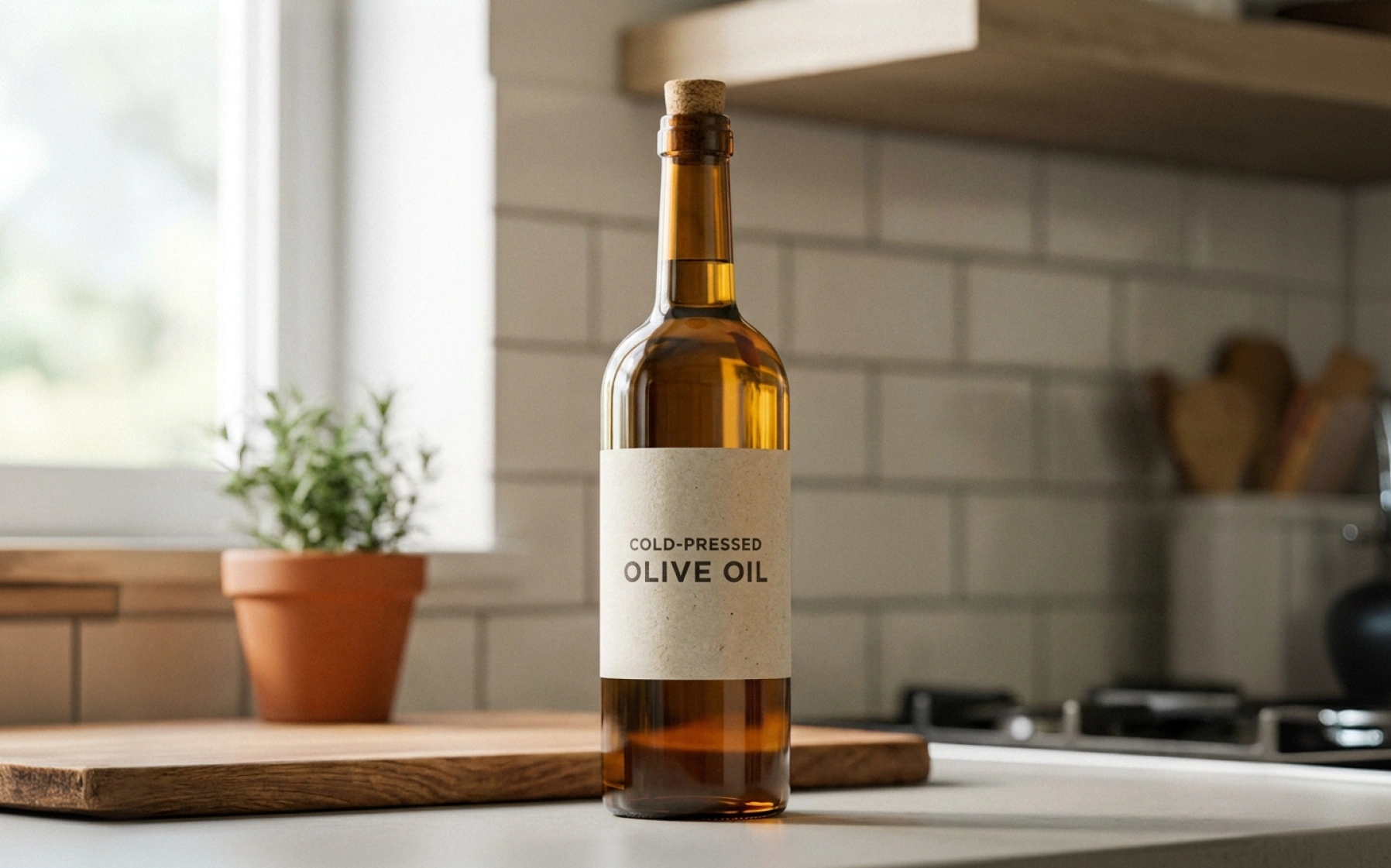
Pick a product type and drag to see the change. Each raw photo becomes a clean silo image on white, straightened, padded, and consistent, across furniture, lighting, home decor, apparel, food and beverage, and industrial parts.

After
Before
After
Before
After
Before
After
Before
After
Before

A warehouse shot becomes a clean silo image: background gone, chair straightened and padded on white.

An AI silo product image generator for catalog launches

A bulk silo product image generator that turns raw factory, warehouse, and supplier bulk photos, into clean, catalog-ready silo images. Whether they land in a wholesale line sheet, a distributor catalog, or a retail product listing, every image comes out consistent.

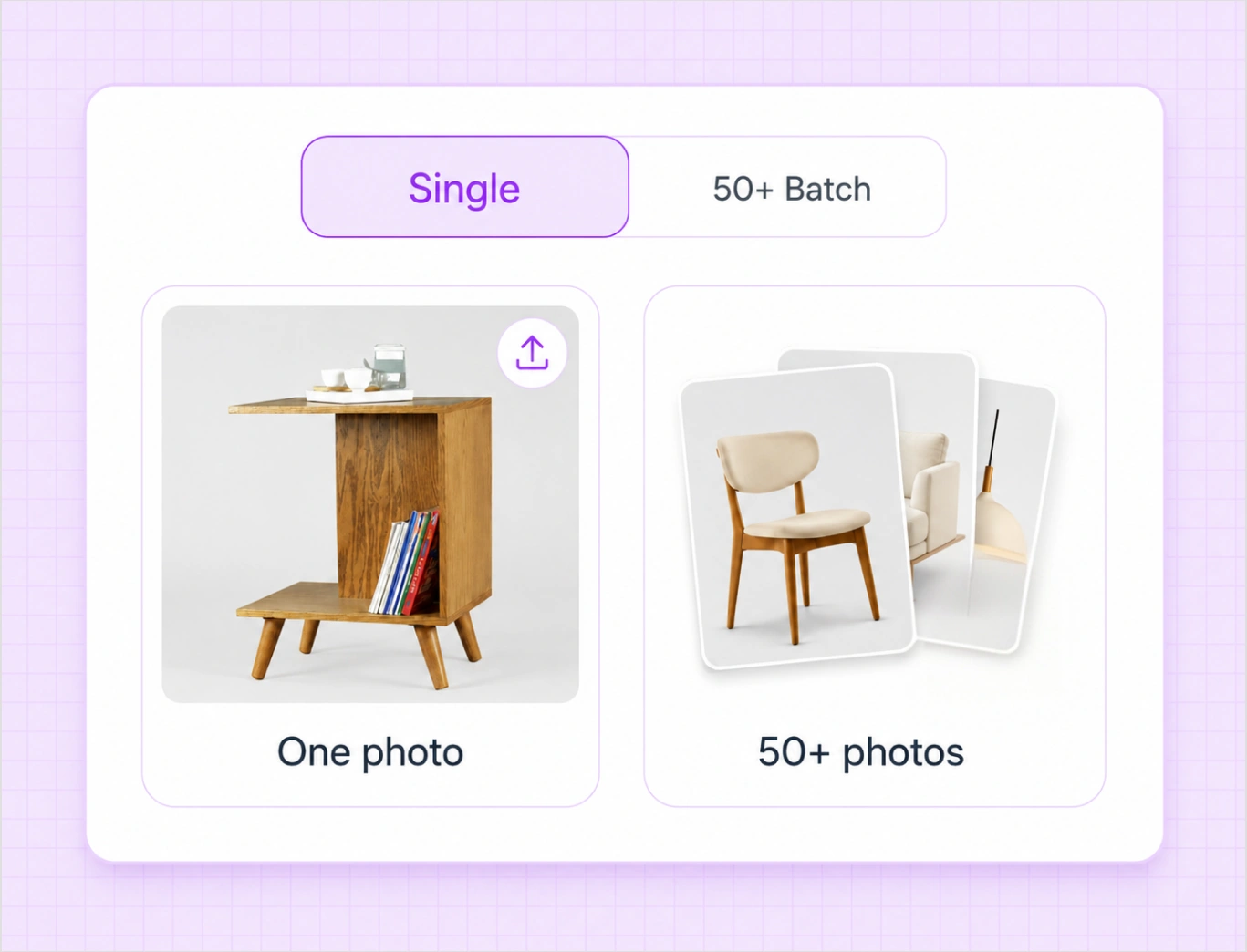
Edit up to 50 products at once, or a single image

Upload one product photo or a full batch. Every step runs on a single image or across all 50 at once, so a launch that used to take days of editing is ready in minutes.

box-1
box-2

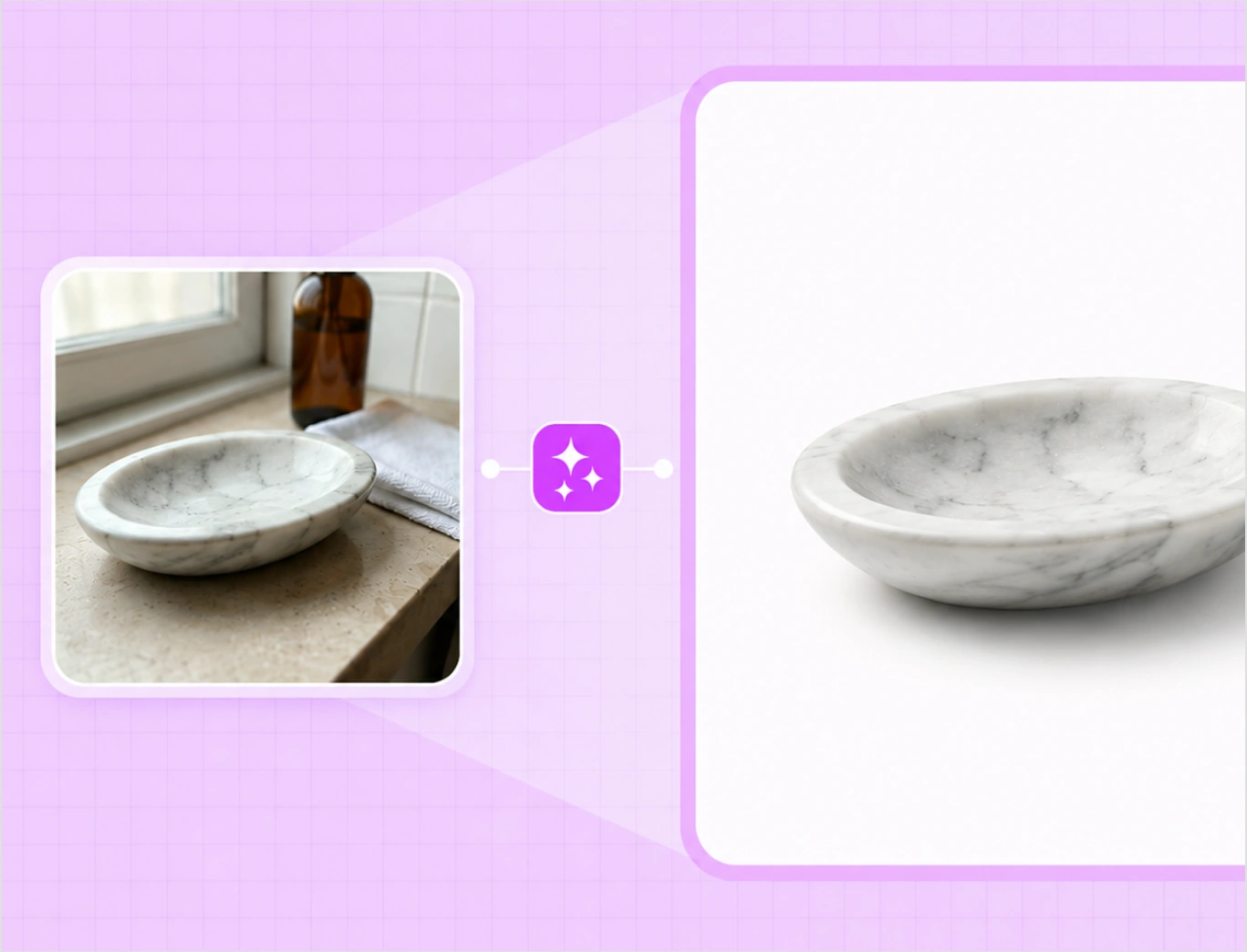
Backgrounds removed, every product cleaned and standardized

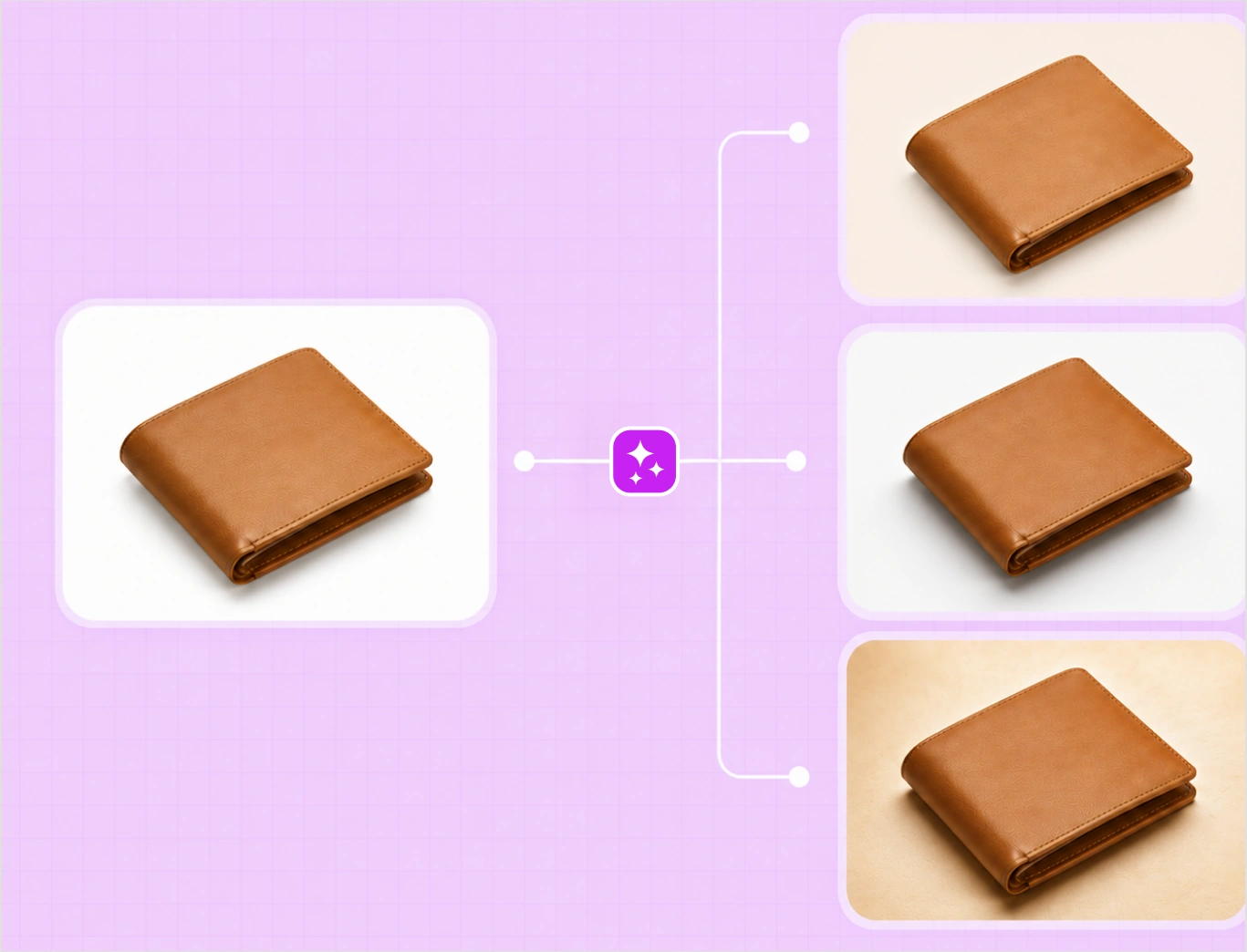
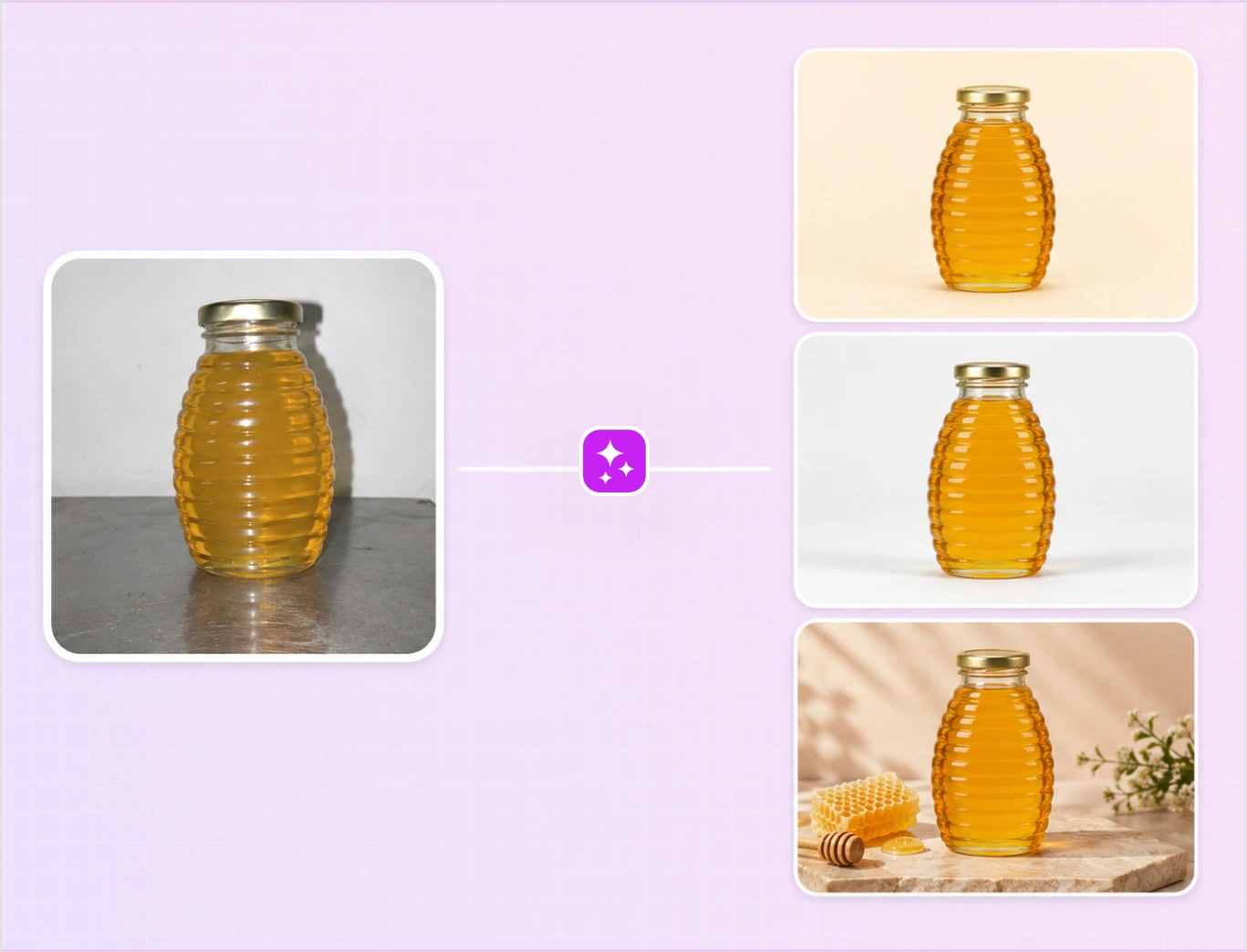
Remove the background from every product in one pass, then let AI clean reflections, adjust lighting, and straighten each one. It also resizes, aligns, and adds even padding, so the whole batch comes out uniform, SKU after SKU, not a patchwork of shots.

Templates, backgrounds, and shadows, your way

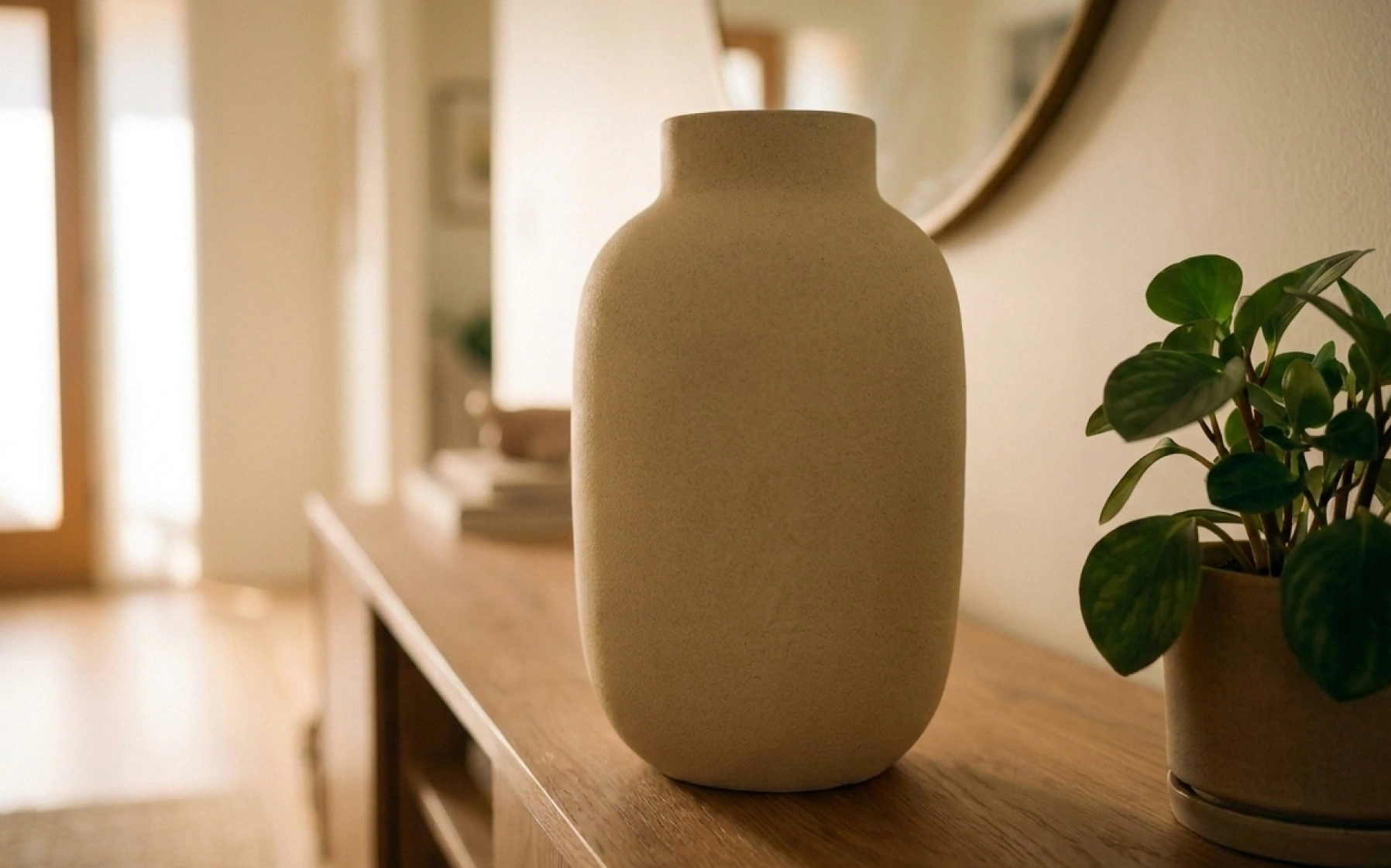
Apply a ready-made Studio template or add and save your own, then set a background: a solid color, an image, or one you upload. Add soft shadows across the batch or per image.

box-3
box-4

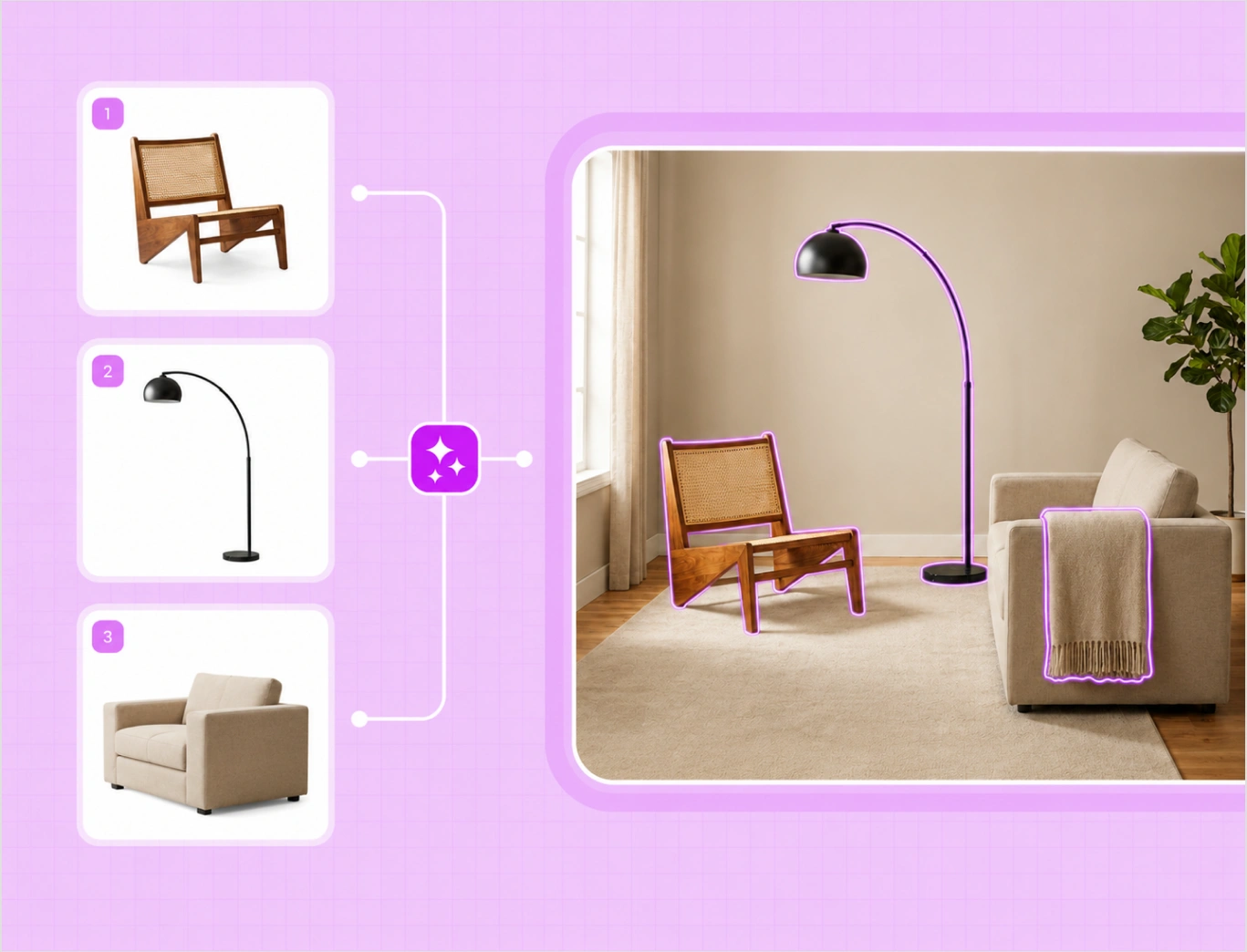
Place the whole batch on a lifestyle background

Go beyond plain white. With AI Edit, drop every product into a styled lifestyle scene in one pass, so a batch of catalog cutouts becomes in-context shots for listings, ads, and campaigns.

From factory photos to catalog-ready in hours

Instead of days of repetitive Photoshop work per launch, a full batch is catalog-ready in minutes. That clears the editing bottleneck and frees your design team for higher-value work.

box-5

One-by-one editing vs WizStudio

Same clean catalog. Two very different paths to listing-ready images.

Features WizStudio Manual or clipping path
Background and cleanup Removed automatically across the batch Removed by hand, one image at a time
Time for 50 images Minutes in one batch Days of designer time
Consistency Uniform white, padding, and alignment Varies shot to shot
Lifestyle scenes Generated for the batch with AI Edit Shot on location or composited by hand
Skill needed No editing skills Photoshop skills

The rest of the WizStudio toolkit

Silo Builder is one of five tools for product visuals at catalog scale.

Frame 5

Magic Eraser

Erase unwanted objects and marks from product photos.

Frame 4

Background Remover

Remove backgrounds and get clean cutouts in seconds.

Frame 2

Variant Builder

Color, finish, fabric, and pattern variations from one image.

Frame 3

Dimension line draw

Turn products into technical line drawings with dimensions.

Turn your first product batch into silo images free

Upload a batch and get clean silo images on white. Want to see it across a full catalog? Book a demo.

Frequently Asked Questions

What is a silo image?

A silo image is a product shot on a plain background, usually pure white, with no scene around it. Silo images are the standard for catalogs, marketplaces, and listings, because the product reads clearly and every image matches.

Both. Upload one product photo or up to 50 at once. Every step, background removal, straightening, padding, templates, and backgrounds, works on a single image or across the whole batch in one pass.

It removes the background, cleans reflections, adjusts lighting, straightens the product, and adds even padding, then places it on a clean background, so you get a consistent silo image without manual editing.

Both. Pick a ready-made Studio template or add and save your own, then apply it across the batch or to a single image, so the output matches your catalog style.

Yes. Add a solid color, an image background, or upload your own, and add soft shadows, across all products at once or per image.

Yes. With AI Edit, drop every product into a styled lifestyle scene in one pass, so a batch of plain cutouts becomes in-context shots for listings, ads, and campaigns.

Yes. Every image comes out with the same background, padding, and alignment, SKU after SKU, so a launch reads as one consistent set rather than a mix of shots.

Yes. WizStudio is a free online silo product image generator you run in the browser, with no install. It works as a silo image builder online for a single image or a full batch, and you can start with your first credits.

The Silo Builder uses 0.2 credits per image. You can start free with your first credits and run a batch to see the output before you scale up.