Announcing our $8M fundraise to bring AI to wholesale. Read our manifesto

AI Jewelry Photography Generator

AI Jewelry Photography That Scales With Your Catalog

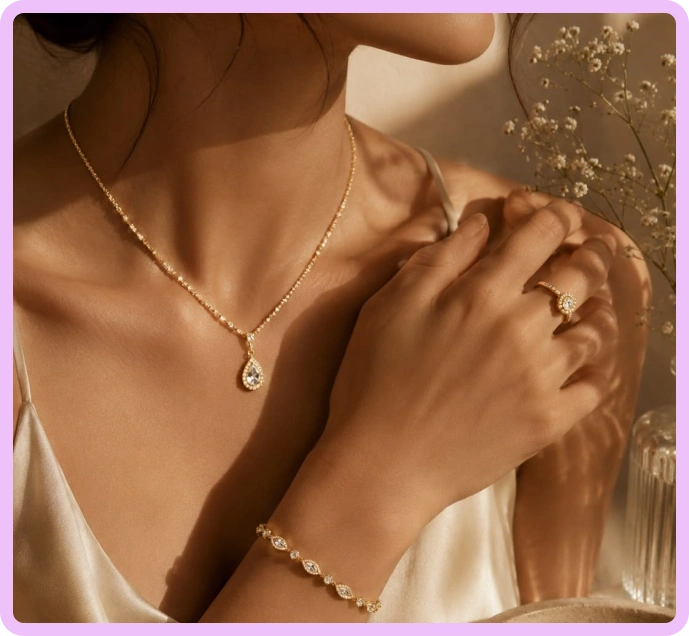
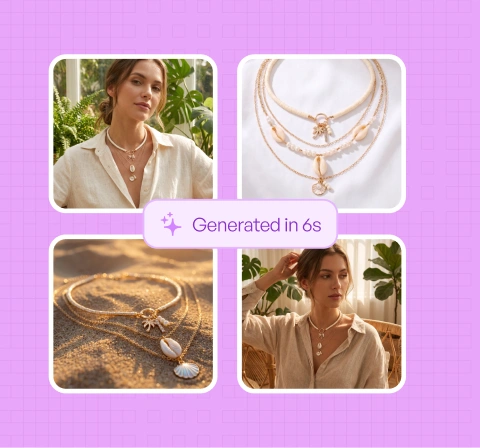
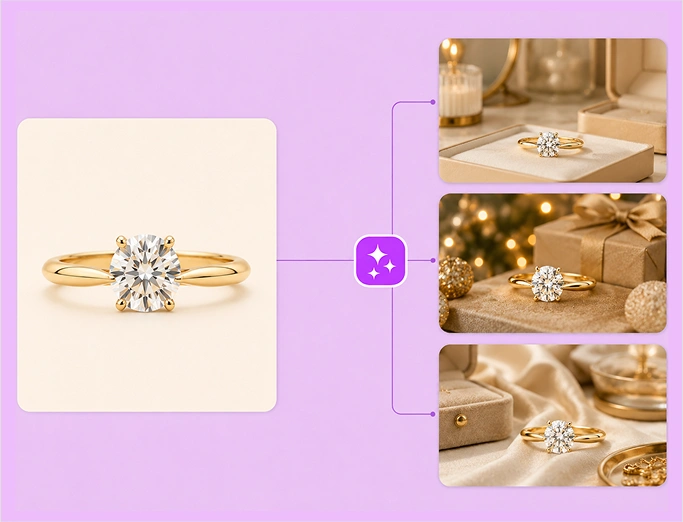
Turn simple jewelry photos into lifestyle visuals that highlight craftsmanship and detail, without costly photoshoots.

Jewellery-Hero

our customers

Built for Wholesale. Powered by AI.

Built for Product Photography. Powered by AI.

image 1203 (1)

Up to 20x

cheaper than traditional photoshoot.

Up to 10x

faster go-to-market for newer collections

Up to 33%

higher conversion on website and marketplaces

How to create Jewelry product photos with WizStudio

Step 1

Vector

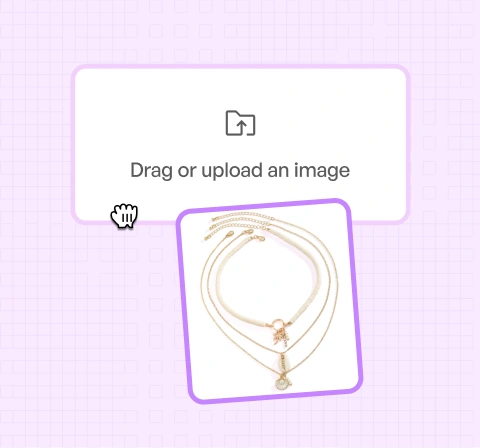
Upload Your Product Images

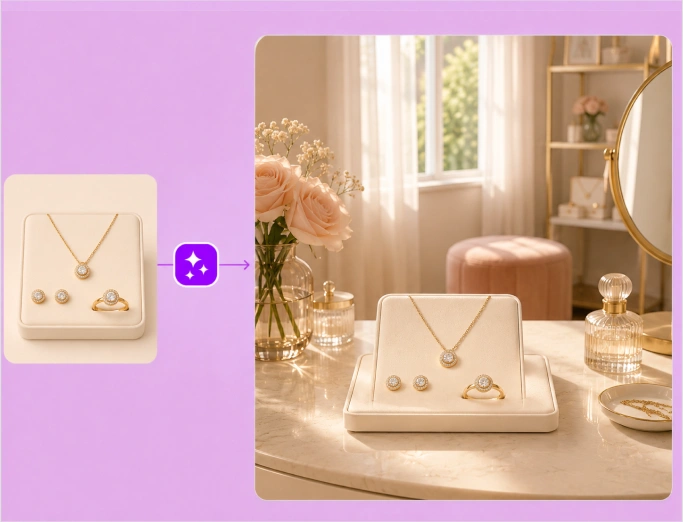
Start with a single jewelry image—even a simple studio or workbench photo.

Jewellery-Background-2

Step 2

Ai-Status-In-Progress--Streamline-Carbon

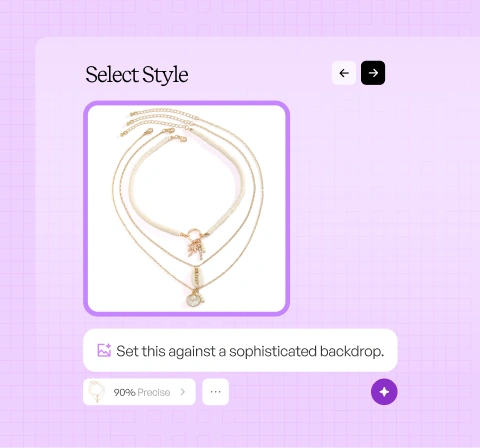
Choose Your Output

Describe your ideal jewelry display once, and let WizStudio generate a photorealistic scene around it.

Jewellery-Background-3

Step 3

IconImagesSparkle

Generate and export room-ready visuals

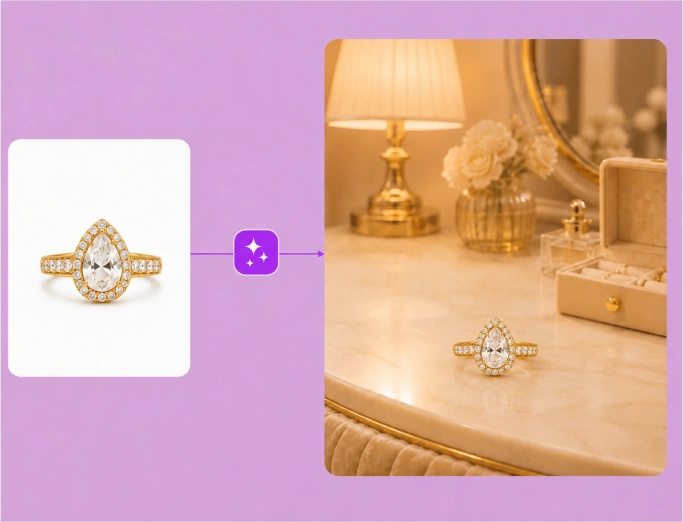
AI product photo generator  places your jewelry in elegant lifestyle settings and premium displays with realistic reflections, true-to-life materials, and accurate gemstone detail. Review the results and export catalog-ready images for your website, marketplaces, and wholesale channels.

Jewellery-Background-4

THE CHALLENGE

AI jewelry photoshoots create premium visuals that make every piece stand out—without delays.

01

Light shifts. Quality suffers.

Reflections and glare can dull the brilliance of pieces, making even well-crafted ones look underwhelming, forcing multiple shoots just to get it right.

02

Variants grow. Visuals multiply.

Different metals, stones, and finishes turn one design into dozens of SKUs, pushing jewelry photography costs and timelines far beyond what scales.

03

Different channels. Different stories.

The same jewelry piece needs to feel aspirational on ads, clear on PDPs, and elegant in lookbooks, often requiring separate shoots.

04

Context keeps changing. Images don’t adapt.

Once jewelry is shot in a fixed setting or angle, any change in presentation requires starting over instead of reusing what already exists.

WizStudio: AI jewelry photography that
removes complexity, not quality

Harmonize brilliance across the catalog

Standardize how metals and stones are presented across the catalog. Every piece reflects the same sense of polish & intent.

Jewellery-Step-1
Jewellery-Step-2

Control visual clarity at every touchpoint

Generate visuals that clearly show setting, proportions, and craftsmanship without relying on perfect shoot conditions every time.

Reduce dependency on specialists

Jewelry photography requires rare lighting setups and expert handling. WizStudio removes that dependency.

Jewellery-Step-3
Jewellery-Background-1

Reuse visuals across the entire buying journey

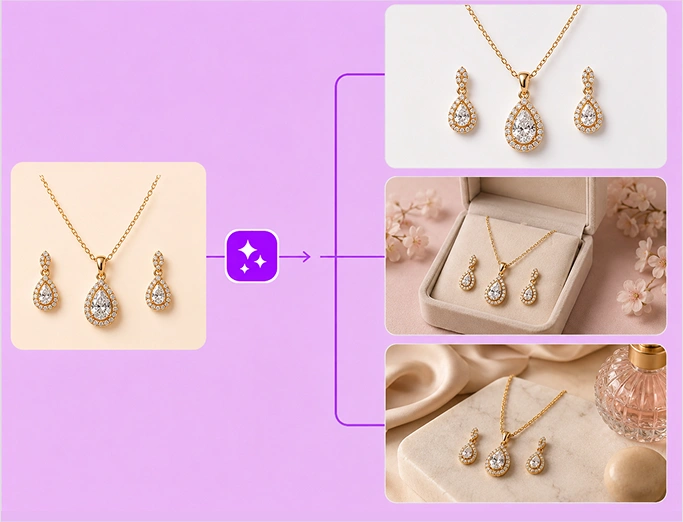
Create unlimited images from a single product shot tailored for every stage of the buyer journey, right from discovery to decision.

Discover how WizStudio is built for modern jewelry brands that need visuals to scale as fast as their catalog without losing their sense of detail.

Use case

How jewelry brands use AI photography to add context across growing catalogs.

Trust-building PDP imagery

Present jewelry with consistent lighting, scale, and clarity to reduce hesitation and costly returns caused by unclear visuals.

On-model context without model shoots

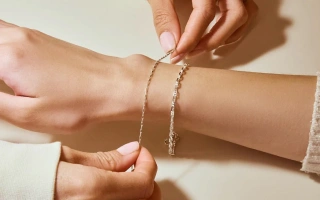
Show how individual pieces sit on the body: neck, ear, wrist, hand, etc., without organizing model-led jewelry shoots for every individual product.

Cohesive collection storytelling

Market multiple pieces as part of one collection story without shooting individual images for every design.

True-to-life jewelry visuals

Show how pieces appear in different real-world lighting and contexts. Help buyers understand how every piece will actually look beyond the studio.

FEATURES

Features built for AI jewelry
photography

AI image expander

AI image expander

Extend furniture shots to fill any frame or aspect ratio, creating wider room scenes and better compositions.

Image to video

Image to video

Turn a single furniture image into a short product video that shows the piece from every angle.

Variant builder

Generate every fabric, finish, and configuration of a piece from a single image, without shooting each option.

Bulk silo builder

Bulk Silos builder

Turn large batches of product shots into clean, consistent silo images across your whole catalog at once.

Dimension line draw

Dimension line draw

Add clear dimension lines so buyers understand exact size and proportion, and how a piece fits their space.

Magic eraser

Magic Eraser

Remove distracting props, mismatched decor, or visual noise from furniture images.

Multi-product generator

Multi-product generator

Place multiple furniture pieces into one lived-in interior that shows how they fit and function together.

Background remover

Background Remover

Cleanly cut furniture from any background to create crisp silo images for catalogs and marketplaces.

COMPARE

Thousands of jewelry brands choose WizStudio over others for AI jewelry photoshoots

Discover why thousands of jewelry brands choose WizStudio for AI jewelry photoshoots

FEATURE WizStudio Generic image tools
Precision & accuracy Accurately renders gold karats, white gold, silver, platinum, finishes, and gemstone brilliance and pearl luster Distorted details, unrealistic finishes
Brilliance control Controlled lighting that enhances sparkle without glare Harsh reflections or flat, dull visuals
Catalog-ready consistency Uniform presentation across collections and variants Inconsistent lighting and angles
Done-for-you visual production Share a brief. Our industry experts will handle execution DIY tools with no jewelry context
Human review & revisions Human review to ensure accuracy and realism No validation or quality control
Pay only for approved visuals Review and approve final images before paying Pay upfront, regardless of outcome
Collection-level visuals Show multiple pieces together using one visual system Limited to single-image outputs
Jewelry-specific editing tools Tools designed for light, depth, and presentation control Generic editing with limited precision
Built-in realism refinement Optimized shadows, lighting, and clarity by default Manual fixes or inconsistent results
Ganz
Tremont Floral
Kerri Christman
Ganz

"We manage a very large number of SKUs and catalogues, and imagery is central to everything we do. WizStudio helps us scale feature imagery without adding time or cost."

500+

feature images created in weeks across multiple catalogues using AI-generated backgrounds

"The imagery is seamless and realistic. Even reflections in mirrors look right, which is something we struggled with before."

$10k

a year cost savings by eliminating repeated photoshoots and editing cycles

2-week

imagery turnaround, reduced from 6 weeks previously required for photography and editing

Kerri-Christman
Tremont Floral

"WizStudio saves me about four hours every week with AI lifestyle image generations for our products."

10%

revenue growth driven by AI-powered product recommendations

4hrs

saved every week on lifestyle image generation

Demo call

Bring your collections to life, without traditional photoshoots

See how WizStudio generates room-ready home decor visuals for your entire catalog. Book a short walkthrough with our team.

Frequently Asked Questions

What is the best way to photograph jewelry?

Using AI for jewelry photography is an effective way. Traditional photoshoots rely on specialist lighting setups and careful post-processing. Many modern brands now use AI jewelry photography platforms like WizStudio to generate studio-grade visuals from basic product photos. They completely eliminate the need for repeated photoshoots for jewelry product photography while keeping the presentation precise and consistent.

The best colors to photograph jewelry on are neutral colors like white, grey, black, or soft pastels, which work best because they don’t distract viewers from the piece. The ideal color in professional jewelry photography also depends on the metal and stones. With a jewelry lifestyle photography platform like WizStudio, you aren’t locked into one background color. You can test and apply multiple background styles digitally without the need for reshooting.

To photograph jewelry without reflections during a jewelry catalog photoshoot, use diffused lighting, soft boxes, and careful angles. However, using them effectively takes time and expertise. Even then, results can vary. WizStudio is your free AI jewelry studio that easily avoids this issue by automatically controlling and managing glare and reflections. It does this consistently without depending on perfect physical lighting conditions.

The best light for jewelry lifestyle photography is a soft, diffused light because it highlights details without harsh glare. Daylight-balanced lighting is also commonly used, but it’s hard to maintain consistency across shoots. When you generate jewelry photography with AI platforms like WizStudio, you don’t have to worry about lighting. It remains optimized and consistent across your products and collections, ensuring metals and stones are shown clearly every time.

The best background for jewelry photography is the one that supports the pieces instead of overpowering them. Ideally, it should be clean, minimal, and context-appropriate. Different use cases (PDPs, ads, lookbooks) often need different backgrounds. An AI jewelry product photography platform like WizStudio allows you to change backgrounds effortlessly for each channel without costly photoshoots.

For professional jewelry photography, one requires precision, consistency, and repeatability, often involving costly setups and multiple revisions. Today, many brands achieve “pro-level” results and consistently generate high-quality jewelry photos with AI platforms.  For instance, WizStudio converts your basic product shots into polished jewelry studio photos with AI.