Announcing our $8M fundraise to bring AI to wholesale. Read our manifesto

magic eraser

An AI object remover for product photos, in seconds.

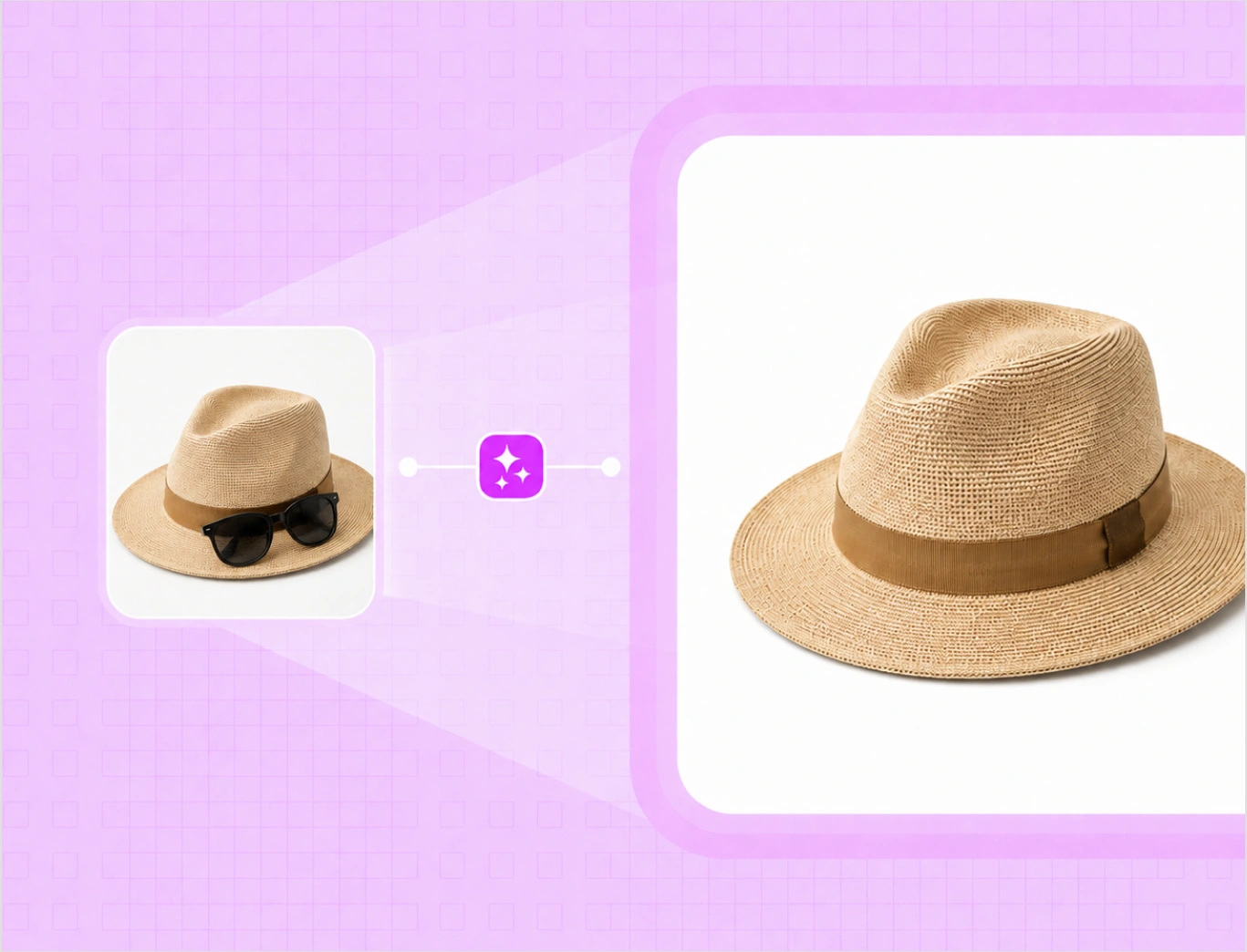
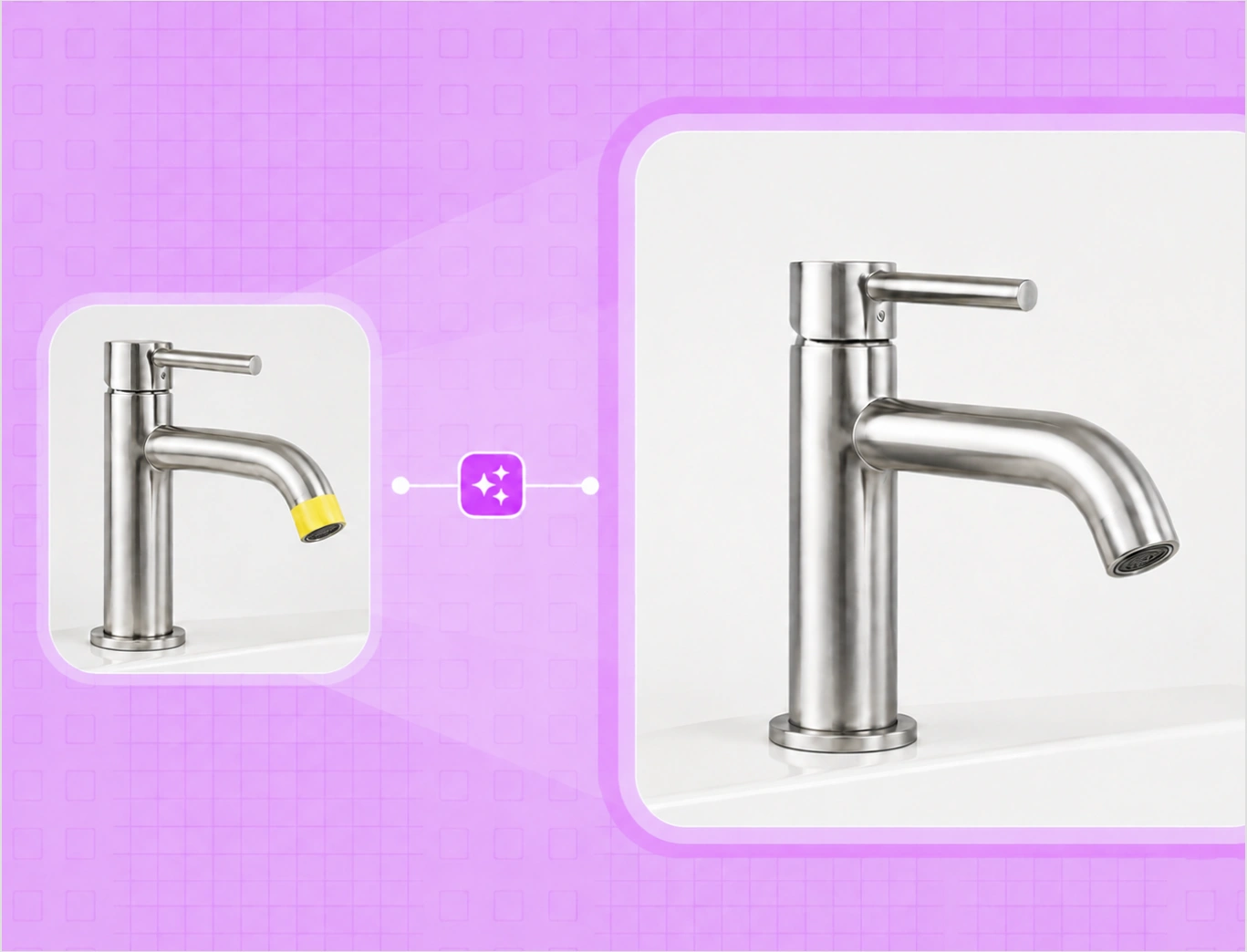
Brush over a stray object, a tag, dust, or a blemish, and the AI fills the space behind it. It is the fastest way to clean up factory and supplier photos into catalog-ready images, with no reshoot and no Photoshop.

Start with 5 free credits . Clean up products photos free . No card needed

our customers

Built for Wholesale. Powered by AI.

Built for Wholesale. Powered by AI.

image 1203 (1)

How to clean up a product photo with AI object remover

Step 1

Vector

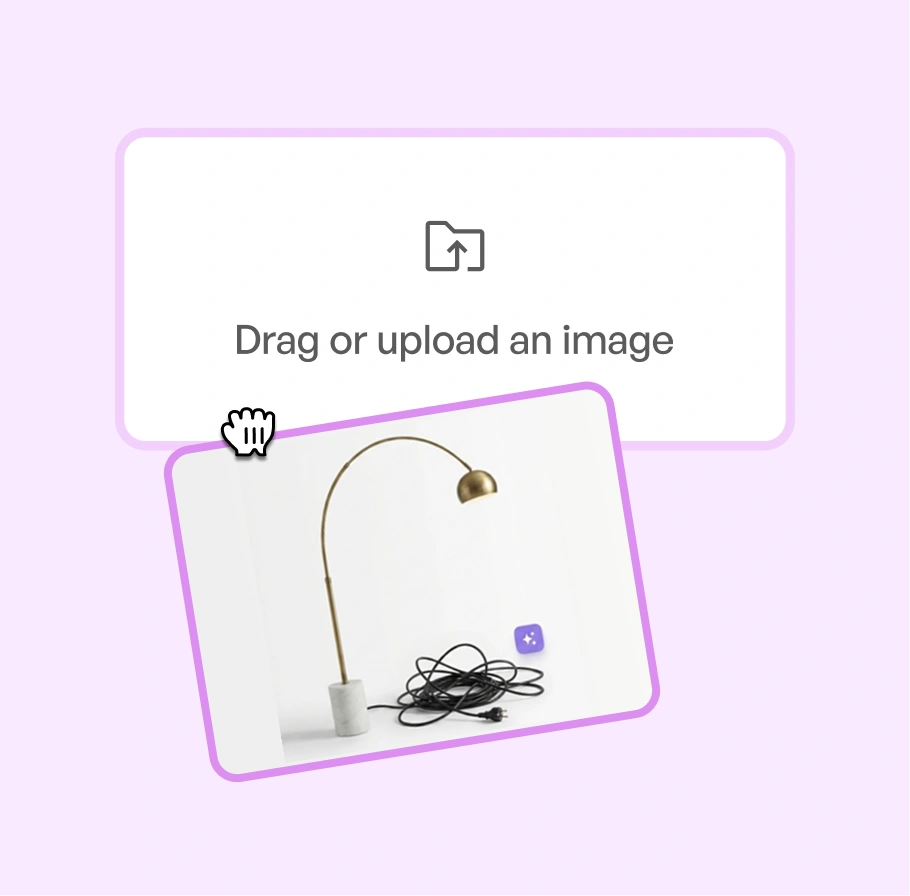
Upload Your Product Images

Add any product photo to the editor. It does not need to be shot in WizStudio.

Step-1

Step 2

Ai-Status-In-Progress--Streamline-Carbon

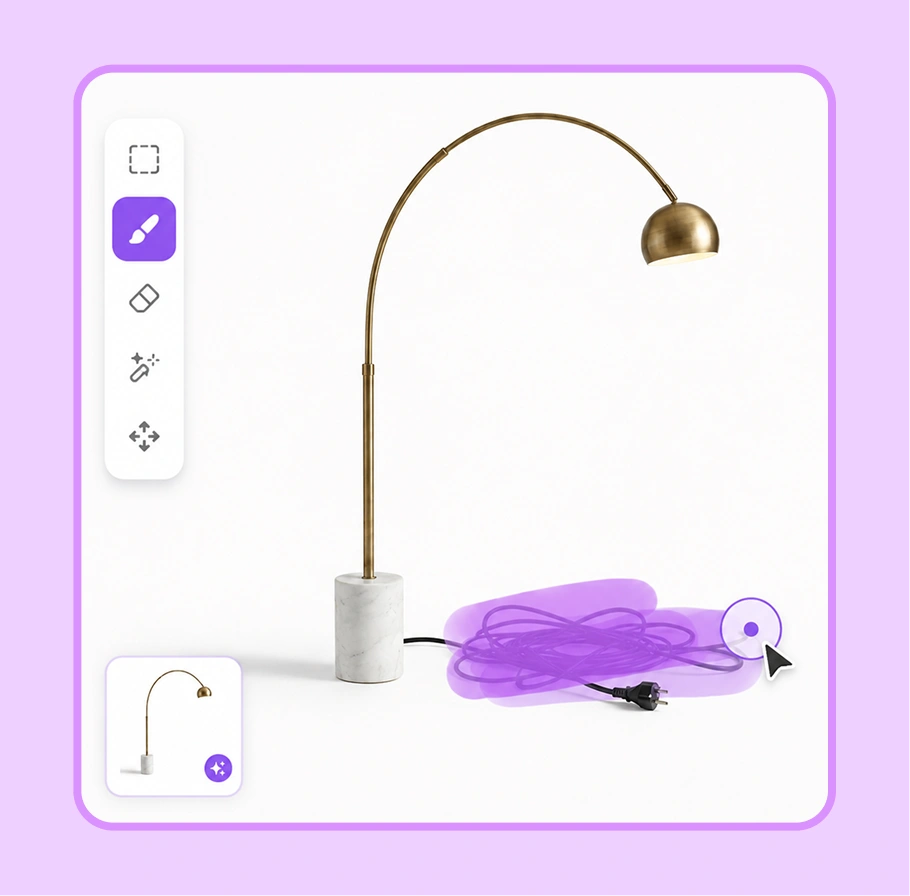
Brush over what you want gone

Paint over the object, tag, sticker, or blemish you want to remove. No precise selecting required.

Step-2

Step 3

IconImagesSparkle

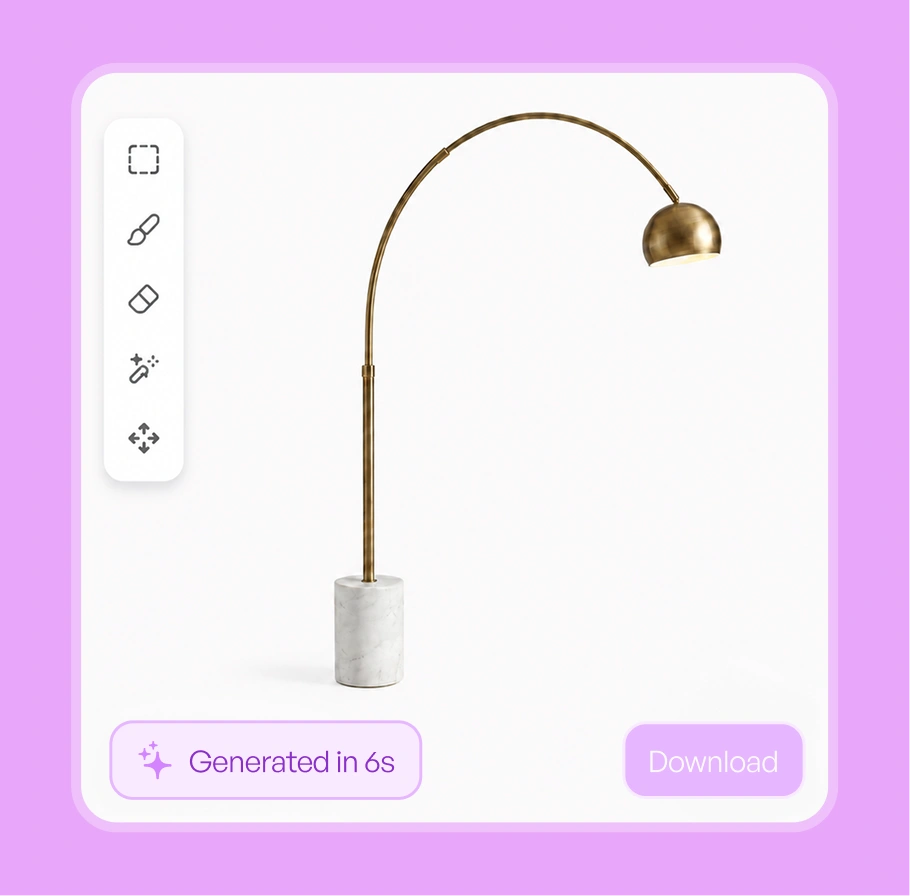
AI fills in the background

The area you brushed is rebuilt to match the surface around it, and you download a clean, catalog-ready image.

Step-3

See the clutter disappear, across your catalog

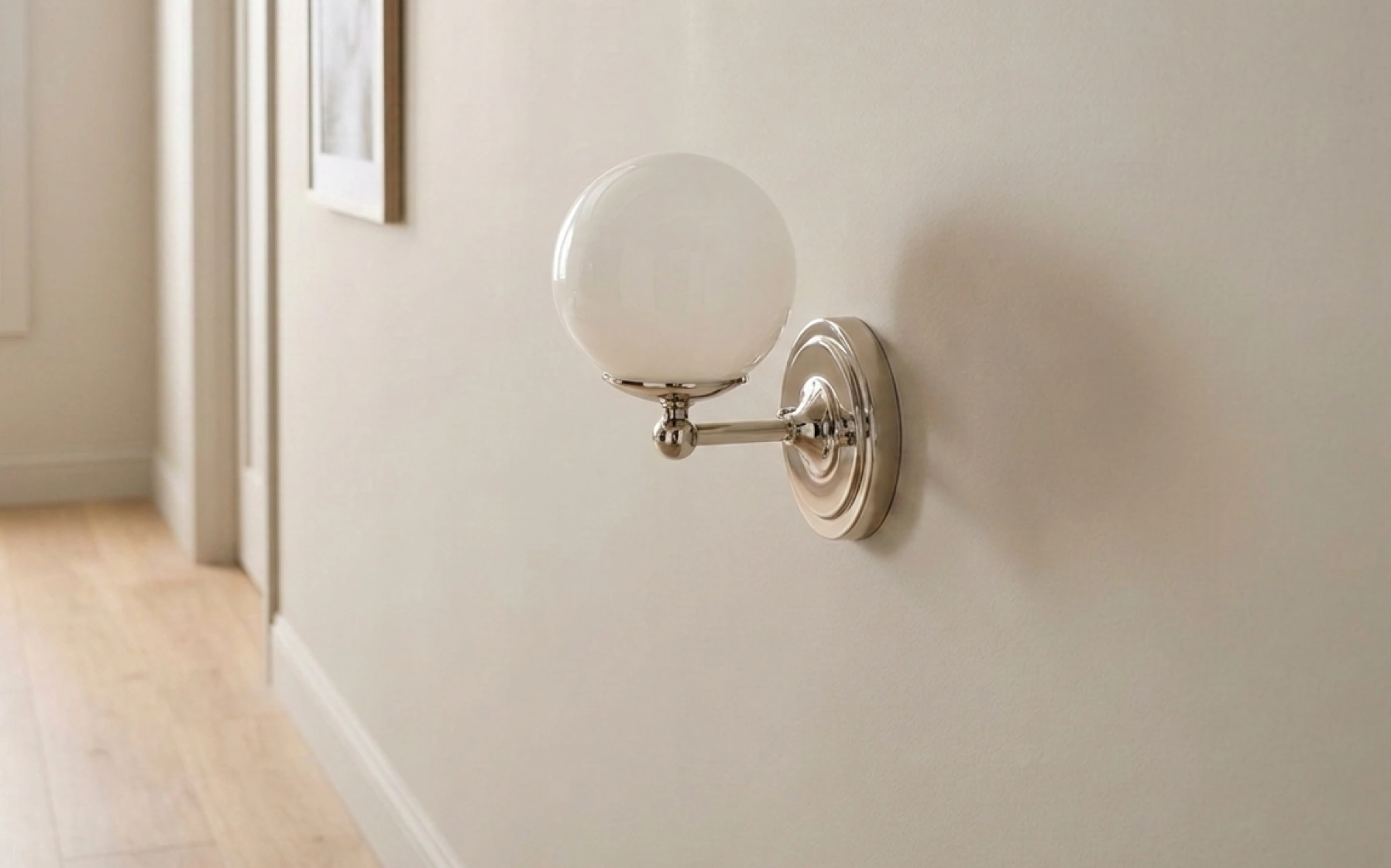
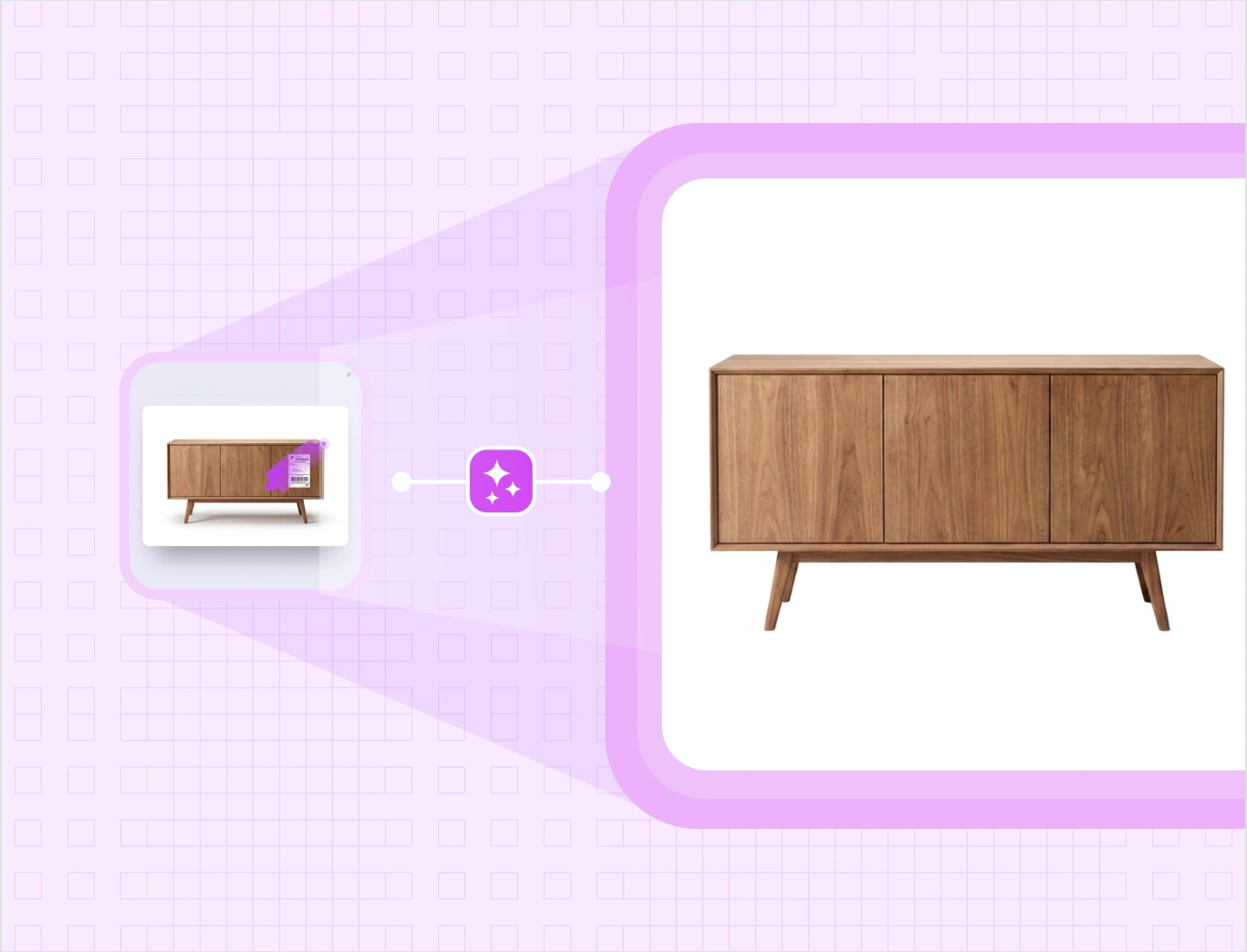
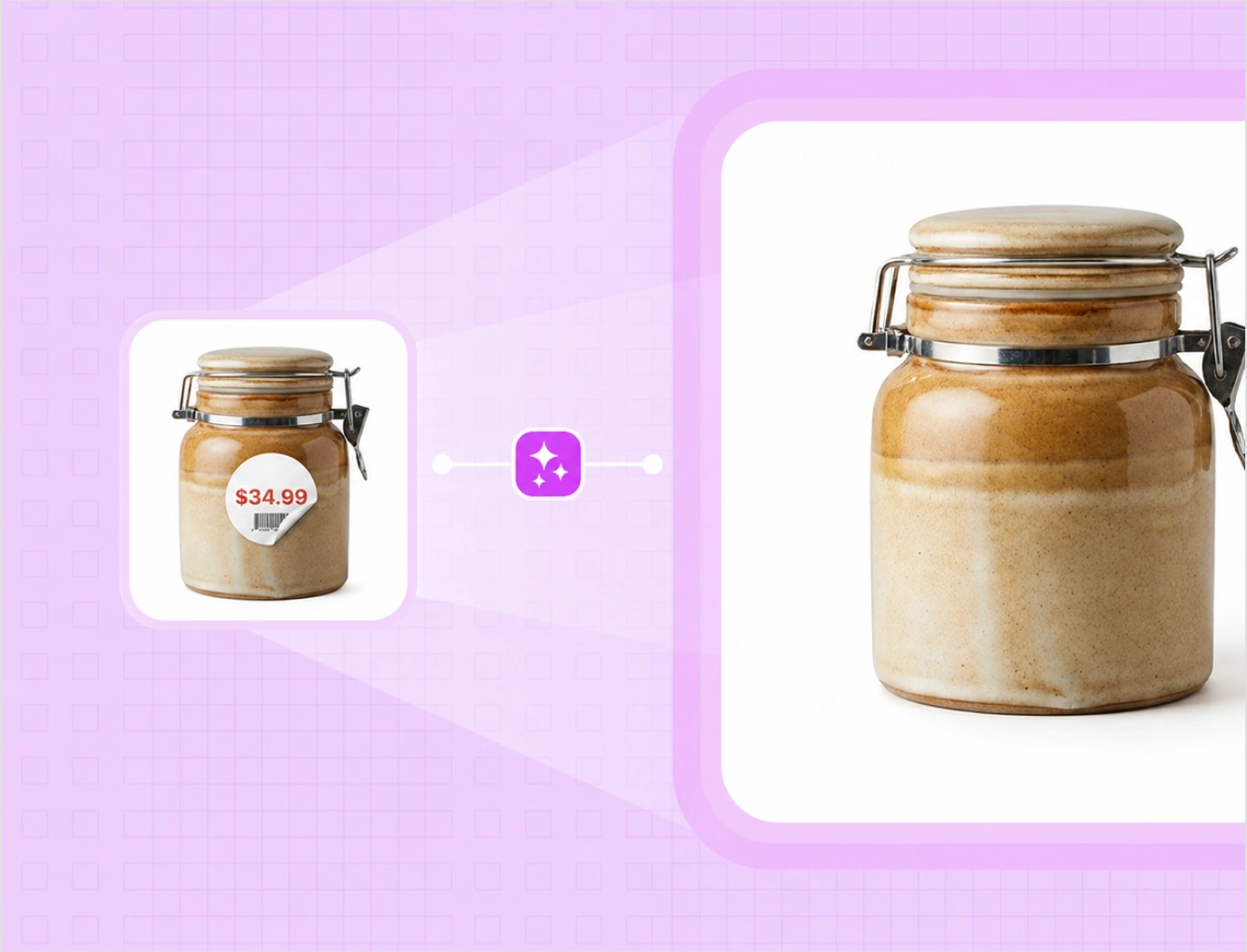
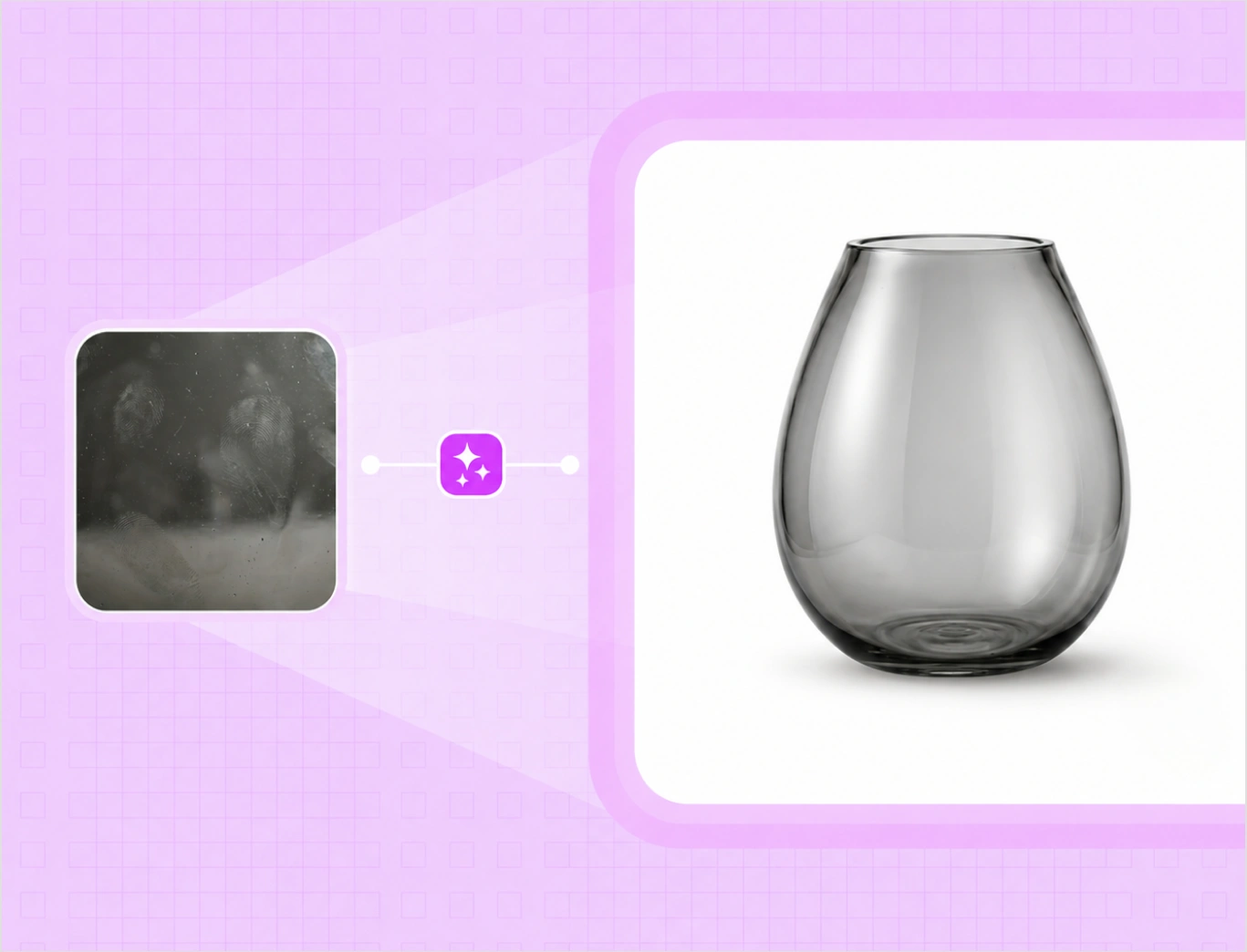
Pick a product type and drag to clean it up. The same brush-and-fill works on furniture, lighting, home decor, apparel, food and beverage, and industrial parts.

After
Before
After
Before
After
Before
After
Before
After
Before

Brush away a stray price tag and the seat behind it fills in cleanly.

An AI object remover made for product catalogs

Magic Eraser is an object remover AI that takes the imperfect photos you already have, factory shots, supplier images, quick studio captures, and makes them catalog-ready, without sending them back for a reshoot. You can try the AI object remover free with your first credits.

Brush over it, and it is gone

Paint over an unwanted object, a stray cable, or a background object that crept into the shot, and AI fills the space behind it to match the surface around it. There is no precise selecting and no layer work, so you remove elements from image clutter in seconds, with no Photoshop.

Box-1
Box-2

Remove tags, stickers, and labels

Brush away a pricing tag on a sample, a barcode sticker, or a stray label, and the surface behind it is rebuilt cleanly. It is built for the real images you receive from suppliers and factories, so they look catalog-ready without a reshoot.

Clear dust, spots, and blemishes

Brush over dust, a smudge, or a small blemish on the product itself, and it fills in to match the surface. Quick factory and warehouse photos end up looking polished, so you can hold a higher standard across the whole product line.

Box-3
Box-4

Catch what the background remover missed

Sometimes a small object or a speck leaks past the background remover. Brush it away with Magic Eraser and the cutout is clean. The two tools pair naturally, so background removal and cleanup happen in the same place.

Catalog-ready images, without a reshoot

Instead of sending imperfect photos back for a reshoot or queuing them for Photoshop, you clean them up in seconds. That keeps a consistent, professional look across the catalog and lets the team hold a higher visual standard without raising costs.

Box-5

Reshoot vs WizStudio

Same clean catalog. Two very different paths to listing-ready images.

Features WizStudio Reshoot or Photoshop
Remove an object Brush over it, AI fills in Reshoot, or edit by hand in Photoshop
Time per image Seconds Minutes to hours
Tags and stickers Brushed away in place Edited out one by one
Skill needed No editing skills Photoshop skills
Cost No reshoot, no design queue Reshoot or design time

The rest of the WizStudio toolkit

Magic Eraser is one of five tools for product visuals at catalog scale.

Frame 1

Bulk Silos Generator

Clean white-background silo images for a full catalog, in bulk.

Frame 4

Background Remover

Remove backgrounds and get clean cutouts in seconds.

Frame 2

Variant Builder

Color, finish, fabric, and pattern variations from one image.

Frame 3

Dimension line draw

Turn products into technical line drawings with dimensions.

Clean up your first product photos free

Brush away the clutter and get catalog-ready images. Want to see it across a full catalog? Book a demo.

Frequently Asked Questions

How do I remove an object from a product photo?

Open the image in the editor, brush over the object you want gone, like a stray cable or a background object, and AI fills in the space behind it. It works as an AI object remover from photo for product shots, so you get a clean, catalog-ready image in seconds, with no reshoot and no Photoshop.

Yes. Brush over the tag, sticker, or label and AI rebuilds the surface behind it. This is useful for sample images with pricing tags and for supplier photos that arrive with stickers, so the product reads clean on your catalog and listings.

Yes. Brush over dust, a smudge, or a small blemish on the product itself and the area fills in to match the surface around it. Quick factory and warehouse photos end up looking polished, without sending them back for a reshoot.

The Background Remover takes out the entire background. Magic Eraser removes specific things you brush over and keeps the rest of the scene. They pair well, so Magic Eraser also cleans up small distractions the background remover leaves behind.

Yes. WizStudio works in your browser as an online object remover and AI image eraser. Brush over an element you want gone, a stray object, clutter, or a distraction, and AI rebuilds the area behind it. There is nothing to install, and no Photoshop work to remove elements from an image.

No. It is built for catalog and marketing teams, not designers. You brush over what you want gone and AI does the fill, so product photo editing that used to need Photoshop or a reshoot takes seconds in the editor.

It works on any product photo, across furniture, lighting, home decor, apparel and textiles, food and beverage, and industrial. Anywhere a stray object, tag, sticker, or blemish gets into the shot, you can brush it away and the background fills in.

Yes. WizStudio Magic Eraser is an AI photo cleanup tool built for catalogs. Brush over the clutter, an object, a tag, or a blemish, and AI fills the space, turning imperfect factory and supplier photos into clean, catalog-ready images in seconds.