Skip to content



Producing silo shots in-house takes a full studio setup: a white screen, lights, a photographer, and booked dates in the calendar. Every session costs money, and products keep arriving faster than the calendar clears them.
The best AI silo product image generator removes that studio setup. Wholesalers upload the product photographs they already hold, and the software returns clean silo images in bulk, with the same crop, padding, and background applied to every file. WizStudio by WizCommerce runs that work as one catalog-wide batch, then adds colorway variants and dimensional lines to the finished images as separate steps.
This guide covers the top 10 AI silo product image generators in 2026, with side-by-side comparisons of features, pricing, and the buyer each one fits. Wholesalers, distributors, and manufacturers running catalogs from a few hundred to several thousand SKUs will find the right fit here.
Selection Criteria For The Best AI Silo Product Image Generator
Dozens of tools now advertise bulk silo output, and a bulk feature on a pricing page settles nothing. Six criteria decide whether a tool can finish a full wholesale catalog. Three cover the process, and three cover the output.
1. Bulk Output From The Best AI Silo Image Generator
Nearly every tool now accepts a thousand products in one upload, so the number on the pricing page is not the test. The published monthly image limit is. A plan capped at a few hundred images a month cannot clear a catalog of several thousand SKUs, whatever the upload screen allows.
2. Product Shape Accuracy Across Colorways And Finishes
A colorway is the same product in a different color, fabric, or finish. General-purpose models redraw a product from a typed description instead of the original photograph, so a chair leg comes out thicker in the second colorway and the two images look like two different products. Tools with a separate variant builder keep the original outline and change only the finish.
3. Cutout Quality On Reflective And Fine-Detail Products
Every tool cuts out a plain box cleanly, and the differences appear on mirror, glass, chrome, woven fabric, carved wood, and printed pattern. A mirror reflects the room, so a tool either empties the mirror or leaves the warehouse inside the finished image. The most difficult products in a catalog decide this criterion, not the easiest.
4. Catalog Consistency Across White-Background Product Images
The test is whether image 1,847 in a batch matches image 3 in the same batch. Four settings have to hold across every file: the crop, the padding, the shadow depth, and the shade of white. A tool scores well here only when those four settings save as a template and apply to every later batch, so an autumn release matches a spring release.
5. File Formats And Image Sizes For Ecommerce Product Images
A file works on a website and in print only when the format and the pixel width suit both uses. A transparent PNG is required wherever a product sits on a colored background, because a JPEG keeps a white rectangle. Several tools cap downloads at 2K, roughly 2,000 pixels wide, which suits a website listing and not a printed catalog page or a line sheet.
6. Cost Per SKU And Credit Mechanics
The advertised monthly price settles little, because across a few thousand SKUs one tool costs ten times another. Most tools deduct credits when an image is generated, so every rejected version has already cost money. A few deduct credits only when a finished image is downloaded, which is the cheaper mechanic at volume.
Also read: Traditional vs AI product photography
Together these six criteria separate tools built for a single image from tools built for catalog production. Small sellers and large distributors will weight them differently, but every tool below was scored against all six.

Top 10 AI Silo Product Image Generators For 2026
These are the top AI silo product image generators, compared side by side on features, pricing, and the use case each one fits best.
| Tool | Best For | Features | Starting Price |
|---|---|---|---|
| WizStudio by WizCommerce | Wholesalers and distributors | Bulk silo generation, saved templates, colorway variants, dimensional lines, category tuning | Free tier |
| Photoroom | High-volume cutouts on a budget | Batch Mode, software shadows, templates, $0.02 API | $12.99/mo |
| remove.bg | Fastest reliable cutouts | 500 images a minute, credits on download, 50MP output | $9/mo |
| Presti AI | Furniture and home goods | Furniture-first models, room sets, background jobs, 4K output | Free / $99/mo |
| Claid.ai | Developer-built pipelines | Background removal, upscaling, marketplace checks, API | $15/mo |
| Pixelcut | Cheapest batch plan | 1,000 batch exports, unlimited background removal, no watermark | $10/mo |
| Nightjar | Repeating one saved style | Styles and recipes, Shopify app, 4K enlarging | $25/mo |
| Pebblely | Small catalogs and first tests | 40+ background themes, simple image allowance, bulk from Basic | $9/mo |
| Adobe Firefly and Photoshop | Teams with a designer | Legal indemnity, licensed training data, Photoshop included | $9.99/mo |
| ChatGPT and Gemini | One-off images | Widest image range, plain-language editing, no setup | Free / $20/mo |
1. WizStudio By WizCommerce
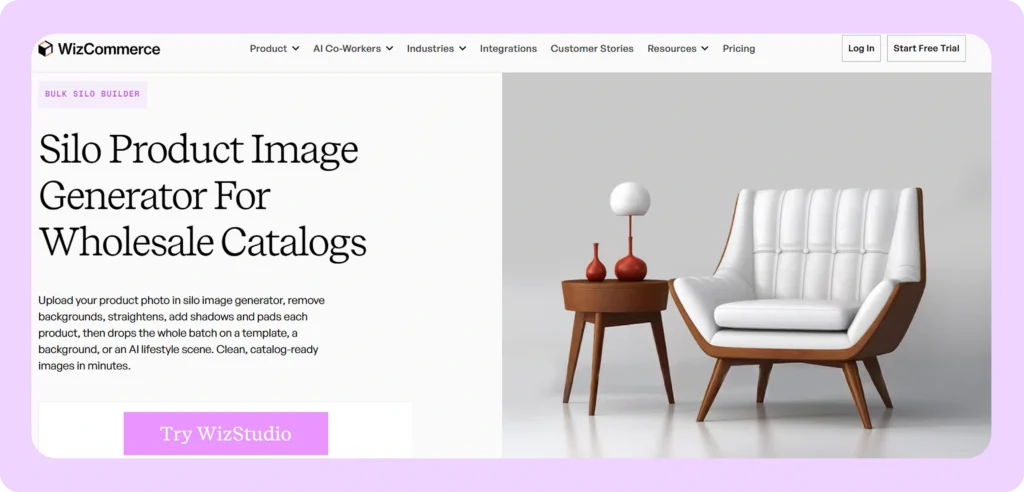
Best for: Wholesalers, distributors, and manufacturers that need silo images for every product in a full catalog.
Key features:
- Bulk silo generation: Uploads a whole batch of products at once and returns finished silo images for every SKU in that batch.
- Reusable batch templates: Saves the crop, padding, shadow depth, and background shade once, then applies them to every image in the batch and to later batches.
- Category tuning: Handles furniture, lighting, home decor, apparel and textiles, gifts, food and beverage, sporting goods, and industrial products with settings built for each category.
- Variant generation, run separately: Changes the finish, fabric, or colorway on a finished silo image while holding the original product outline by Image Variation Generator.
- Dimensional lines, run separately: Draws the measurement lines retailers require on spec sheets from dimensions already recorded using Dimensional Lines Generator, instead of a draftsman adding each line by hand.
- Multi-product compositions: Builds grouped and lifestyle images from the same source photographs after the silo batch is complete, by using Multiproduct Image Generator.
- Wholesale platform connection: Sends finished images into the same WizCommerce catalog that sales reps and buyers already use, so nobody uploads them twice.
Pricing: A free tier covers a first batch of a wholesaler’s own products, and the WizStudio pricing page publishes the paid plan details by catalog size. For a wholesale catalog, the best silo product image generator turns uploaded photographs into finished silo files as one batch.
2. Photoroom
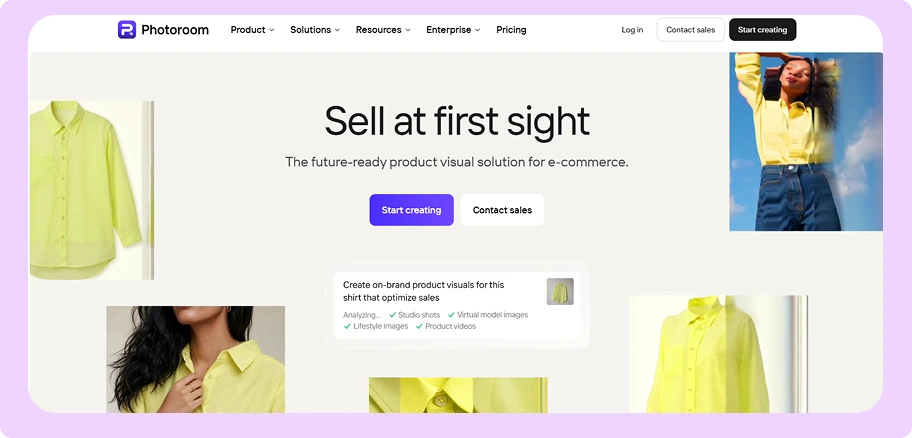
Best for: Teams that need clean cutouts in large numbers at the lowest published price for each image.
Key features:
- Batch Mode on every paid plan: Processes a group of images in one job rather than reserving that for the top tier.
- Lowest API price: Removes backgrounds through the API at $0.02 an image, the lowest verified rate in this comparison.
- Software-drawn shadows: Adds a shadow under the cut-out product so it does not look pasted onto white.
- Reusable templates: Saves a layout and applies it to later images.
- Generative editing: Replaces or extends a background at $0.10 an image.
Pricing: Per Photoroom’s pricing page, Pro is $12.99 a month for 4,250 AI credits and 1,000 exports, Max is $34.99 for 12,000 credits and 3,000 exports, and Ultra is $99 for 20,000 credits and 10,000 exports. Photoroom’s API pricing lists background removal at $0.02 an image on bundles from 1,000 images, with the 200,000 image minimum applying only to annual contracts. The WizCommerce Photoroom pricing analysis covers each plan in detail.
Where Photoroom Falls Short
- Exports below the top plan are capped at 2K, roughly 2,000 pixels wide, which suits a website listing and not a printed catalog page.
- Shopify sync starts only on the $34.99 Max plan, so entry-plan users upload every finished image by hand.
- Photoroom cannot generate a colorway variant, so every finish needs its own source photograph.
How WizStudio Is Better Than Photoroom
Photoroom removes backgrounds accurately and cheaply, which is enough for a team that needs a clean cutout and nothing else. Wholesalers running a full catalog also need one crop, padding, and shadow held across thousands of files, plus colorway variants produced without a second photograph. WizStudio returns the silo batch with a saved template already applied and generates the variants from those finished images as a separate step, which is the gap a Photoroom alternative has to close.
3. remove.bg
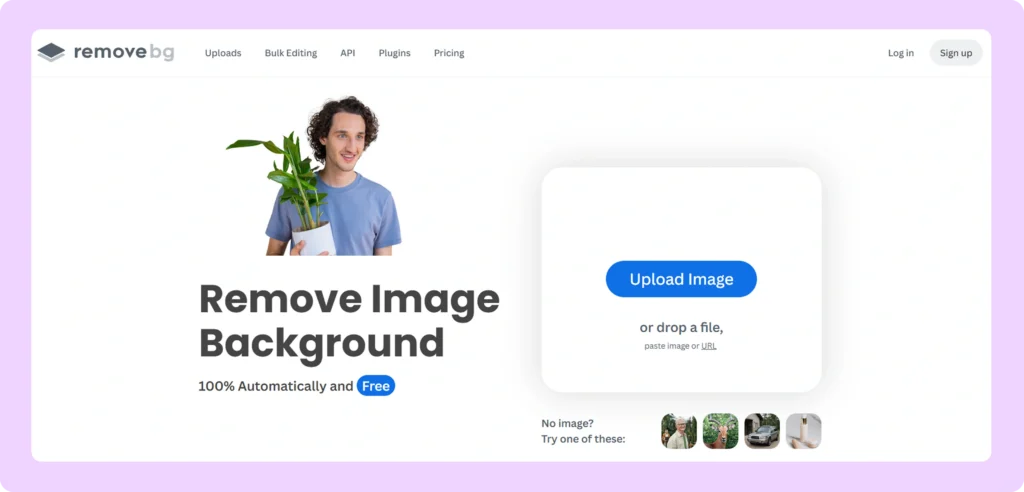
Best for: Teams that want the most reliable cutouts and need to process hundreds of images every minute.
Key features:
- High-speed API: Processes up to 500 images a minute through the API.
- Credits charged on download: Deducts a credit only when a finished image is downloaded, so rejected versions cost nothing.
- Large file output: Returns JPG and WebP files up to 50MP, meaning 50 million pixels, roughly 8,000 pixels wide, per remove.bg’s API documentation.
- Credit rollover: Carries unspent subscription credits into the next month, up to the full monthly allowance.
- Bulk screen and desktop app: Includes a bulk editing screen and a desktop application with every subscription.
Pricing: Per remove.bg’s pricing page, credits bought without a subscription start at $3 for 3 credits. Lite is $9 a month for 40 credits, Pro is $39 for 200 credits, and Volume+ is $89 for 500 credits. Paying for a full year is roughly ten percent cheaper, and the first 50 images through the API each month cost nothing.
Where remove.bg Falls Short
- Removing the background is all remove.bg does, so straightening, padding, shadows, template consistency, and colorway variants stay manual.
- Transparent PNG files stop at 10MP, meaning 10 million pixels, roughly 3,600 pixels wide, while JPG and WebP reach 50MP.
- Each downloaded image costs one credit, which becomes a large total across a full catalog.
How WizStudio Is Better Than remove.bg
remove.bg produces the cleanest cutout of any tool here and does it faster than any other, which suits a team that already has a designer to finish the files. That team still applies a consistent crop, padding, and shadow to every cutout, which is the image batch processing work left over. WizStudio returns the finished file as part of one batch, already consistent with the rest of the catalog.
4. Presti AI
Best for: Furniture and home goods brands that want silo images and room-set images from the same tool.
Key features:
- Furniture-first models: Built around furniture and home goods rather than general product photography.
- Room sets from the same photograph: Produces furnished-room images, video, 360 degree spins, and infographics from the source product photographs.
- Background jobs: Runs batch jobs in the background while the marketing team continues other work.
- Three output sizes: Produces 1K, 2K, and 4K images, roughly 1,000, 2,000, and 4,000 pixels wide.
- Credit rollover: Carries unspent credits into the following month.
Pricing: Per Presti AI’s pricing page, the free tier gives 60 credits a month, roughly 20 images at 3 credits each, and Pro is $99 a month for 1,000 credits, roughly 333 images. The enterprise rate is $0.20 a credit with a minimum purchase of 50,000 credits, which is $10,000 before a single image is generated, and API access is sold only with that contract. The WizCommerce Presti AI pricing breakdown works that minimum out across a full catalog.
Where Presti AI Falls Short
- Credits are deducted at generation, so a wholesaler pays for every rejected version.
- Presti AI offers no control over dimensions and proportions, so a generated chair can look too small beside a generated table.
- The Pro plan covers roughly 333 images a month, so any larger catalog moves to the $10,000 enterprise minimum.
How WizStudio Is Better Than Presti AI
Presti AI is the strongest furniture-specific option on this list and produces room sets that general tools cannot match. Distributors carrying more than one category also need apparel, gifts, food and beverage, and industrial products handled to the same standard, plus a separate variant builder and dimensional lines that Presti AI does not publish. WizStudio covers those categories and offers both features, priced per catalog rather than behind a 50,000 credit minimum.
5. Claid.ai
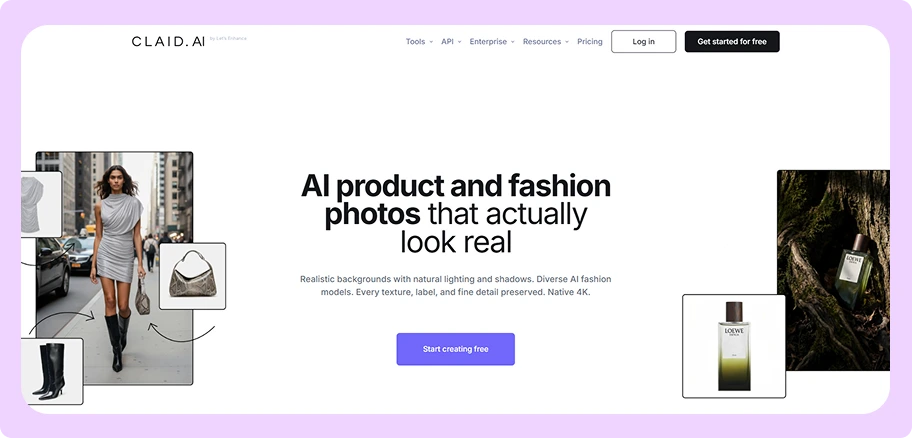
Best for: Teams that have developers and want to build an automated image cleanup process.
Key features:
- Four separate operations: Sells background removal, image enlarging, edge extension, and software-drawn shadows as four separate operations.
- Largest file output here: Downloads reach 128MP, meaning 128 million pixels, on the Pro tier, and enlarging through the API goes beyond that size.
- Marketplace specification check: Reports whether images meet the requirements a marketplace such as Amazon or Wayfair sets.
- Batch processing on Pro: Starts batch processing, brand kits, and an API key at the Pro tier.
- Free trial credits: Includes 50 credits plus a separate allowance of 50 API credits at no cost.
Pricing: Claid.ai’s pricing starts at $15 a month for Essential, with Pro at $49 a month for 2,000 credits. Credits are deducted at generation and any unspent balance is removed at the end of the month. The WizCommerce Claid.ai alternatives roundup covers the tools that need no developer.
Where Claid.ai Falls Short
- The AI Photoshoot feature has no batch option and no API connection, so a person starts each image by hand.
- Setting Claid.ai up requires a developer, and most wholesale marketing teams have no developer available.
- Output is tuned for ecommerce listings, so files come back at the wrong pixel size for a printed catalog.
How WizStudio Is Better Than Claid.ai
Claid.ai retouches existing photography at scale, which suits a team holding ten thousand photographs that need enlarging and standardizing through code. Catalog teams without a developer need the same volume through a screen rather than an API, and they need the silo images generated rather than only cleaned up. WizStudio takes the same source photographs, produces the silo batch, and offers variant generation and dimensional lines as separate features that need no developer.
6. Pixelcut
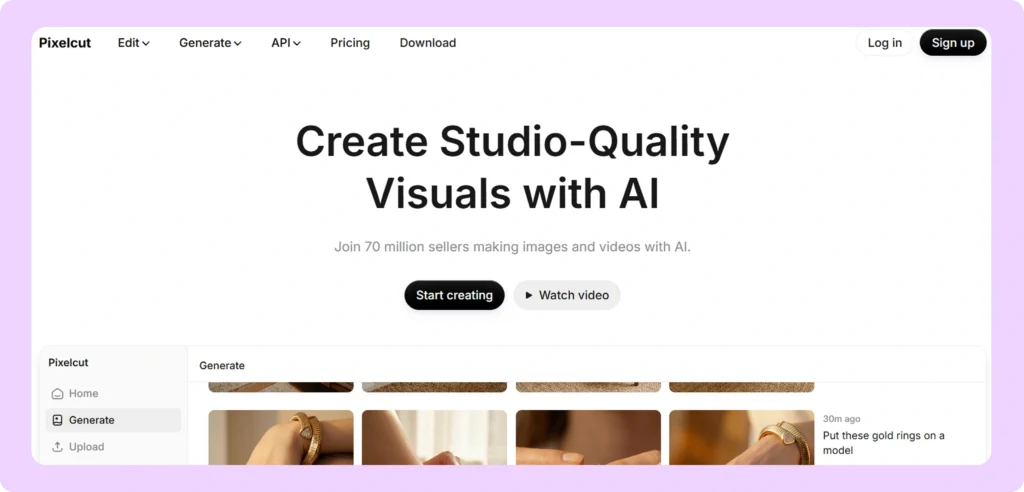
Best for: Teams that want batch processing on the cheapest monthly plan sold directly with a card.
Key features:
- 1,000 batch exports for $10: Includes 1,000 batch exports a month on the entry Pro plan.
- Unlimited background removal: Removes backgrounds and enlarges images without spending AI credits on paid plans.
- No watermark: Adds no watermark to any image, including on the free tier.
- Team logins included: Includes logins for team members at every paid level at no extra charge.
- Flat API rate: Charges $0.01 a credit through the API, and one background removal costs five credits, so each image costs $0.05.
Pricing: Per Pixelcut’s pricing page, Pro is $10 a month for 600 AI credits, unlimited background removal and enlarging, and 1,000 batch exports. Business is $30 a month for 3,600 credits and 2,000 batch exports, which is the largest volume Pixelcut publishes. The WizCommerce Pixelcut alternative comparison covers the tools that go above 2,000 exports.
Where Pixelcut Falls Short
- Pixelcut publishes no image size and no file formats, so files cannot be checked against a print requirement before purchase.
- Removing a background through the API costs $0.05 an image, two and a half times the $0.02 that Photoroom charges.
- Pixelcut offers no variant generation and no saved templates, so consistency across a batch is not controlled.
How WizStudio Is Better Than Pixelcut
Pixelcut is the cheapest way to buy batch exports with a card, and for a few hundred web listings that is enough. Wholesalers printing a catalog need the export size published before purchase, and wholesalers with colorways need variants generated rather than photographed. WizStudio publishes the sizes and formats it produces and generates colorway variants from the same source photographs.
7. Nightjar
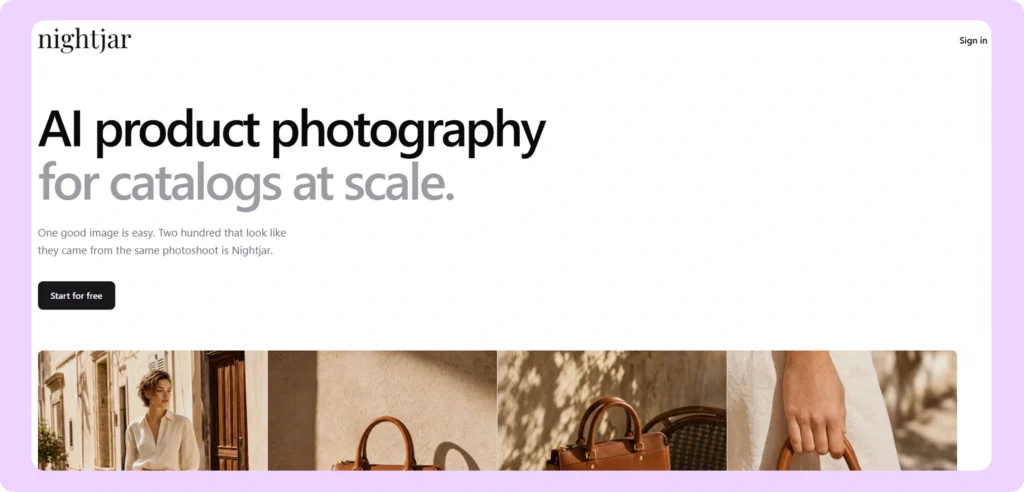
Best for: Brands that want one fixed visual style repeated across every product in a catalog.
Key features:
- Saved styles and recipes: Holds one look identical across many products through saved styles, models, and recipes.
- Shopify app: Sends finished images to a Shopify storefront without a manual upload.
- 4K enlarging: Enlarges an image to 4K, roughly 4,000 pixels wide, for two credits an image.
- Free trial without a card: Includes six free images and asks for no credit card.
- Two published plans: Sells Studio at 150 images a month and Studio+ at 400.
Pricing: Studio is $25 a month for 150 AI product images and Studio+ is $50 a month for 400 images, as listed on Nightjar’s Shopify App Store listing. Nightjar publishes no pricing page on its own website, so buyers must ask the sales team what a plan above 400 images a month costs.
Where Nightjar Falls Short
- Published plans stop at 400 images a month, which does not cover a quarterly catalog refresh.
- There is no public API documentation, so a direct software connection cannot be judged before purchase.
- The help center mentions batch capability but never documents it.
How WizStudio Is Better Than Nightjar
Nightjar holds one saved style across a product range as well as anything here, which is why it suits direct-to-consumer brands with a tight range. Wholesalers refreshing several thousand SKUs a quarter need a published plan that covers that volume and the wholesale outputs a consumer tool has no reason to build. WizStudio is priced around catalog volume and produces the silo batch, the colorway variants, and the dimensional lines that retailer feeds ask for.
8. Pebblely
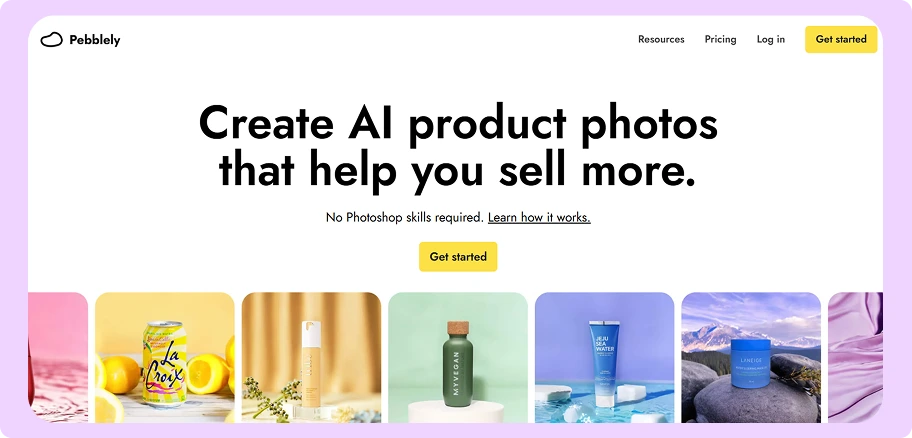
Best for: Small catalogs and teams testing whether generated images work for their product line at all.
Key features:
- Lowest entry price: Starts at $9 a month, the cheapest generation plan in this comparison.
- Forty background themes: Includes more than forty prebuilt background themes, and a custom background can be described in words.
- Simple image allowance: Uses a monthly image count instead of a credit system, so nothing expires mid-month.
- Bulk generation from Basic: Includes bulk generation on the Basic tier and every tier above it.
- Developer API: Offers an API with its own screens for tracking how many images have been used.
Pricing: Per Pebblely’s pricing page, Lite is $9 a month for 30 images, Basic is $19 a month for 200 images, and Pro is $39 a month for 500 images. Paying for a full year removes roughly two months of cost, and Pebblely publishes no free tier.
Where Pebblely Falls Short
- The top published plan covers 500 images a month, so a catalog of 5,000 SKUs takes ten months to clear.
- Bulk generation is not included on the $9 entry plan, so the cheapest tier cannot do batch work at all.
- Pebblely publishes no image size and no file formats, so files cannot be confirmed as suitable for print.
How WizStudio Is Better Than Pebblely
Pebblely is a low-cost way to find out whether generated silo images pass a buyer’s eye, and for a range of thirty products it is enough on its own. Once catalog size is the reason the work is slow, the 500-image monthly limit stops the team long before the catalog is finished. That is the point at which most brands look for a Pebblely alternative for bulk product photos, and WizStudio is built for that next stage, with no monthly image limit between a batch and a finished catalog.
9. Adobe Firefly And Photoshop
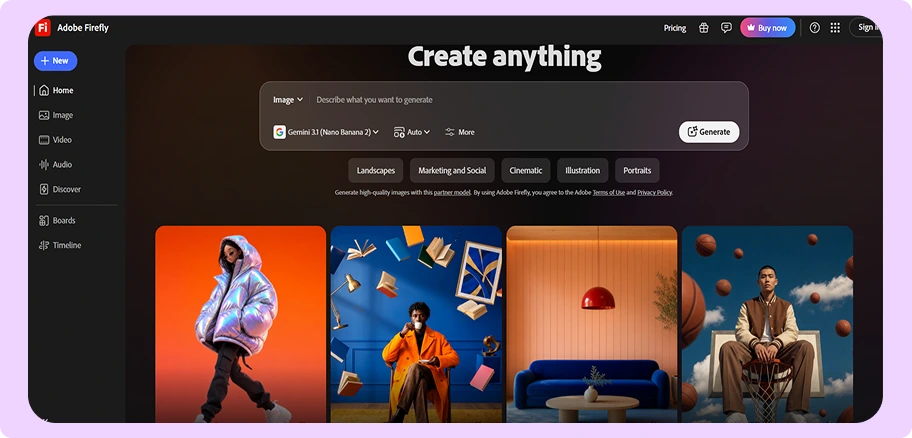
Best for: Teams that have a designer who needs complete manual control over every image.
Key features:
- Legal indemnity: Adobe is the only vendor here that promises to defend a customer against a copyright claim.
- Licensed training data: Trains the Firefly models on licensed content rather than images taken from the open web.
- Photoshop included: Includes Photoshop on the web and on mobile devices with Firefly Pro and Pro Plus.
- Unlimited standard generations: Charges no credits for images made with the standard Firefly model on paid plans.
- Transparent PNG through Photoshop: Exports a transparent PNG through Photoshop, which Firefly alone does not produce.
Pricing: Per Adobe’s Firefly plans page, Standard is $9.99 a month for 2,000 premium generative credits, Pro is $19.99 for 4,000, and Pro Plus is $49.99 for 10,000. Photoshop sold as a single app at $22.99 a month includes only 25 generative credits, so teams should confirm which plan a designer needs before buying the standalone app.
Where Adobe Firefly And Photoshop Fall Short
- Neither Firefly nor Photoshop publishes a batch feature, so a designer opens, edits, and saves every image one at a time.
- There is no API available for direct signup, because Firefly Services is sold only under a negotiated contract.
- Adobe does not publish the largest image size Firefly can export.
How WizStudio Is Better Than Adobe Firefly And Photoshop
Photoshop produces a better single image than any automated tool here, WizStudio included, when a skilled designer works on it directly. That advantage disappears across three thousand SKUs, because every image costs the same designer hours and no batch feature exists to spread them. Most teams keep Photoshop for the images that need a designer’s judgment and move the repetitive silo work to software built for volume.
10. ChatGPT And Gemini
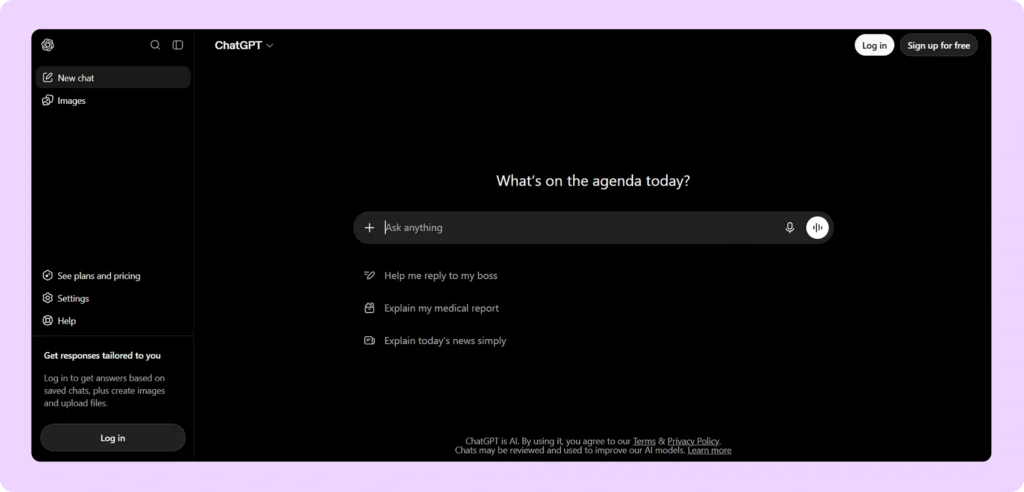
Best for: One-off images and for testing an idea before any software purchase.
Key features:
- Widest image range: Produces a wider range of images on request than any dedicated tool in this comparison.
- Free tiers: Available at no cost on free tiers, with expanded access on the paid plans.
- Plain-language instructions: Takes changes as typed sentences instead of settings and sliders.
- No setup: Needs no account configuration, integration, or template before the first image.
- Fast iteration: Returns a revised version inside the same conversation.
Pricing: ChatGPT’s pricing page lists a free tier, Plus at $20 a month, and Team at $25 per user a month billed annually. Google sells its own AI plans in Plus, Pro, and Ultra tiers. Neither company publishes an image limit for any tier.
Where ChatGPT And Gemini Fall Short
- Neither model supports batch processing, so each product is handled one image at a time.
- Neither model holds the exact shape of a product, so each colorway comes out slightly different and printed patterns come back wrong.
- Neither company publishes an image limit, so the cost of a full catalog cannot be worked out before purchase.
How WizStudio Is Better Than ChatGPT And Gemini
ChatGPT and Gemini are the fastest way to see what a generated silo image looks like before any budget is committed, and they cost nothing to try. The images stop being usable somewhere above ten or twenty SKUs, because shape accuracy and pattern reproduction drift from one image to the next. WizStudio processes a whole catalog against one saved template instead of one image at a time inside a chat window. The WizCommerce comparison of specialized and generic AI image generation tools covers that difference in detail.
How To Choose The Best AI Silo Image Generator For Ecommerce And Wholesale
The right tool depends on ten parameters. The first four remove most of the list, and the last six decide between the two or three tools left.
- Catalog size against the published monthly limit: A plan capped at a few hundred images a month cannot clear a few thousand SKUs. That removes Nightjar at 400 a month and Pebblely at 500 a month from a full catalog refresh.
- Product category: Furniture, lighting, and home decor point to WizStudio and Presti AI, and distributors carrying apparel, gifts, food and beverage, or industrial products alongside furniture point to WizStudio, which covers all of them.
- Colorway and finish variants: Wholesalers selling the same product in several finishes need a separate variant builder, because Photoroom, Pixelcut, and Pebblely each require a separate photograph for every finish.
- Where the finished images are delivered: A web listing accepts almost any file, a retailer feed also needs the measurements drawn on the image, and a printed catalog or line sheet needs the export size published before purchase.
- Export size and file format: Photoroom caps exports at 2K below the top plan, remove.bg reaches 50MP in JPG and WebP but only 10MP in transparent PNG, and Pixelcut and Pebblely publish no size at all.
- Credit mechanics: Presti AI and Claid.ai deduct credits when an image is generated, so every rejected version costs money, while remove.bg charges a credit only when a finished image is downloaded.
- Developer availability: Claid.ai and the Photoroom and remove.bg APIs all need someone to write the connection, and most wholesale marketing teams have no developer, which points to tools that run from a screen.
- Who runs the image work: Teams without a spare designer should ask whether the vendor’s own staff will run the batches, and WizStudio and Presti AI both offer managed production support.
- Connection to an existing storefront or catalog: Nightjar has a Shopify app, Photoroom starts Shopify sync on the $34.99 Max plan, and WizStudio sends finished images into the same WizCommerce catalog that sales reps and buyers already use.
- Subscription against per-image pricing: A predictable monthly plan suits a steady quarterly refresh, and per-image API pricing suits an uneven load, with the Photoroom API at $0.02 an image and the Pixelcut API at $0.05.

How WizStudio Improves The Silo Image Workflow
- Bulk silo generation for full catalogs: A whole batch of products is uploaded at once. New SKUs get their images in the week the products arrive, instead of waiting for the next shoot date.
- Product shape held across colorway variants: The same lamp generated in six finishes keeps an identical outline in every image. Every combination of frame, fabric, and finish comes from one master photograph.
- One template applied across the batch: A category page built from one WizStudio batch looks like one product line. The same saved settings apply months later, so an autumn release matches a spring release.
- Dimensional lines for retailer spec sheets: Measurement lines are drawn from dimensions already recorded, which is what Wayfair and other large retailers require on a supplier feed.
- Category tuning for wholesale products: furniture product photography, lighting photography, home decor photography, apparel and textiles photography, gifting photoshoot, food and beverage, sporting goods, and industrial products each have their own handling inside the software.
WizStudio is one part of the AI product image generator platform from WizCommerce, which also carries B2B ordering, storefronts, and payments. Finished images go into the same catalog that sales reps and buyers already use, so nobody uploads them a second time. The silo batch, the colorway variants, and the dimensional lines all run against the same source photographs.
Conclusion
For wholesalers, distributors, and manufacturers, WizStudio by WizCommerce is the most complete option in this comparison. It runs silo generation as one catalog-wide batch with a saved template applied. Colorway variants, dimensional lines, and multi-product compositions then run on the finished images as separate steps. Coverage extends across furniture, lighting, home decor, apparel, gifts, food and beverage, and industrial categories, and the free tier covers a first batch of real SKUs.
Teams that only need clean cutouts get the best value from the Photoroom API at $0.02 an image or from remove.bg at up to 500 images a minute. Both leave someone on the team to apply the crop and the shadow afterward. Presti AI is the strongest furniture-specific alternative, and Claid.ai suits teams with a developer building an automated cleanup process.
Small sellers and brands checking generated silo images against a buyer’s eye for the first time are well served by Pebblely at $9 a month or Pixelcut at $10. Across every catalog size, the deciding factor is the published monthly volume rather than image quality on any single product.
Start With One Batch Of Real SKUs
WizStudio turns the product photographs a wholesaler already holds into finished silo images for a full catalog, with one crop, one padding, and one background across every file. The free tier covers a first batch of real SKUs, so the output can be checked against a buyer’s eye before any spend. Book a demo today.
FAQs On The Best AI Silo Product Image Generators
1. What Is The Best AI Silo Product Image Generator For A Wholesale Catalog?
WizStudio by WizCommerce is the strongest option for a wholesale catalog, because it runs bulk silo jobs and offers variant generation and dimensional lines as separate features on the finished images. Photoroom and remove.bg are better value for cutouts alone, where someone on the team applies a consistent crop and shadow afterward.
2. Which Is The Best AI Generator For Silo Product Images In Bulk?
For cutouts alone, remove.bg processes up to 500 images a minute through its API and charges a credit only on download, and Photoroom handles similar volume at $0.02 an image. WizStudio is the option built for bulk silo jobs where the finished images come back already matching one saved template.
3. Can The Best AI Silo Image Generators Keep Products Accurate Across Colorways?
Most cannot, and losing that accuracy is the most common failure in the category. ChatGPT and Gemini redraw the product from typed words, so the shape shifts between one colorway and the next. Tools with a separate variant builder, including WizStudio, keep the original outline and change only the finish.
4. What Is The Best Silo Product Image Generator For Reflective Or Fine-Detail Products?
Mirrors, glass, chrome, woven fabric, and printed pattern are where these tools differ most. remove.bg is the most reliable at cutting a difficult product away from its background. Where the pattern or the texture is what the buyer pays for, category-tuned tools such as WizStudio and Presti AI hold that detail better than general models do.
5. Which Of The Top AI Silo Image Generators Keeps A Large Catalog Consistent?
WizStudio applies one saved crop, padding, shadow, and background across a whole batch, and applies the same settings to later batches, so an autumn release matches a spring release. Nightjar holds one saved style consistently but publishes no plan above 400 images a month.
6. Is There A Best AI Studio Silo Image Generator That Matches Studio Photography?
For simple products on a plain background, buyers cannot tell the difference. Generated images look worse than photographs on mirrors, chrome, close-up texture, and printed pattern, and the gap is largest in print. Adobe Photoshop still produces a better result than any automated tool on a single image that gets a designer’s hours.
7. How Do The Top AI Silo Product Image Generators Compare On Price?
Entry prices run from $9 a month, which buys 30 images on Pebblely Lite or 40 credits on remove.bg Lite, up to $99 a month for 1,000 credits on Presti AI Pro. Cost for each image at volume matters more: the Photoroom API is $0.02, the Pixelcut API is $0.05, and the Presti AI enterprise rate works out near $0.60.
8. Do Wholesalers Still Need A Photographer When Using These Tools?
Most wholesale teams keep their photographer and change what that photographer shoots. Best-selling products, new collection launches, and products with visible texture stay with the camera, while the few hundred routine SKUs each quarter move to software.