Skip to content



Specialized design skills, expensive software, and hours of manual work were the key ingredients of professional image editing in the past. Today, that recipe has changed. Many modern AI-powered image editing tools have emerged that can instantly remove backgrounds, expand compositions, or even generate full-fledged images. One such platform is Photoroom. It is a popular choice among creators and B2B businesses looking to create professional product images without complex design workflows. However, as AI continues to evolve, many B2B businesses are now exploring alternatives that offer more advanced image editing capabilities. In this guide, we will explore 12 such Photoroom alternatives and compare them to help you make an informed decision. 
Why do B2B brands look beyond Photoroom for image editing?
Photoroom is usually appreciated for making background removal and quick image edits easy. While these capabilities were sufficient for creators and small D2C sellers, B2B brands had to look for alternatives as their visual needs extended far beyond what Photoroom could offer. After all, their ecommerce catalogs span thousands of SKUs, and editing their images using a simple photo editor like Photoroom will drain their existing resources.
In other words, they needed a tool that went beyond basic editing. They wanted a more comprehensive platform that could support high-volume image workflows while providing stronger automation and scalability. Here are a few other reasons why many B2B brands started looking for Photoroom alternatives:
- Scaling challenges: Photoroom is not well-suited for large catalogs, as it lacks robust batch processing and bulk automation capabilities required to efficiently manage thousands of product images.
- Pricing limitations: The platform can become less cost-effective as your teams grow, and your business requires higher usage limits, multiple users, or more advanced features.
- Limited advanced editing capabilities: Businesses that require detailed product enhancements, custom scenes, or complex visual compositions may find the tool restrictive.
- Limited AI customization: The platform offers relatively limited control over backgrounds, lighting, and visual consistency, which can be a challenge for brands expecting a cohesive catalog.
- Lack of industry-specific capabilities: Photoroom is designed as a general-purpose image editing tool, which makes it less suitable for specialized industry use cases where greater precision and visual refinement are required.
12 best Photoroom alternatives to try in 2026 for image editing
If you are exploring AI-powered tools beyond Photoroom, several strong alternatives offer powerful capabilities for product photography and background editing. To help you compare your options quickly, we have compiled a list of the 12 best Photoroom alternatives to try in 2026 for image editing. The table below provides a quick summary of 7 of the most notable tools featured in this guide:
| Photoroom alternative | Differentiating factor | Free trial available | G2 Rating |
| WizStudio | Generation of hyper-realistic lifestyle images for products. | Yes, with unrestricted access to all features | 4.8 |
| Bazaart | Generation and editing of trendy marketing visuals | 7-day free trial available | Not rated |
| Canva | Millions of templates for quick image generation and editing | Free plan available with basic features | 4.7 |
| Adobe Express | Seamless integration with other Adobe Creative Cloud | 14-day free trial available | 4.5 |
| Pixa | Multi-model support for image generation and editing | Free plan with basic functionalities | Not rated |
| Remove.bg | Quick and efficient removal of background. | 1 trial credit is given | 4.5 |
| Picsart | Huge creator community to take inspiration from | Free plan with standard photo editing features | 4.5 |
1. WizStudio: Best Photoroom alternative for generating and editing hyper-realistic product photography
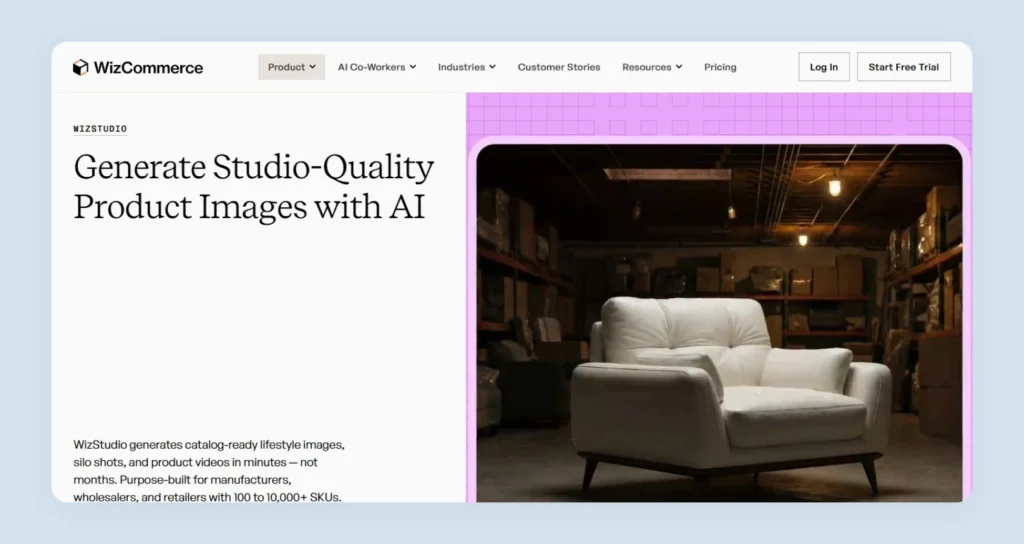
WizStudio is an ai product photography platform and the best Photoroom alternative for manufacturers, wholesalers, and retailers who manage large product catalogs.
WizStudio lets you transform your basic product shots into catalog-ready lifestyle visuals within minutes. WizStudio focuses on helping you launch and update catalogs faster while maintaining consistent and high-quality imagery across hundreds or even thousands of SKUs.
By combining AI automation with expert review workflows, WizStudio also offers a unique “done-for-you” experience where you can generate, refine, and approve product visuals without needing complex prompts or design expertise. This makes it particularly valuable for businesses that need to scale ecommerce product photography without the delays and costs of traditional photography.
Key Features
- Multi-product staging:Create scenes that feature multiple products within a single frame through this multi product image generator, showcase complete collections and present products together in a way that mirrors real retail displays. It is best-suited for sectors that rely on staged room scenes, such as furniture photography and home decor photography.
- Bulk generation: Generate large volumes of product visuals in one batch. This is useful for creating lifestyle images or line drawings for large catalogs and seasonal product launches.
- Line drawings: Instantly convert product images into clean line drawings using this dimension line creator, useful for technical specifications and wholesale catalogs.
- Generate variants: Create multiple product variations from a single source image with an AI image variation generator, displaying different styles or configurations without photographing each variant individually.
- Silo shot generation: Automatically produce clean cut-outs with transparent or white backgrounds using this silo product image generator, correcting lighting and color and preparing images for ecommerce listings.
- Image-to-video generator: Transform product photos into short video clips, using product video generator. AI-generated motion effects can create simple animations or dynamic scenes that make product visuals more engaging.
Apart from these, you also get exclusive features like add shadows, upscale image, a product background remover, add background, an ai image expander, generative fill, a ai object remover, and scene relighting.
Pricing
WizStudio offers multiple pricing plans suitable for all types of businesses:
- Free trial: Provides 5 credits and includes unlimited access to basic tools such as background remover, AI image shadows, dimension lines, and magic eraser, along with access to advanced AI features for testing the platform.
- Starter plan ($250 for 2 months): Includes 16 credits and access to the core AI image generation tools, such as lifestyle product images, AI image editor, image expander, relighting, upscaling, and product swap.
- Pro plan($500 for 4 months): Includes 40 credits and everything in the Starter plan, plus the multi-product staging feature.
- Studio plan ($1,125 for 6 months): Includes 120 credits and everything in the Pro plan, plus advanced capabilities such as lifestyle product videos, product close-up videos, and 360-degree product videos.
- Enterprise plan: Offers custom pricing and credits for large teams and high-volume use cases. It includes all features along with enterprise capabilities such as bulk image generation, product variant builder, dimensional drawings, and additional managed services.
Check out detailed WizStudio pricing here.
2. Bazaart: Best Photoroom alternative for editing marketing visuals
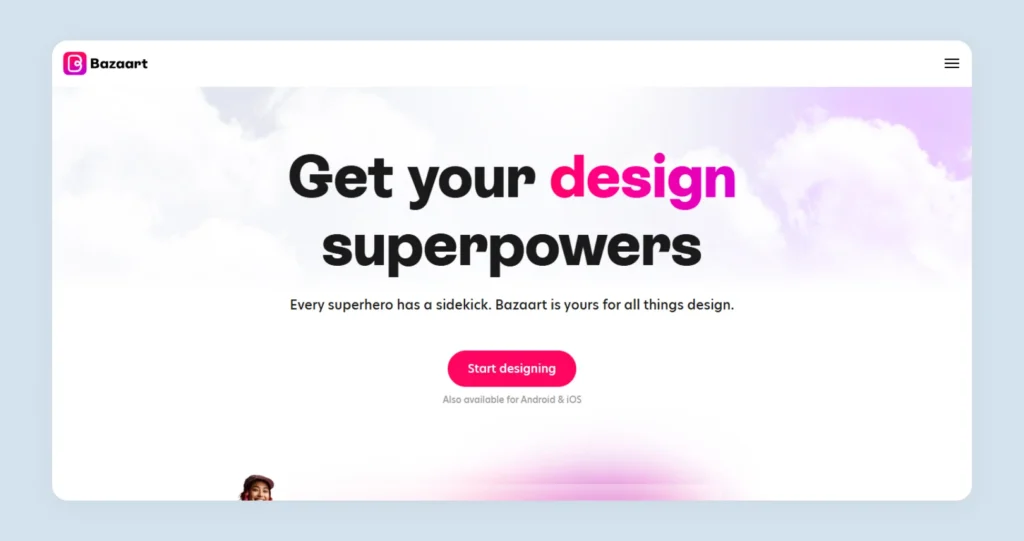
Bazaart is an AI photo editing and graphic design platform that lets you create and edit marketing visuals quickly without design expertise. It is available on the web, iOS, and Android ecosystems. You can edit and generate social media posts, banners, posters, logos, collages, videos, etc. The platform offers customizable templates to help creators and small businesses produce quality product visuals efficiently.
AI features offered
Remove objects, background generation, background removal, AI image generation, expand photos, and upscale images.
Pricing
Bazaart offers two main plans. The monthly plan costs $11.99 per month, while the yearly plan costs $49.99 per year. The Premium plan includes access to all tools and content, higher usage limits for AI tools, the ability to save designs without watermarks, VIP support, and access across both web and mobile platforms.
Why pick this over Photoroom?
It has many ready-made layouts to present your product from different angles.
What can be better?
Lacks bulk AI generation features.
3. Canva: Best Photoroom alternative for template-based editing
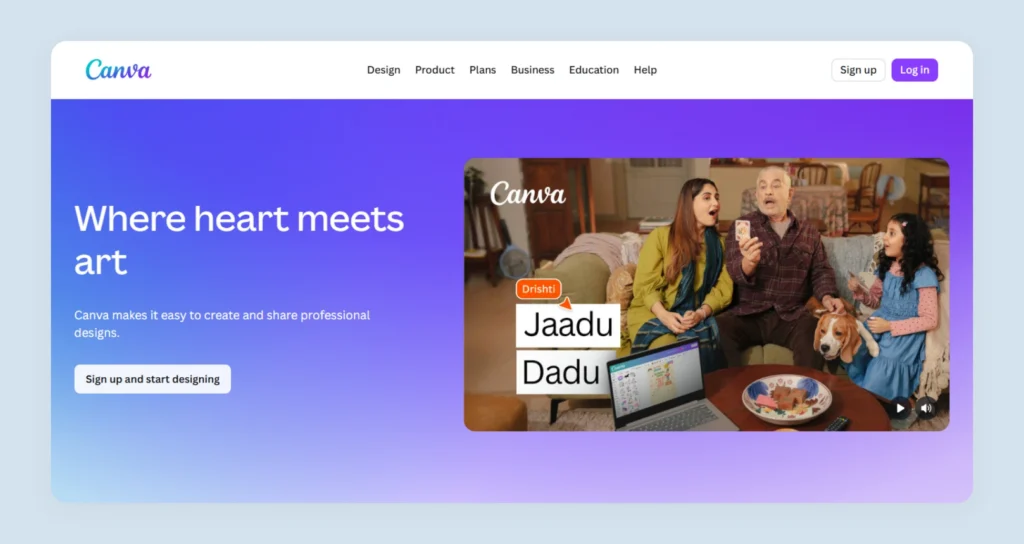
Canva is a cloud-based graphic design platform and the next Photoroom alternative on our list. It helps individuals, teams, and businesses create visuals without advanced design skills as they get a drag-and-drop editor along with a large collection of templates to work on. You can create and edit social media posts, presentations, marketing materials, videos, etc. You also get a small collection of AI-powered design tools that help automate tasks like background removal, resizing, and content generation.
AI features offered
AI-powered writing help, text-to-image generation, prompt-based design creation, template fallback suggestions, and content understanding.
Pricing
Canva offers 4 main plans:
- Free plan: Available for one user and offers access to limited AI tools, one brand kit, and 5GB cloud storage.
- Pro plan ($120 per year per person): This plan offers premium AI design tools, 5 brand kits, higher AI usage, and 100GB storage.
- Business plan ($200 per year per person): This plan is designed for individuals and teams. It includes collaboration features, higher AI usage limits, 500GB storage, and team admin controls.
- Enterprise plan: It offers enterprise-level security, SSO, and SCIM provisioning, custom integrations, up to 1000 brand kits, higher AI access, 1TB storage, priority support, and a dedicated success manager. It has custom pricing.
Why pick this over Photoroom?
The huge repository of ready-made templates.
What can be better?
The output quality of AI tools lacks finesse.
4. Adobe Express: Best Photoroom alternative for users familiar with the Adobe ecosystem

Adobe Express is an all-in-one photo and video editing tool that helps you generate and edit content such as social media posts, videos, flyers, and graphics. Like Canva, it also offers a drag-and-drop editor, an array of templates, and a handful of AI-powered features to customize visuals. The focus of this platform is largely on quick edits, resizing designs for different channels, applying brand kits for consistent branding, and publishing content across social platforms. It is available as both a web and a mobile app.
AI features offered
Generate image, insert object, remove object, generate 5-second videos, translate audio and video, and generate sound effects.
Pricing
For businesses, there are two main plans:
- Adobe Express Teams(Starts at $4.99 per user per month, billed annually). It includes all Premium features plus collaboration tools, brand kits, asset management, content scheduling, and 250 generative AI credits per user per month.
- Adobe Express Enterprise(custom price): It includes all Teams features along with advanced security, user directory sync, encryption key support, user management APIs, additional generative AI credits, and enterprise-level collaboration and admin capabilities.
Why pick this over Photoroom?
For its strong Adobe Creative Cloud integration.
What can be better?
Limited layers and effects make complex compositions like advanced product photo editing difficult.
5. Pixa (Formerly Pixelcut): Best Photoroom alternative for multi-model support
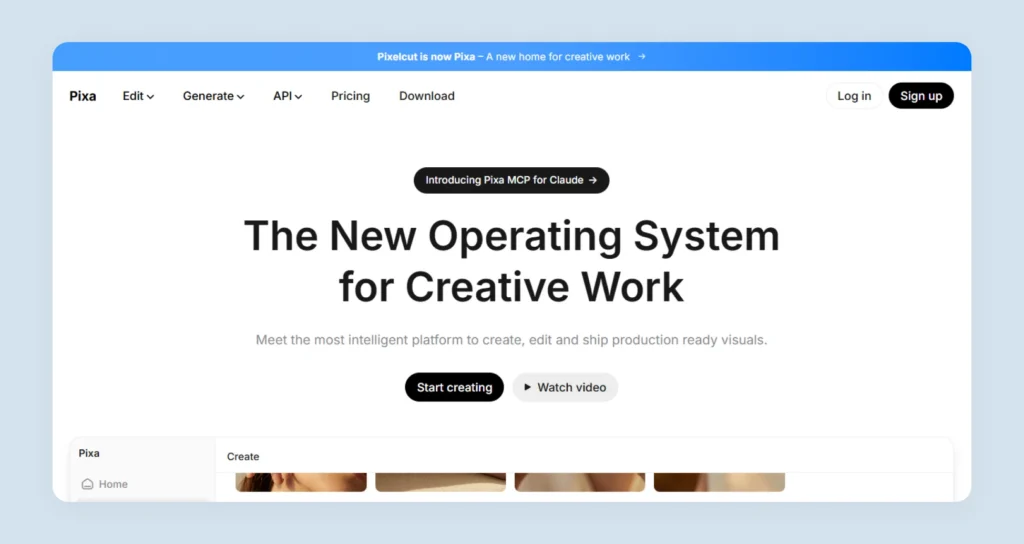
Pixa is an AI product photo generator that can create and ship visuals using automation models. The platform claims to be a “creative operating system” where prompts can be used to trigger workflows that generate or edit visual content. Pixa is available as a web platform and mobile apps (iPhone and Android) and is used by creators and businesses to produce visual content at scale. In addition to its apps, Pixa also provides a developer API that allows users to integrate its image processing capabilities directly into their own workflows.
AI features offered
AI image generator, AI video generator, AI background generator, AI background remover, video background remover, image upscaler, generative fill, and AI mockup generator.
Pricing
There are three main plans:
- Free plan: Includes limited background removal, limited image upscaling, and the ability to export images without a watermark.
- Pro plan ($10 per month): Offers 600 AI credits per month, access to any AI model, unlimited background removal and upscaling, batch editing, and support for a 3-person team.
- Business plan ($30 per month): Includes 3,600 AI credits per month, unlimited AI edits, background removal and upscaling, support for up to a 10-person team, and batch editing.
Why pick this over Photoroom?
A variety of AI models to choose from.
What can be better?
Only the top-tiered plans offer all the key AI features.
6. Remove.bg: Best Photoroom alternative for background removals

Remove.bg is a specialized AI tool focused primarily on automatic background removal and background replacement for images. Unlike full-fledged design platforms, it offers a very focused feature set centered around isolating subjects from photos. The platform supports bulk processing, allowing users to remove or change backgrounds for large batches of images at once. It also offers a wide range of plugins and integrations, including extensions for tools like Photoshop and Figma, making it easy to incorporate background removal into existing creative workflows.
AI features offered
AI background removal and AI background generator.
Pricing
Remove.bg offers four main plans:
- Pay-as-you-go: It starts at $3 for 3 credits as a one-time purchase. You can buy credits whenever needed without a subscription.
- Lite plan ($9 per month, billed monthly): Includes 40 credits per month for high-resolution background removals, along with access to the AI photo editor.
- Pro plan($39 per month, billed monthly): Includes 200 credits per month, and offers everything in Lite plus bulk editing and automation capabilities.
- Volume+ plan($89 per month, billed monthly): Includes 500 credits per month, along with all Pro features plus custom API controls.
Why pick this over Photoroom?
One of the few tools to offer bulk editing.
What can be better?
Very limited features when compared to Photoroom.
7. Picsart: Best Photoroom alternative for real-time collaboration
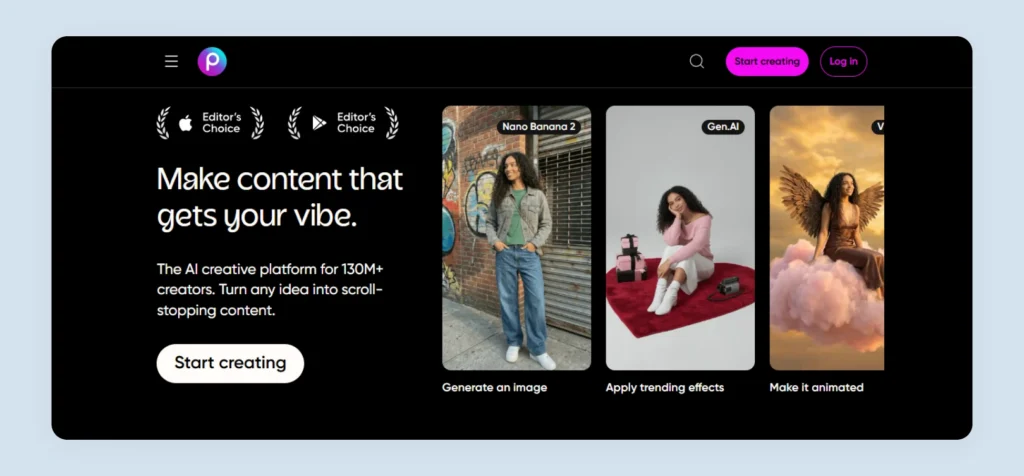
Picsart is a creative design and editing platform commonly used for tasks such as editing and retouching photos, removing or replacing backgrounds, generating images or videos with AI, creating social media graphics, etc. Picsart began as a mobile-first photo editing app and quickly gained popularity for image remixing, sticker creation, meme-style graphics, and playful visual effects. Over time, it developed a large community of users focused on creative experimentation and social sharing rather than strictly polished, brand-driven design.
AI features offered
AI image generator, AI playground, AI assistant, AI photo editor, remove background, change background, AI replace, and image to video.
Pricing
There are 4 main plans:
- Free plan: Includes standard photo and video editing tools with 5 AI credits per week, basic templates, and 100 MB of cloud storage.
- Pro plan($15 per month): Offers 500 AI credits per month, access to advanced photo and video editing tools, premium templates, bulk editing, and 100 GB of cloud storage.
- Ultra plan($45 per month): Includes 2,500 AI credits per month, early access to advanced AI features, support for multiple brand kits, and 300 GB of cloud storage.
- Enterprise plan(custom pricing): Offers SDK access, customizable editing workflows, white-label options, enterprise security, and dedicated account support.
Why pick this over Photoroom?
For its active creator community.
What can be better?
Smaller template library when compared to competitors.
8. Photopea: Best affordable Photoroom alternative
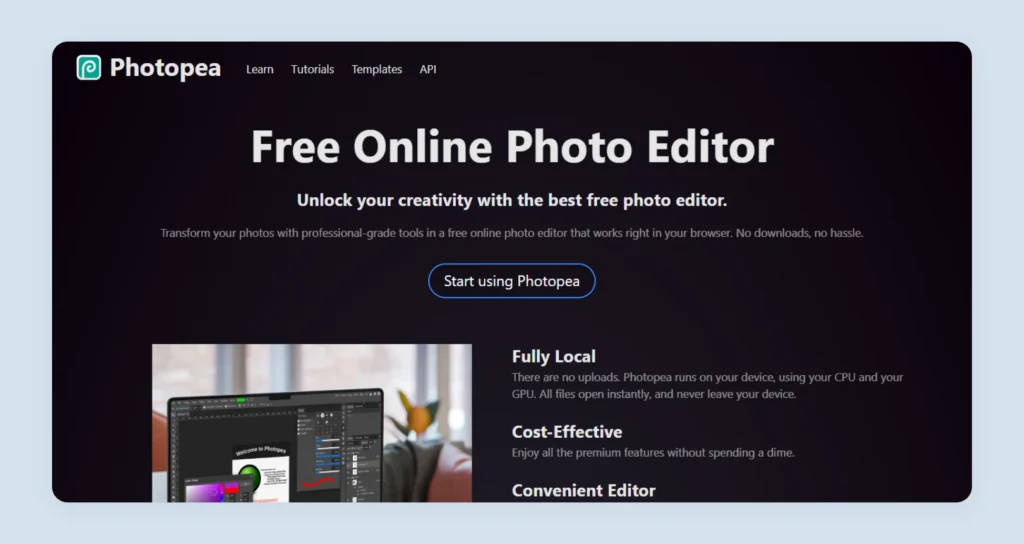
Photopea is a web-based photo and graphics editor that runs on web browsers. The platform also offers a downloadable application for those who prefer to work offline. It supports a wide range of file formats such as PSD, AI, XD, Sketch, PDF, JPG, and PNG, making it compatible with files created in other design tools. It can be used for tasks like image editing, illustration creation, web design, and converting images between formats. The platform offers only basic AI features.
AI features offered
Generate with AI and edit with AI.
Pricing
While it is a free editing tool, the AI features are accessible for €5 a month.
Why pick this over Photoroom?
It’s affordable for most businesses.
What can be better?
It is not intuitive and is strictly for those with design experience. The platform is also riddled with ads.
9. Fotor
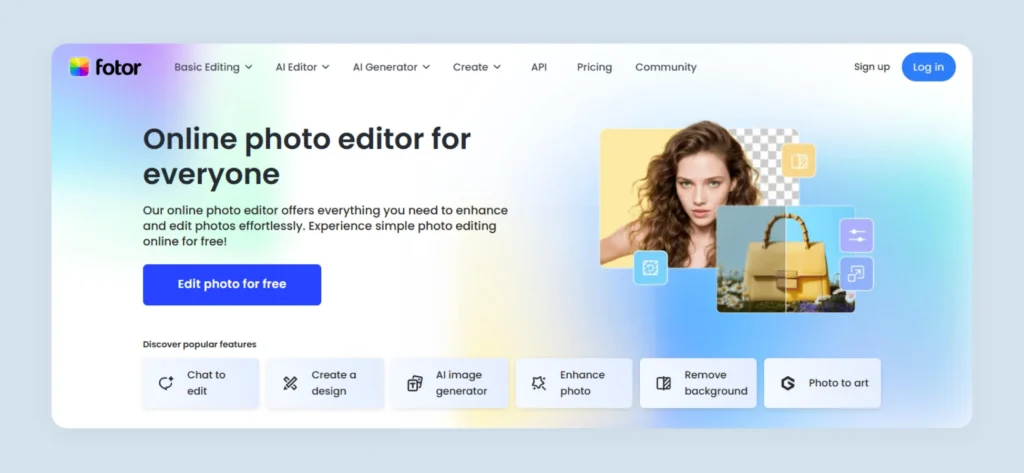
Fotor is the next Photoroom competitor in our list. It offers features related to image editing and graphic design, along with a huge selection of AI-powered creative tools. It is available on the web, desktop, and mobile devices, with a strong focus on the generation of marketing graphics using templates. Fotor also includes layout design capabilities similar to template-based tools and supports multiple image formats, including RAW files from cameras.
AI features offered
AI image enhancer, AI photo editor, AI enhancer, AI remover, AI filter, AI replacer, AI image generator, and AI agent.
Pricing
There are 4 main plans:
- Fotor Basic(free forever): Includes basic editing tools, limited templates and effects, limited AI credits, watermarked exports, and 512 MB of cloud storage.
- Fotor Pro($10.99 per month): Offers 100 AI credits per month, access to advanced editing tools, premium templates, watermark-free HD exports, and 2 GB cloud storage.
- Fotor Pro($23.99 per month): Includes 300 AI credits per month, AI batch editing, brand kits, expanded templates and assets, and 100 GB cloud storage.
- Fotor Max ($49.99 per month): Provides 1,000 AI credits per month, higher AI usage limits, access to premium tools, batch editing, brand kits, and 500 GB cloud storage.
Why pick this over Photoroom?
Has a lot of AI-based effects when compared to Photoroom.
What can be better?
A very disjointed interface.
10. Pixlr
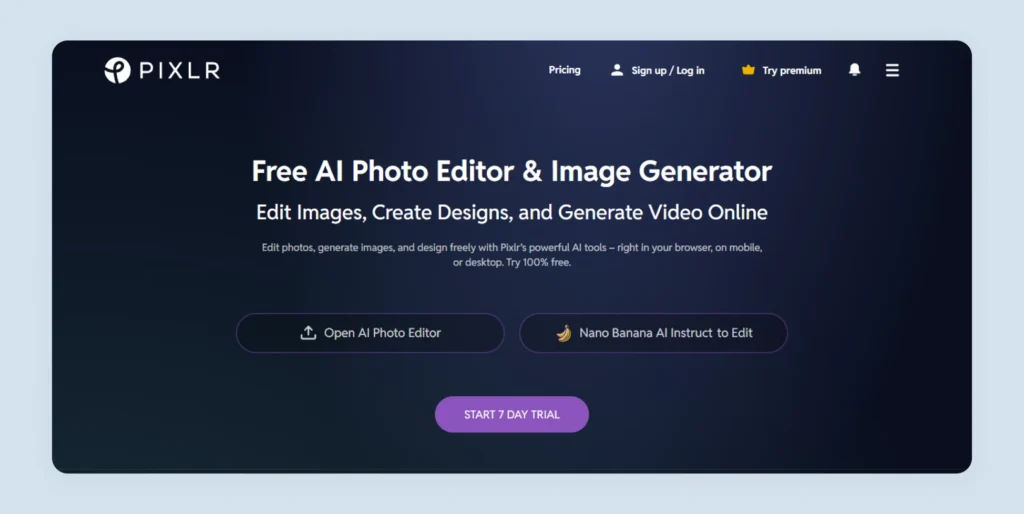
Pixlr offers a suite of tools, including Pixlr Editor for advanced photo editing, Pixlr Express for quick AI-powered edits, Pixlr Designer for creating graphics and templates, and dedicated tools for tasks like background removal and batch image editing. It is designed for both beginners and experienced users. Pixlr provides a dashboard interface that allows you to edit images, create social media graphics, and enhance photos quickly without installing complex desktop software.
AI features offered
AI image generator, AI face swap, AI background remover, AI remove object, AI generative fill, and generative expand.
Pricing
There are 2 main plans offered by Pixlr:
- Plus Plan ($2.49 per month): Removes ads and offers unlimited saves and 80 AI credits per month.
- Premium Plan ($9.99 per month): Offers 1,000 monthly AI credits, private mode for AI generations, unlimited saves, and access to a large library of templates.
Why pick this over Photoroom?
Offers various tool versions, catering to different levels of expertise.
What can be better?
Lacks AI tools dedicated to product photography.
11. Cutout.Pro
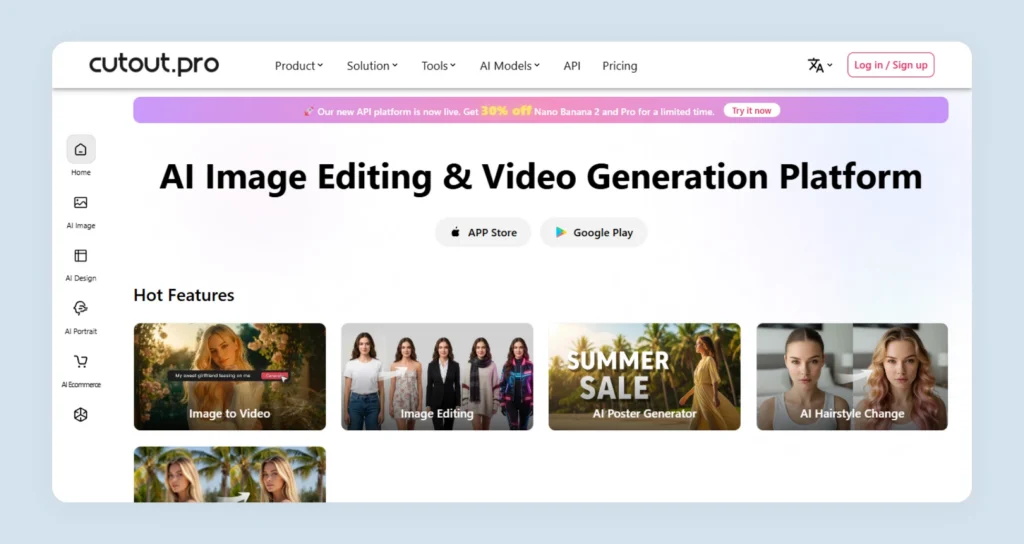
Cutout.Pro offers an all-in-one AI model experience platform where users can access and experiment with different AI models for visual generation. A notable aspect of Cutout.Pro is its developer-focused ecosystem. The platform provides APIs that allow you to integrate its AI image and video processing capabilities directly into your applications. This supports automated visual generation, editing, and large-scale content processing without disturbing your existing workflows.
AI features offered
AI product staging, AI virtual model, AI ecommerce auto design, AI ecommerce product photo, AI image generation, image background remover, and object removal.
Pricing
There are 3 main plans:
- Free account: Includes 5 free credits for previewing the platform’s AI tools.
- Subscription plan: Credit-based monthly plan starting at $5 per month for 80 credits.
- Pay-as-you-go plan: One-time credit purchases start at 30 credits for $4.99.
Why pick this over Photoroom?
A dedicated module for product and ecommerce product photography is available.
What can be better?
Inconsistent results are seen on complex backgrounds.
12. Pixelbin

Pixelbin is an AI-based image transformation and asset management platform designed to help businesses store, manage, optimize, and generate images and videos. The platform allows users to apply real-time transformations such as resizing, compression, sharpening, filtering, and background editing. In addition to image optimization, Pixelbin also provides AI-powered tools, including prompt-based photo editing, making it useful for creators with limited technical and editing skills.
AI features offered
Add custom backgrounds, AI background remover, AI background generator, soft shadow generator, AI headshot generator, and AI photoshoot generator.
Pricing
There are 4 pricing plans:
- Pay-as-you-go: Starts at about $0.06 per credit, with a bundle of 200 credits costing around $11. It includes full access to AI tools, batch processing, and 2 GB storage.
- Lite plan($9 per month): Includes 150 credits per month. The plan provides access to AI image and video tools, batch processing, 10 GB storage, and CDN delivery.
- Pro plan($15 per month): Includes 500 credits per month. It adds access to more advanced generation models, batch processing, 50 GB storage, and API/SDK access.
- Enterprise plan(Custom pricing): Offers features such as API-based image generation and editing, SDK integration, and dedicated support for enterprise workflows.
Why pick this over Photoroom?
Offers many AI tools for use even without signing up.
What can be better?
Lacks features for product photography.
How to pick the right Photoroom alternative for image editing
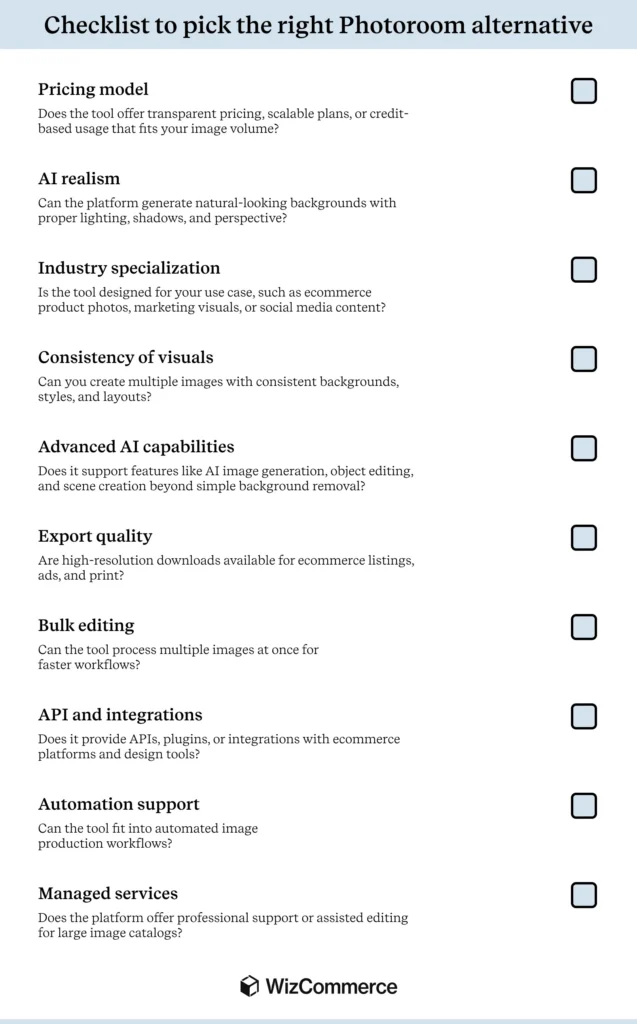
When evaluating a Photoroom alternative, it helps to use a quick checklist to compare tools. Here is a ready-made one for you:
Switch from Photoroom to WizStudio for streamlined AI product photography
While Photoroom is widely used for background removal and quick edits, WizStudio goes much further by offering a complete AI-powered workflow for generating catalog-ready product visuals for your needs.WizStudio focuses heavily on realistic ai generated product images, visual consistency across SKUs, and large-scale image generation.
Compared to Photoroom’s primarily single-image editing approach, WizStudio supports bulk visual creation, richer lifestyle scene generation, and deeper automation, allowing you to produce hundreds of product images in a fraction of the time required for traditional photoshoots.
Another key advantage is WizStudio’s ability to support strong brand control and automation. You can maintain consistent lighting, composition, and visual style across thousands of SKUs without manual editing workflows. This significantly reduces production timelines and costs while improving the overall quality of your product imagery used in catalogs.
If you want to streamline product photography and generate professional visuals faster in 2026, it’s worth exploring what WizStudio can do for your catalog workflows.
FAQs on Photoroom Alternative
1. What is the best Photoroom alternative in 2026?
The best Photoroom alternative in 2026 includes several strong competitors such as Canva, Adobe Express, and Remove.bg. However, WizStudio stands out as a strong alternative because it combines powerful product photo editing features with strong visual content creation capabilities in one platform. This makes it a highly effective platform for both B2B and B2C ecommerce sellers.
2. Which Photoroom alternative is best for ecommerce product photos?
The best Photoroom alternative for ecommerce product photos is WizStudio, because it allows you to quickly transform basic product photos into lifestyle images optimized for catalogs. With a simple prompt and a basic product image, this product variation generator can produce endless versions of your product shot in different settings.
3. Are there any free alternatives to Photoroom?
Yes, there are free alternatives to Photoroom that provide free plans with limited features. Platforms like Canva and Pixa offer free tiers for basic image editing and background removal. But WizStudio takes it a notch higher by offering you a no-questions-asked free trial where you get access to all the key features without any restrictions. You can explore the platform and freely generate visuals for your needs.
4. Which Photoroom alternative provides realistic AI backgrounds?
The Photoroom alternative that provides the most realistic AI backgrounds is WizStudio. Platforms such as Bazaart and Remove.bg let you generate somewhat realistic AI backgrounds, but if you want hyper-realistic results for your products, you can use WizStudio. It is the perfect tool for generating backgrounds that match lighting, shadows, and product context, helping in the creation of more natural-looking product visuals.
5. Is there a better AI image editor than Photoroom?
Yes, there are AI image editors better than Photoroom for advanced editing needs. While Photoroom is good for basic background editing, newer platforms offer far more advanced AI editing capabilities. For instance, WizStudio lets you edit lighting, shadows, and other critical elements of ecommerce product photography. It is the only Photoroom alternative you need if you are looking to enhance your product visuals quickly without compromising on output quality.
6. What are the top Photoroom competitors for small businesses?
The top Photoroom competitors for small businesses include Adobe Express, Photopea, and Picsart. These tools simplify visual creation without requiring advanced design skills. However, WizStudio is the best option for small businesses looking to generate great photos of their products or edit their product shots without a learning curve. The availability of a free version also makes WizStudio an attractive option for small businesses, marketers, and content creators who want the perfect balance of creative control and ease of use.
7. Can I use a Photoroom alternative for marketplace listings like Amazon or Shopify?
Yes, you can use a Photoroom alternative for marketplace listings like Amazon or Shopify. Many alternatives are designed specifically for ecommerce workflows, and tools like WizStudio offer powerful features for background removal, object removal, generating realistic product scenes, and creating polished product images that meet the visual requirements for marketplaces such as Amazon, Shopify, and other online stores.