Skip to content




Every image today carries a job – To stop a scroll, communicate value instantly, explain a feature, or even influence a decision. Raw photos rarely achieve that on their own. They need shaping and intentional adjustments to match how people actually consume visual content today. More often than not, the difference between content that gets ignored and content that performs comes down to how well it has been edited.
That is exactly why apps like Picsart took off. They made editing feel easy and accessible to anyone. But what once felt “easy” can quickly become insufficient, especially for specialized needs, prompting the search for a more capable alternative. This is exactly where this blog comes in. We break down the 10 best Picsart alternatives in 2026, helping you find a tool that not only meets your current needs but can scale with your growth.
What is Picsart, and why is it so popular?
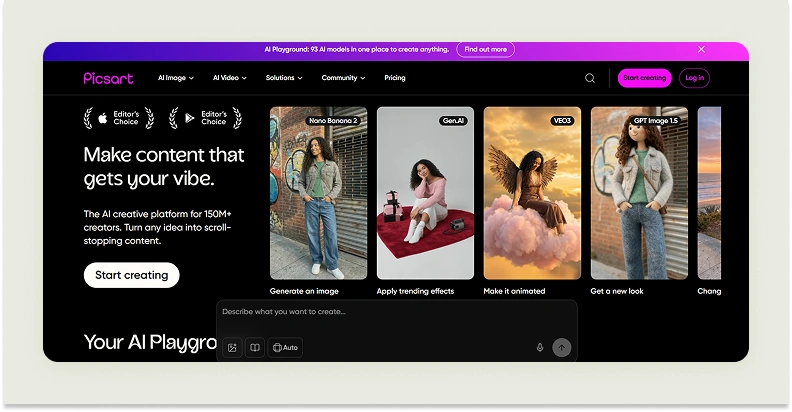
Picsart AI is a creative editing platform that combines traditional photo and video editing with generative AI capabilities. It allows users to enhance images, remove or replace backgrounds, generate visuals, create videos, design logos, and perform an array of other editing tasks.
It is designed for a wide range of users, from casual social media creators to marketers, ecommerce brands, and small businesses looking to produce quality visuals without deep design expertise. Its key strength is that it is an all-in-one tool and is used for a wide variety of editing tasks, right from quick social media edits to basic video creation.
Why do users look for Picsart alternatives?
Over the years, Picsart has built its popularity on being an all-in-one creative platform. However, this broad capability often comes at the cost of depth. While it covers a wide range of use cases, it does not always deliver the level of precision or specialized features that growing businesses require. The pinch is particularly felt when it comes to ecommerce product photography and other related use cases. As businesses grow more serious about their creative output, they begin to outgrow the platform’s generalist approach.
This is where the search for alternatives begins. Users often look for tools that offer more advanced AI capabilities and features tailored to specific industries like furniture or home decor. Limitations in handling complex edits or automation for professional needs, and the absence of done-for-you services, further push users to explore other options.
10 best Picsart alternatives for photo editing in 2026
The good news is that if you are planning to move beyond Picsart, you’ll find no dearth of AI-powered apps similar to Picsart that bring their own strengths to image editing. Some focus on speed while others focus on quality. And some are built specifically for ecommerce workflows. If budget is your deciding factor, it’s worth weighing the best free photo editors before committing to a paid plan, and if you’re specifically outgrowing a tool like Pebblely, our guide to the pebblely alternative bulk sellers need covers that transition directly. To help you cut through the noise, we’ve rounded up 10 of the best Picsart alternatives to try in 2026. Below, you’ll find a quick snapshot of 7 standout Picsart competitors from the list to help you compare them at a glance.
| Picsart alternative | Differentiating factor | Free trial available | G2 Rating |
| WizStudio | Generation of hyper-realistic lifestyle images for ecommerce products. | Yes, with unrestricted access to all features | 4.8 |
| Pixlr | Offers separate tools for both basic and advanced editing. | Yes, a 7-day trial is available | 4.4 |
| Canva | A plethora of templates for quick image editing | Free plan available with basic features | 4.7 |
| Fotor | A thriving community of designers and gamification elements to engage users. | Yes, a free-forever plan is available | 4.2 |
| Picsman | Built on Flux 2 and Google Gemini models that support enhanced image generation | Forever-free plan with ads available | 5 |
| BeFunky | An intuitive collage maker tool for marketers | Forever-free plan available | 4.3 |
| Evoto | Useful features for fashion and portrait photography | There is a free app available | 4.8 |
1. WizStudio
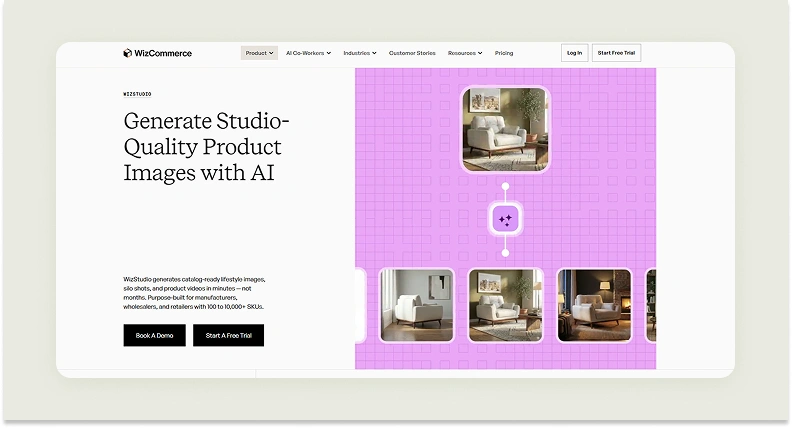
WizStudio is one of the top Picsart alternatives for photo editing in 2025. Thanks to its catalog production engine built for scale, the platform is ideal for businesses that are constantly dealing with large volumes of product images. Manufacturers, wholesalers, distributors, and retailers managing hundreds or thousands of SKUs find it a better option than Picsart, as they need not spend valuable time perfecting individual product images. All they need to do is capture simple product shots and upload them to WizStudio. The platform then turns them into polished visuals that can be uploaded to the catalog right away.
WizStudio also stands out in how it combines automation with a guided, almost hands-off experience. You are not expected to figure out complex prompts or navigate a steep learning curve. From prompt suggestions to a clean, all-in-one interface, everything is designed to feel intuitive, even if you are just getting started. What makes it even more compelling is its done-for-you approach. You can go beyond automated outputs and bring in experts to refine your visuals further. This ensures that your visuals are not just good but truly polished and ready for real-world use.
Key features for photo editing
- Multi-product staging: Design complete scenes with multiple products. This makes it easier to showcase collections instead of isolated items.
- Bulk generation: Create large volumes of visuals in one go. This is perfect for catalog updates and seasonal launches.
- Line drawings: Turn product images into clean technical visuals. This is useful while explaining product specifications in the catalog or manuals.
- Variant generation: Generate image variations from a single image — no separate shoots needed for each variant. You need not arrange separate shoots for each variant.
- Silo shot generation: Generate clean and listing-ready product images with consistent backgrounds and corrected photography lighting.
- Image-to-video: Convert product images to video with AI — short, engaging clips for richer visual content.
Alongside these, you also get advanced editing features like shadow creation, upscaling, background editing, image extension, generative fill, magic erase, and scene relighting.
Pricing
WizStudio provides a range of pricing options designed to support businesses at different stages of growth:
- Free trial: You get 5 credits and unrestricted access to core tools like background remover and dimension lines.
- Starter plan ($250 for 2 months): You get 16 credits and access to all the essential AI tools, such as lifestyle image generation, AI editor, AI image expansion, relighting, upscaling, and product swapping.
- Pro plan ($500 for 4 months): You get 40 credits and everything in the Starter plan, along with additional capabilities like multi-product staging.
- Studio plan ($1,125 for 6 months): You get 120 credits and everything on the Pro plan, plus advanced features such as lifestyle product videos, close-up videos, and 360-degree product visuals.
- Enterprise plan (Custom pricing): It is tailored for large teams and high-volume needs and includes all features plus enterprise-grade capabilities like bulk image generation, product variant builder, dimensional drawings, and managed services.
Explore the complete pricing details of WizStudio for a deeper breakdown.
2. Pixlr
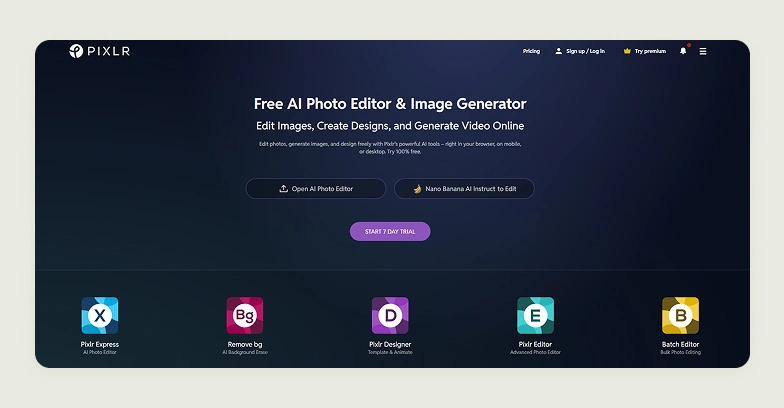
Pixlr offers a large set of individual tools for enhanced photo editing. This includes Pixlr Editor for image adjustments, Pixlr Express for quick AI enhancements, Batch Editor for bulk photo editing, and a dedicated tool for removing backgrounds. The platform is suitable for casual photo retouching, adding effects, and producing simple social-ready visuals. It comes with a browser-based dashboard that supports editing and exporting on any device of the user’s choice.
Key features for photo editing
AI remove background, AI remove object, AI generative fill, crop image, resize image, touch up, and generative expand.
Pricing
Pixlr offers two core plans: a Plus plan at $2.49/month for 80 AI credits and an ad-free experience, and a Premium plan at $9.99/month for 1,000 credits with private generation mode and a full template library.
Where Pixlr falls short
- No ecommerce-specific tools, no silo shots, lifestyle generation, or catalog-scale workflow structure.
- Multiple separate tool environments create an inconsistent experience that slows down any structured production workflow.
- AI credits are low even on the Premium plan, limiting output volume for catalog teams.
How WizStudio is better than Pixlr
Pixlr is a general photo editor built for individual, casual use, and lacks specialized AI features tailored for ecommerce photography workflows. Wholesalers and catalog teams need consistent, ecommerce-ready product visuals at volume: lifestyle images, silo shots, and variants in bulk, a production workflow Pixlr’s fragmented tool set wasn’t built to support.
3. Canva
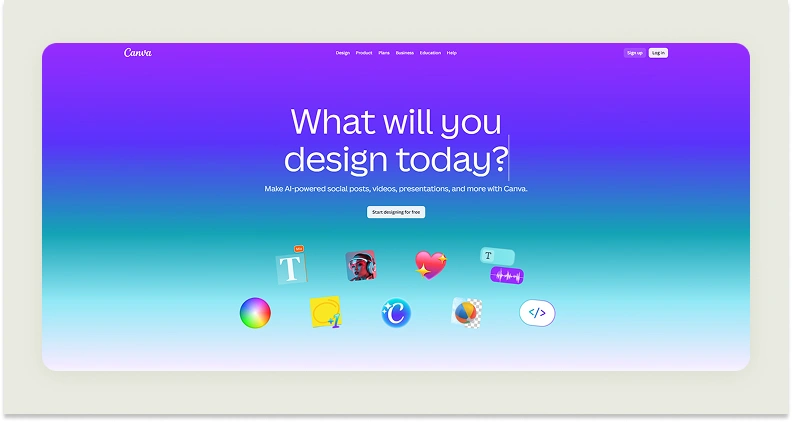
Canva is a drag-and-drop design platform built around a large template library. Canva is similar to Picsart in many ways. Both platforms help users create a wide range of content, such as social media graphics, videos, documents, websites, and ads, without design skills, and all within a single workspace. AI tools are available but are broad and general-purpose.
Key features for photo editing
AI photo editing tools, background removal, image adjustments and filters, layering and overlays, and a drag-and-drop editor.
Pricing
Canva offers four core plans: a free plan with basic tools and 5GB storage, a Pro plan at $120/year per user with advanced AI features and 100GB storage, a Teams plan at $200/year per user with collaboration tools and 500GB storage, and an Enterprise plan at custom pricing with SSO, up to 1,000 brand kits, and 1TB storage.
Where Canva falls short
- AI image outputs are generic and inconsistent, not reliable for product photography requiring accurate texture, lighting, or proportion.
- No product catalog workflow, no bulk generation, silo shots, variant creation, or SKU-level visual management.
- Canva’s template library produces visuals that look identical across every brand using the same designs, limiting differentiation.
How WizStudio is better than Canva
Canva’s template library serves marketers making social content. Wholesalers and retailers need product-accurate, brand-specific imagery across hundreds of SKUs — WizStudio generates hyper-realistic lifestyle visuals directly from a product shot, with consistent lighting and bulk output that no shared template library can replicate.
4. Fotor
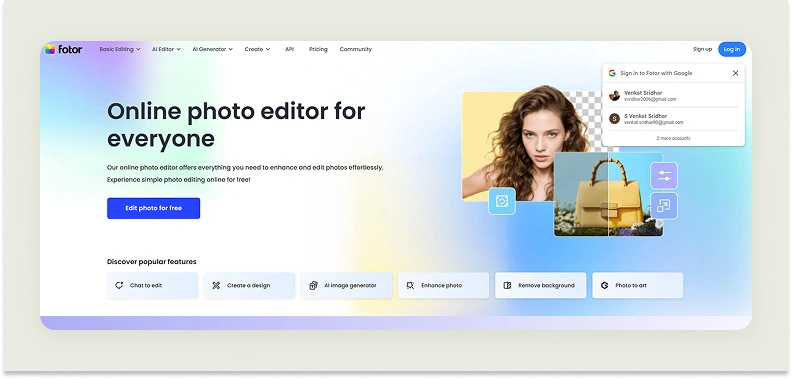
Fotor is a general-purpose photo editing platform available on the web, desktop, and mobile. It offers a suite of editing capabilities, from basic adjustments like cropping and color correction to advanced AI-driven features. Its AI engine allows users to edit images using simple text prompts, applying complex changes like background replacement, lighting adjustments, or subject focus without requiring technical steps. It also supports batch AI editing, wherein users can apply consistent edits across multiple images at once.
Key features for photo editing
AI image enhancer, remove background, AI photo editor, AI enhancer, AI object remover, AI filter, and AI replacer.
Pricing
Fotor offers four primary pricing tiers: a free Basic plan with limited credits and watermarked exports, a Pro plan at $10.99/month for 100 credits, a Pro+ plan at $23.99/month for 300 credits with batch editing and brand kits, and a Max plan at $49.99/month for 1,000 credits with higher limits and advanced tools.
Where Fotor falls short
- General editing platform with no dedicated product photography workflow, no silo shots, lifestyle generation, or variant creation.
- Fragmented interface across its edit, collage, and design modules creates friction for catalog production teams.
- AI outputs lack the texture accuracy and lighting realism required for professional ecommerce product imagery.
How WizStudio is better than Fotor
Fotor applies AI effects to general editing tasks. Brands managing large catalogs need catalog-grade output consistency. WizStudio generates realistic product visuals in bulk with accurate lighting and textures, not the filter-style AI enhancements Fotor applies to individual images.
5. Picsman
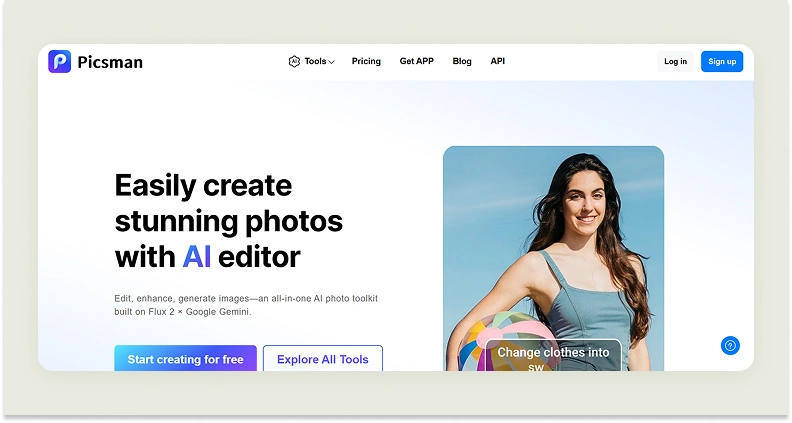
Picsman is a tool that approaches photo editing from a workflow-first perspective. Instead of requiring users to manually piece together edits, it uses AI to streamline entire tasks like background removal and image enhancement into faster and more automated processes. This makes it particularly better-suited for use cases where speed and consistency matter. It also focuses on handling traditionally tricky editing scenarios, like hollow product structures, with greater precision.
Key features for photo editing
Remove object, remove background, change image background, enhance photo, remove people, and batch editor.
Pricing
Picsman offers 4 main plans: a free plan with watermarked previews and 100MB storage, a monthly plan at $9.99/month for 300 credits and 10GB storage, an annual plan at $4.99/month (billed $59.99/year) with the same allowances, and a pay-as-you-go option starting at 300 credits for $11.99.
Where Picsman falls short
- Limited to background removal and basic enhancements, no lifestyle generation, silo shots, or catalog-scale output.
- Complex edits require manual correction, removing the speed advantage for professional product imagery workflows.
- No bulk generation queue or structured workflow for brands managing large, multi-SKU catalogs.
How WizStudio is better than Picsman
Picsman automates simple background edits. Wholesalers and retailers need the full product photography workflow automated, from raw product shot to catalog-ready lifestyle image at bulk scale, which Picsman’s narrow, single-task focus doesn’t cover.
6. BeFunky
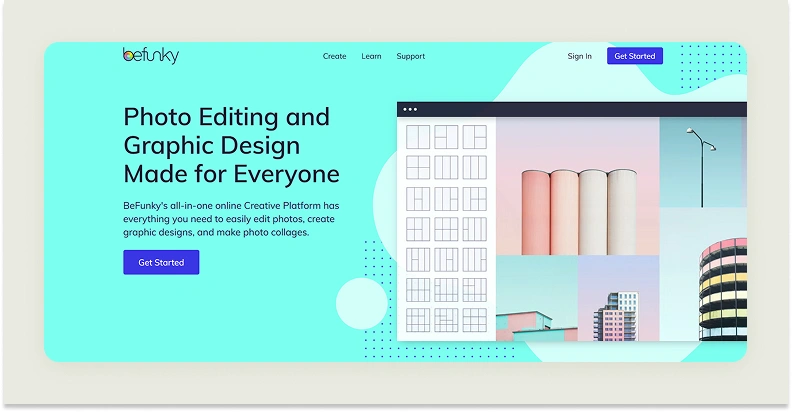
BeFunky brings photo editing, graphic design, and collage making into a single platform. It improves traditionally layered editing processes with AI-powered, one-click tools that handle tasks like background removal, image enhancement, etc. BeFunky is also available as a mobile app with all the features made available so that users can edit on the go. While it offers a handful of features for product photography editing, it is more widely used for marketing and personal use cases.
Key features for photo editing
Remove image backgrounds, one-click photo enhancer, erase unwanted objects, expand without cropping, unblur photos, and upscale images.
Pricing
There are two main plans: a free plan with basic editing tools and no access to AI or batch features, and a Plus plan at $6.99/month (billed annually) or $14.99/month for full access to all editing, AI, and batch capabilities.
Where BeFunky falls short
- Designed for collages, social graphics, and personal projects. No ecommerce product photography workflow exists in the platform.
- No lifestyle scene generation, variant creation, silo shots, or catalog-scale bulk output.
- Customization depth is shallow compared to any purpose-built product photography tool.
How WizStudio is better than BeFunky
BeFunky is a collage and marketing graphic tool built for personal and social use. Catalog teams need bulk lifestyle generation, silo shots, and variant creation, a production workflow that a collage platform with one-click AI filters was never designed to handle, which WizStudio handles flawlessly.
7. Evoto
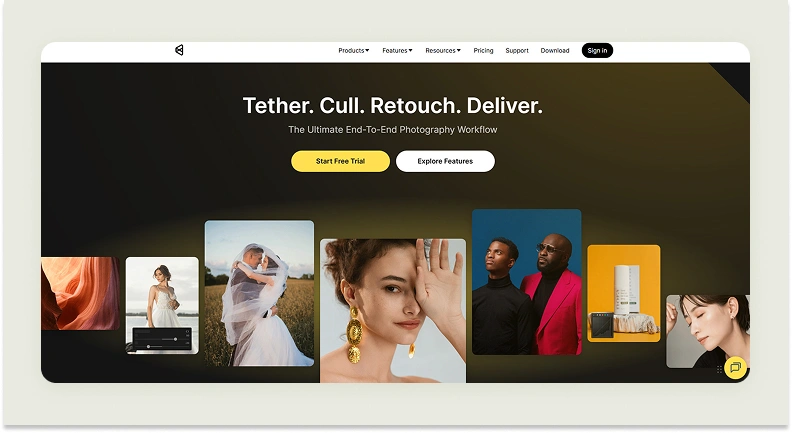
Evoto AI is a photo retouching tool built with a strong focus on portrait and fashion photography. It supports batch editing and preset syncing, making it particularly effective for photographers working with large sets of images who need consistent outputs across shoots. While it is largely used for portrait photography, Evoto’s background editor is well-suited for preparing visuals for ads and marketing assets.
Key features for photo editing
RAW converter, AI image cropper, AI photo straightener, AI perspective tool, and AI object remover.
Pricing
Evoto offers multiple annual credit-based plans, which include: Starter at $80/year for 800 credits, Basic at $134/year for 1,600 credits, Basic Plus at $242/year for 3,600 credits, Standard at $521/year for 9,000 credits, and Standard Plus at $1,205/year for 24,000 credits. All plans include rollover credits and credit-free features.
Where Evoto falls short
- Built exclusively for portrait and fashion retouching, brands in furniture, home goods, or general ecommerce have almost no relevant features to use.
- Complex multi-tier annual pricing is difficult to forecast for teams with variable output volumes.
- No lifestyle generation, catalog workflows, or ecommerce-specific output formats of any kind.
How WizStudio is better than Evoto
Evoto retouches portraits and fashion shots, a use case irrelevant to wholesalers and retailers managing furniture, home goods, or general merchandise catalogs. WizStudio generates catalog-ready lifestyle imagery, silo shots, and variants at scale, across any product category that Evoto’s portrait-focused toolset doesn’t serve.
8. Photoroom

Photoroom is a background editing and batch processing tool built around fashion and ecommerce listings. It offers Shopify integration and ghost mannequin features for apparel. Its core function is background replacement and basic template application, not lifestyle generation or catalog-depth workflows.
Key features for photo editing
Background removal, retouch, static templates, white background, AI backgrounds, AI shadows, and resize.
Pricing
Photoroom offers 4 core plans: a Pro plan at $12.99/month for 500 batch exports, a Max plan at $34.99/month for 1,500 batch exports with Shopify integration, an Ultra plan at $99/month for 5,000 batch exports and top-tier model access, and an Enterprise plan at custom pricing for high-volume API workflows.
Where Photoroom falls short
- Output realism is inconsistent at scale, batch mode produces variable lighting and shadow quality, requiring manual correction across large catalogs.
- Core strength is background editing, not lifestyle scene generation or contextual environment creation.
- Feature depth is concentrated in fashion and jewelry, leaving furniture, home goods, and general merchandise brands underserved.
How WizStudio is better than Photoroom
Photoroom cleans up backgrounds quickly but is built for fashion, not for the broader catalog needs of ecommerce brand. WizStudio generates complete lifestyle imagery, silo shots, and product variants across any product category with an expert review workflow that ensures catalog-ready quality at scale, not just a clean background.
9. Pixelbin

Pixelbin is a cloud-based platform that combines AI-powered image processing with digital asset management. It helps users efficiently handle large volumes of visual content, dynamically transform images and videos in real time with actions like resizing, compressing, enhancing, and applying filters. The platform also supports AI-driven editing through text prompts. This helps in making advanced image manipulation more accessible to users who may not have specialized design skills.
Key features for photo editing
Prompt and edit, watermark remover, image upscale, background removal, resize, adjust, and retouch.
Pricing
The platform offers four pricing options: a pay-as-you-go credits from $0.06 each, a Lite plan at $9/month for 150 credits with batch processing and CDN delivery, a Pro plan at $15/month for 500 credits with API/SDK access, and an Enterprise plan at custom pricing for large-scale API workflows.
Where Pixelbin falls short
- Primarily an asset management and optimization platform, AI generation tools are secondary and not production-grade for catalog imagery.
- No product-specific photography capabilities, no lifestyle generation, silo shots, or variant creation.
- Generative outputs lack the realism required for professional ecommerce listings, particularly on complex or textured product types.
How WizStudio is better than Pixelbin
Pixelbin does not offer strong capabilities tailored for ecommerce product photography. It manages and optimizes existing images, but ecommerce brand needs to generate catalog-ready product imagery first. WizStudio handles that creation step, producing lifestyle images and silo shots at bulk scale before any asset management pipeline is needed.
10: Flair AI

Flair AI is a virtual product photoshoot builder that lets you recreate entire shoots digitally instead of editing individual images. It lets you adjust lighting, props, and composition in real time through a drag-and-drop canvas. Users can also generate on-model imagery by placing products on AI-generated human models while preserving textures and product details. This makes it useful for fashion brands. It also supports building custom AI models for products, allowing users to create reusable visual identities.
Key features for photo editing
Regenerate product, magic erase, upscale, virtual try on, enhance image resolution, generate variations, and extend image dimensions.
Pricing
There are 5 different plans offered by Flair AI: a free forever plan with 5 image generations and 1 custom model, a Pro plan at $10/month for faster rendering and image variations, a Pro+ plan at $35/month for 80 images and up to 8 custom models, a Scale plan at $55/month for 150 images and priority rendering, and an Enterprise plan at custom pricing with unlimited API access and a commercial license.
Where Flair AI falls short
- Canvas-based approach demands significant manual iteration to produce consistent results not scalable for catalog teams generating large SKU volumes.
- Product accuracy is unreliable; shapes, logos, and text on products are frequently distorted in generated outputs.
- Image generation limits across all paid tiers are low for brands that need regular catalog-scale production.
How WizStudio is better than Flair AI
Flair AI requires manual scene-building and repeated iteration to get consistent outputs, a workflow that wholesalers managing hundreds of SKUs can’t sustain. WizStudio delivers bulk AI generation with an expert review layer, producing production-ready visuals across entire catalogs without the trial-and-error Flair AI’s canvas demands at volume.
Key features to look for in a Picsart alternative
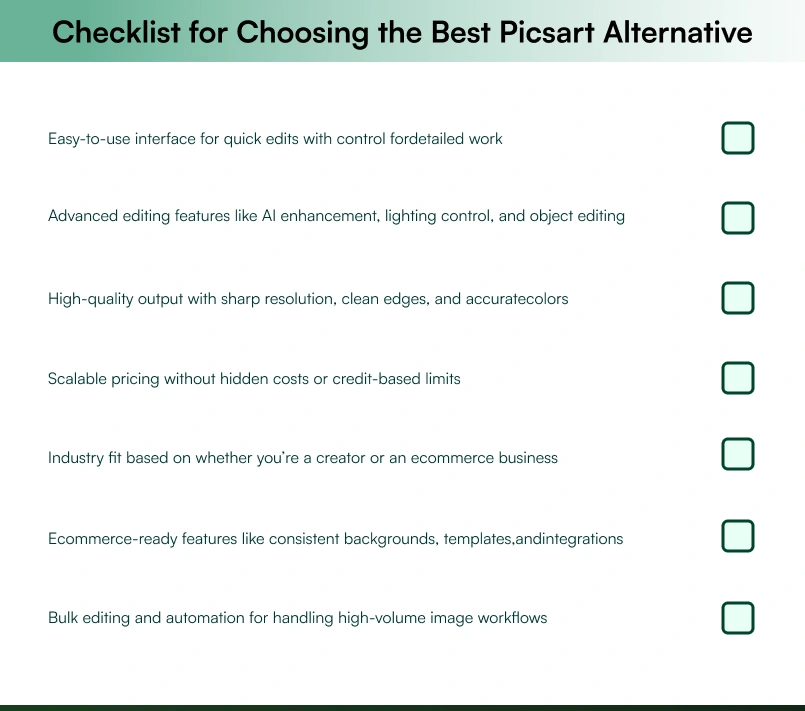
Choosing the best alternative to Picsart is less about switching tools and more about upgrading your workflow. As your needs evolve from basic edits to more professional use cases like product photography, the right tool should not just match Picsart but solve the gaps you are currently facing. Use the checklist below to evaluate what truly matters before making a decision.
Create and edit professional product photos easily with WizStudio
While Picsart is widely used for quick edits and creative social media visuals, WizStudio goes much further by offering a complete AI product photography workflow designed for catalog-ready imagery. The platform focuses on generating highly realistic visuals and maintaining consistency across your SKUs, at the same time.
Another major difference lies in control and scalability. With Picsart, maintaining a consistent look across hundreds of product images often requires manual effort and repeated adjustments. WizStudio, on the other hand, ensures uniform lighting and styling across your entire catalog with minimal intervention. This not only improves visual consistency but also reduces production time and costs significantly while delivering more professional results.
If your goal is to move beyond basic editing and build a high-quality product imagery workflow in 2026, WizStudio is worth exploring. Sign up for a free trial to see how it can transform your catalog production process.
FAQs on 10 best picsart alternative
1. Is there a better app than Picsart?
Yes, there are better apps than Picsart depending on your use case. Picsart is great for casual edits, but tools like WizStudio go further for professional use. It offers AI-powered workflows and scalable image generation, making it a stronger choice for brands that need more than just basic editing and filters.
2. Which Picsart alternative is best for ecommerce product photos?
Finding the best Picsart alternative for ecommerce product photos depends on your specific workflow and catalog needs. For brands that prioritize realistic AI outputs, WizStudio stands out as a strong option worth exploring, offering realistic AI outputs, consistent styling, and the ability to generate catalog-ready images without traditional photoshoots or heavy manual editing.
3. Which tool is better than Picsart for bulk product image editing?
The tool better than Picsart for bulk product image editing depends on your production scale and consistency requirements. For brands that require bulk editing, WizStudio’s bulk product image editor is a strong option worth exploring., as it supports large-scale generation and automation to create hundreds of consistent product visuals quickly and with minimal effort.
4. Which Picsart competitor offers studio-quality product photos?
The Picsart competitor that offers studio-quality product photos is WizStudio, which delivers consistent lighting, backgrounds, and composition across SKUs, something Picsart struggles with when scaling. This makes WizStudio more suitable for professional ecommerce and catalog use.
5. Can AI replace traditional photo editing for product shoots?
Yes, AI are increasingly replacing traditional photo editing for product shoots. Tools like WizStudio are reducing costs, speeding up production, and delivering realistic visuals that meet ecommerce standards.
6. What editing software is built specifically for online brands?
The editing software built specifically for online brands is WizStudio. Unlike Picsart, which is more general-purpose, WizStudio focuses on product imagery and catalog consistency. It offers scalable image generation and editing workflows that are tailored for ecommerce businesses.
7. Why are people looking for Picsart alternatives?
People look for Picsart alternatives when they need more professional features and realistic product visuals. Limitations in brand control and ecommerce-focused workflows push most businesses to explore options like WizStudio that better support growth.
8. Are there any ad-free PicsArt alternatives available?
Yes, there are several ad-free PicsArt alternatives, especially for users who want a cleaner and distraction-free workflow. Tools like WizStudio stand out by offering a completely ad-free experience along with professional-grade editing features.