Skip to content



Hit the keyword “product photography” on a search engine, and you will find yourself knee-deep in AI tools, all claiming to generate more photo-realistic images than the rest. And for the first time, product photography is no longer the hard part; choosing the right tool is. Tools like Pebblely made this shift feel effortless. Upload a product shot and generate a polished image, done! But that simplicity comes with trade-offs. What works for quick visuals can fall short when you seek creative control or volume.
We can already see the AI image generation landscape starting to split. Some tools prioritize design flexibility. Some focus on bulk generation. Others on catalog optimization. But the question is what’s best for you. In this guide, we will help you find a Pebblely alternative that exactly fits your needs.
What is Pebblely?
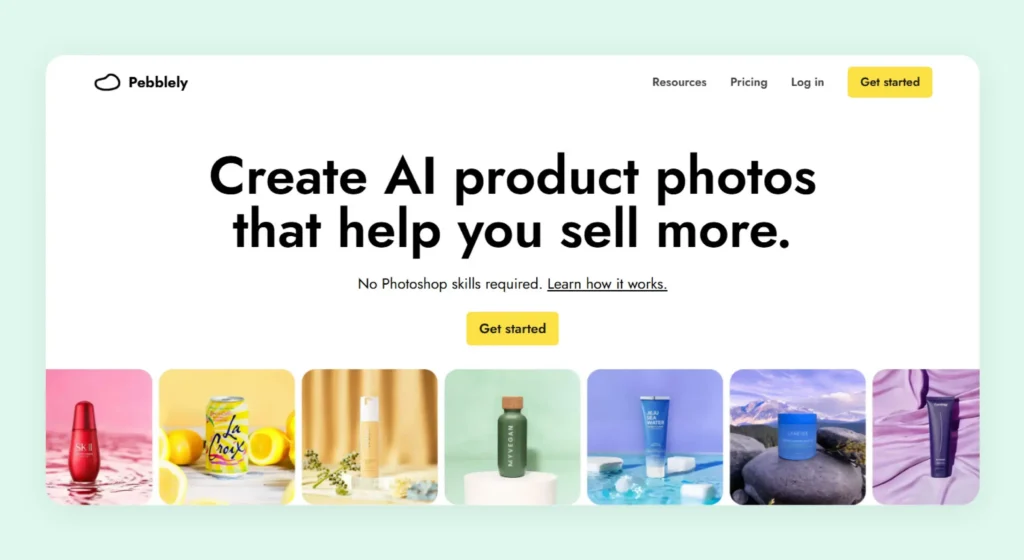
Pebblely is an AI product photography platform that follows a straightforward workflow for generating images. Step one: You upload a product. Two: Choose or describe a scene. Three: generate multiple variations in minutes. Owing to its simplicity, the tool is largely used by non-technical users in visual sectors like skincare, jewelry, and furniture brands.
Pebblely pricing is also relatively straightforward, with plans starting at affordable monthly tiers based on image generation limits and feature access.
Features like background themes, custom prompts, bulk generation, and reusable templates of this tool also make it useful for teams managing large catalogs. However, its simplicity is both a strength and a limitation. While it prioritizes ease of use, the ability to offer deep customization or flexibility for more complex workflows is seriously hampered.
Why look for Pebblely alternatives?
One of the biggest reasons teams start exploring alternatives to Pebblely even before using it is its accessibility(or the lack of it). With no free plan or trial, it creates a barrier for many budget-conscious users who want to experiment before committing. For smaller teams or businesses just getting started with AI product photography, this upfront cost can feel incredibly limiting.
Beyond pricing, the platform’s simplicity can also become a constraint. While it works well for quick and standardized outputs, it offers a relatively limited feature set compared to competitors. There are limited features to fine-tune creative elements. It is also difficult to adapt the tool to more complex catalogs.
Top 10 Pebblely alternatives to try in 2026
If you’re considering switching from Pebblely, you’re in a great position. The market is packed with AI-driven image editing tools, each offering something different. To make your decision easier, we’ve made a list of the top 10 Pebblely competitors to explore in 2026.
1. WizStudio
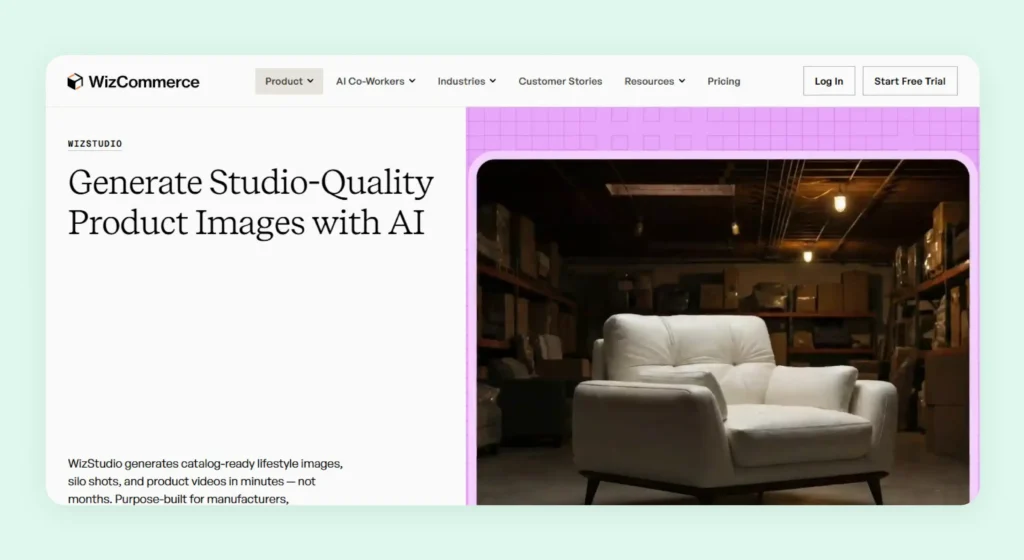
WizStudio is one of the closest alternatives to Pebblely when it comes to the ease of generating images. Like Pebblely, WizStudio doesn’t rely on heavy manual input to turn your basic product photos into professional lifestyle images. But unlike Pebblely, WizStudio focuses on scale and consistency, and as a result, it is tailor-made for wholesalers and brands who need to create large volumes of product visuals without sacrificing quality.
To generate visuals, all you need to do is upload raw product images, irrespective of their quality. The platform automatically refines them by removing backgrounds, correcting angles, and enhancing colors before generating final outputs. If you are unsure of the prompts, it even recommends the best prompt for your needs. Its AI models are trained to understand lighting, textures, and composition, resulting in far more realistic and brand-aligned visuals. On top of that, built-in editing tools make it easy to tweak elements, and there’s also an option for human review to ensure the best-in-class quality for your images.
Key features
- Multi-product staging: Create cohesive scenes that feature multiple products together, making it easier to present collections or bundles in a single frame. This feature helps you tell a more complete visual story instead of showcasing products in isolation.
- Bulk generation: Generate large volumes of product visuals in one go, which is especially useful for catalog updates or seasonal refreshes. It significantly reduces manual effort and speeds up your production timelines during peak seasons.
- Line drawings: Transform product images into technical-style illustrations with dimension lines that highlight measurements and functionality.
- Variant generation: Generate image variations of the same product from a single base image, such as different colors or styles.
- Silo shot generation: Produce clean and distraction-free product images with consistent backgrounds and balanced lighting. These are ideal for ecommerce listings where clarity and uniformity are key.
- Image-to-video: Convert product images to video with AI — short, engaging clips that add motion and subtle effects.
Pricing
WizStudio follows a structured pricing model designed for growing visual needs:
- Free Trial: 5 credits with access to core tools like the background remover, AI shadows, and basic editing.
- Starter ($250 for 2 months): 16 credits with features like lifestyle generation, relighting, upscaling, and product swapping.
- Pro ($500 for 4 months): 40 credits, including everything in Starter plus multi-product staging.
- Studio ($1,125 for 6 months): 120 credits with advanced outputs like lifestyle videos, close-ups, and 360° visuals.
- Enterprise (Custom): Full access with bulk generation, variants, dimensional drawings, and managed services for high-volume teams.
You can explore the full pricing breakdown to see which plan fits your workflow best.

2. SellerPic
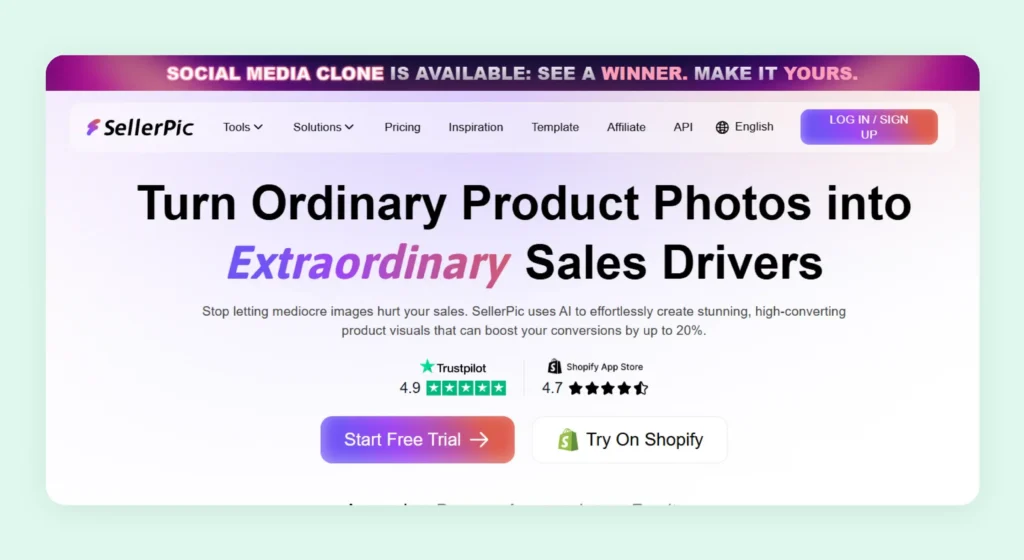
SellerPic is a Pebblely competitor suitable for those in the fashion and jewelry sectors. Instead of serving as a general-purpose image tool, it focuses on how the products in these two sectors are actually presented and sold online. With native Shopify integration, users can pull product images directly from their store. They can enhance or modify them using AI and sync the updated visuals back to their listings without breaking their workflow.
Key features used for product photography
Background remover, image retouch, AI image upscaler, background replacer, image extender, and magic eraser.
Pricing
SellerPic offers tiered pricing plans starting from a free plan(20 credits). Paid plans start at $29/month, scaling to $99/month for higher credits and advanced features.
Where SellerPic falls short
- Heavy reliance on prompt quality to achieve good results.
- Requires constant tweaking and iteration, slowing down workflows.
- Inconsistent output quality, especially at scale, without prompting expertise.
Why pick WizStudio over SellerPic
When you use WizStudio, you don’t have to rely on trial-and-error prompts. This is because WizStudio is carefully designed to deliver precise outputs with minimal input. It is way easier to generate high-quality visuals across large catalogs, no matter your experience in prompting.
3. Claid AI
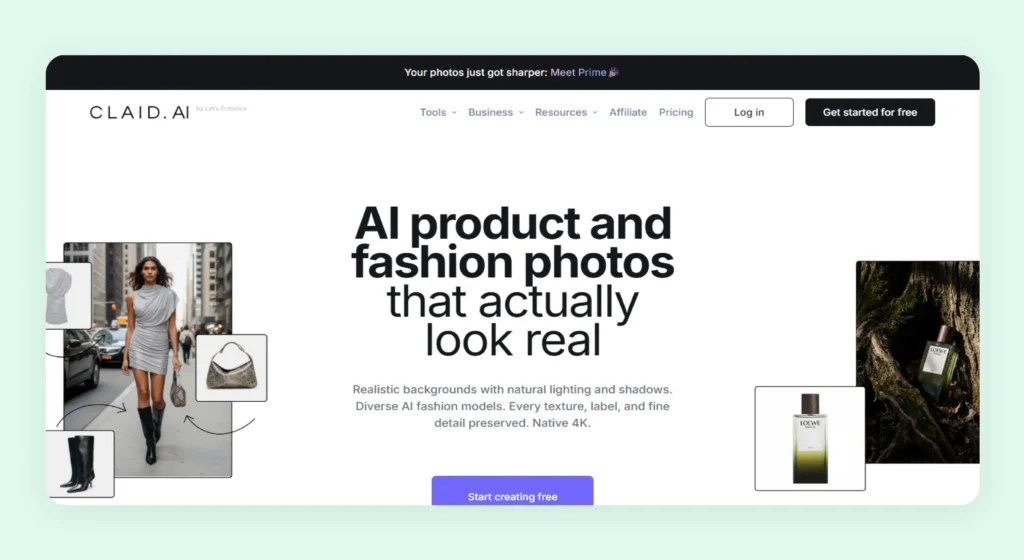
Claid AI is an AI imagery solution that is used to generate and refine product shots and campaign creatives. It is designed to handle large-scale image generation and refinement. But one area where it is different from other Pebblely competitors is its stronger emphasis on fashion product photography. This is evident from its fashion-oriented features. For instance, its AI-generated fashion model transforms your product image into on-model visuals, offering a professional but easy approach to attire presentation.
Key features for product photography
AI fashion models, AI fashion studio, flatlay to model, AI backgrounds, image enhancer and upscaler, image expander, model backgrounds, and image color changer.
Pricing
Claid AI offers a free trial (50 credits), while paid plans start at $15/month and scale up to $49/month. There is a custom-priced business plan suited for advanced workflows, API access, and team support.
Where Claid AI falls short
- Not user-friendly for non-technical teams due to its API-first approach
- User reports indicate that maintaining consistency across large batches still demands considerable manual review.
- Limited versatility, with a strong focus on fashion and apparel categories
Why pick WizStudio over Claid AI
WizStudio is built for ease of use with a more intuitive interface. It allows you to create visuals without technical dependencies. It also caters to more diverse industries from furniture photography to gifts, or home products, and doesn’t restrict itself to one or two.
4. Flair AI
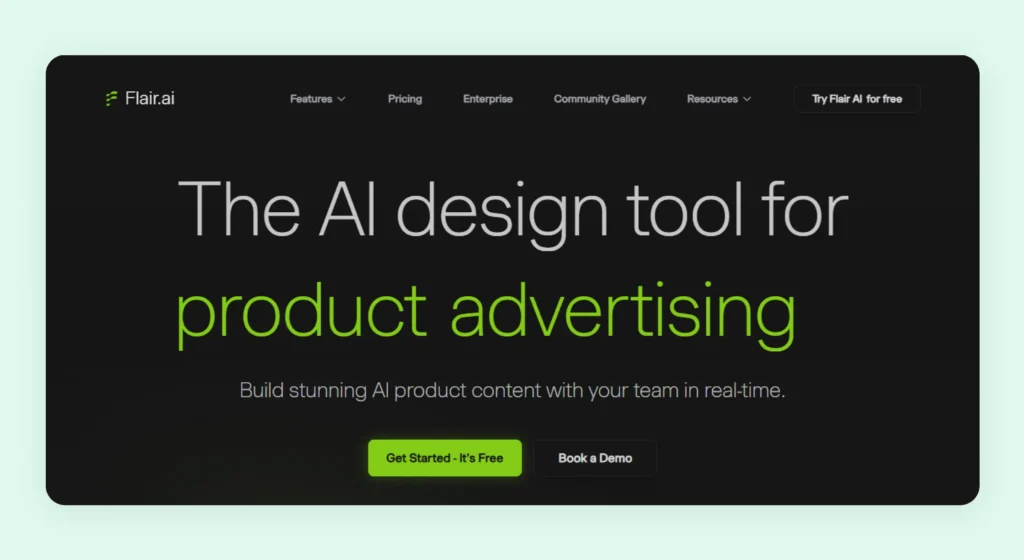
Flair AI is a Pebblely alternative that is closer to Claid AI in terms of capabilities, due to its tilt toward fashion use cases. The platform’s on-model photography, virtual try-on, and AI human builder prove this. Flair AI allows teams to create product photoshoots digitally using a drag-and-drop canvas. Despite this, it can still be a little tricky when it comes to precise control, especially for accurate object placement.
Key features for product photography
On-model photography, enhance image resolution, magic erase, extend image dimensions, and virtual try-on.
Pricing
Flair AI includes a free plan that supports the generation of 5 images. Paid plans start at $10/month and scale up to $55/month. There is also an enterprise plan for higher generation limits, priority rendering, and API access.
Where Flair AI falls short
- Not built for high-volume image generation, making scaling slow and inefficient.
- Inconsistencies in textures and colors affect product accuracy and brand alignment.
- Slow processing times to generate final outputs.
Why pick WizStudio over Flair AI
WizStudio addresses all the gaps left open by Flair AI thanks to its perfectly tuned AI engine that delivers more consistent and guidelines-aligned output, while giving you absolute control over product details.
5. Packify
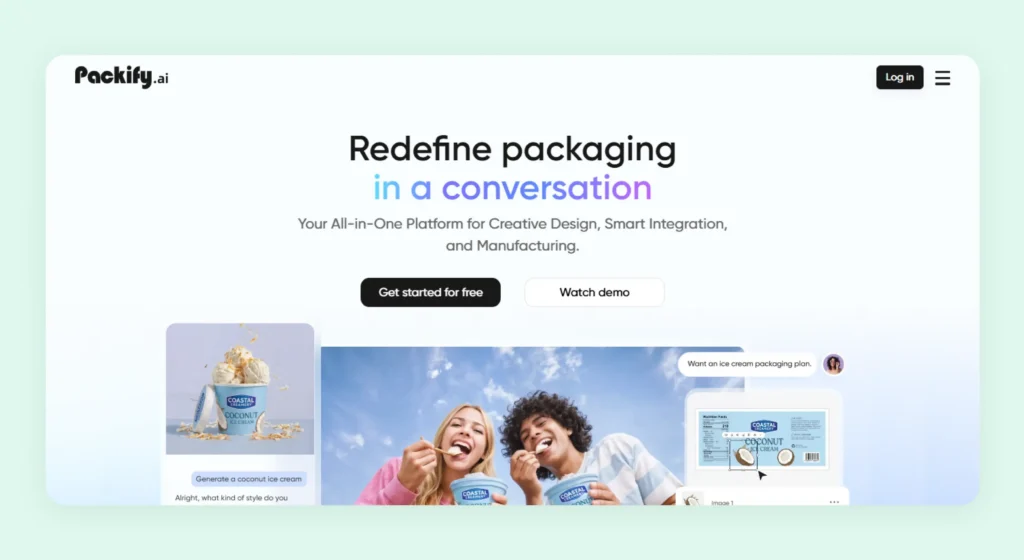
Packify is a Pebblely alternative suited for brands that want to design a packaging experience instead of simply generating product shots. The platform uses templates to turn simple package visuals into catalog-ready scenes and print-ready dielines. For brands that want to showcase their packages, it lets them move from concept to production much faster without relying on traditional design cycles.
Key features for product photography
Templates, AI photoshoot. swap backgrounds, and smart design edit.
Pricing
Packify comes with a free plan (100 credits), while paid plans start at $16.9/month (1000 credits) and scale up to $129/month (10000), along with access to premium features, API access, and enterprise-level capabilities.
Where Packify falls short
- The scope is limited to packaging design and lacks support for broader product visual use cases.
- Requires detailed prompts and manual adjustments to achieve desired outputs.
- Limited customization flexibility for complex or highly specific product photography requirements.
Why pick WizStudio over Packify?
WizStudio offers a far more streamlined and sophisticated experience across multiple use cases. It reduces the need for constant intervention thanks to guided workflows, making it a better fit for teams that want speed and less hands-on effort.
6. Photoroom
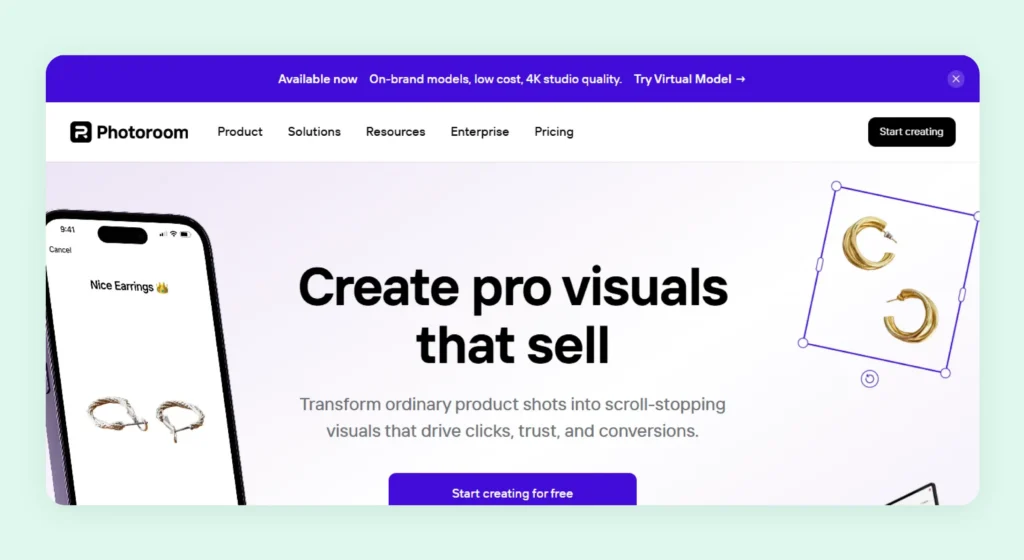
Photoroom is a quick editing tool built to support ongoing product image workflows along with one-off edits. Features like batch processing and direct Shopify integration make it easier to manage and update large sets of product images without breaking the flow between creation and listing. It also leans strongly into catalog-driven and fashion-focused use cases.
Key features for product photography
Static templates, white background, AI backgrounds, background removal, retouch, AI shadows, and resize.
Pricing
Plans start at $12.99/month and scale up to $99/month. There is also a custom-priced enterprise plan offering high-volume credits, advanced AI features, batch processing, and API access.
Where Photoroom falls short
- Batch processing leads to inconsistent lighting and shadows, requiring manual fixes.
- Limited capability for generating rich, contextual lifestyle scenes.
- No structured catalog system for variant generation.
Why pick WizStudio over Photoroom
While Photoroom focuses on quick background edits, WizStudio delivers a more end-to-end solution. It supports the creation of full lifestyle visuals, clean product shots, variants, and even videos at scale. Best part – it is all supported by an optional review layer that offers a human touch to your outputs before they go live.
7. WeShop AI
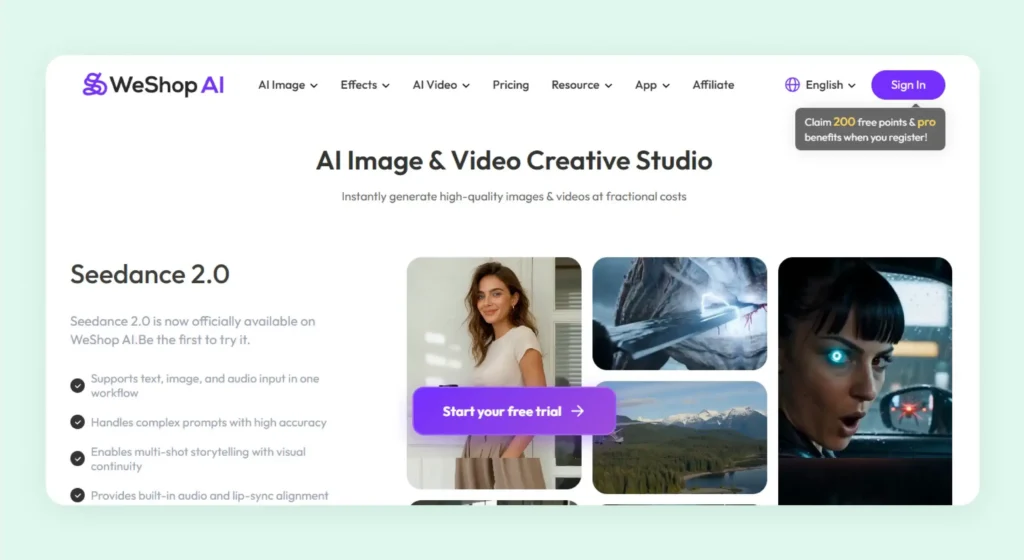
WeShop AI supports both image and video creation. Rather than focusing only on static visuals, it allows users to produce and iterate across formats within a single workspace. The ability to work with multiple AI models in one place also gives some flexibility to experiment and choose what works best for their creative or catalog needs. For teams looking to go beyond basic product images and build varied visual content, it offers a decent-sized toolkit.
Key features for product photography
AI product image generation, to mannequin, change pose, virtual try-on, AI model, remove background, and expand image.
Pricing
Paid plans start at $2.99/week or $12.99/month and scale up to $488/month. Higher-tiered plans offer faster processing, better cost efficiency, and API access.
Where WeShop AI falls short
- Points-based pricing can become expensive as content volume scales
- Requires frequent switching between models, adding workflow complexity
- Needs continuous refinement and hands-on effort to achieve desired outputs
Why pick WizStudio over WeShop AI
WizStudio is built for ease and efficiency. You get simpler workflows and better cost control. This makes it a stronger choice for teams that do not want to worry about managing models or usage limits.
8. Kive AI
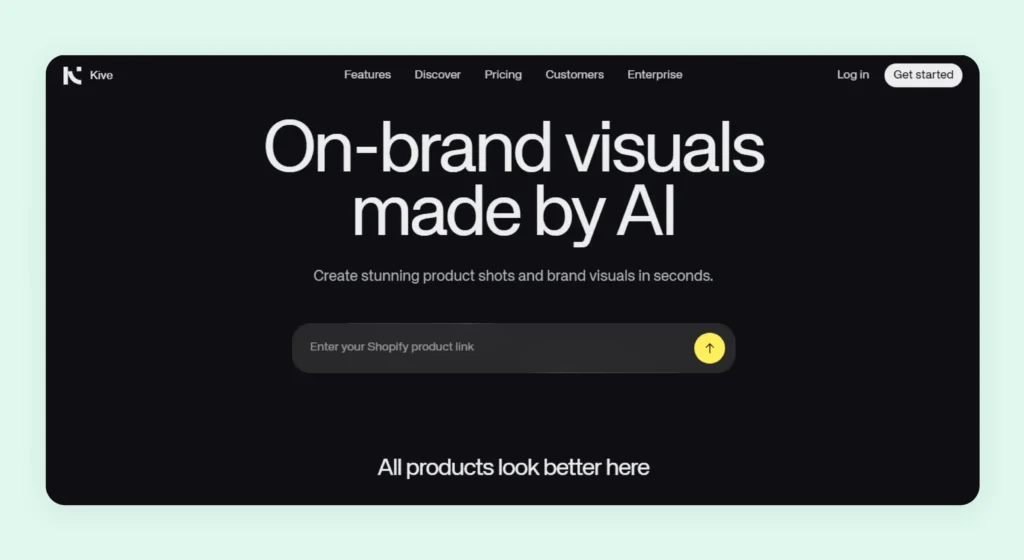
Kive AI is a creative hub that handles both concept development and final asset delivery. It offers AI-powered image and video creation features along with tools for organizing assets, building moodboards, and collaborating with teams. This approach removes the need to jump between multiple platforms during the creative process. For ecommerce brands, features like Product Shots are useful. It allows users to train the AI on their own products and generate lifestyle visuals across scenes and contexts.
Key features for product photography
Multi-product scenes, brand consistency, custom presets, product accuracy, curated presets, batch creation, and AI editing.
Pricing
Kive AI includes a free plan at $0/month, while paid plans start at $20/month and scale up to $100/month. There is also an enterprise plan with higher limits, team access, and advanced features.
Where Kive AI falls short
- Product imagery is just one component of a larger ideation and moodboarding tool, not a purpose-built catalog solution
- Key features like brand style training and practical usage limits are only available in the higher-priced Pro plan
- A collaboration-heavy workflow introduces extra steps, slowing down what should be a quick upload-to-output process
Why pick WizStudio over Kive AI
WizStudio makes all the critical features more accessible without forcing early upgrades. It’s built for catalog teams that need to produce large volumes of consistent and ecommerce-ready visuals, and not manage mood boards.
9. Pixelbin

Pixelbin is designed for teams that need to create visual content on the go. It brings together automated image generators and centralized asset handling. The platform lets you choose from multiple models based on your preferred balance of speed and style. It also supports multiple output formats, from photorealistic landscapes and portraits to fantasy art and 3D renders, while also automatically enhancing vague prompts for better results.
Key features for product photography
Text-to-image generator, image-to-video generator, AI headshot generator, and AI background generator.
Pricing
The platform offers a pay-as-you-go (from $0.06/credit) pricing model. Tiered plans start at $9/month and go up to $15/month. There is also an enterprise plan offering access to AI tools, batch processing, and scalable storage and API support.
Where Pixelbin falls short
- Lacks advanced image generation capabilities needed for professional use cases.
- Limited depth and refinement compared to specialized image generation platforms.
- Lacks an intuitive dashboard, making workflows harder to navigate.
Why pick WizStudio over Pixelbin?
WizStudio offers far more advanced generation capabilities without compromising on the intuitiveness. It also offers a level of finesse in the outputs needed for professional and commercial use cases that Pixelbin lacks.
10. Pixa
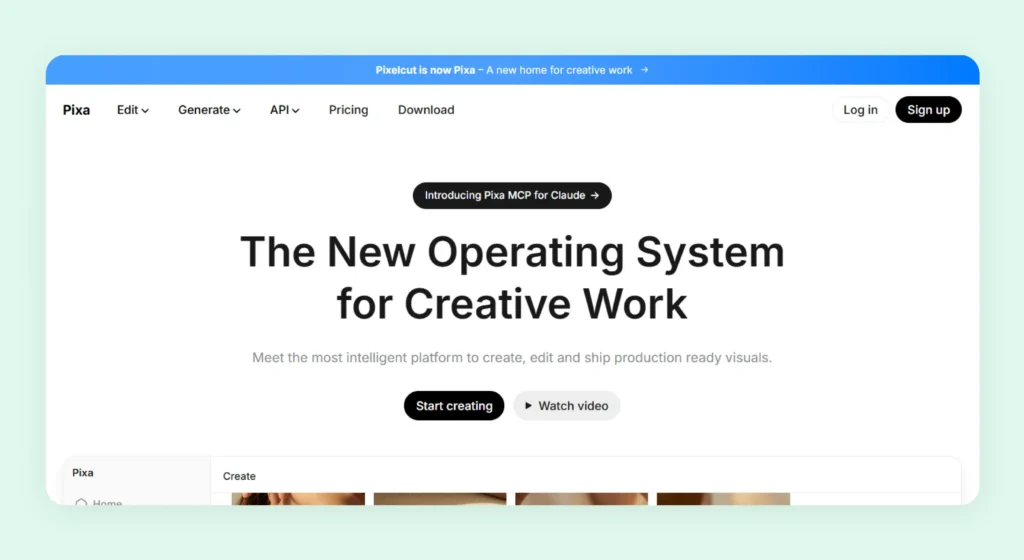
Pixa(formerly Pixelcut) is the final Pebblely alternative on our list and an AI product photography tool used for the creation and delivery of visual assets. It is a creative system where simple prompts can initiate end-to-end workflows for generating or editing images. Available across web and mobile platforms on both iOS and Android, it caters to both creators and businesses. Alongside its user-facing apps, Pixa also offers a developer API, allowing teams to integrate its image generation and processing capabilities directly into their existing pipelines.
Key features for product photography
AI image generator, AI background generator, AI background remover, image upscaler, and generative fill
Pricing
Pixa offers a free plan along with two paid plans costing $10/month and $30/month. Paid plans offer more AI credits and access to features like batch processing and team access.
Where Pixa falls short
- Key AI features are restricted to higher-tier plans, limiting flexibility.
- Slow export speeds when handling large batches.
- Limited availability of premium templates.
Why pick WizStudio over Pixa?
WizStudio offers a more balanced approach towards image generation and editing by making advanced features accessible earlier, allowing teams to leverage powerful AI capabilities, better control, and scalability without being restricted by plan limitations.
How to pick the right Pebblely alternative?
When you pick a Pebblely alternative, you need to look beyond features. You need to evaluate how well it fits into your actual workflow and whether it scales with your needs. Here’s a simple checklist to guide your decision:
- Usability: Is the platform easy for non-technical teams to use without heavy prompting or setup?
- AI feature depth: Does it go beyond basics and offer control over scenes, lighting, shadows, and composition?
- Output quality: Are the images realistic and consistent across multiple generations?
- Pricing structure: Does the pricing scale reasonably with your usage, or does it get expensive quickly?
- Industry focus: Is the tool optimized for your product category or limited to niches like fashion?
- Ecommerce capabilities: Does it support catalog workflows like SKU-level edits and standardization?
- Consistency at scale: Can it maintain brand consistency across hundreds or thousands of images?
- Done-for-you support: Are there services available if you want to offload part of the work?
- Bulk editing workflows: Can you process large volumes efficiently without manual intervention?
If a tool checks most of these boxes, it’s far more likely to support your growth as you scale.
Generate stunning product images with WizStudio
If you are looking for a Pebblely alternative that delivers both quality and control, WizStudio is an automatic choice. The platform combines high-end AI generation with practical ecommerce photography workflows, allowing you to create lifestyle visuals with great ease. Unlike tools that rely heavily on rigid templates or excessive prompting, WizStudio strikes the right balance by giving you intuitive controls while still producing quality outputs.
What truly sets WizStudio apart is how seamlessly it fits into your sales and marketing needs. Want visuals for multiple SKUs? Want to experiment with new creative directions? Whatever your need, the platform ensures faster turnaround times and reliable results across use cases.
So, if you are aiming to elevate your product imagery without the usual friction, WizStudio is worth exploring. Try it out for yourself and see how easily you can transform your product visuals.

FAQs on pebblely alternatives
1. Is Pebblely free to use?
Pebblely does not offer a fully functional free plan or a free trial, which can make it harder for users to explore the platform before committing. This lack of flexibility can be a barrier, especially for small businesses or first-time users who want to test capabilities without upfront costs. For a more flexible start with powerful features, you can try WizStudio.
2. What are the limitations of Pebblely for ecommerce product photography?
Pebblely works well for quick edits and generation, but it falls short when deeper customization is needed. It offers limited control over lighting and creative output, which can impact brand consistency. This becomes more noticeable when managing large or complex product catalogs. WizStudio helps overcome these gaps with better control and consistency at scale.
3. Why is Pebblely not suitable for beginners or growing businesses?
While Pebblely is simple to use, its pricing and limited flexibility can make it challenging for beginners or scaling teams. Without a trial option and with fewer advanced features, it may not adapt well as business needs grow or workflows become more complex. WizStudio offers a more beginner-friendly approach for growing teams.
4. Does Pebblely offer a free trial before purchasing?
Pebblely does not provide a free tier or trial, even if you want to generate a single product photo. This limits users from fully understanding its capabilities before committing. This can be a concern for teams that want to evaluate image quality or check out the dashboard before investing. You can explore WizStudio with an unrestricted trial to better understand its capabilities firsthand.
5. What is the best Pebblely alternative for wholesalers and manufacturers?
Wholesalers and manufacturers need tools that support bulk generation and minimal manual input. Pebblely may struggle here due to its limited scalability. A platform designed for high-volume workflows and standardized outputs is better suited for such use cases. WizStudio is built specifically to handle large catalogs with ease and consistency.
6. Can Pebblely generate bulk product photos for large catalogs?
Pebblely does offer bulk generation, but maintaining consistency across hundreds of images can be challenging. Variations in output and limited control can create inconsistencies, especially for brands that require uniform visuals across their catalog. WizStudio’s bulk product image generator ensures consistent, high-quality outputs at any volume.
7. Does Pebblely support custom brand backgrounds and styles?
Pebblely allows some level of background customization in lifestyle scenes through artificial intelligence prompts and templates, but it can be restrictive when trying to maintain strict brand guidelines for new images. Achieving precise and repeatable styles often requires additional effort and iterations. WizStudio makes it easier to create and maintain brand-aligned visuals via precise lifestyle settings that let you control backgrounds, props, and overall composition.
8. What is better than Pebblely for AI product photography?
WizStudio’s AI product image generator is a strong alternative with superior quality and control. Platform that combines AI automation with real-world ecommerce workflows tend to deliver more reliable results. WizStudio is a strong alternative with superior quality and control.