Skip to content



Your buyers want videos and getting it the old way meant hiring a videographer, booking a studio, lighting the set, shooting, then paying an editor. A single product demo video runs $1,500 to $5,000 per finished minute, and a crewed shoot day costs $2,500 to $8,000 before anyone touches the edit. The average video production job on Clutch closes at $42,281 and takes five months. Now multiply that by 500 products. The math never works, which is why most wholesalers have photos for everything and video for almost nothing, and why so many of them are hunting for the best AI image to video generator instead.
An AI image to video generator takes a product photo you already own and turns it into a short video clip. You get something you can put on a listing or a social post, in minutes, without booking anyone.
The catch nobody mentions is most of these tools were built to make pretty videos, not to keep your product looking like your product. Upload a chair and many of them will hand back a lovely clip of a chair that is not yours, with different legs and a logo that has quietly turned to mush. This guide compares the top 10 AI image to video generators on whether they keep your product accurate, how long a clip you get, whether you can make many at once, and what each one costs.
How did we pick the best image to video AI tools?
We evaluated every tool against seven criteria based on the questions wholesalers consistently raise during demo calls, including pricing, capabilities, scalability, and overall fit for wholesale businesses.
1. Product consistency and accuracy
A General AI video model redraws what they see, so labels blur, logos warp, handles move and the shape drifts as the clip plays. Only a few vendors make an actual promise here. Higgsfield says its model “holds the exact shape, label, and color frame to frame”. HeyGen says products are “integrated into scenes at the pixel level”. Most of the rest say nothing at all, which tells you something.
2. Maximum clip length
Most general models cap out between 8 and 20 seconds. That is fine for a listing loop and too short for anything with a story. Tools that assemble scenes rather than generate one continuous shot go much longer. Know which one you need before you pay.
3. Support for bulk video generation
The number vendors bury. One video at a time is fine for a campaign and hopeless for a catalog. We checked for real batch generation, not just several jobs running in parallel, and we wrote down the published limits where vendors give them.
4. Output quality and pricing
Plenty of tools generate at 720p and sell you an upscale to 4K, which is not the same as generating in 4K. Others charge more per second for the higher resolution. We noted both.
5.Video pricing
Take the monthly price and divide it by how many videos you get. Credit systems make this harder than it should be, and several vendors charge you for failed generations. A $30 plan that gives you eight usable clips is a $3.75 video.
6. Target users and use cases
Filmmakers, social creators and catalog teams need different things. A tool built for cinematic storytelling will do beautiful work and still be the wrong buy for a wholesaler with 5,000 products.

Best AI Image to Video Generators for 2026
Here is every tool side by side. Use this table to compare the best image to video AI generator options on product accuracy, clip length, batch limits and price.
|
Tool |
Best for | Product accuracy claim | Max clip | Max res | Batch | Starting price |
|---|---|---|---|---|---|---|
| WizStudio | Wholesalers and big catalogs | Built to keep your product accurate | 4 to 15 sec | 4K | Built for catalog runs | Free trial |
| Higgsfield | Ecommerce ad creative | “Holds the exact shape, label, and color frame to frame” | Not published | 4K | Full-catalog batch | $9 to $15 a month |
| Creatify | Product video ads at volume | Not stated | Up to 10 min | Not published | 50 variants at once | Free / $39 a month |
| HeyGen | Avatar and product placement ads | “Integrated into scenes at the pixel level” | Up to 60 min | 4K | Dozens of variations | Free / $24 a month |
| Google Veo (Flow) | Best general model | None, but 3 reference images | 8 sec | 4K | One per request | Free / $4.99 a month |
| Runway | Filmmakers and agencies | None | 10 sec | 720p, 4K upscale | Not published | Free / $12 a month |
| Kling AI | Multi-shot and native 4K | None | 15 sec, multi-shot | 4K native | Not published | Free / $6.99 a month |
| Luma Dream Machine | Pro creative pipelines | None, but 16 keyframes | 20 sec | 1080p and HDR | Partial | $25 a month |
| Adobe Firefly | Creative Cloud teams | None, but commercially safe | 5 sec unit | 4K | Not published | Free / $9.99 a month |
| Getimg.ai | Cheap access to many models | None, but reference and first/last frame | Up to 30 sec | 2K | Not published | $8 a month |
1. WizStudio by WizCommerce
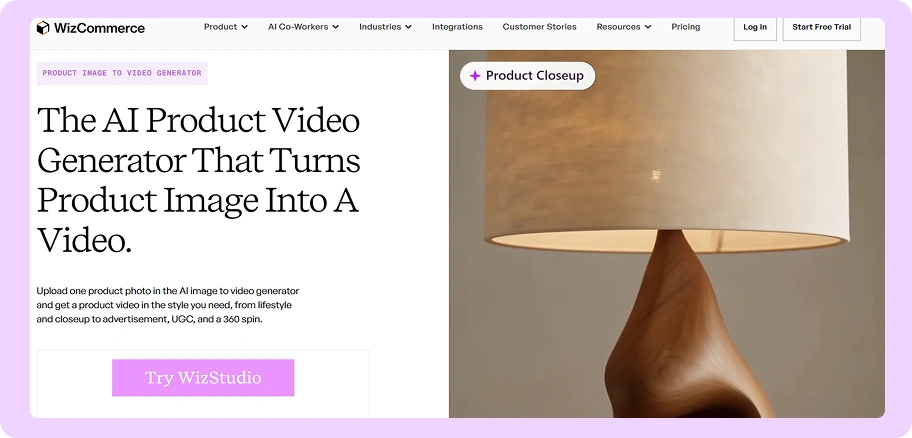
Best for: Wholesalers, distributors and retailers who need product video across a big catalog without hiring a crew.
Key features:
- Starts from a photo you already own: Use the catalog shot you have instead of shooting new footage, with the AI product video generator from image.
- Keeps the real product accurate: Built so the shape, label and finish survive the clip, which is where general AI video tools fall apart.
- Script Assistant and storyboard preview: Write the script with help, then see the shots before you spend credits on a generation.
- Built for catalog volume: Sized around how many products you have rather than a monthly video cap.
- Every aspect ratio and up to 4K: Landscape, square and vertical, with resolution up to 4K for listings and social.
Pricing: Credit-based and priced by catalog size, with a free trial to start. Full details on the WizStudio pricing page.
2. Higgsfield
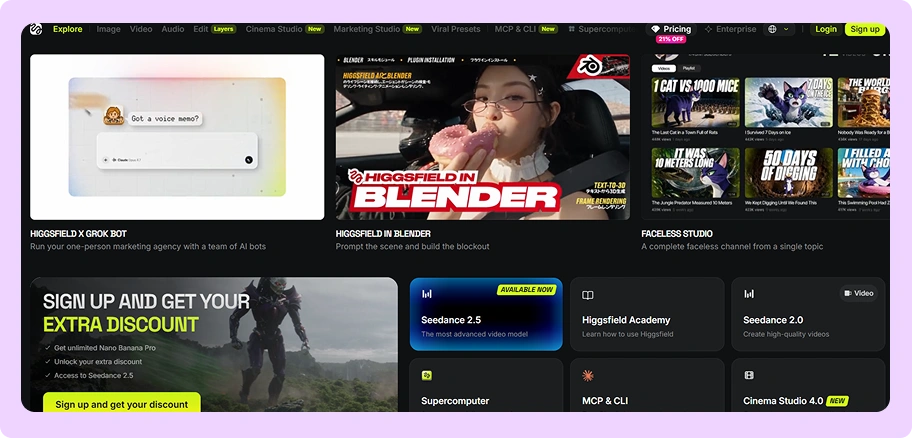
Best for: Ecommerce and performance marketing teams making ad creative from product photos.
Key features:
- Product photo or store link: Drop in a photo, paste a store URL, or start from a prompt.
- The strongest accuracy claim on this list: Upload one to three references and Higgsfield says the model holds the exact shape, label and color frame to frame.
- Ad formats out of the box: Virtual try-on, unboxing, product review, UGC, tutorial and TV spot.
- Full-catalog batch generation: One of only two tools here that says outright it can run a whole catalog.
- Up to 4K with an upscaler included, in 1:1, 16:9, 9:16 and 4:5.
Pricing: Starting at $15 a month and Ultra at $99.
Where Higgsfield falls short
- The free 24-hour unlimited trial converts to a paid monthly plan automatically unless you cancel. Set a reminder.
- Maximum clip length is not published anywhere we could find, and no public API pricing exists.
How WizStudio is better than Higgsfield
Higgsfield makes the strongest accuracy promise of any general tool and backs it with real batch generation, which is why it sits second. The gap is transparency and fit. WizStudio publishes what you get, does not run auto-converting trials, and is built around catalog operations rather than ad campaigns.
3.Creatify
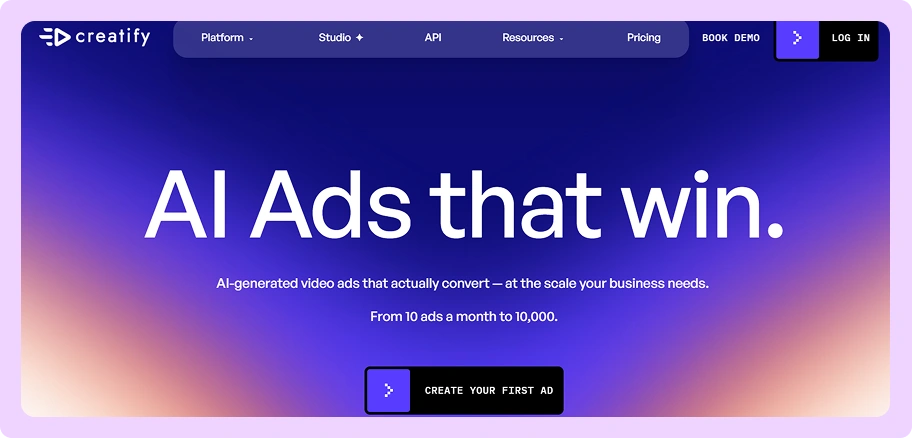
Best for: Making a lot of product video ad variants for testing.
Key features:
- Photo or product URL in: Upload your shots, or paste a link and get a ready-to-post video.
- Batch Mode: Create up to 50 video variants at once, the clearest published batch limit of any tool here.
- Long-form output: Up to 2 minutes on Starter and up to 10 minutes on Pro, because it assembles scenes rather than generating one shot.
- 1,500-plus AI actors and 500-plus templates on the Pro plan.
- API available, with customers cited generating 300-plus videos a month.
Pricing: Free plan with 10 credits a month, roughly 2 video ads, watermarked. Starter is $39 a month for 100 credits. Pro is $99 a month for 300 credits, scalable to 5,000. Enterprise is custom. The site advertises up to 50% off annual plans but does not publish the annual dollar figures.
Where Creatify falls short
- G2 reviewers say credits disappear fast when you are testing variations, which is the exact thing the tool is sold for.
- The built-in editor is rigid. Reviewers compare it unfavorably to CapCut or Premiere, and small timing changes mean regenerating the whole video.
- Avatars land in the uncanny valley for some reviewers, with lip-sync that does not quite work.
- No published API pricing, resolution specs or annual prices.
How WizStudio is better than Creatify
Creatify is built to pump out ad variants. What it does not do is treat your product as something that must stay accurate across a catalog. If you are testing 50 versions of one hero product, use Creatify. If you need one solid video for each of 500 products, that is a different job.
4. HeyGen
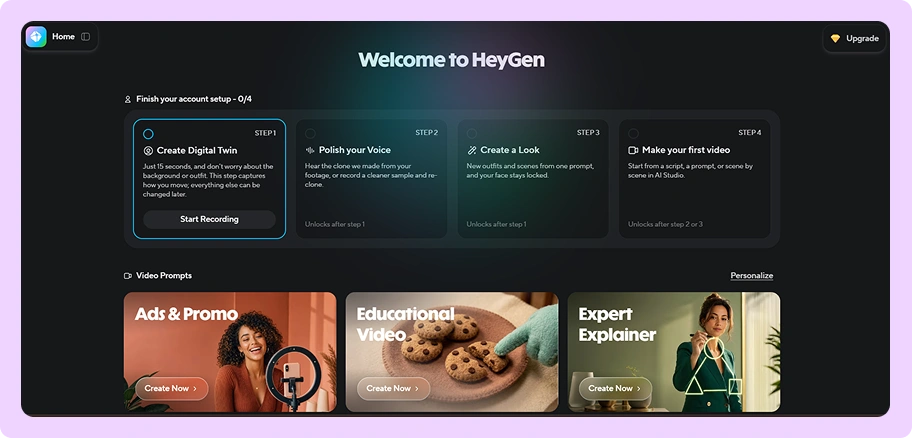
Best for: Videos with a presenter, and product placement into generated scenes.
Key features:
- AI Product Placement: Upload a packshot or clean product image and HeyGen drops it into a generated scene.
- Pixel-level compositing: It matches lighting direction, shadow placement, surface reflections and scale, and says products are integrated at the pixel level rather than redrawn.
- Genuinely long video: 30 minutes on Creator and Pro, 60 minutes on Business.
- 1,500-plus stock avatars plus custom digital twins and voice cloning.
- 4K export on Pro and Business.
Pricing: Free plan gives 3 videos a month at 1 minute, watermarked. Creator is $29 a month, or $24 billed annually, for 600 credits with 1080p and watermark removal. Pro is $49 a month for 1,000 credits with 4K. Business is $149 a month plus $20 per seat.
Where HeyGen falls short
- G2 reviewers flag high pricing on credits and API, and note that re-rendering after a small script edit costs the same as a fresh video.
- There is no lip-sync preview before you generate, so you find out something is wrong after paying for it.
- Free-tier users cannot download their watermarked videos at all.
- It is built around a presenter. If you just want the product to move on its own, most of what you are paying for goes unused.
How WizStudio is better than HeyGen
HeyGen’s compositing claim is the most technically specific on this list and its long-form output is unmatched. But it is an avatar tool with product placement attached. For a wholesaler who needs each product filmed rather than each product introduced, the shape of the tool does not match the shape of the job.
5. Google Veo (Flow)
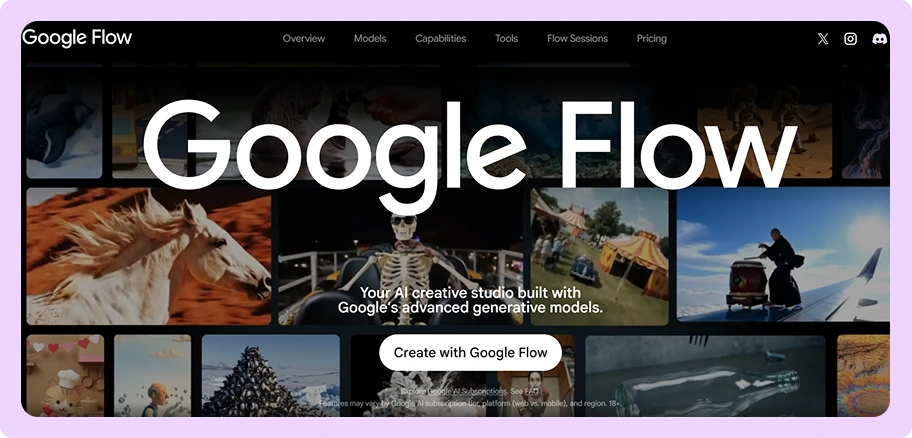
Best for: The strongest general-purpose model, if you can work within its limits.
Key features:
- Frames to Video and Ingredients to Video: Both take your own uploads.
- Up to three reference images: The best consistency control of any general model here.
- First and last frame: Set both ends of the clip and let Veo fill the middle.
- Up to 4K on Veo 3.1 at 8 seconds.
- Scene extension in Flow for stitching clips together.
Pricing: Flow is free with 50 daily credits. Google AI Plus is $4.99 a month for 200 credits. AI Pro is $19.99 for 1,000. AI Ultra is $99.99 for 10,000 or $199.99 for 25,000. Through the API, Veo 3.1 costs $0.40 a second at 720p and 1080p and $0.60 at 4K, with Veo 3.1 Fast at $0.10 to $0.30. There is no free tier on any Veo model through the API.
Where Google Veo falls short
- Eight seconds is the longest clip you can generate, full stop.
- The API produces one video per request. There is no batch endpoint.
- No product-fidelity promise. Reference images help, but nothing guarantees your logo survives.
- No catalog workflow, no product concept, no ecommerce integration.
How WizStudio is better than Google Veo
This is the honest one. Veo is a better raw model than anything WizStudio generates on its own, and if you want the best-looking eight seconds money can buy, use it. What Veo will not do is run your catalog, keep your SKU accurate across 500 clips, or give you anything to manage the work in. Those are the parts we build.
6. Runway
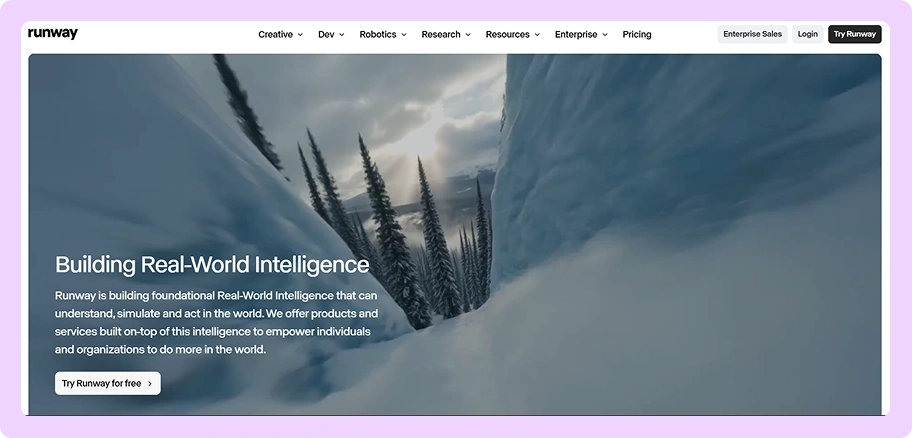
Best for: Filmmakers, agencies and creative teams.
Key features:
- Gen-4.5 image-to-video: Drop in your image and prompt only for the motion.
- Keyframes and video-to-video: Real directorial control over how a shot moves.
- Upscale to 4K from 720p output.
- A published API with clear per-second rates.
- Deep creative toolset built for people who think in shots and sequences.
Pricing: Free plan gives 125 one-time credits, watermarked. Standard is $15 a month, or $12 billed annually, for 625 credits, which Runway says is about 52 seconds of Gen-4.5. Pro is $35 a month, or $28 annually, for 2,250 credits. Max is $95 a month, or $76 annually, for 9,500. The API charges 12 credits a second for Gen-4.5, which works out at $0.12 a second.
Where Runway falls short
- Generation is 720p native. The 4K you see advertised is an upscale.
- Clips run 2 to 10 seconds with no native multi-shot.
- No product-fidelity claim of any kind, and no documented batch.
- The review picture is rough. G2 users report burning credits fast with no preview before the charge, and Runway holds a TrustScore of 1 out of 5 across 220 Trustpilot reviews, dominated by credit and refund complaints.
How WizStudio is better than Runway
Runway is a filmmaking tool and a good one. It is also priced and structured for creative exploration, where spending credits on takes you throw away is part of the process. That model is painful when you have 500 products and no appetite for takes.
7. Kling AI
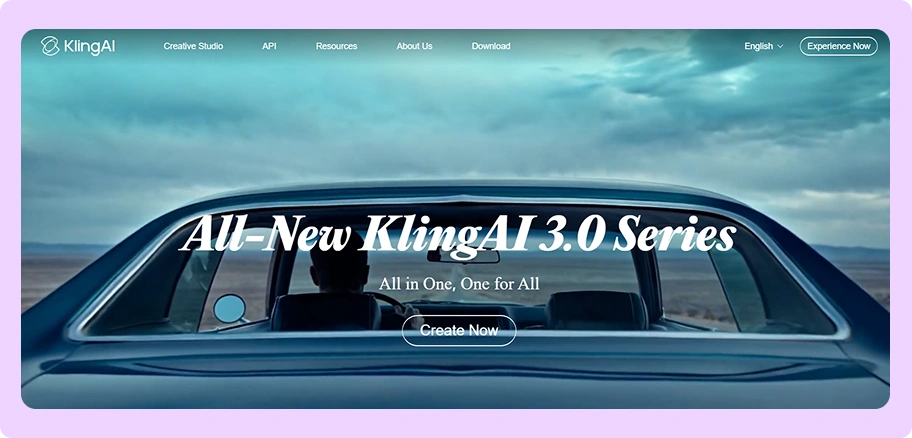
Best for: Native 4K and multi-shot clips.
Key features:
- Image-to-video as a core mode, not a bolt-on.
- Native 4K output, not an upscale, at 30 credits a second.
- Multi-shot control: Set duration, framing, viewpoint and camera movement across shots.
- Clips up to 15 seconds, longer than most general models here.
- Free tier available, though watermarked and capped below 1080p.
Pricing: Basic is free. Standard is $6.99 a month for 660 credits, though Kling notes this is a first-subscription discount that renews at $8.80. Pro is $25.99 for 3,000 credits, Premier $64.99 for 8,000, Ultra $127.99 for 26,000. Top-ups run at $1 for 66 credits.
Where Kling AI falls short
- G2 reviewers report losing credits on failed generations, which they point out is the tool’s fault and not theirs.
- 1080p and watermark removal are premium-only, so the free tier is a demo rather than a plan.
- Reviewers ask for multiple image references for video, which means product consistency controls are thin.
- The API exists but its per-second rates are not readable on the site, and annual pricing is not published either.
How WizStudio is better than Kling AI
Kling’s native 4K and multi-shot are genuinely ahead of most of this list on raw capability. The problems are commercial rather than technical: opaque pricing, credits lost on failures, and no reference control to hold your product steady. Those three things matter more at 500 products than they do at five.
8. Luma Dream Machine
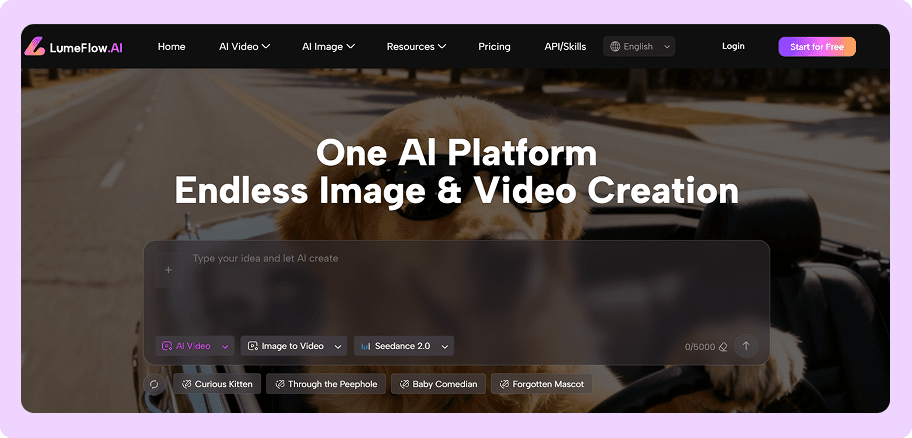
Best for: Professional creative teams with a real post-production pipeline.
Key features:
- Up to 16 keyframes in one clip: The most granular motion control here.
- 20-second clips, extendable in 5-second blocks.
- 16-bit HDR and EXR export: Genuine VFX pipeline support, which nobody else on this list offers.
- Motion Transfer and Reframe: Move motion between clips and reframe 9:16 to 21:9.
- Published API pricing by 5-second block.
Pricing: Plus is $30 a month, or $25 billed yearly, for 10,000 credits. Pro is $90 a month, or $75 yearly, for 40,000. Ultra is $300 a month, or $250 yearly, for 150,000. A 1080p 10-second image-to-video clip costs 1,200 credits. Through the API, a 5-second 1080p clip is $1.20 and a 10-second one is $3.60.
Where Luma Dream Machine falls short
- No 4K. It tops out at 1080p, though the HDR support partly makes up for it.
- No free tier is shown on the pricing page, and the cheapest plan is $30 a month, the highest entry price on this list.
- HDR costs double and HDR with EXR costs triple.
- No product-fidelity claim and no catalog tooling.
How WizStudio is better than Luma Dream Machine
Luma is aimed at studios, and the ACES and EXR support tells you exactly who it is for. If you have a colorist, you will love it. If you have a merchandising team and a deadline, the pipeline features are cost without benefit.
9. Adobe Firefly
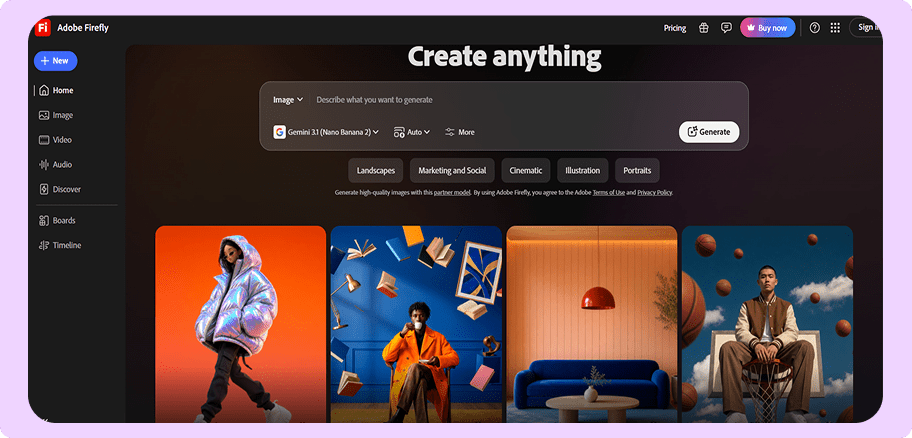
Best for: Teams already inside Creative Cloud who need commercially safe video.
Key features:
- Image-to-video from your own uploads: Photos, illustrations, renders or concept art.
- Commercially safe output: Video from the Adobe Firefly model is cleared for commercial use, which matters for legal review.
- Multiple models in one place: Firefly Video, Google Veo 3.1, Luma Ray3, Kling 3.0 and Runway Gen-4.5 all bundled.
- Creative Cloud integration with Express and Photoshop web on the lower plans.
- Free daily generations that reset each day.
Pricing: Standard is $9.99 a month for 2,000 credits, about 20 five-second videos. Pro is $19.99 for 4,000 credits. Pro Plus is $49.99 for 10,000. Premium is $199.99 for 50,000 with unlimited video. Business licenses are available at the same rates per seat.
Where Adobe Firefly falls short
- Credits are priced in five-second videos, so long-form is not what this is for.
- No product-variant or catalog features, and no documented batch.
- G2 reviewers describe the credit system as confusing and say similar prompts produce very different results, forcing regeneration.
- You are paying for the bundle. Several of these models are cheaper accessed directly.
How WizStudio is better than Adobe Firefly
Firefly’s commercial-safety guarantee is a real advantage and nobody else on this list matches it. But it is a creative suite with video attached, not a catalog tool, and the five-second credit unit tells you what it expects you to make.
10. Getimg.ai
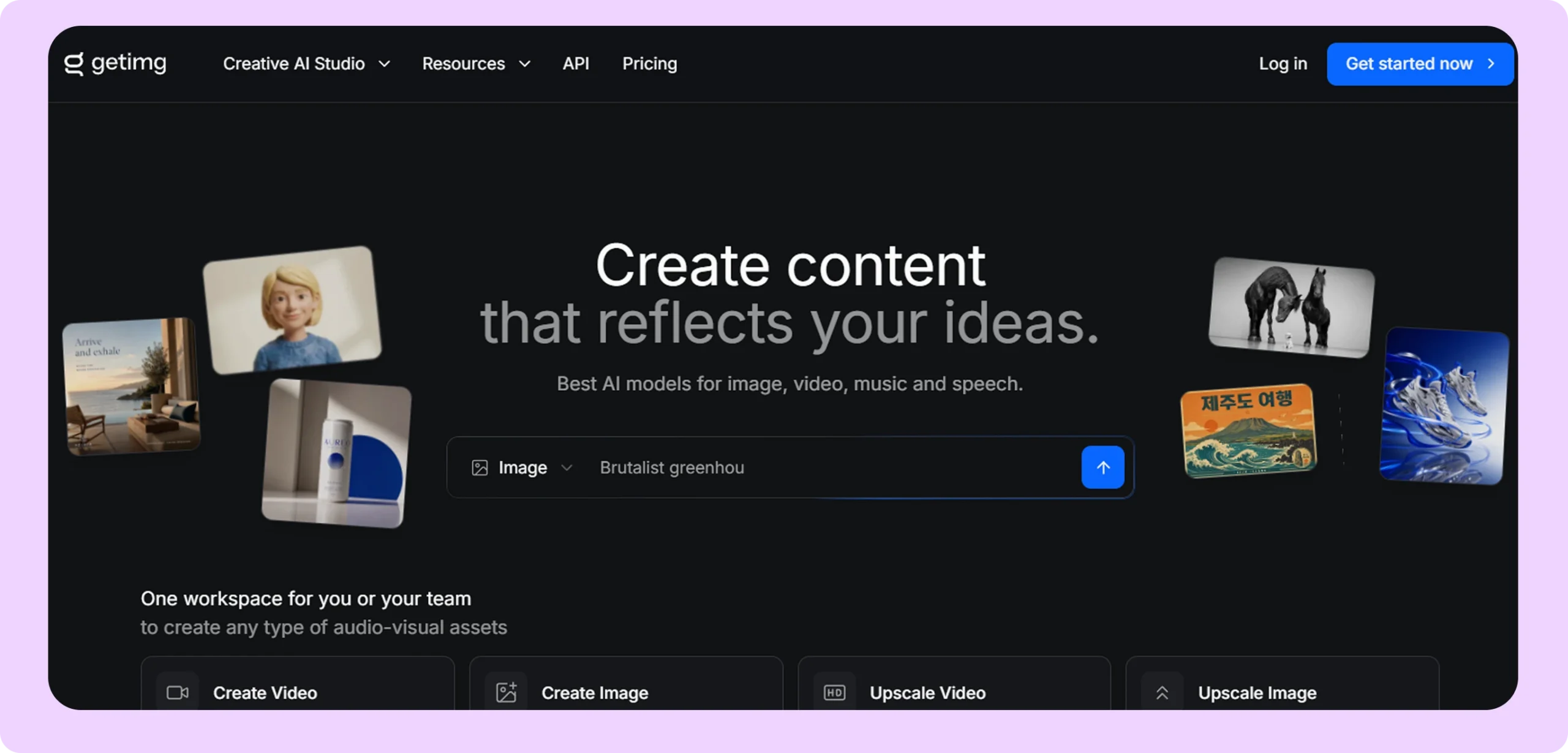
Best for: Cheap access to a lot of video models in one place.
Key features:
- Reference images that persist: Getimg says references guide characters, props, logos and visual details throughout the clip, not just the first frame.
- First and last frame control on supported models, useful for clean loops.
- Clips up to 30 seconds on Seedance 2.5, the longest single-clip figure here.
- 29-plus models including Kling, Veo, Seedance and MiniMax from one screen.
- Lowest entry price on this list at $8 a month billed annually.
Pricing: Month to month, Entry is $10, Core $30, Plus $65 and Ultra $175, carrying 3,000 to 100,000 credits. Annual billing brings those to $8, $25, $55 and $150. Core and above are per seat. Getimg says that works out at 5 videos a month on Entry up to 166-plus on Ultra.
Where Getimg.ai falls short
- Five videos a month on the entry plan is almost nothing.
- No free tier appears on the pricing page, so budget for paying from day one.
- The API exists but its pricing page returns an error, so per-request costs are unknown.
- No product-fidelity guarantee, no batch documentation, and no catalog features.
How WizStudio is better than Getimg.ai
Getimg’s persistent logo and prop references are the best thing about it and the closest any aggregator comes to product consistency. What you do not get is a workflow. At 5 to 166 videos a month with no batch tooling, it is built for someone making a handful of clips, not a catalog.
Why wholesalers choose WizStudio for product video
Video is the asset wholesalers want most and produce least. It is the most shoot-expensive asset on the list by a wide margin. The result is predictable: photos for every product, video for almost none. WizStudio exists to close that gap.
- Starts from photos you already own: No new shoot, no crew, no studio booking. The catalog shot you already paid for becomes the source footage.
- The product stays accurate: Shape, label and finish are built to survive the clip, which is the one thing general video models will not promise.
- Built around a catalog, not a hero clip: The unit of work is a product range rather than a single video, so the workflow assumes you are doing hundreds of these and not one.
- Every format your channels need: Landscape, square and vertical, up to 4K, ready for listings and social without a separate export step.
- Toolkit: Video is one part of a wider set. The same platform covers lifestyle images, variant images generator for color and fabric versions, dimension lines generator for spec sheets, bulk silos image generator for clean white-background shots, image expander, multi-product image generator, background remover, object remover and 360 degree spin.
- One platform for stills and video: Your photos and your clips live in the same place, so video is not a separate tool, a separate login and a separate bill.
For furniture and lighting wholesalers, see how the furniture industry uses product imagery, and how a home decor wholesaler brought catalog imagery in-house.
How to pick the best ai image to video generator in a crowded market?
The fastest way through is not to compare features, it is to learn which claims mean nothing, so you can cut the field down to a handful worth a real look.
Most tools are selling you the same few models
Adobe Firefly bundles Google Veo 3.1, Luma Ray3, Kling 3.0 and Runway Gen-4.5. Getimg carries 29 models. Magnific carries more than 40. Pika’s API resells 57. So when two tools produce near-identical output, that is often because they are calling the same engine. Ranking tools on how good the video looks mostly ranks them on which licensing deal they signed, which tells you nothing about whether either one fits your catalog.
Check the date on every list you read, including this one
OpenAI discontinued the Sora web and app experiences in April 2026 and its API shuts down in September, yet Sora still sits near the top of most “best AI video generator” roundups published this year. Freepik’s AI tools rebranded to Magnific, so older articles point at a URL that redirects.
Before you trust any recommendation, check when it was written and confirm the tool still exists on the vendor’s own site. Two minutes of checking saves you from building a workflow on something with a published shutdown date.
Pay attention to what a vendor will not say
Every one of these tools will tell you the output looks cinematic. Very few will tell you your product survives the clip.
Only two vendors on our list make a specific promise. Higgsfield says its model “holds the exact shape, label, and color frame to frame”. HeyGen says products are “integrated into scenes at the pixel level”. Everyone else stays quiet on it. That silence is information. If product accuracy mattered to how a tool was built, the marketing team would be shouting about it.
Treat the showreel as marketing, not evidence
Vendor galleries are cast, not sampled. The products in them are chosen because they animate well: clean shapes, flat colors, simple lighting. Your catalog is not that.
The only test that counts is your own hardest product, run live, more than once. Ask for ten clips of the same item in a row and watch whether the logo holds on the tenth. A vendor confident in the answer will do it on the call.
Read the credit and trial terms before the feature list
This is where the unpleasant surprises live, and they are easy to check.
Kling users report losing credits when a generation fails through no fault of theirs. HeyGen has no lip-sync preview, so you pay first and find out after, and re-rendering a small script change costs the same as a fresh video. Higgsfield runs a free 24-hour unlimited trial that converts to a paid monthly plan automatically unless you cancel. Runway holds a Trustpilot score of 1 out of 5 across 220 reviews, most of them about credits and refunds. None of that is on a feature comparison table.
Be wary of pricing a vendor cannot state consistently
If a company cannot agree with itself about what it charges, that is a signal about how the rest of the relationship will go.
Higgsfield’s own pages give two different price tables, one showing Starter at $15 and Ultra at $99, another showing $9 and $129. Photoroom and Claid render their subscription prices in a way that never appears as readable text. Kling advertises $6.99 a month that renews at $8.80. Ask for pricing in writing before you commit, and treat a vendor that will not put a number on a page as one that will not put a number in a contract.
Then, and only then, compare features
Once you have cut the field to the four or five that survive those checks, the feature comparison becomes fast and useful. Clip length, resolution, batch limits and API access are easy to compare and easy to verify. The hard part was never comparing features. It was working out which vendors deserved to be on the list.

Why is WizStudio the best AI image video generator?
For a wholesaler with a catalog to cover, WizStudio is the best fit on this list because it is the only tool built around the same job you are doing: turning product photos you already own into usable video, across a lot of products, without the product changing along the way. That is a narrower claim than “best video generator,” and it is deliberately narrow. Judged on which tool makes the most beautiful eight seconds, Google Veo wins. Judged on which one fits a catalog workflow, the answer changes.
Here is how it scores against the seven criteria we used on everything else.
It starts from the photo you already paid for
Every tool on this list accepts an uploaded image, but most treat it as inspiration. WizStudio treats it as the source. The catalog shot sitting in your product system becomes the first frame, which means the video you get back is of the item you actually sell rather than something the model invented from a description of it.
The product stays your product
This is the criterion that eliminates most of the field, and it is the one WizStudio is built around. Shape, label and finish are meant to survive the clip, which is exactly where general video models drift. It is also the promise you should make every vendor prove rather than take on trust, ours included. Ask for the same product ten times in a row and watch the tenth.
It assumes you have hundreds of products, not one
Most of these tools are designed around making one great video. The interface, the pricing and the workflow all assume you are working on a campaign. WizStudio assumes a product range, so the unit of work is a set rather than a single clip.
Be realistic about what that means at the top end. Like every vendor on this list, real catalog volume moves you into a conversation about a custom plan rather than a checkout page. The difference is where the workflow starts, not that the ceiling disappears.
Video sits with the rest of your imagery
For most teams this matters more than any single feature. The same platform that makes your video also handles lifestyle images, variant builder for color and fabric versions, dimension lines, bulk silos, background removal and 360 degree spin. Video is not a separate tool, a separate login, a separate bill and a separate export path back into your listings.
Every other tool on this list is a video tool. If you need stills too, and almost every wholesaler does, that is two subscriptions and two workflows instead of one.
It is built for the categories that break other tools
Furniture, lighting, home decor, toys, gifts, fashion and jewelry are the hard cases. Woven fabric, carved wood, reflective metal and gemstones are where general models smear detail and invent geometry. A tool tuned on flat-lay apparel will not handle a rattan chair well, and most of them are.
Conclusion
Product videos that once cost $1,500–$5,000 per finished minute and took weeks to produce can now be created in minutes for cents. That changes what video is for: instead of reserving it for your top 10 products, you can create it for your entire assortment—at scale.
The right tool depends on what you need and how much of it. For a handful of beautiful clips, Google’s Flow and Runway are hard to beat. For ad creative at volume, Higgsfield and Creatify are built for exactly that. For videos with a presenter, HeyGen. For a studio pipeline, Luma.
For wholesalers and distributors who need video across a whole catalog with the product staying accurate every time, WizStudio by WizCommerce is the best image to video AI generator of the group, because it is the only one built around the catalog rather than the clip. Book a demo and bring your hardest product.
FAQs
1. What is the best AI image to video generator?
If you’re producing product videos at scale, WizStudio is the strongest choice for wholesalers. While Google Veo through Flow is excellent for creating polished short clips and Higgsfield is a strong option for ecommerce ad creative where product accuracy matters, WizStudio is built specifically around catalog volume—so you can turn a large assortment into product videos without creating them one clip at a time.
2. Can AI make a video from a photo I upload?
Yes, and every tool in this guide accepts your own image as the starting frame. What differs is what happens next. Some tools redraw your product as they animate it, so logos blur and shapes drift. Others use reference images or compositing to keep the original intact. Ask any vendor to animate your product ten times in a row and check whether it survives all ten.
3. What is the best free AI video generator from image?
Google Flow has the most generous genuinely free option at 50 credits a day. Kling’s Basic plan is free but watermarks output and caps resolution below 1080p, Runway gives 125 one-time credits, and HeyGen allows 3 watermarked videos a month that free users cannot download at all. Creatify’s free plan gives about 2 watermarked ads a month. Treat all of these as trials rather than working plans.
4. How much does an AI product video cost compared with filming one?
A professionally produced product demo video runs $1,500 to $5,000 per finished minute, and a crewed shoot day costs $2,500 to $8,000 before editing. Through an AI API you are looking at $0.10 to $0.40 a second, so an eight-second clip lands between about $0.80 and $3.20. The gap is why AI video makes sense for the long tail of a catalog that could never justify a crew.
5. How long can AI-generated videos be?
Most general models cap between 8 and 20 seconds. Google Veo tops out at 8 seconds, Runway at 10, Kling at 15, and Luma at 20 with extensions. Tools that assemble scenes rather than generate one continuous shot go much longer: Creatify reaches 10 minutes and HeyGen reaches 60. Decide whether you need one continuous shot or an assembled sequence before you choose.
6. Which AI video tools can generate many videos at once?
Only three publish real batch capability. Creatify states 50 variants at once and cites customers producing 300-plus videos a month. Higgsfield advertises full-catalog batch generation. WizStudio is built around catalog runs rather than a monthly cap. Everything else on this list either runs a few jobs in parallel, which is not the same thing, or does not document batch at all. Google’s Veo API produces one video per request.
7. What is the best AI product video generator for ecommerce?
For ad creative, Higgsfield and Creatify are the two built specifically for it, with Higgsfield making the stronger accuracy claim and Creatify offering the better batch mode. For product placement with a presenter, HeyGen composites products into scenes at the pixel level. For wholesalers who need one good video for every product rather than 50 versions of one product, WizStudio is built for that shape of work.
8. Is OpenAI Sora still available?
No. OpenAI’s help center states the Sora web and app experiences were discontinued on 26 April 2026, and the Sora API will be discontinued on 24 September 2026. Users are being asked to export their content before permanent deletion. Sora still appears in many “best AI video generator” articles published this year, so check publication dates and confirm on the vendor’s own status page before committing to any tool.