Skip to content



Say you sell one sofa frame and it comes in twenty fabrics and three finishes. That is 180 product photos your buyers expect to see. The old way to get them was a booked studio, a photographer, a lighting rig, a stylist and about six weeks of waiting. Most wholesalers we talk to spend $30,000 to $80,000 on a single quarterly shoot, or $1,000 to $5,000 per product once a specialist photographer and stylist are involved. Then a buyer asks for one new color in March, and you start the whole thing again. That is why people go looking for the best AI image variation generator in the first place.
The best AI image variation generator takes one product photo you already have and makes new versions of it. You upload one image, pick what should change, and the new versions come back in minutes instead of weeks.
Here is the part nobody tells you. Ten different tools use the word “variation” to mean four different things, and only one of them changes your actual product. The rest just swap the background. This guide compares the top 10 AI image variation generators on what they change, how many images you get per month, and what each one costs per image.
How did we pick the best AI image variation tools?
We evaluated each tool across seven key criteria that matter most to wholesale businesses, focusing on the capabilities buyers consistently prioritize when comparing solutions.
1. Product Consistency Check
“Variation” means four different things depending on who is selling it.
- Background and scene changes: the room changes, your product does not. Pebblely and Photoroom do this.
- Region editing: you paint over one spot and describe what should go there, one spot at a time. OpenArt and Midjourney’s Vary Region work this way.
- Prompt-based redrawing: the tool redraws the whole picture using your photo as a guide. It looks good, but it is a new chair, not your chair. Getting and most general AI models sit here.
- Real product variants: the color, finish, fabric or pattern changes while your product keeps its exact shape. Claid, Presti and WizStudio are built for this.
2. Consistency Across 40 Images
One good image proves nothing. What matters is whether image number 40 still looks like your product, or whether the legs, the handles and the stitching have slowly drifted into something else. We looked at how tools hold up across a full run, not on a single lucky shot.
3. Handling Fine Details
This is where most tools fall over. Woven seats, carved wood, knits, lace, gemstones and engraving all tend to smudge, repeat or warp. A tool that looks great on a plain box and falls apart on a rattan chair did not score well here.
4. Image Generation Limits
We wrote down the monthly image limit on the best plan you can buy online, for every tool. We also checked whether “bulk” means real batch processing or just a few jobs running at the same time. Running four jobs at once helps a designer. It does nothing for a 5,000-product catalog.
5.API Access & Availability
If you want image variations to feed straight into your website or product system, the API is the whole product. We noted whether one exists and which plan unlocks it. Several tools hide it behind an Enterprise contract.
6. Effective Cost Per Image
Take the monthly price, divide it by the number of images you get. That is the real number. A $39 plan stops looking cheap once you find out how few images it buys.
7. Intended User Base
Hobby creative work, marketing teams and catalog operations are three different jobs. We scored each tool on the job it is built for, not the job it advertises.

10 Best AI Image Variation Generators to Save Time and Reduce Product Photography Costs in 2026
Here are the top 10 AI image variation generators, side by side. Use this table to compare AI image variation tools on what they change, your monthly limit, price and API access.
| Tool | Best for | What it changes | Images per month | Starting price | API |
|---|---|---|---|---|---|
| WizStudio | Wholesalers and big catalogs, 100 to 10,000+ SKUs | Fabric, material, pattern, color swatches | 25 to 125 credits a month by tier; a credit is spent only when you download | Free trial (5 credits, 15 days), then $249 a month | No |
| Claid.ai | AI photoshoots and backgrounds, with a broad editing API | Image color changer, apparel recolor, AI Photoshoot | Batch on Pro and Business only | Free trial, 50 credits. Prices not shown on page | Yes |
| Presti AI | Catalog visuals for retailers and manufacturers | Product Variants, Product Staging, Lighting Control | About 333 on Pro | Free / $99 a month (homepage says $49, vendor pages conflict) | Yes |
| Photoroom | Backgrounds and recoloring at high volume | Background, shadow, lighting, models, product recolor | 1,000 exports on Pro | Not shown on page | Yes |
| Flair.ai | Models trained on your products | Scene building, variations | 150 on Scale Tier 1 ($38); 80 on Pro+ ($26) | Free / $8 a month | Yes |
| Nano Banana | Building your own system | Reference-based edits, up to 14 reference images | Batch API at half price | $0.0195 an image on Batch; $0.039 standard | Yes |
| Getimg.ai | Quick experiments | Up to 16 variations per image | No real batch; 2 to 10 at a time | $10 a month (Entry, not per seat) | Yes |
| Adobe Firefly | Creative Cloud teams | Generative fill, expand, style and composition reference | Not published, credits only | Free / $9.99 a month | Yes |
| OpenArt | Editing one spot at a time | Brush and select editing | Bulk Create: up to 500 images at once via CSV | $14 a month per seat | No |
| Pebblely | Plans capped at 30 to 500 images a month | Background and scene only | 500 on Pro | $9 a month | Not documented |
1. WizStudio by WizCommerce
Best for: Wholesalers, distributors and retailers who need color, fabric and finish variants across a big catalog.
Key features:
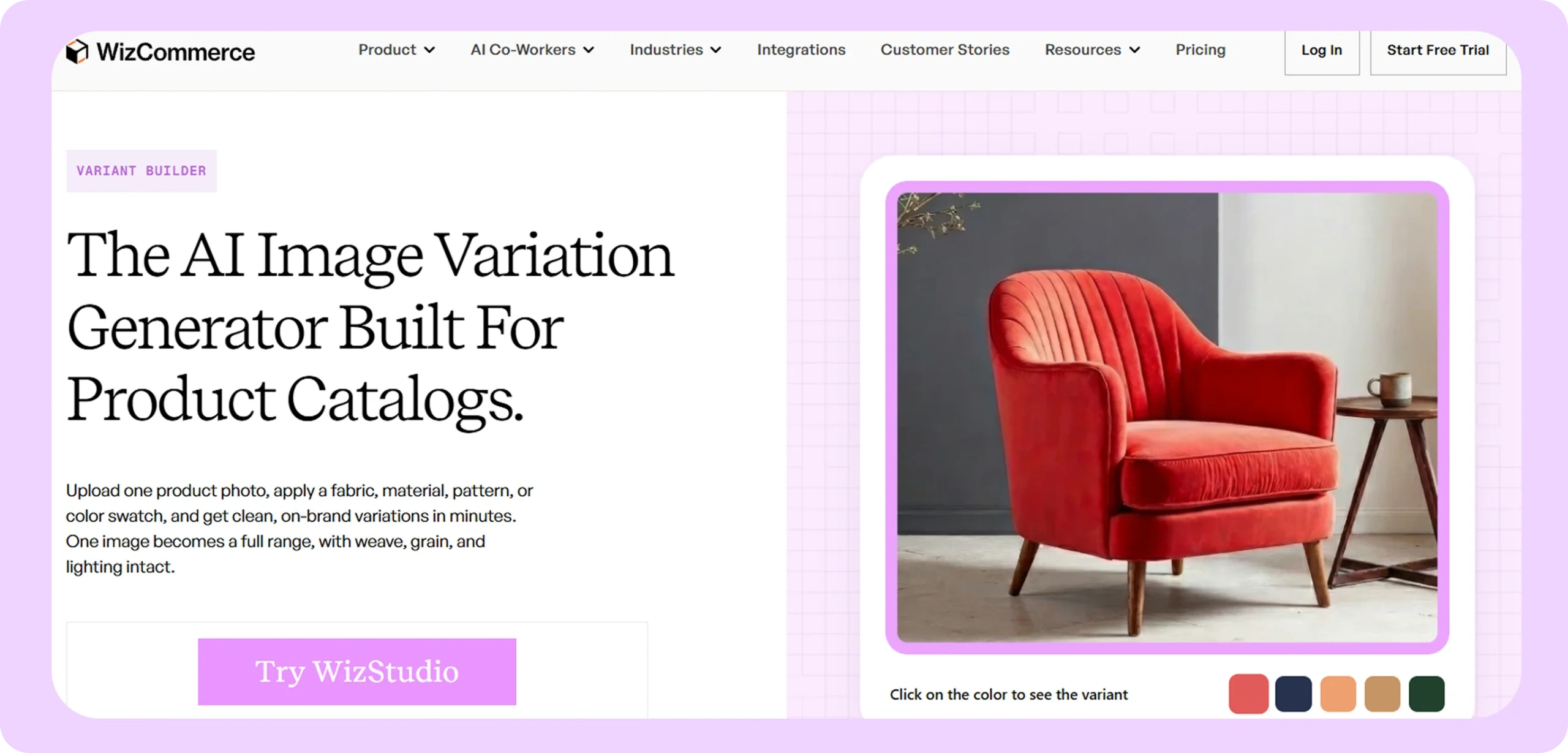
- Variant Builder: Add a swatch library to one product photo and get the full set of color, finish, pattern and fabric versions in a single run with the AI image variation generator, instead of prompting one image at a time.
- Bulk catalog runs: Built around how many products you have, not a monthly image cap, so a full run is one job rather than 200.
- Keeps texture and lighting: Weave, grain and finish survive the color change, which is where general AI tools usually fail.
- API without an Enterprise contract: Variations can feed straight into your product system or website.
- Works across categories: Furniture, home decor, lighting, toys, gifts, fashion and jewelry.
- Toolkit: The same platform covers lifestyle images, image to video generation, variant builder for color and fabric versions, dimension lines generator for spec sheets, bulk silos generator for clean white-background shots, ai image expander, multi-product scenes, background remover, magic eraser and 360 degree spin.
Pricing: Credit-based, priced by how big your catalog is, with a free trial to start. Full details on the WizStudio pricing page.
Also read: the WizStudio gallery shows sample output, though the advice in this guide applies to us too. Judge any vendor on a live run with your own product, not on their gallery.
2. Claid.ai
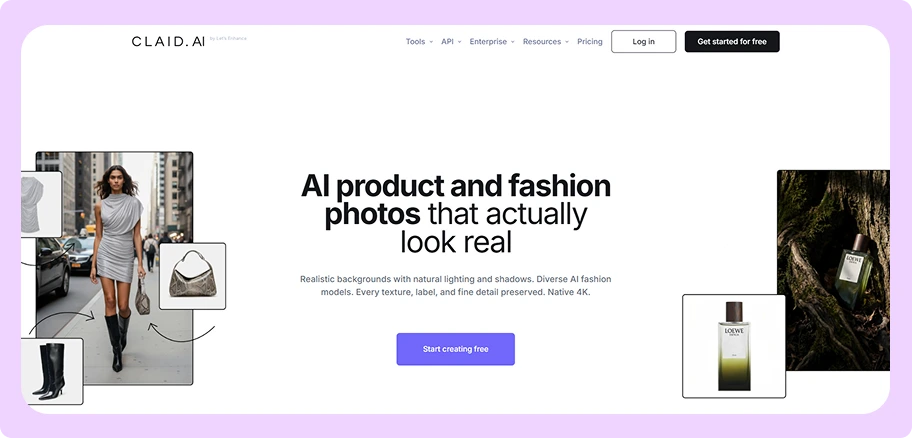
Best for: Teams that want color and fabric changes generated automatically through an API.
Key features:
- Color changer: A proper recolor tool, not a background swap, which puts Claid in the real-variants group.
- Clothing recolor: Built specifically for fashion and textile colorways.
- AI Photoshoot: Makes styled product scenes alongside the variant tools.
- Published API costs: Backgrounds cost 3 credits, background removal 2, upscaling 1 to 11 depending on size.
- Clear rate limits: 4 requests a second, 120 a minute by default.
Pricing: Free trial with 50 credits plus 50 API credits. Paid plans are Essentials, Pro and Business. Claid does not show its subscription prices as readable text on the pricing page.
Where Claid.ai falls short
- Batch processing only comes with Pro and Business, so the starter plan cannot handle a catalog refresh.
- The subscription prices are not on the page, which makes budgeting harder than it should be.
- It is built API-first, so you will likely need a developer to set up your workflow.
How WizStudio is better than Claid.ai
WizStudio gives you the same variant depth through a screen your merchandising team can run on their own, with batch generation from day one instead of on a mid-tier plan. For more options, see our guide to Claid.ai alternatives.
3. Presti AI
Best for: Furniture brands that want room scenes as well as product variants.
Key features:
- Product Variants: Make different versions of the same furniture piece from one photo.
- Product Staging: Drop products into styled rooms.
- Lighting Control: Change the mood of the light without a studio.
- Background batch runs: Jobs run in the background instead of tying up your screen.
- Built for furniture: Not adapted for it, built for it, with 400-plus retailers claimed on their site.
Pricing: Free tier with 60 credits, roughly 20 images. Pro is $99 a month for 1,000 credits at 3 credits per image, which Presti’s own page calls “up to 333 images”. Enterprise is custom, starting at 50,000 credits. See the full Presti AI pricing breakdown.
Where Presti AI falls short
- The API is Enterprise-only, so connecting it to your product system means a sales call, not a signup.
- About 333 images a month on the Pro plan runs thin past a few hundred products.
- Buyers testing it on big catalogs run into limits on scenes with several products sharing one shot.
How WizStudio is better than Presti AI
Teams hit the wall on multi-product shots and on volume, and that is before the API question turns into a procurement cycle. WizStudio keeps the API outside the Enterprise gate and treats a full variant run, not one image, as the job.
4. Photoroom
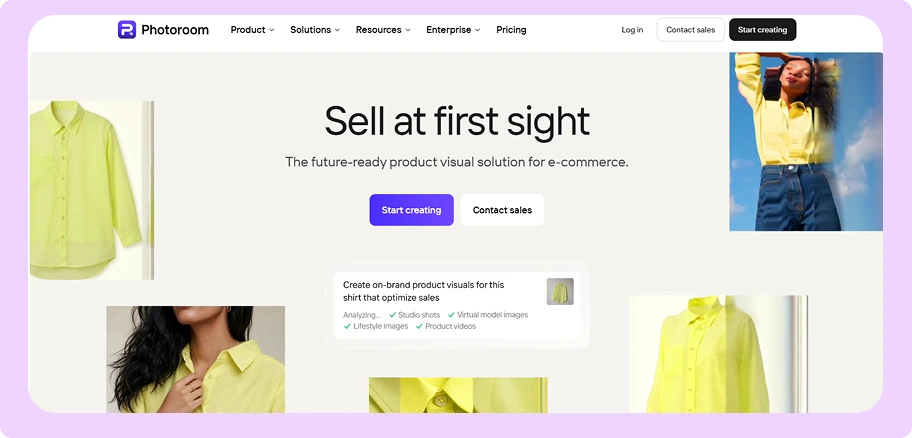
Best for: Changing backgrounds at high volume, with the clearest API pricing on this list.
Key features:
- Bulk background removal: Batch work is a main feature here, not a bolt-on.
- AI Backgrounds, Shadows and Relighting: Scene changes with light that behaves realistically.
- Virtual Model and Ghost Mannequin: Useful presentation tools for clothing.
- Clear API pricing: $0.02 an image on Basic, $0.10 on Plus. Nobody else on this list is this transparent.
- Batch resizing and positioning: Works across a whole set of images at once.
Pricing: Pro gives you up to 8,000 AI credits and 1,000 exports a month, Max 25,000 and 3,000, Ultra 75,000 and 10,000. Enterprise starts at a yearly commitment of 200,000 images. The subscription prices are not readable on the page, so see our Photoroom pricing breakdown.
Where Photoroom falls short
- There is no color, fabric or finish swap anywhere in the product. It changes the scene, not your product, which puts it in the first group rather than the fourth.
- G2 reviewers say edges break on hair, glass and busy backgrounds, and that heavy template use makes outputs “look slightly similar if not customized properly”.
- The free allowance is 1,000 watermarked test calls plus 10 real ones, so treat it as a trial, not a free plan.
How WizStudio is better than Photoroom
A buyer asking to see the chair in sage instead of charcoal needs the chair itself to change, and Photoroom does not do that. If backgrounds are your job, look at our Photoroom alternative comparison. If colorways are your job, you need a different kind of tool.
5. Flair.ai

Best for: Brands that want AI models trained on their own products.
Key features:
- Custom product models: Train the AI on your actual catalog instead of prompting a general model.
- Brand asset library: Save backgrounds, props and brand elements to reuse.
- Drag-and-drop canvas: Real control over how a scene is put together.
- Image variations and upscaling: Unlocked from the Pro plan up.
- Team collaboration: Shared editing in real time, with Shein, Amazon and Samsonite listed as customers.
Pricing: Free tier with 5 images. Pro is $8 a month and unlocks variations. Pro+ is $26 a month for 80 images. Scale is $38 a month for 150 images with early API access. Enterprise is custom with unlimited API calls.
Where Flair.ai falls short
- The best plan you can buy online gives you 150 images a month. A catalog team burns that on one product line.
- Unlimited API access needs an Enterprise contract.
- G2 reviewers mention limited customization and slow loading, which stings for a tool built around custom models.
How WizStudio is better than Flair.ai
Flair’s canvas rewards careful hand-work, which is the opposite of what a catalog refresh needs. At 150 images a month you hit the ceiling before you finish setting up. WizStudio builds the full variant set from a swatch library instead of one composed scene at a time. See how the field stacks up in our Flair.ai alternatives guide.
6. Google Nano Banana (Gemini image API)
Best for: Engineering teams building their own image pipeline.
Key features:
- Multiple reference images: Feed it several photos for better consistency.
- Conversational editing: Adjust an image by asking, instead of rewriting the prompt each time.
- Batch API at half price: Google publishes a batch rate at exactly 50% of standard.
- Three model tiers: Gemini 2.5 Flash, 3.1 Flash and 3 Pro at different quality and price points.
- The strongest engine on this list: Several other tools here resell it.
Pricing: Gemini 2.5 Flash Image is $0.039 an image, or $0.0195 on batch. Gemini 3.1 Flash Image runs $0.045 to $0.151 depending on size. Gemini 3 Pro Image is $0.134 at standard size and $0.24 at 4K. Google lists no free tier on any image model.
Where Nano Banana falls short
- There is no screen for a merchandising team, no concept of a product, and no link to your website or product system.
- No brand rules, no quality checks, no review step. You build all of it.
- No free tier on any image model, so even testing costs money.
How WizStudio is better than Nano Banana
Nano Banana is the engine; WizStudio is everything built around it, including swatch management, batch runs and review. Teams with a spare developer come out ahead on cost. Teams without one end up building a worse version of something they could have bought.
7. Getimg.ai
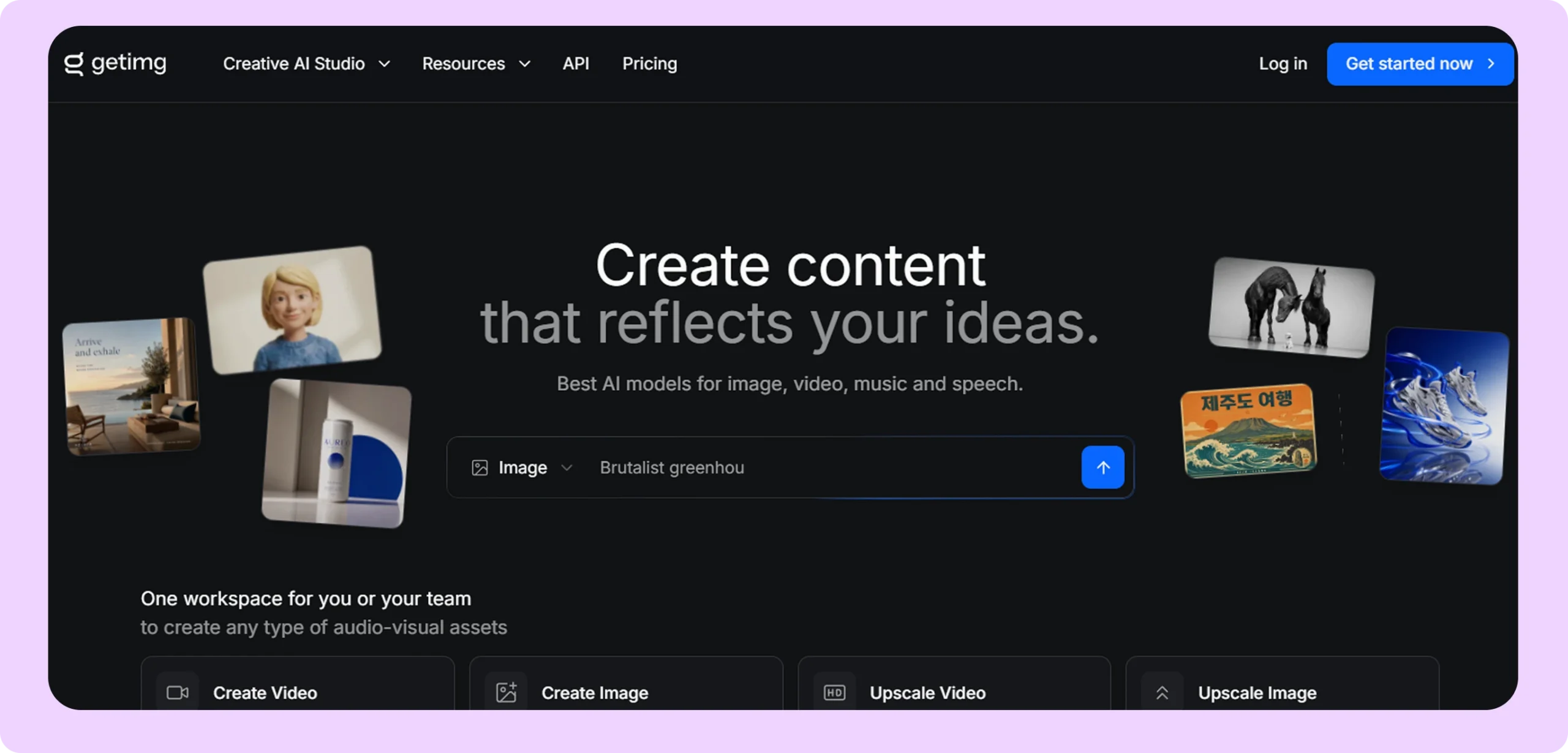
Best for: Quickly trying out AI variations of an image.
Key features:
- Up to 16 versions per upload: One click, sixteen results.
- Reference image guidance: Supported on current models including Nano Banana 2.
- Pay-per-request API: $0.015 an image on the cheapest model up to $0.18 on the best, with the exact cost returned every time.
- Wide model choice: Lots of models from one screen.
- Commercial rights on every plan: No upgrade needed to sell what you make.
Pricing: Month to month, Entry is $10, Core $30, Plus $65 and Ultra $175, giving you 3,000 to 100,000 credits. Paying yearly brings those down to $8, $25, $55 and $150. Core and above are priced per seat.
Where Getimg.ai falls short
- There is no real batch pipeline. Plans sell you 2 to 10 jobs running at once, and 16 versions per upload is the most you get from any single job.
- Product consistency is not guaranteed, which puts it in the third group rather than the fourth.
- Most comparison pages quote the yearly prices as if they were monthly, which makes it look about 20% cheaper than it is.
How WizStudio is better than Getimg.ai
Getimg is not built to keep your product identical across forty colorways, and 16 results per upload is not a catalog workflow. WizStudio’s runs are designed to hold shape and texture across the whole set.
8. Adobe Firefly
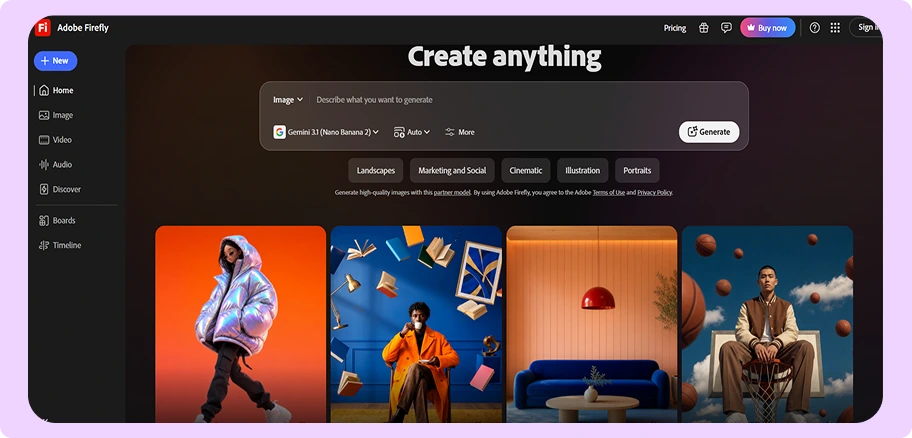
Best for: Creative teams already working in Creative Cloud.
Key features:
- Generative Fill and Expand: Edit inside the photo and beyond its edges.
- Style match and image-to-image: Broad creative range for campaign work.
- Firefly Boards: A shared canvas for teams working on ideas together.
- Partner models: Includes Nano Banana, Nano Banana 2, Nano Banana Pro and Flux.2 Pro.
- Safe for commercial use: Adobe’s indemnification plus Creative Cloud integration.
Pricing: Free daily generations that reset each day. Standard is $9.99 a month for 2,000 credits, Pro $19.99 for 4,000, Pro Plus $49.99 for 10,000, and Premium $199.99 for 50,000. Firefly Services API pricing is only available from sales.
Where Adobe Firefly falls short
- There is no product-variant or colorway feature anywhere in it, and no concept of a product code.
- No documented batch pipeline for catalog work.
- You need design skills to get usable results, which makes it a designer’s tool rather than a catalog team’s tool.
How WizStudio is better than Adobe Firefly
Firefly is a creative tool for designers whereas WizStudio is a production tool for catalog teams. Worth knowing too that Firefly resells several models you can reach more cheaply elsewhere, so you are paying for the Creative Cloud workflow rather than the image generation itself.
9. OpenArt
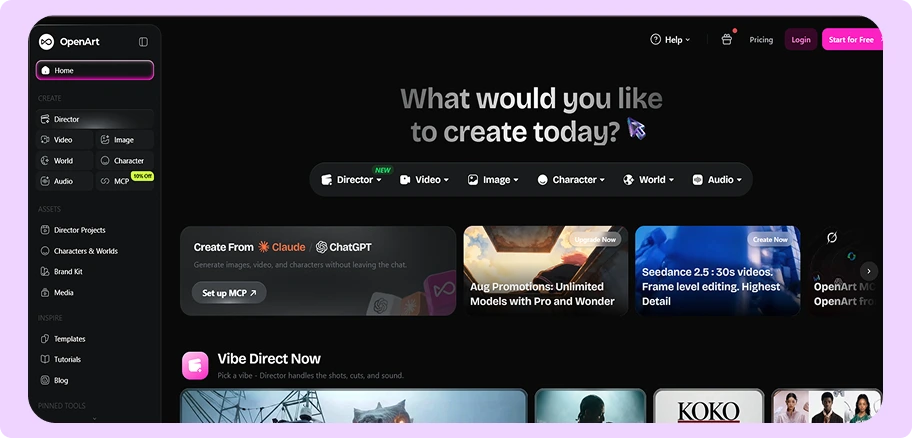
Best for: Careful edits to one part of one image.
Key features:
- Brush and smart select: Pick an area and describe what should change.
- Choose how many versions: Set the number of results per edit.
- Pick your model: Choose which AI runs each job.
- Good value on credits: Among the best credit-per-dollar on this list.
- Parallel jobs: 8, 16 or 32 depending on your plan.
Pricing: Now priced per seat. Starter is $14 a month for 4,000 credits, Plus $34 for 12,000, Pro $56 for 24,000 and Wonder $240 for 106,000. Paying yearly cuts Plus, Pro and Wonder by roughly 20 to 27%, and Starter by about 7%.
Where OpenArt falls short
- There is no batch processing at all. Those parallel jobs are not the same thing, and they will not move a thousand products.
- Commercial rights start at Plus, not Starter, so the cheapest plan is useless for catalog work no matter how many credits it has.
- The pricing page shows no free plan while the variation feature page headline calls itself free. The site has never fixed this.
How WizStudio is better than OpenArt
Using OpenArt across a catalog means repeating the same manual selection on every single product. WizStudio applies one swatch set across a whole product range in one run, which is the difference between an editing tool and a production tool.
10. Pebblely
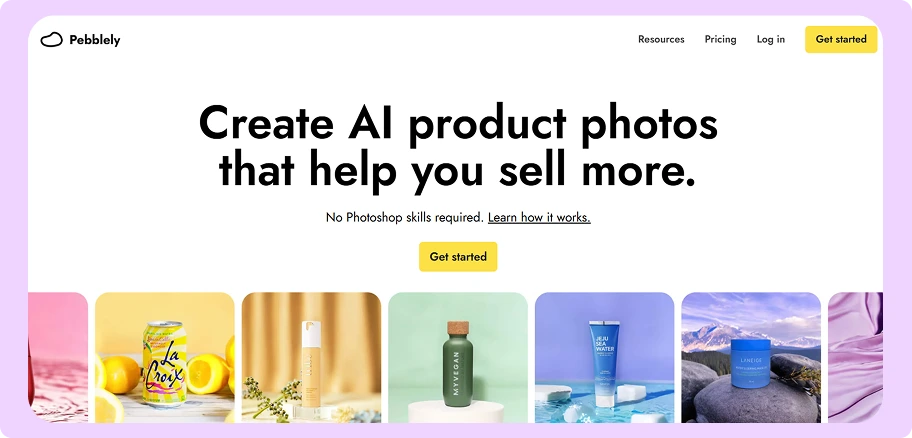
Best for: Solo sellers and small catalogs that need clean backgrounds.
Key features:
- Over 100 background themes: Water, studio, natural and lifestyle scenes for jewelry, candles, furniture and pet products.
- Bulk generate: Available from the Basic plan up.
- Custom prompts: For when the presets do not fit.
- No Photoshop skills needed: Genuinely simple, which is the whole point.
- Fast first result: Upload, pick a theme, and get a usable photo in under a minute.
Pricing: Lite is $9 a month for 30 images, Basic $19 for 200 with bulk generate, and Pro $39 for 500 images.
Where Pebblely falls short
- There is no color, fabric or finish tool anywhere in it.
- No public API is listed on the pricing page, homepage, FAQ or menu.
- The 500-image ceiling on the top plan is the hard limit for anyone past a small catalog.
How WizStudio is better than Pebblely
If you ship thirty images a month, Pebblely is the better buy and we would tell you so. The moment you need colorways instead of backdrops, or you pass a few hundred images, the two stop being comparable. See our Pebblely alternative for bulk product photos for that switch.
How do you choose the best AI image variation software for your business?
Eight things act as a deciding factor, and most of them are not on the feature list. Work through these in order and the shortlist writes itself.
1. Work out your real monthly volume first
This one number rules out more tools than every feature comparison combined. Count your active products, multiply by the versions each one needs, then divide by how many months you have to get it done.
A 5,000-product catalog with four colorways each is 20,000 images. Against that, Flair’s top self-serve plan gives you 150 a month and Pebblely’s gives you 500. Those are not small gaps you can close by upgrading. Be honest about the number before you fall in love with an interface, and know that above a few thousand images a month, almost every vendor on this list moves you into a sales conversation. Ours included.
2. Check what the tool changes
Read past the word “variation” and find out what moves. Not the label on the feature, the pixels in the image. Some tools change the room around your product. Some change one area you paint over. Some redraw the whole picture. Only a few change the color, fabric or finish while the product itself stays put.
Pebblely changes backgrounds and scenes only. Photoroom does backgrounds, shadows, lighting and models, and it also has a recolor tool that changes color while keeping the fabric detail intact. Claid, Presti and WizStudio go further into fabric, material and pattern swaps. If you need a linen sofa shown in velvet, that is a different tool than if you need the same sofa in a different room.
3. Divide the price by the images, not the other way round
Headline prices rank tools in one order and real costs rank them in another. Take the monthly price, divide it by the images that plan gives you, and compare that number instead.
Pebblely Pro at $39 for 500 images works out near $0.08 an image. Flair Scale at $38 for 150 images is closer to $0.25. The plans cost almost the same and one is three times the price per image. Do this for every tool on your shortlist before you talk to anyone.
4. Read the credit rules before you read the features
Credit systems are where the real cost hides, and no two vendors do it the same way.
Ask three questions. Do credits roll over if you do not use them, or do they expire monthly? What happens when a generation fails or comes back unusable, do you pay for it anyway? And is a credit spent when you generate an image or only when you download one you approve? That last one changes the math a lot, because a tool that only charges for keepers is far cheaper in practice than its plan price suggests.
5. Work out who on your team will use it
Buy for the person who opens it every day, not the person who signs the contract.
Some of these tools need a developer. Claid is built API-first, and its best features assume someone can wire up a workflow. Others assume a designer who wants control over every scene, which is a poor fit for a merchandising assistant with 400 products and a deadline. And going straight to the Gemini API is the cheapest route per image by a wide margin, but only if you have engineers to build the queue, the checks and the review screen yourself. Match the tool to the skills already in the room.
6. Check the commercial use rights
This one catches people out and it is easy to miss. Not every plan lets you sell what you generate.
OpenArt is the clearest example: commercial use rights start on its Plus plan, not the cheaper Starter plan, so the entry tier is unusable for catalog work no matter how many credits it includes. Check the terms on the specific plan you are about to buy, not the terms on the vendor’s homepage.
7. Check it fits the systems you already have
An image is only useful once it reaches your listings, and that means checking two things.
First, does the tool connect to what you run, whether that is your product system, your storefront or your asset library? Second, if the answer is an API, which plan unlocks it? Presti puts API access on Enterprise only, so connecting it to your product system starts with a sales call rather than a signup. Flair puts early access on its $38 Scale plan and full access on Enterprise. Photoroom publishes API pricing openly at $0.02 to $0.10 an image and you can start today. Those are three very different answers to the same question.
Also worth checking: the output formats and resolutions your channels require, and whether the tool exports them without an extra step.
8. Test on your hardest product before you pay
Every vendor gallery is full of easy products. Clean shapes, flat colors, good light. Yours will not all look like that.
Pick the item that has broken every tool you have tried, the one with the woven seat or the carved detail or the reflective finish, and run that one through the free trial. Most tools here have one: Claid gives 50 credits, Presti gives 60, Flair gives five images. Photoroom’s free allowance is watermarked test calls rather than usable output, which is worth knowing before you rely on it. Generate the same product ten times in a row and check whether it still looks like your product on the tenth.

Why WizStudio is the best AI image variation generator
WizStudio’s Variant Builder is built for one problem: what happens when a single product turns into dozens of sellable versions.
- The math is the job: Six frames, forty fabrics and three finishes make 720 versions from one product line. In clothing, twelve colorways per garment is normal. In food and drink, four sizes times six flavors times two pack formats is 48 versions of one product.
- Swatches, not prompts: Add a swatch library to one photo and get the whole set back, instead of writing a prompt for each color.
- Shape and texture hold: The weave, the grain and the finish survive the color change, which is the thing buyers complain about most with general AI tools.
- Built for bulk: Sized around how many products you have, not a monthly image cap. That is the difference that rules most of this list out past 1,000 products.
- API without an Enterprise contract: Variations can reach your product system or website without a procurement cycle first.
- Handles hard categories: Furniture, home decor, lighting, toys, gifts, fashion and jewelry. A tool tuned for flat-lay clothing rarely gets carved wood right.
For furniture and lighting wholesalers, see how the furniture industry uses variant images, and how a home decor wholesaler brought catalog imagery in-house.
Our advice is the same one this guide gives about everyone else on the list. Bring your hardest product, the one with the woven detail or the shiny finish that has broken every tool you have tried, and ask for a live run on the call. You can see how the AI image variation generator handles fabric, finish and pattern on its own page.
Conclusion
AI image variation generators have turned colorway photography from a shooting-budget problem into a production problem. A new color, finish, fabric, or pattern no longer has to mean another studio booking and weeks of post-production. With the right AI tool, it can mean one source image and a batch run.
For sellers of any size, WizStudio by WizCommerce is the most complete option for turning one product photo into a full set of realistic variations. Whether you’re a solo seller creating a few colorways, a growing brand expanding its catalog, or a wholesaler managing hundreds of SKUs, WizStudio lets you generate product variations while keeping the product itself consistent. You can create different colors, finishes, fabrics, and patterns from a single photo—without reshooting every version.
Other tools can make sense for specific needs. Pebblely and Getimg.ai are simple, affordable options for solo sellers and smaller catalogs. Flair.ai, Presti AI, and Photoroom offer more advanced workflows for brands that need custom models, lifestyle scenes, or API access. For engineering-heavy teams, the Gemini API can be a low-cost foundation if you’re willing to build the workflow yourself.
But if you’re looking for one platform that can take you from one product photo to hundreds of catalog-ready variations at scale, WizStudio is the strongest all-around choice. Bring your hardest product, and see how far one photo can go.
FAQs
1. What is the best AI image variation generator?
It depends on which of the four kinds of variation you need. For backgrounds and scenes, Photoroom and Pebblely are strong. For real product variants, where the color, fabric or finish changes while the product stays exactly the same, Claid.ai, Presti AI and WizStudio are the three built for it. WizStudio is our pick for catalogs over about 1,000 products because it treats a full variant run, rather than one image, as the job.
2. Can AI make variations of an image without changing the product?
Yes, and this is the most important thing to check before you buy. Real variant tools change the color, fabric or finish while keeping the shape, texture and lighting the same across the whole set. Prompt-based tools redraw the entire picture using your photo as a guide, which is why the shape shifts and the handles move as you go. Ask any vendor to show you 40 images made from one photo, not one.
3. What is the best free AI image variation generator?
Several tools have free allowances, but most are trials rather than working plans. Adobe Firefly gives you a daily limit that resets, Flair gives 5 images, Presti gives 60 credits for roughly 20 images, and Claid gives a 50-credit trial. Photoroom’s 1,000 free monthly calls are watermarked and cannot be used on a live site, and OpenArt lists no free plan on its pricing page even though its feature page headline calls itself free.
4. How much do AI image variations cost per image?
Google’s Gemini 2.5 Flash Image on the batch API is the cheapest at $0.0195 an image, with Photoroom’s Basic API just behind at $0.02. Subscription tools cost far more once you divide the plan price by the images you get: Pebblely Pro works out around $0.08 an image and Flair Scale closer to $0.25. Do that division on any plan before you sign, because the headline price and the real cost rarely rank tools the same way.
5. Which AI image variation tools handle detailed patterns best?
The tools built for product variants rather than scene changes hold up best, which puts Claid, Presti and WizStudio ahead of the general models on woven fabric, carved detail and fine patterns. No tool on this list has fully solved it, and you should be suspicious of any vendor who says otherwise. Ask for a live run on your own hardest pattern during the demo, because gallery images are picked precisely to hide this problem.
6. Do I need separate tools for backgrounds and colors?
Often yes, and this is the most expensive mistake people make here. Pebblely and Photoroom are excellent at putting your product into new scenes and neither one changes the product itself. Claid, Presti and WizStudio change the color, finish and fabric of the product. Check which of the four groups a tool belongs to before you buy, because a background tool will never give you your colorway range no matter how many credits you spend.
7. Which AI image variation generators have an API?
Photoroom and Getimg.ai publish their per-image API prices openly, at $0.02 to $0.10 and $0.015 to $0.18. Google’s Gemini API is API-only by design. Claid sells API credits as you go with published per-job costs. Presti keeps the API on Enterprise, and Flair offers early access on its $38 Scale plan with unlimited calls only on Enterprise. Pebblely lists no public API, and Midjourney does not have an official one.
8. How do the top AI image variation tools compare on monthly limits?
This is the number vendors bury and the one that decides whether a tool fits you. The best plans you can buy online give you 150 images a month at Flair Scale, about 333 at Presti Pro, and 500 at Pebblely Pro. Now compare that with a 5,000-product catalog at four colorways each, which needs 20,000 images. Every one of those plans is nowhere close, which is why real catalog volume ends up in a sales conversation at most vendors.